GB
7
Pairing and playing your device via NFC
Your speaker is equipped with wireless NFC (Near Field Communication) feature,
allowing NFC-enabled devices to pair and play
the music with your H200. For non-NFC devices, please refer to the above sections for
standard Bluetooth pairing.
1. Turn on the NFC feature on your device.
2.
on your NFC-enabled device. There will be a confirmation tone sound and the
Bluetooth icon will illuminate in solid blue. (Important: Please make sure the screen of
your playing device is on and unlocked to allow NFC to work.)
3. Use the controls on your device to play/pause and navigate tracks.
Note:
1. If you would like to link another Bluetooth device for the rst time via NFC, disconnect
the existing linked Bluetooth device rst.
2. The location of the NFC detection area is not the same on all devices. When
connecting with other Bluetooth devices via NFC, refer to the user guide of the device
for more information and location of the NFC detection area.
3. Some metallic cases or covers for mobile phones may reduce the sensitivity of NFC.
Make sure you remove it before activating the NFC function.
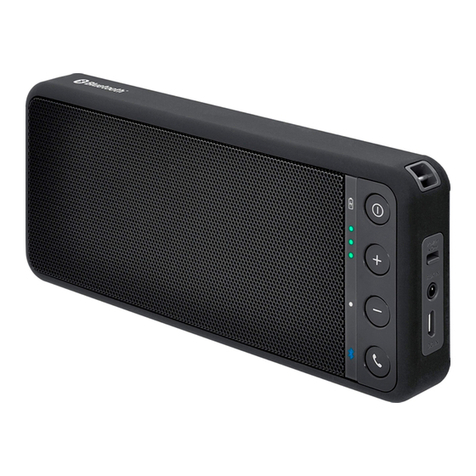
Touch the NFC area of your playing device directly
against the NFC tag marked on the front panel
of your H200. The speaker will automatically be
switched on and connect your NFC-enabled device.
(If you pair with the H200 for the rst time, some
NFC-enabled device will be asked permission to
link with the speaker). Once paired with a device,
‘Connecting H200…’ or a similar message is shown