- 7 -
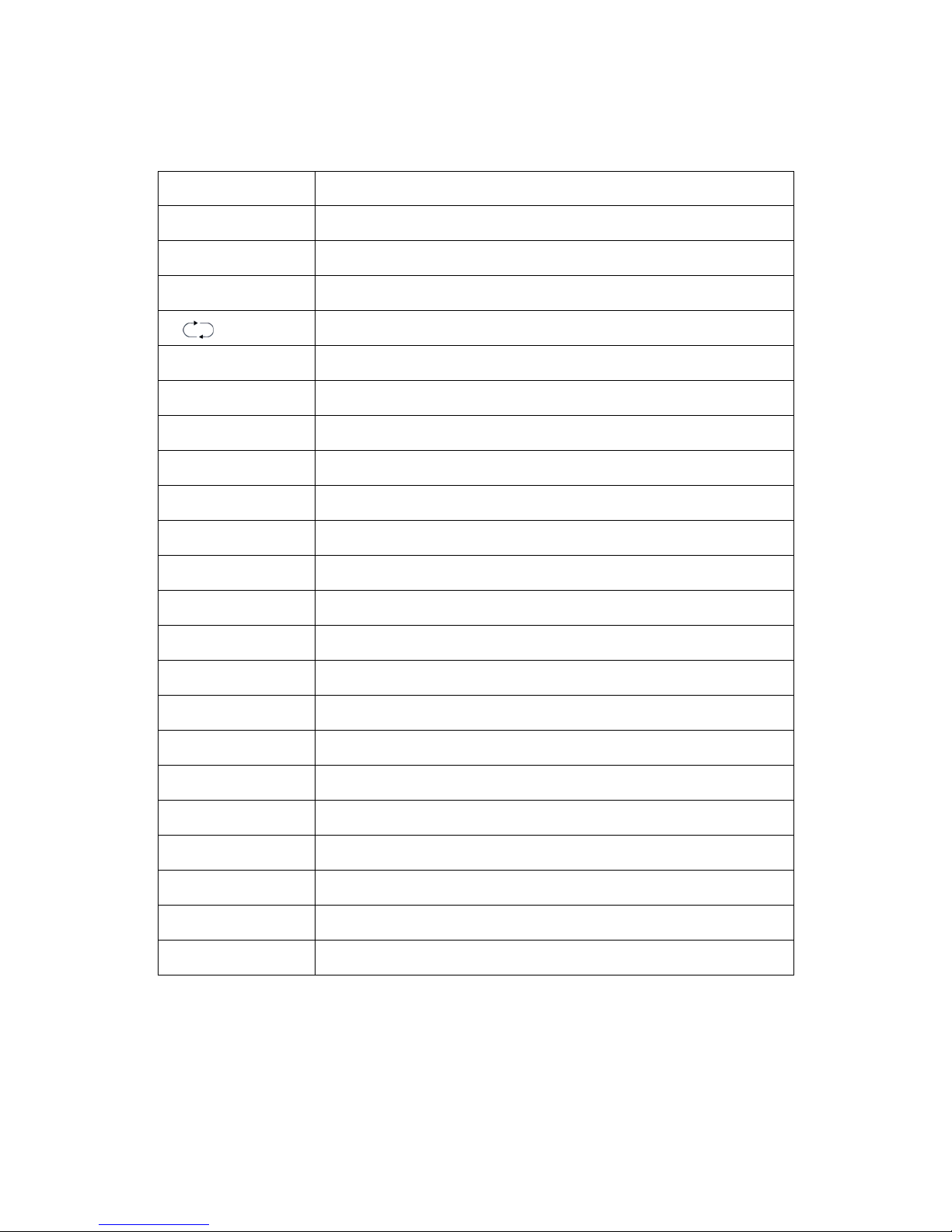
Illustration of the keys on the remote control:
1. POWER Turns the LCD TV on and into standby mode.
2. MUTE Mutes and restores your LCD TV sound.
3. 0~9 TV channel number select
4. -/-- One bit, two bit or three bit TV channel select
5. Switches back and forth between the current and previous channels.
6. VOL+ Volume up
7. VOL-Volume down
8. CH+ TV channel up
9. CH-TV channel down
10. ZOOM Zoom the picture: 16:9, 16:9 Zoom, 16:9 USB, 14:9, Original
11. SYSTEM TV System select
12. DISPLAY Display current TV channel or cancel
13. ◄Left orientation
14. ►Right orientation
15. ▲Up orientation
16. ▼Down orientation
17. ENTER Select and set up the OSD options.
18. EXIT Exits the OSD menu (on screen display).
19. MENU Displays the OSD menu (on screen display)
20. AV/TV TV/ Video/ S-VIDEO/ YPbPr/ VGA/ HDMI mode Select
21. PMODE Selects picture mode: User/ Dynamic/ Standard/ Mild.
22. SMODE Selects sound mode: User/ Standard/ Cinema/ Music/ News.
23. SLEEP Sets the LCD TV sleep time.