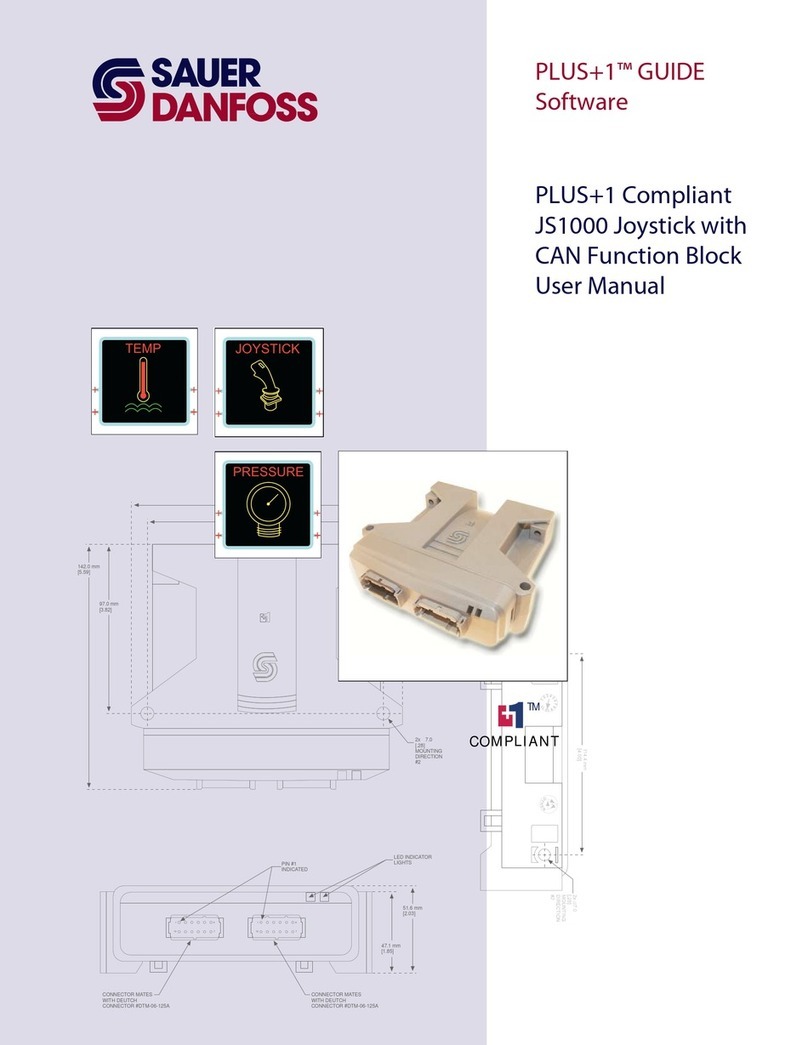
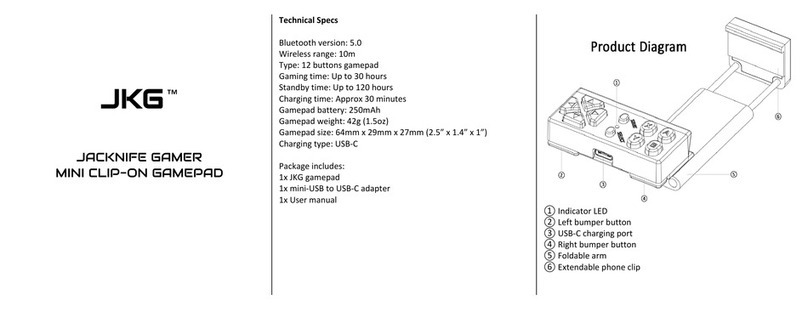
PLUS+1 Compliant JS6000 XY-Axis Joystick Function Block
User Manual
11007142 ·Rev BA ·September 2011 3
Contents
JS6000_XY Function Block ........................................................................................................................... 4
Overview..................................................................................................................................................... 4
Inputs........................................................................................................................................................... 4
Outputs....................................................................................................................................................... 6
Connections and Signals Overview................................................................................................... 6
Status and Fault Logic............................................................................................................................ 7
Configuration Settings .......................................................................................................................... 8
About Calibration Windows and Default Calibration Values..................................................11
About Calibration Values and Deadbands....................................................................................13
MC Controller—Input Configuration..............................................................................................15
MC Controller—How to Configure a MFIn............................................................................15
MC Controller—How to Configure an AnIn .........................................................................16
MC Controller—How to Configure a DigAn.........................................................................17
SC Controller—Input Configuration ...............................................................................................18
SC Controller—How to Configure a MFIn.............................................................................18
SC Controller—How to Configure a DigAn ..........................................................................19
About Pushbutton Wiring ..................................................................................................................20
MC Controller—Pushbutton Input Configuration .....................................................................21
MC Controller—How to Configure a DigIn for a +5 VDC Activated Pushbutton
Input...................................................................................................................................................21
MC Controller—How to Configure a DigIn for a Ground-Activated Pushbutton
Input...................................................................................................................................................22
MC Controller—How to Configure a DigAn for a +5 VDC Activated Pushbutton
Input...................................................................................................................................................23
MC Controller—How to Configure a DigAn for a Ground-Activated Pushbutton
Input...................................................................................................................................................24
MC Controller—How to Configure a MFIn for a +5 VDC Activated Pushbutton
Input...................................................................................................................................................25
MC Controller—How to Configure a MFIn for a Ground-Activated Pushbutton
Input...................................................................................................................................................26
SC Controller—Pushbutton Input Configuration.......................................................................27
SC Controller—How to Configure a DigAn for a +5 VDC Activated Pushbutton
Input...................................................................................................................................................27
SC Controller—How to Configure a DigAn for a Ground-Activated Pushbutton
Input...................................................................................................................................................28
SC Controller—How to Configure a MFIn for a +5 VDC Activated Pushbutton Input
.............................................................................................................................................................29
SC Controller—How to Configure a MFIn for a Ground-Activated Pushbutton Input
.............................................................................................................................................................30
About the Para Input............................................................................................................................31
About the Name Space Feature .......................................................................................................33
How to Enter a Name Space Value ..........................................................................................33