• 6 •
chassis or engine block away from the battery. Do not connect the
clamp to the carburetor, fuel lines or sheet-metal body parts. Connect
to a heavy gauge metal part of the frame or engine block.
5. For a positive-grounded vehicle, connect the NEGATIVE (BLACK)
clamp from the jump starter to the NEGATIVE (NEG, N, -) ungrounded
post of the battery. Connect the POSITIVE (RED) clamp to the vehicle
chassis or engine block away from the battery. Do not connect the
clamp to the carburetor, fuel lines or sheet-metal body parts. Connect to
a heavy gauge metal part of the frame or engine block.
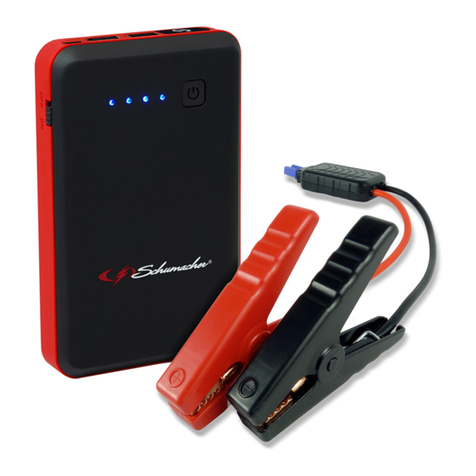
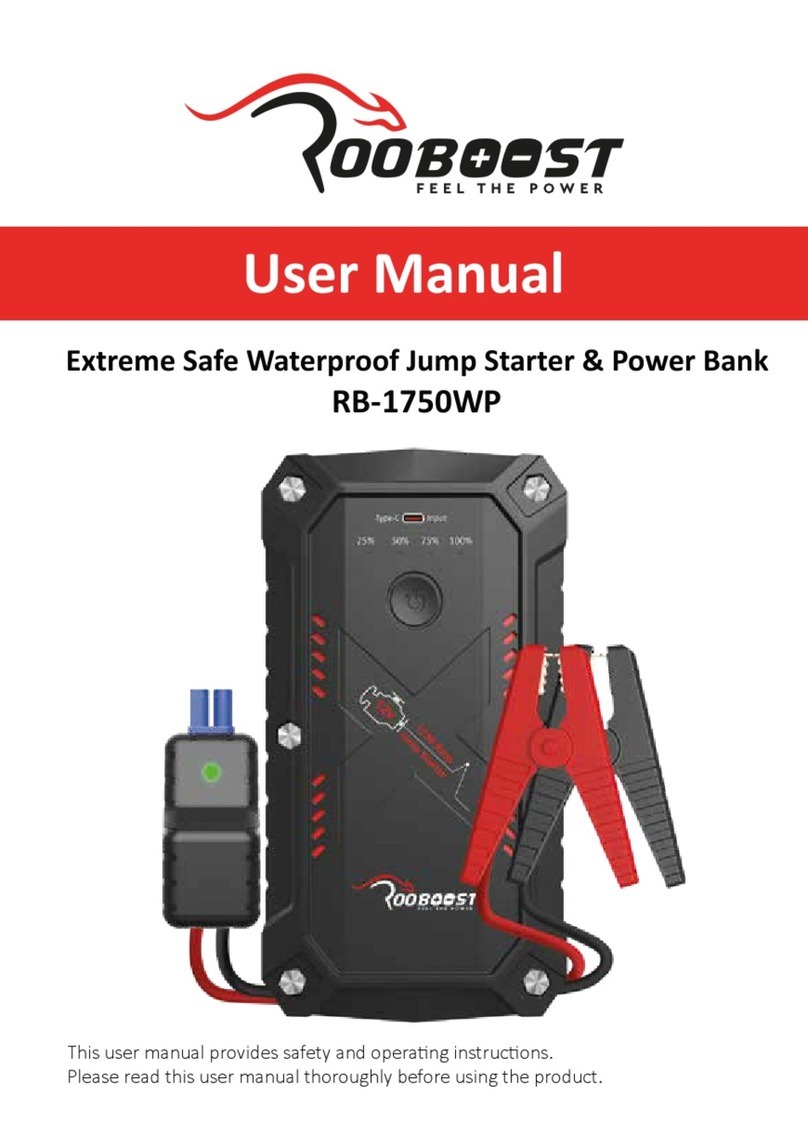
6. The green LED should light.
NOTE: If the vehicle battery is extremely discharged, the initial current
draw from the jump starter may activate short circuit protection in the
smart cable. When the condition is corrected, the smart cable will
automatically reset.
7. After a proper connection has been made, crank the engine. If the engine
does not start within 3 seconds, stop cranking and wait at least 1 minute
before attempting to start the vehicle again.
NOTE: If the car does not crank a second time, check the smart cable
to see if the green LED is lit. If you hear beeping or an LED is ashing,
refer to section 10, Troubleshooting. When the condition is corrected,
the smart cable will automatically reset.
NOTE: Cold weather may affect the performance of the jump starter’s
lithium battery. If you hear only a click and the engine does not turn
over, try the following:
With the jump starter connected to the car battery and the green LED
illuminated on the smart cable, turn on all lights and electrical accessories
for one minute. This draws current from the jump starter and warms the
battery. Now try to crank the engine. If it does not turn over, repeat the
procedure. Extremely cold weather may require two or three battery
warmings before the engine will start.
NOTE: If no activity is detected, the smart cable will automatically shut
off after 10 minutes, and the red and green LEDs will be off. To reset,
disconnect the jump starter’s output socket, and then reconnect.
IMPORTANT: DO NOT attempt to jump start your vehicle more
than three consecutive times. If the vehicle will not start after three
attempts, consult a service technician.
8. After the engine starts, unplug the battery clamps from the jump starter
socket and then disconnect the black clamp (-) and the red clamp (+),
in that order.
9. Recharge the unit as soon as possible after each use.
7.2 CHARGING A MOBILE DEVICE WITH THE USB PORT
The USB port provides up to 2.4A at 5V DC.
1. Plug a charging cable into the input port of your mobile device. Next,
plug the USB end of the charging cable into the jump starter’s USB port.
2. Charging should begin automatically.
3. Charging time will vary, based on the mobile device’s battery size.
4. When nished using the USB port, disconnect the charging cable from
your mobile device and then disconnect the charging cable from the unit.