Page 2
For Version 2.00
EX-12 REMOTE Updatable MOH MP3 Player
Table of Contents
Introduction: ................................................................................................................................................. 4
Dealer Computer Knowledge Requirements:............................................................................................... 4
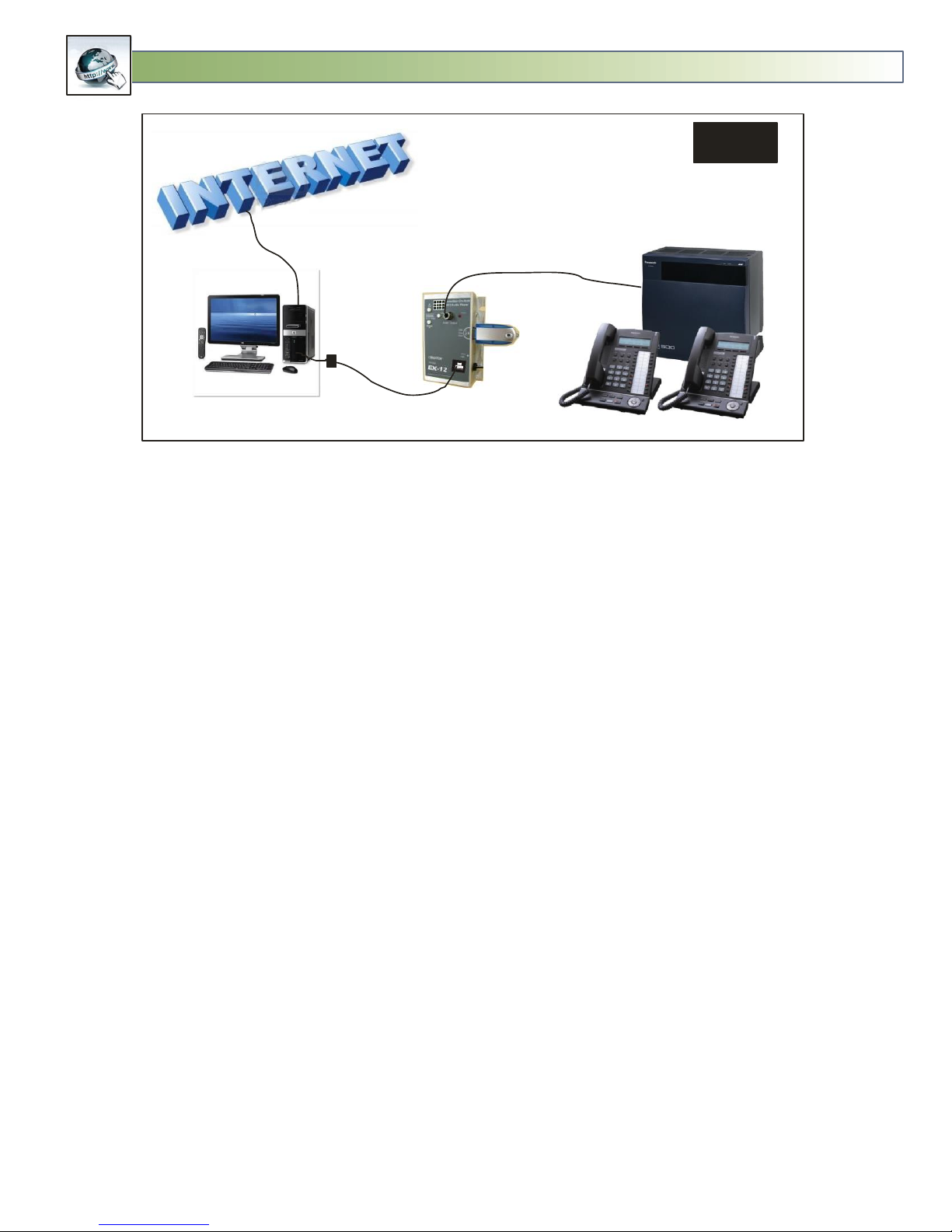
How Updates are Made: .............................................................................................................................. 5
Computer Connection:.................................................................................................................................. 6
Dealer Preparation before sending the EX-12 to Customer:........................................................................ 7
EX12 PREP Software...................................................................................................................................... 8
Setting Up a New GMAIL Account: ........................................................................................................... 9
Create SETUP.TXT File for FLASH DRIVE.................................................................................................. 10
Customer Installation:................................................................................................................................. 11
EX-12 Player Operation:.............................................................................................................................. 13
LED States: .............................................................................................................................................. 13
USB Flash Drive .......................................................................................................................................13
Volume Adjustment ................................................................................................................................ 14
Test:......................................................................................................................................................... 14
Serial Port:............................................................................................................................................... 14
Local Updating the Audio Program......................................................................................................... 14
Multi-Messaging .....................................................................................................................................15
Switching Between Productions .........................................................................................................15
Audio Specifications................................................................................................................................ 15
EX-12 Manager Software: ........................................................................................................................... 16
Accessing and Exiting EX-12 Manager ....................................................................................................17
Update Operation: .................................................................................................................................. 17
Download Times: .................................................................................................................................... 17
3 AM Transfers:....................................................................................................................................... 18
-NOW- for Immediate Transfers: ............................................................................................................18
-CLEAR- to Erase any MP3 that are waiting to be downloaded:............................................................. 18
-FUTURE- to set a future date to perform an Update: ...........................................................................18
Erasing of old Productions: .....................................................................................................................19
Properly Formatting an Update Email .................................................................................................... 19
Formatting Future Updates: ...................................................................................................................19
MP3 and MPP Files ................................................................................................................................. 20