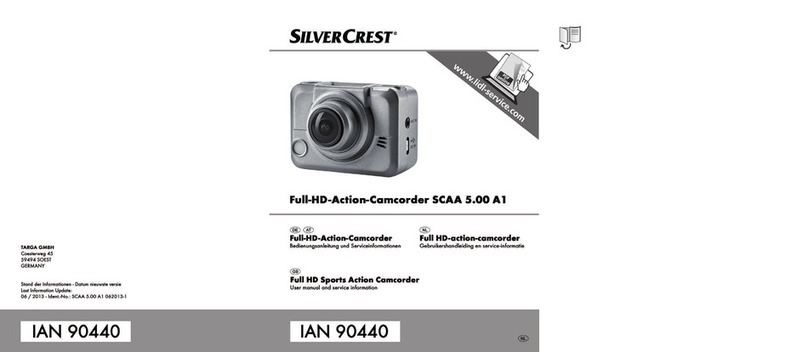
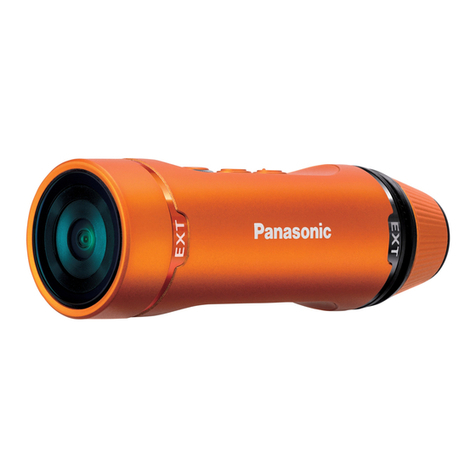
SilverCrest SCAA 5.00 A1
English - 3
Setting the date and time .......................................................................................................23
Getting started .........................................................................................25
Powering the camcorder on/off ............................................................................................25
The display ..............................................................................................................................25
Selecting the operating mode................................................................................................27
Recording.................................................................................................27
Recording videos ....................................................................................................................27
Taking pictures ........................................................................................................................28
Burst mode...............................................................................................................................28
Time-lapse mode.....................................................................................................................28
Self-timer..................................................................................................................................29
The menu..................................................................................................29
Menu icons..............................................................................................................................30
Setting the video resolution ....................................................................................................31
Selecting the camera’s field of view ......................................................................................32
Setting the time-lapse delay ...................................................................................................33
Rotating the recording by 180°............................................................................................34
Deleting recordings/formatting the memory card................................................................35
Rotating the display image by 180° ....................................................................................37
Toggling the status LEDs on/off .............................................................................................38
Customising the display brightness........................................................................................39
Customising the beeper volume.............................................................................................40
Customising the auto power-off delay...................................................................................41