Silvercrest SCW 5 A1 Instruction sheet


V 1.33
English............................................................................2
Deutsch.........................................................................77

SilverCrest SCW 5 A1
2 - English
Contents
Trademarks................................................................................................6
Introduction................................................................................................6
Intended use...............................................................................................6
Package contents .......................................................................................7
Technical specifications .............................................................................10
Safety instructions ....................................................................................12
Copyright .................................................................................................16
Overview .................................................................................................17
Before you start .......................................................................................18
Inserting/removing a memory card.......................................................................................18
Inserting the battery pack.......................................................................................................19
Buttons .....................................................................................................................................21
LEDs .........................................................................................................................................21
Charging the Battery ..............................................................................................................22
Setting the date and time .......................................................................................................23
Getting started .........................................................................................25
Powering the camcorder on/off ............................................................................................25
The display ..............................................................................................................................25
Selecting the operating mode................................................................................................27
Recording.................................................................................................27
Recording videos ....................................................................................................................27

SilverCrest SCW 5 A1
English - 3
Taking pictures ........................................................................................................................28
Burst mode...............................................................................................................................28
Time-lapse mode.....................................................................................................................28
Self-timer..................................................................................................................................29
WiFi mode / Controlling the action camcorder from the App.....................29
The menu..................................................................................................30
Menu icons..............................................................................................................................31
Setting the video resolution ....................................................................................................32
Selecting the camera’s field of view ......................................................................................33
Setting the time-lapse options.................................................................................................34
Rotating the recording by 180°............................................................................................35
Toggling the loop recording mode on/off............................................................................36
Toggling the diving mode on/off...........................................................................................37
Deleting recordings/formatting the memory card................................................................38
Rotating the display image by 180° ....................................................................................40
Toggling the status LEDs on/off .............................................................................................41
Customising the display brightness........................................................................................42
Customising the beeper volume.............................................................................................43
Customising the auto power-off delay...................................................................................44
Setting the date and time .......................................................................................................45
Connecting a remote control (not included in the package) ...............................................46
Resetting to factory defaults ...................................................................................................48
Connecting a microphone .........................................................................49

SilverCrest SCW 5 A1
4 - English
Viewing recordings on a television...........................................................49
Transferring recordings to a computer......................................................52
Connecting the camcorder to a computer ............................................................................52
Using a card reader ...............................................................................................................53
Write-protecting the SD card adapter...............................................................................53
Software ..................................................................................................54
System Requirements ..............................................................................................................54
Installing the software.............................................................................................................54
Uninstalling the software ........................................................................................................54
The main screen ......................................................................................................................55
Setting the storage location / Selecting the language ....................................................55
Editing recordings ...................................................................................................................56
Viewing recordings.............................................................................................................56
Selecting navigation view ..................................................................................................57
Preview window .................................................................................................................57
Toolbar ....................................................................................................................................58
Importing recordings ..........................................................................................................58
Merge videos......................................................................................................................59
Creating an AVCHD Disk ..................................................................................................59
Cutting video clips..............................................................................................................60
Upload to YouTube............................................................................................................60
Upload to Facebook ..........................................................................................................60
Photo album........................................................................................................................61

SilverCrest SCW 5 A1
English - 5
Album page........................................................................................................................61
Using the accessories................................................................................62
Water-resistant case ...............................................................................................................62
Cleaning after using under water......................................................................................64
Replacing the back cover ..................................................................................................65
Removing / fixing the adapter ..........................................................................................66
Velcro.......................................................................................................................................67
Swivel holder...........................................................................................................................68
Replacing the adhesive pad ..................................................................................................69
Bike holder ..............................................................................................................................70
Adapter for other mounting systems......................................................................................71
Troubleshooting .......................................................................................71
Maintenance / cleaning ............................................................................73
Servicing..................................................................................................................................73
Cleaning..................................................................................................................................73
Environmental regulations and disposal information ...............................73
Conformity notes......................................................................................74
Warranty and Service Information...........................................................74

SilverCrest SCW 5 A1
6 - English
Trademarks
Apple®is a registered trademark, App Store is a service mark of Apple Inc., registered in the
USA and other countries.
Google®is a registered trademark of Google Inc.
HDMI, the HDMI logo and High-Definition Multimedia Interface are trademarks or
registered trademarks of HDMI Licensing, LLC in the USA and other countries.
Microsoft Windows is a registered trademark of Microsoft Corporation, USA.
SD and SDHC are registered trademarks.
USB is a registered trademark.
Other names and products can be the trademarks or registered trademarks of their
respective owners.
Introduction
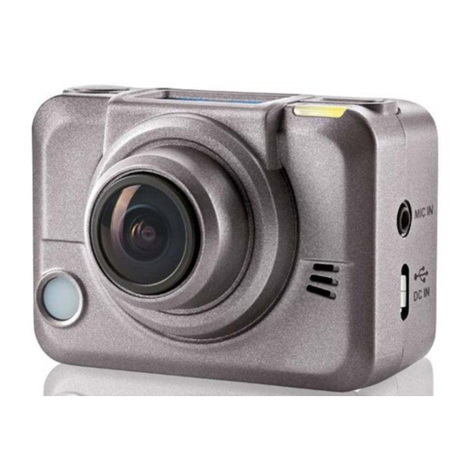
Thank you for purchasing this SilverCrest SCW 5 A1 action camcorder. The action
camcorder is the ideal companion for your sports activities. Its extensive accessories allow
you to use the action camcorder for the most different scenarios. It allows you to capture
wonderful memories at any time.
Intended use
Your camcorder is a Consumer Electronics device and is designed exclusively for recording
movies and pictures. Any use other than that mentioned above does not correspond to the
intended use. The device may only be used for private purposes, not for industrial or
commercial ones.
This device fulfils all relevant standards and directives relating to CE Conformity. If any
changes are made to the equipment other than those endorsed by the manufacturer,
compliance with these standards and directives can no longer be guaranteed. Only use
accessories recommended by the manufacturer.
Observe the regulations and laws in the country of use.

SilverCrest SCW 5 A1
English - 7
Package contents
SilverCrest SCW 5 A1
action camcorder
FJ-SLB-10A battery
4 GB microSD card (incl. SD card adapter) USB cable
HDMI cable Water-resistant case (incl. adapter)

SilverCrest SCW 5 A1
8 - English
Lens cover Water-resistant back cover (incl. adapter)
(mounted on the water-resistant case)
(orange seal)
Open back cover
(yellow seal)
Bike holder
Swivel holder Adapter for other mounting systems
Other manuals for SCW 5 A1
2
Table of contents
Languages:
Other Silvercrest Action Camera manuals

Silvercrest
Silvercrest SCAA 5.00 A1 Instruction sheet
Silvercrest
Silvercrest SCW 5 A2 Instruction sheet
Silvercrest
Silvercrest SAK 4000 A1 User manual
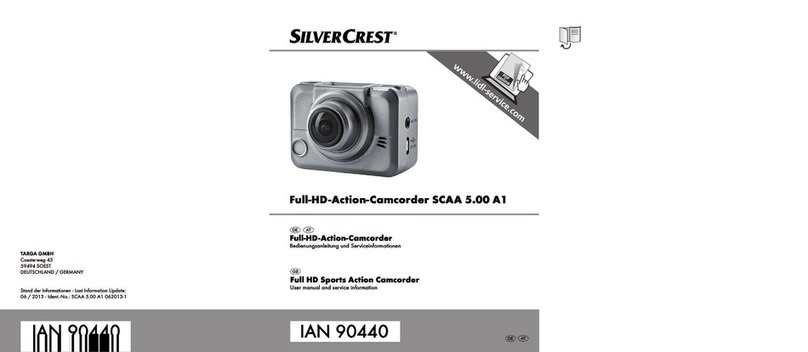
Silvercrest
Silvercrest SCAA 5.00 A1 User manual
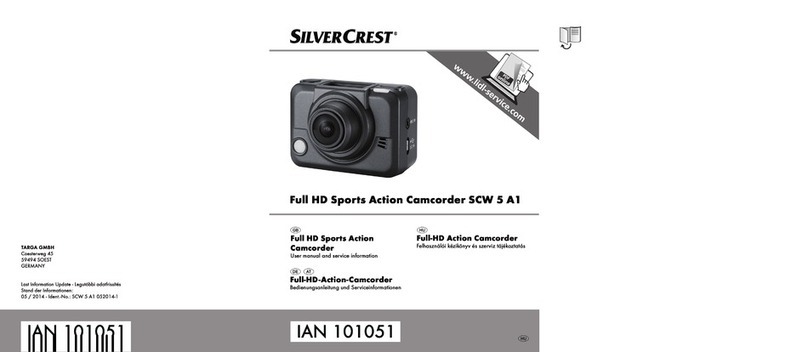
Silvercrest
Silvercrest SCW 5 A1 Instruction sheet
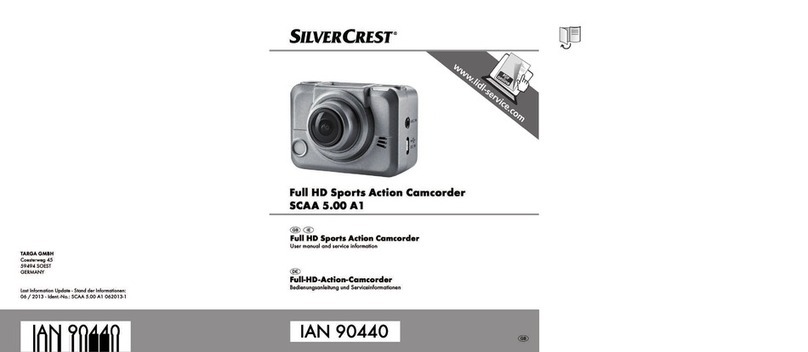
Silvercrest
Silvercrest SCAA 5.00 A1 Instruction sheet
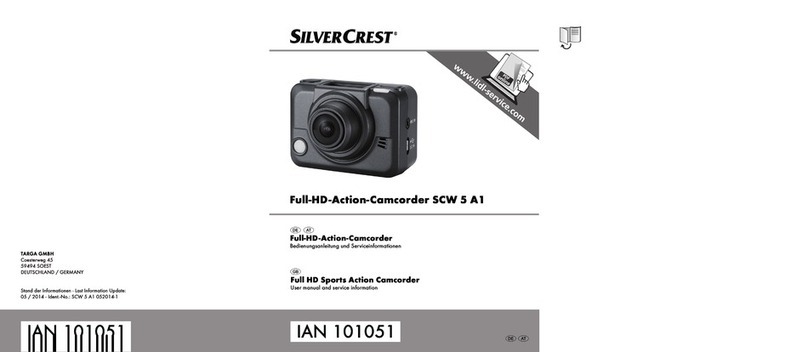
Silvercrest
Silvercrest SCW 5 A1 Instruction sheet
Silvercrest
Silvercrest SCAA 5.00 A1 Instruction sheet
Silvercrest
Silvercrest SCAA 5.00 A1 Instruction sheet
Silvercrest
Silvercrest SSC 1 A1 Instruction sheet