English
Chapter 1: Introduction
Features
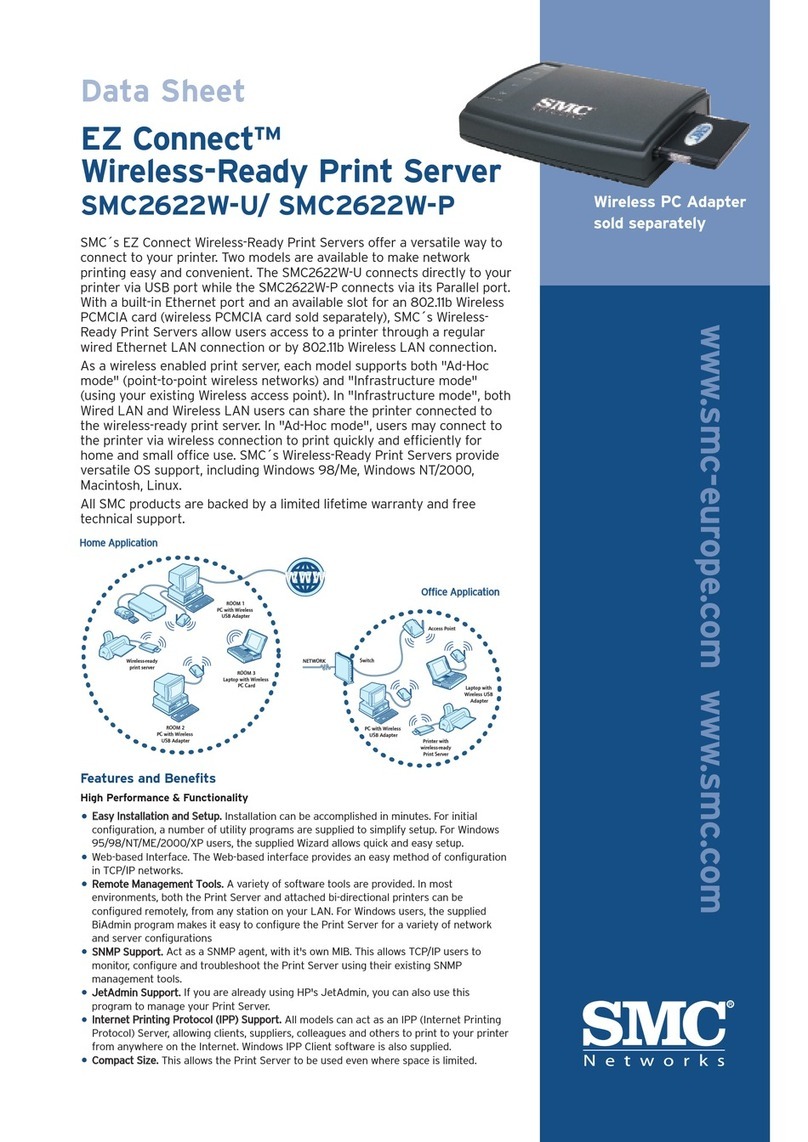
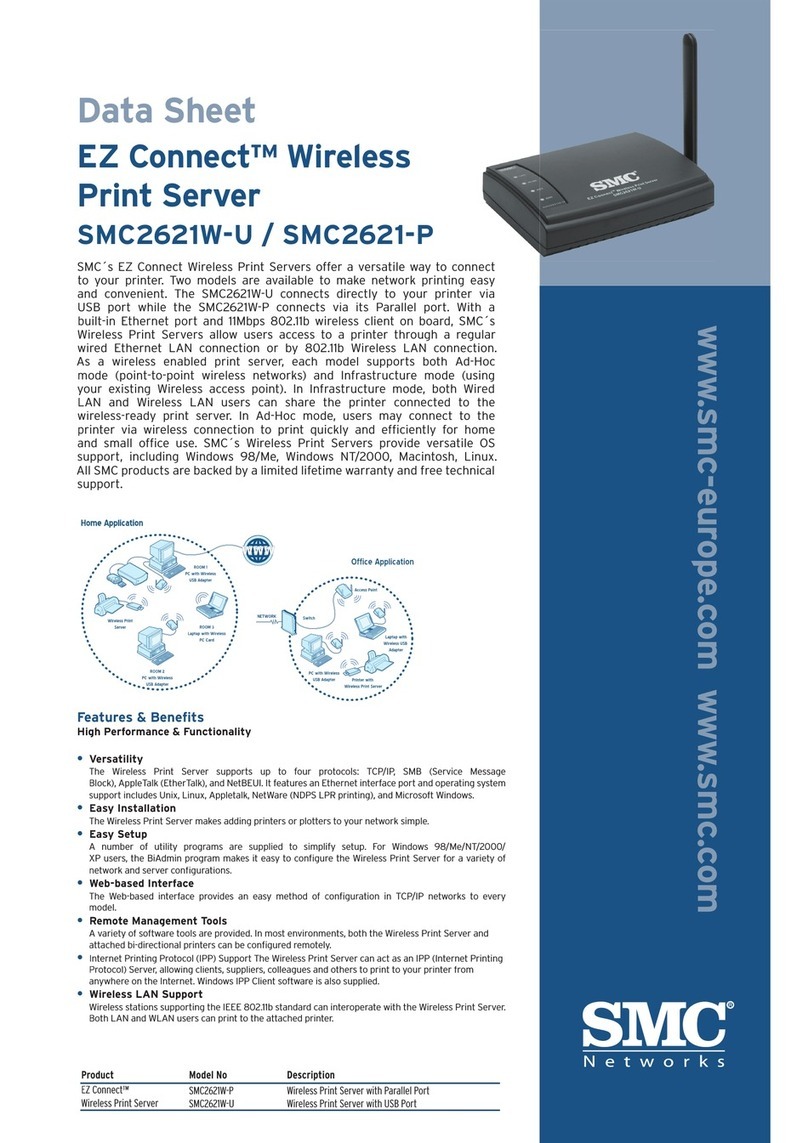
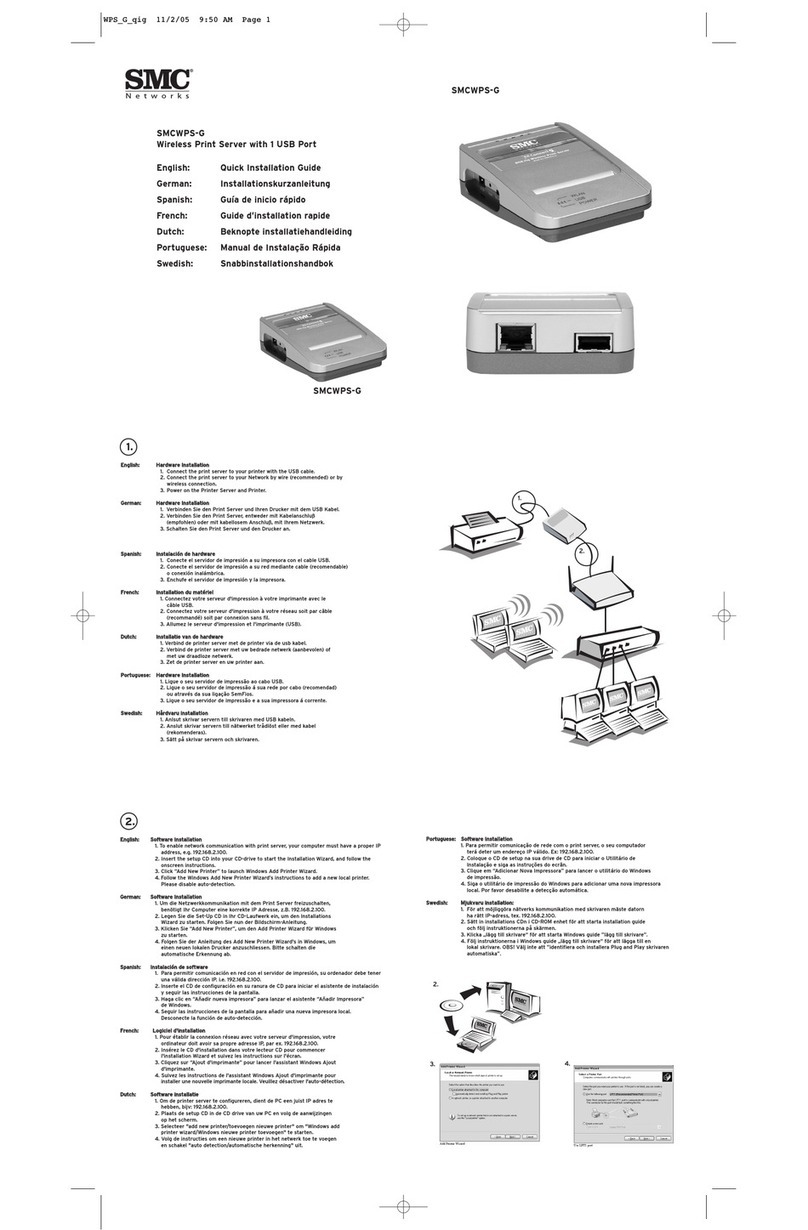
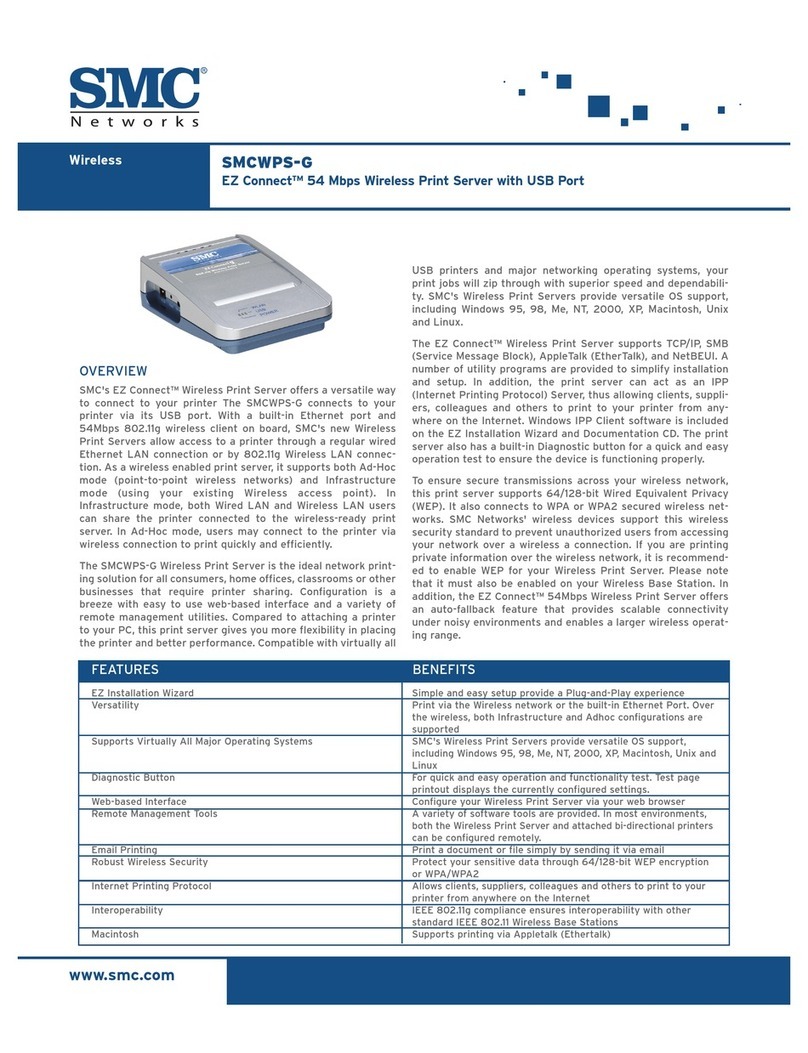
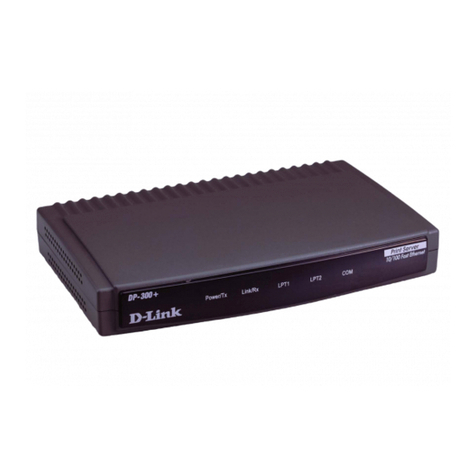
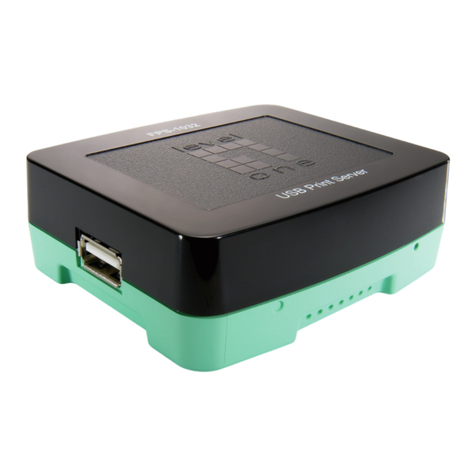
Congratulations on the purchase of your new Print Server. This
device was designed to provide a simple and efficient network
printing solution. It is packed with features, including:
•Versatility. The Print Server supports TCP/IP, SMB (Service
Message Block), AppleTalk (EtherTalk), and NetBEUI. Operating
system support includes Apple, Unix, and Microsoft Windows.
•Easy Installation and Setup. Installation can be
accomplished in minutes. For initial configuration, a number
of utility programs are supplied to simplify setup. For
Windows 95/98/NT/ME/2000/XP users, the supplied Wizard
allows quick and easy setup.
•Web-based Interface. The Web-based interface provides an
easy method of configuration in TCP/IP networks.
•Compact Size. This allows the Print Server to be used even
where space is limited.
•Remote Management Tools. A variety of software tools are
provided. In most environments, both the Print Server and
attached bi-directional printers can be configured remotely,
from any station on your LAN. For Windows users, the
supplied BiAdmin program makes it easy to configure the Print
Server for a variety of network and server configurations
•SNMP Support. The Print Server can act as a SNMP agent,
with it's own MIB. This allows TCP/IP users to monitor,
configure and troubleshoot the Print Server using their
existing SNMP management tools.
•JetAdmin Support. If you are already using HP's JetAdmin,
you can also use this program to manage your Print Server.
3