Chapter 1 – Introduction
1
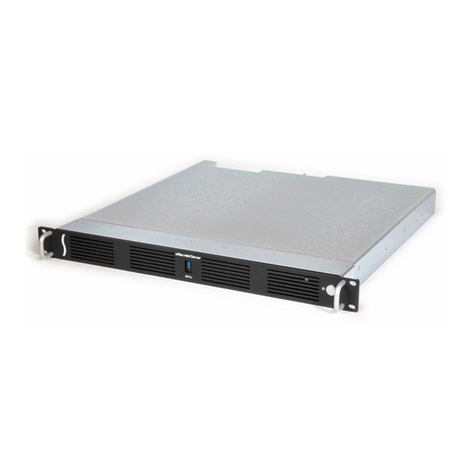
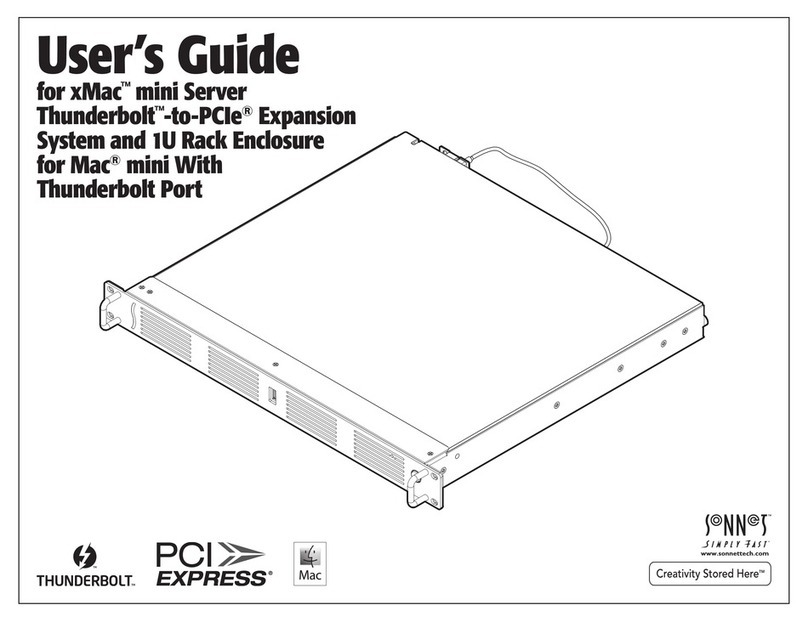
Congratulations on your purchase! xMac mini Server
Thunderbolt 3 Edition (T3E) is a Thunderbolt 3 to PCIe card
expansion system and 1U rackmount enclosure for Mac
mini with Thunderbolt 3 ports. Through its two PCIe slots,
you may connect two expansion cards to your Mac mini to
expand its connectivity and processing capabilities.
xMac mini Server T3E has numerous thoughtful design
touches. The fans are user-replaceable. The front panel
USB-A port connects to the Mac mini, enabling you
to connect a keyboard, mouse, or thumb drive to the
computer without having to access its ports from the
back. Other Mac mini interface ports are extended to the
back of the chassis and mounted on the rear panel for
convenient interfacing of 10 Gigabit (or Gigabit) Ethernet,
USB-A, and HDMI cables. The xMac mini Server's power
switch turns the computer on and off, and the PCIe slots
are powered on/off with the Mac mini for maximum
energy savings. The front panel USB-A port lights up
when the computer is powered on. There's a central power
hub for the computer and power supply for the PCIe slots,
enabling you to power everything with one power cord. A
Thunderbolt 3 connector retainer clip and holes for cable
ties enable you to secure all cables, keeping them tidy
while avoiding accidental disconnects.
While xMac mini Server T3E requires no drivers, the
expansion cards you install do; Thunderbolt-compatible
drivers to enable them to work properly through the
Thunderbolt interface are required. More information
on which cards are compatible with xMac mini Server
is available at http://sonnettech.com/support/charts/
thunderbolt/index.html
Support Note: This document was up to date at the
time of printing. However, changes to the hardware or
software may have occurred since then. Please check the Sonnet
website for the latest documentation.
1. Go to www.sonnettech.com/support/kb/kb.php
2. Click the Thunderbolt Product link.
3. Click the xMac mini Server Thunderbolt 3 Edition link, and
then click the Documentation link.
5. Click the xMac mini Server Thunderbolt 3 Edition User’s
Guide [English] link and then check the Document Version
information. If the version listed on the last page of this
manual is later than this document (revision A), click the
Download Now button for the latest version.