EnglishDeutsch
 logo
Brands
  1. Home
  2. •
  3. Brands
  4. •
  5. Sony
  6. •
  7. Home Theater System
  8. •
  9. Sony RHT-G1000 - Home Theater Built-in Sound Rack... Specification sheet

Sony RHT-G1000 - Home Theater Built-in Sound Rack... Specification sheet

Other manuals for RHT-G1000 - Home Theater Built-in Sound Rack...

6

Other Sony Home Theater System manuals

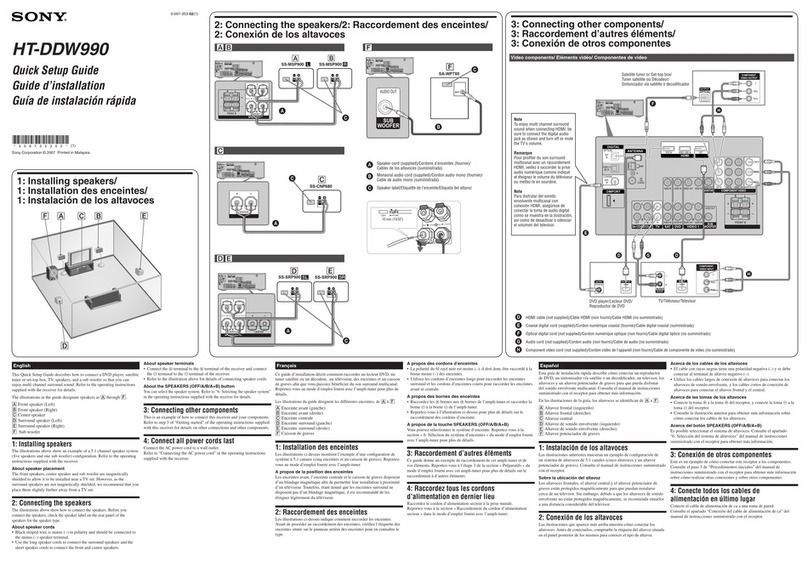
Sony HT-DDW990 User manual

Sony

Sony HT-DDW990 User manual

Sony DAV-F200 User manual

Sony

Sony DAV-F200 User manual

Sony DFP-D3000 User manual

Sony

Sony DFP-D3000 User manual

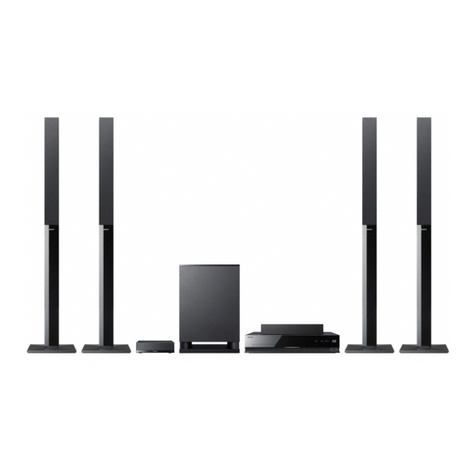
Sony BDV-E670W User manual

Sony

Sony BDV-E670W User manual

Sony HT-7100DH User manual

Sony

Sony HT-7100DH User manual

Sony BDVT11 - Blu-ray Disc/DVD Home Theater... Manual

Sony

Sony BDVT11 - Blu-ray Disc/DVD Home Theater... Manual

Sony BDV-N590 User manual

Sony

Sony BDV-N590 User manual

Sony BDV-NF620 User manual

Sony

Sony BDV-NF620 User manual

Sony HT-6900DP User manual

Sony

Sony HT-6900DP User manual

Sony DAV-HDX475 User manual

Sony

Sony DAV-HDX475 User manual

Sony BDV-E280 User manual

Sony

Sony BDV-E280 User manual

Sony HT-A9 Reference guide

Sony

Sony HT-A9 Reference guide

Sony HT-SF360 - Blu-ray Disc™ Matching Component Home Theater... User manual

Sony

Sony HT-SF360 - Blu-ray Disc™ Matching Component Home Theater... User manual

Sony BDV-T37 - Blu-ray Disc / Dvd Home Theater... User manual

Sony

Sony BDV-T37 - Blu-ray Disc / Dvd Home Theater... User manual

Sony DAV-TZ140 User manual

Sony

Sony DAV-TZ140 User manual

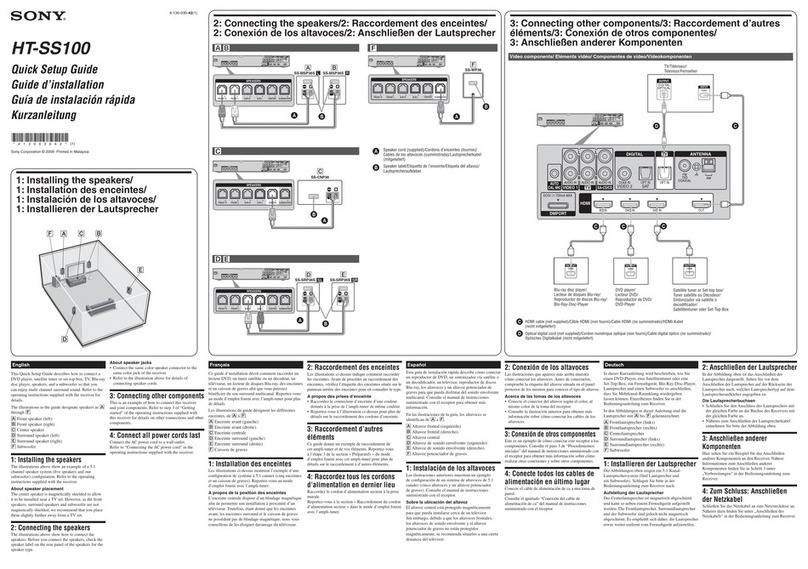
Sony HT-SS100 User manual

Sony

Sony HT-SS100 User manual

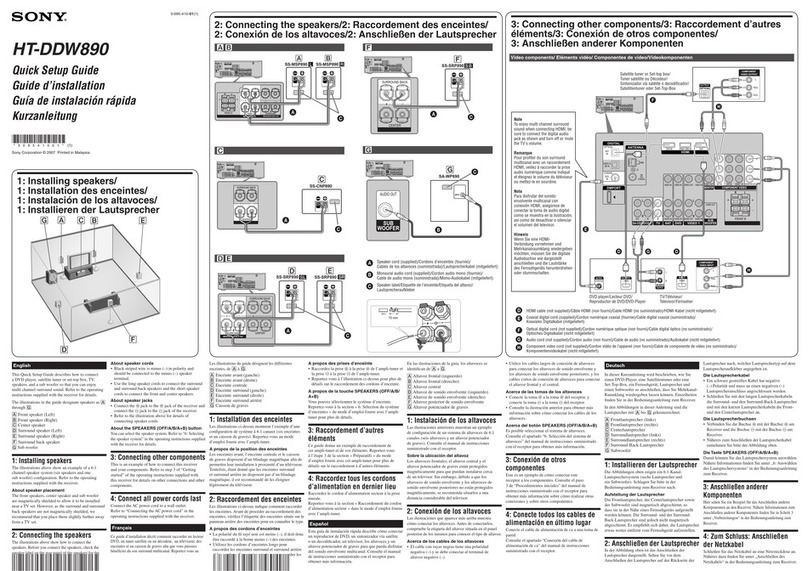
Sony HT-DDW890 User manual

Sony

Sony HT-DDW890 User manual

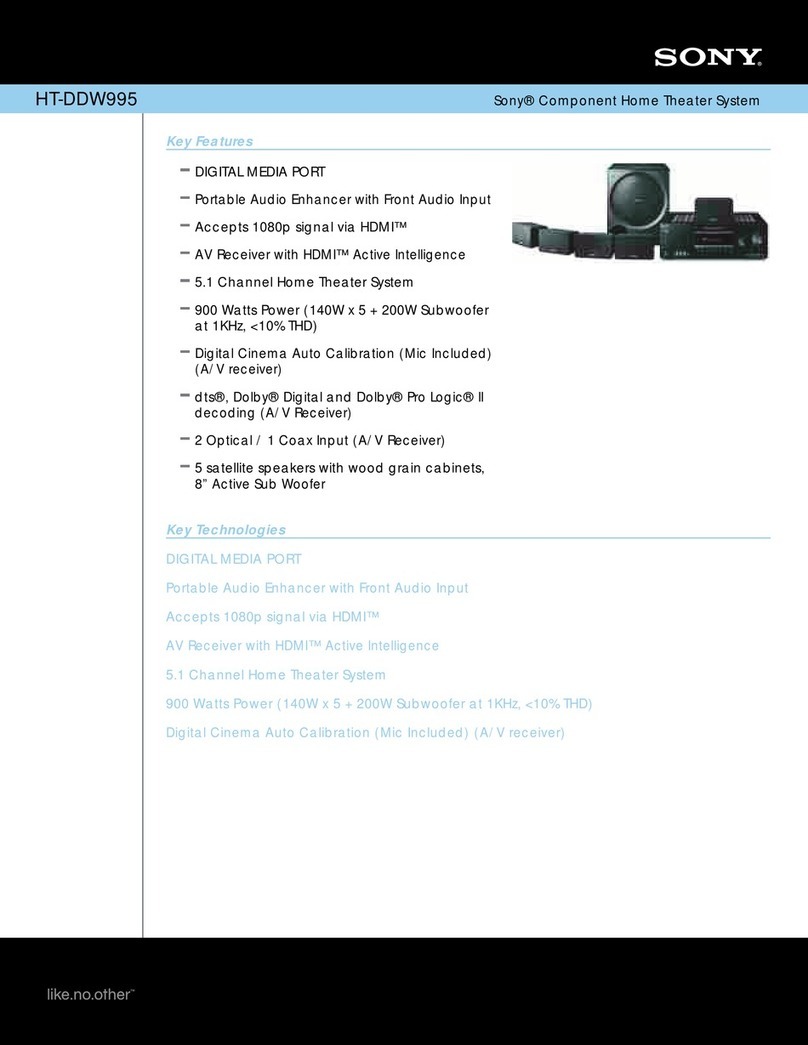
Sony HTD-DW995 User manual

Sony

Sony HTD-DW995 User manual

Sony DAV-LF1H User manual

Sony

Sony DAV-LF1H User manual

Sony DAV-BC150 - Dvd Home Theater System User manual

Sony

Sony DAV-BC150 - Dvd Home Theater System User manual

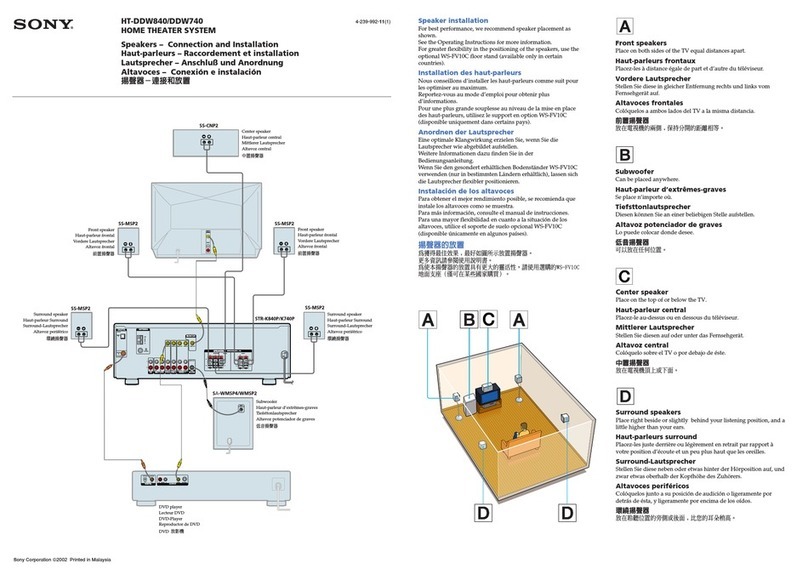
Sony HT-DDW740 Instruction manual

Sony

Sony HT-DDW740 Instruction manual

Sony BDV-N7100WL User manual

Sony

Sony BDV-N7100WL User manual

Sony BDV-T57 Operation and maintenance manual

Sony

Sony BDV-T57 Operation and maintenance manual

Sony DAV-HDX285 - Bravia Theater Home System User manual

Sony

Sony DAV-HDX285 - Bravia Theater Home System User manual

Popular Home Theater System manuals by other brands

Samsung HT-ES4200K user manual

Samsung

Samsung HT-ES4200K user manual

Harman Kardon HS 100 owner's manual

Harman Kardon

Harman Kardon HS 100 owner's manual

Samsung HT-P10 instruction manual

Samsung

Samsung HT-P10 instruction manual

Philips HTS5131 User manaul

Philips

Philips HTS5131 User manaul

Goodmans GDVD19SWS user manual

Goodmans

Goodmans GDVD19SWS user manual

Moxi media center user guide

Moxi

Moxi media center user guide

Samsung HT-EM35 user manual

Samsung

Samsung HT-EM35 user manual

LG HE903PAW manual

LG

LG HE903PAW manual

Bose SoundTouch 520 owner's guide

Bose

Bose SoundTouch 520 owner's guide

Manta GK-500 user manual

Manta

Manta GK-500 user manual

Sharp SBW800 user manual

Sharp

Sharp SBW800 user manual

Philips HTS3541 user manual

Philips

Philips HTS3541 user manual

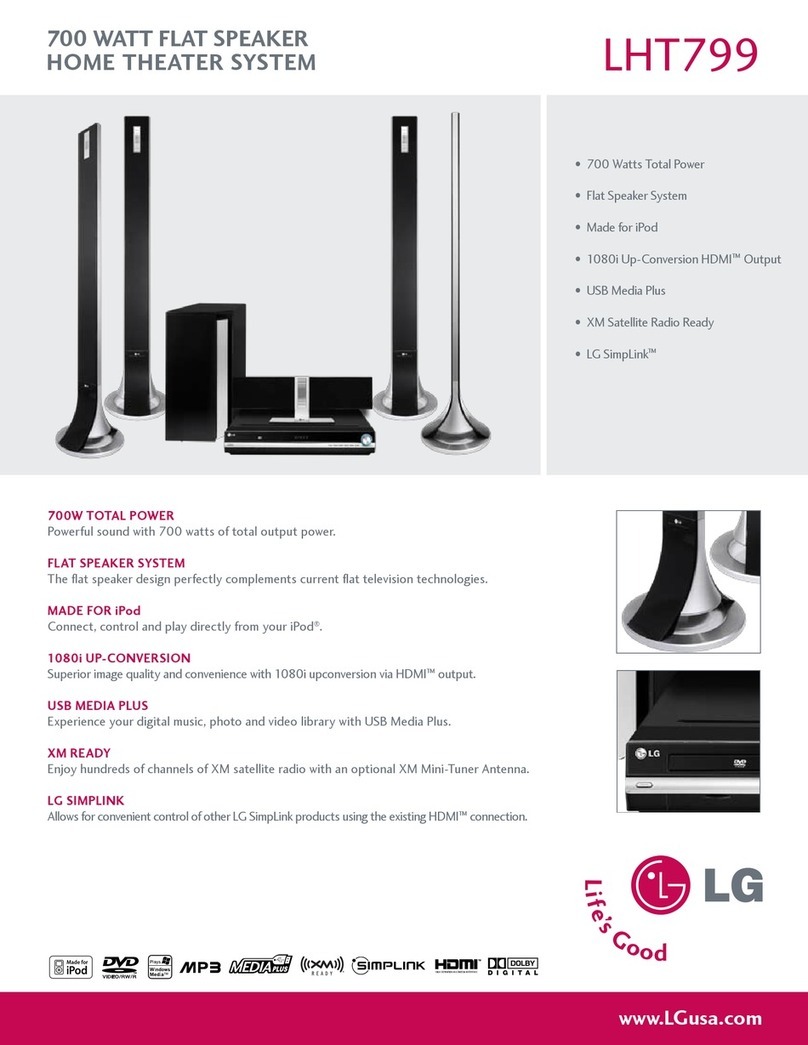
LG LHT799 specification

LG

LG LHT799 specification

Samsung HT-TWZ415 user manual

Samsung

Samsung HT-TWZ415 user manual

Loewe REFERENCE 52 SL FHD+ 200 NMP Service manual

Loewe

Loewe REFERENCE 52 SL FHD+ 200 NMP Service manual

Samsung AH68-02166R user manual

Samsung

Samsung AH68-02166R user manual

RCA 600-Watt owner's manual

RCA

RCA 600-Watt owner's manual

Samsung HT-DS630T instruction manual

Samsung

Samsung HT-DS630T instruction manual

https://manuals.online logo
https://manuals.online logoBrands
  • About & Mission
  • Contact us
  • Privacy Policy
  • Terms and Conditions

Copyright 2026 Manuals.Online. All Rights Reserved.

Sony RHT-G1000 (GB/FR) 2-888-664-12(1)
Sony Corporation © 2006 Printed in Malaysia
RHT-G1000
2-888-664-12(1)
English
Unpacking the system
1 Open the carton and remove the packing.
When removing the packing, support the front and back of this system
using 2 people.
Note
Do not hold the grille as it may detach from the stand resulting in serious injury.
2 Carry the system using 4 people, supporting the underside.
Note
Install this system so that the AC power cord (mains lead) can be unplugged from
the wall outlet (mains) immediately in the event of trouble.
Securing the TV
After installing the TV following the supplied "Quick Setup Guide," fit the
support belt and secure the TV as the below.
For an LCD Color TV
1
3
2
1
Fasten the support belt* to the stand with the wood screw*.
2 Fit the support belt* to the TV stand, then firmly fasten with the screw*
using a screw driver or coin, etc.
3 While supporting the TV, tighten the support belt* to secure in place.
* The support belt, screw and wood screw are supplied with LCD color TV.
4 To prevent the TV falling, place the stand from 5 cm (2 inches) to 15 cm
(6 inches) away from the wall.
Français
Déballage de la chaîne
1 Ouvrez le carton et retirez l’emballage.
Lorsque vous retirez l’emballage, tenez fermement la partie frontale et la
partie arrière de la chaîne à l’aide d’une autre personne.
Remarque
Ne tenez pas le meuble TV par la grille de ventilation car celle-ci pourrait se
détacher du panneau et vous risqueriez de vous blesser.
2 Transportez la chaîne avec trois autres personnes en tenant fermement
la partie inférieure.
Remarque
Installez cette chaîne de manière à ce que vous puissiez débrancher
immédiatement le cordon d’alimentation de la prise secteur en cas de problème.
Fixation du téléviseur
Après avoir installé le téléviseur selon les instructions du « Guide d’installation
rapide », ajustez la courroie de soutien, puis fixez le téléviseur comme indiqué
sur le schéma ci-dessous.
Pour téléviseur couleur LCD
1
3
2
1
À l’aide de la vis à bois*, fixez au meuble la courroie de soutien*.
2 Ajustez la courroie de soutien* au meuble TV, puis fixez solidement la
vis* à l’aide d’un tournevis, d’une pièce de monnaie, etc.
3 Tout en soutenant le téléviseur, serrez la courroie de soutien* pour fixer
correctement le téléviseur.
* La courroie de soutien, les vis et la vis à bois sont fournies avec le téléviseur
couleur LCD.
4 Pour éviter toute chute du téléviseur, placez le support entre 5 cm
(2 pouces) et 15 cm (6 pouces) du mur.