manuals.online logo
Brands
  1. Home
  2. •
  3. Brands
  4. •
  5. Sound Storm
  6. •
  7. Car Stereo System
  8. •
  9. Sound Storm DD622B User manual

Sound Storm DD622B User manual

Other Sound Storm Car Stereo System manuals

Sound Storm SD10.1USA User manual

Sound Storm

Sound Storm SD10.1USA User manual

Sound Storm S12.1C3 User manual

Sound Storm

Sound Storm S12.1C3 User manual

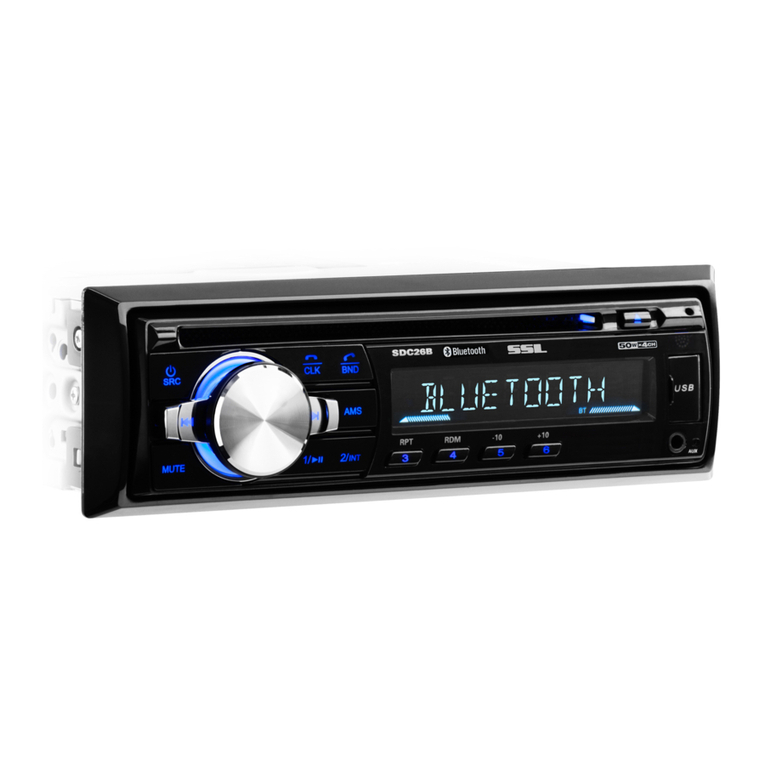
Sound Storm SDC26B User manual

Sound Storm

Sound Storm SDC26B User manual

Popular Car Stereo System manuals by other brands

Sony CDXM60UI - Marine CD Receiver MP3/WMA/AAC... Features

Sony

Sony CDXM60UI - Marine CD Receiver MP3/WMA/AAC... Features

Philips CED780/98 quick start guide

Philips

Philips CED780/98 quick start guide

Becker Online Pro 7800 installation guide

Becker

Becker Online Pro 7800 installation guide

JVC KD-LH810 instructions

JVC

JVC KD-LH810 instructions

Clarion PU-9836A Service manual

Clarion

Clarion PU-9836A Service manual

Sony RM-X7BT reference guide

Sony

Sony RM-X7BT reference guide

Mitsubishi Electric AR0M manual

Mitsubishi Electric

Mitsubishi Electric AR0M manual

Insignia NS-HD5113 user guide

Insignia

Insignia NS-HD5113 user guide

Clarion BTD3341 user manual

Clarion

Clarion BTD3341 user manual

USA SPECS PA11-VW6 owner's manual

USA SPECS

USA SPECS PA11-VW6 owner's manual

Sony MEX-N4380BT operating instructions

Sony

Sony MEX-N4380BT operating instructions

Kenwood KCD-BT6544U/UY Service manual

Kenwood

Kenwood KCD-BT6544U/UY Service manual

JVC KD-DB912BT instruction manual

JVC

JVC KD-DB912BT instruction manual

Philips CSQ405/98 user manual

Philips

Philips CSQ405/98 user manual

Alpine TDM-7544 Specifications

Alpine

Alpine TDM-7544 Specifications

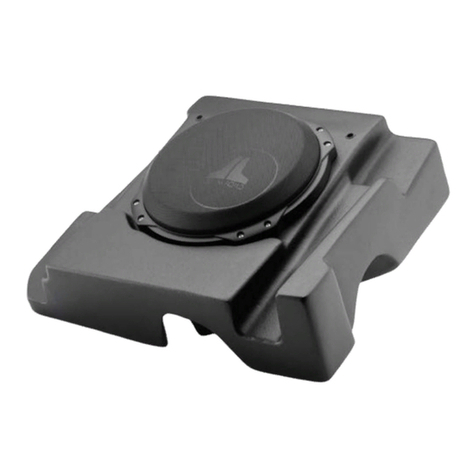
JL Audio Stealthbox SB-CAN-G2MVX3D/10TW3 installation guide

JL Audio

JL Audio Stealthbox SB-CAN-G2MVX3D/10TW3 installation guide

Denso TEN FT0108A user manual

Denso TEN

Denso TEN FT0108A user manual

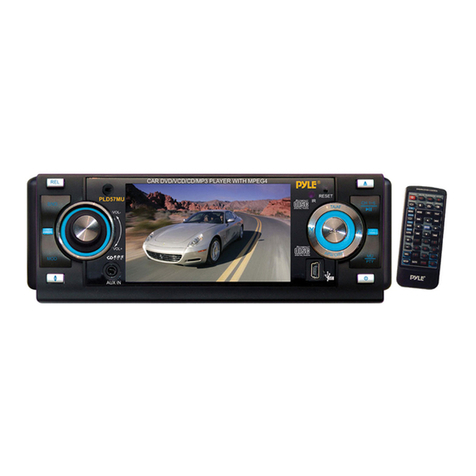
Pyle PLD57MU owner's manual

Pyle

Pyle PLD57MU owner's manual

manuals.online logo
manuals.online logoBrands
  • About & Mission
  • Contact us
  • Privacy Policy
  • Terms and Conditions

Copyright 2025 Manuals.Online. All Rights Reserved.

02
DD622B 6.2
And
Warmly Suggestion
Notice Item
Features
1.Front Panel Function Instruction
2.Basic Function
3.Remote Control Function
4.Main menu touch operation
5.RDS User Operation
6.Radio Operation
7.Audio
8.Disc Play Touch Operation
9.DVD Basic Operation
10.VCD Basic Operation
11.CD Basic Operation
12.MP3/USB/SD Operation
13.Bluetooth Function Instruction
14.Other Play Mode
15.Trouble Shooting
16.Wiring Diagram
17.Specifications
18.Accessory
03
04
05
06
07
09
11
15
16
18
19
24
34
37
39
40
42
43
44
45
46
03
Welcome
18.ACCESSORY
User Manual
Accessory Quantity
Wire
USB Cable
Remote Controller
Warranty card
1PC
1PC
1PC
1PC
2PCS
46
04 45
17.SPECIFICATIONS
Amp Rating 80 WattsX4 Channels
European frequency range
USA frequency range 87.5-107.9MHz
European frequency range
USA frequency range 530-1710kHz
522-1620kHz
20-30dBuv
05
44
DVD PLAYER
1.MPEG-4 Decoder Technology
2.Compatible with MP4(AVI/5.X),DVD(DVD-R/DVD-RW),VCD,SVCD,CD-RW,
WMA,MP3,JPEG
3.Supporting Multiles Subtitles,Angles,Languages
4.Child lock function
5.4-Channel Audio Output
6.Pause, play, UP/Down, Stop, Zoom, PBC Function
RADIO
1.AM/FM Radio Tuner
2.30 Radio Preset Stations (18FM, 12AM)
BULETOOTH FUNCTION
1.Bluetooth wireless transfers
2.Displaying bluetooth paring and connection status, call status, and caller's ID
3.Fast performance, fast connection, accurate and sensible search of devices in range
4.Support A2DP, AVRCP, HS/HF for handing calls and playing music
FEATURES
16.WIRING DIAGRAM
This player is equipped with ISO standard connector, please follow below instruction:
● Yellow – 12 V Constant
● Black – Ground wire
● Blue - Power Antenna / Remote Amp Turn On
● Orange – Back-Up Camera Trigger (+) ● Pink – Parking Brake (-)
● White/White black - Left front speaker (+-)
● Purple/Purple black - Right rear speaker (+/-)
● Green/Green black - Left rear speaker (+/-)
● Red - ACC ON (+12V) ● Grey/Grey black - Right front speaker (+/-)
Note:
The “PARKING BRAKE” wire must be connected to the parking brake system
of your car. When the parking brake is engages, the LCD will be allowed to view
your video. If not, the screen will produce an image saying, “PARKING BRAKE”.
This is a safety feature designed for the driver not to watch a video while driving.
The video output on this unit will not be affected by this.

06 43
1
2
3
4
5
6
7
8
9 10 11
12
1.SRC Button
2.MUTE/TFT on/off Button
3.MODE Button
4.SD Slot
5.RESET Button
6.SEL/VOL Button
7.AUX IN
8.USB Slot
9.Disk Load Slot
10.OPEN Button
11.Remote Control Receiver
12.MIC Input
15.TROUBLE SHOOTING
07
42
1.SRC Button
2.MUTE/TFT on/off Button
3.MODE Button
Bluetooth
4.SD Slot
This is a high-spees transmission interface, which can read high-capacity date in
MP3 or MP4 format.
5.RESET Button
Press this button and this unit will be restored to the initial state.
6.SEL/VOL Button
Turn this button can adjust the volume,Press this button can adjust the
mode according to personal likes.
14.OTHER PLAY MODE
08 41
7.
8.USB Slot
9.Disk Load Slot
Opening for disks to enter or retreat.
10.OPEN Button
Press this button can eject the disc
11.Remote Control Receiver
12.MIC Input
Bluetooth MIC input.
4.Incoming display
If there is incoming, under any mode, system will automatically switch to
Bluetooth hand-free function interface. And it have incoming sound and
incoming display note you to answer telephone.
5.Answer phone
When there is an incoming call, Touch to connect and touch
to refuse to connect.
6.Call logs
Under Bluetooth mode, press call logs button will enter call logs interface, as following:
(1)Press [dialed calls] function position, you will search
telephone number which you have dialed.
(2)Press [received calls] function position, you will
search telephone number which you have answered
(3)Press [missed calls] function position, you will
search telephone number which you have missed.
09
40
1.Enter/exit
Touch on main menu interface to enter Bluetooth interface;
Press will exit Bluetooth interface and return main menu interface.
2.Match/connection
If you want to use Bluetooth function, you must establish a connection first.
Matching unit with Bluetooth cell phone..
[operation way]
Set your cell phone to Bluetooth mode, and use cell phone to search equipment.
After Bluetooth equipment of this unit has been search by cell phone, cell phone will
Ask you for Bluetooth matching password.. touch matching setup button on unit and input
Bluetooth Password(0000) on cell phone and confirm it. Cell phone will note to whether authorize
Connection with this equipment. Please select “yes” . cell phone will auto establish connection
with Bluetooth of the equipment within 20seconds. Under any mode(radio, DVD etc. if there is an
incoming call to your cell phone, the unit will switch from current statue to Bluetooth. It will
automatically restore current mode after hang-up.
Note: if Bluetooth equipment matching with this unit correctly, it will display “LINK OK”
otherwise it display “NO LINK”.
3.Dial
You can use cell phone or touch digital key on display to input telephone number. If input wrong,
you can press
to delete. After enter telephone number, press to dial.. Touch
to hang-up.
During call period, press “CHANGE” will let phone sound switch between speaker
of unit and speaker of Phone.
13.
10 39
KEY
KEY
12.