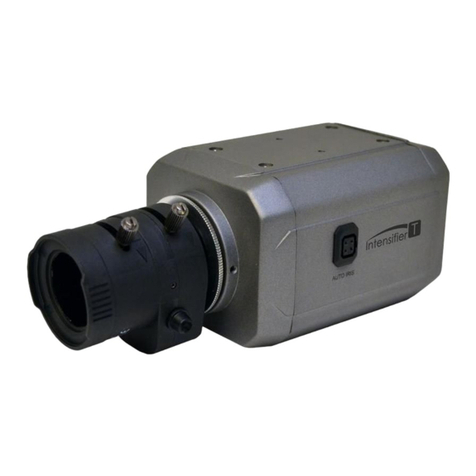
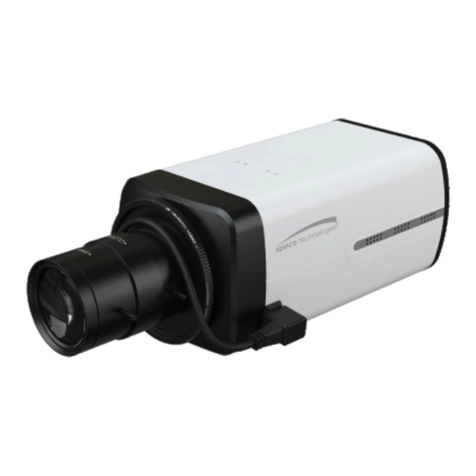
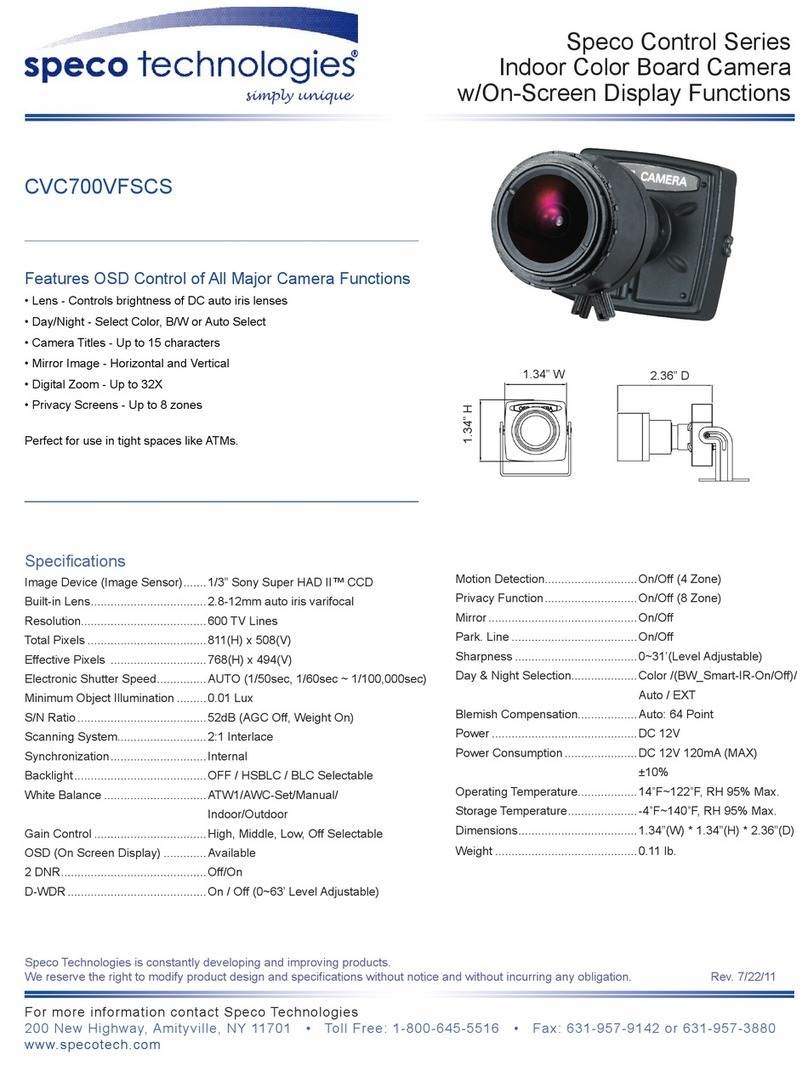
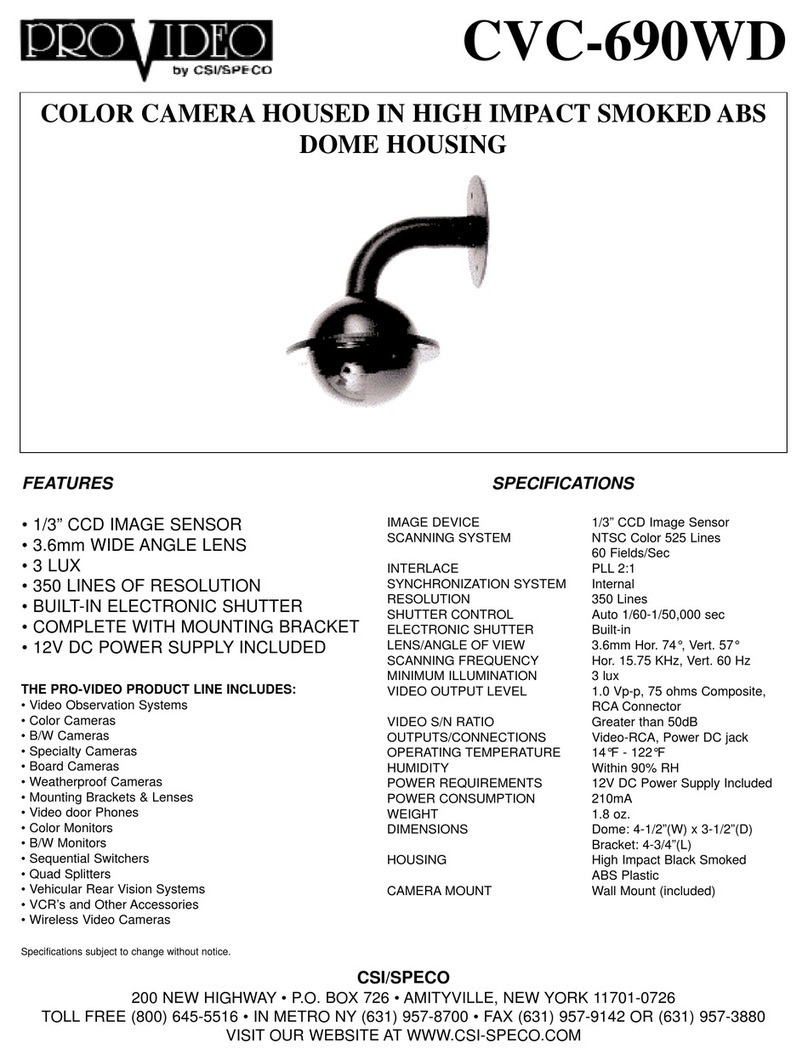
ITEM 960H 700TVL Miniature Board Camera
Lens HINT600VH (2.8-12mm auto iris VF lens
HINT600H (2.9mm fixed lens
Power Source DC 12V (150mA
Image Sensor 1/3” COLOR 960H CCD
Total Pixels 1020(H x 508(V (NTSC
Effective Pixels 976(H x 494(V (NTSC
Scanning System 2 : 1 Interlaced
Synchronization Internal
SPECIFICATIONS
200 New Highway, Amityville, NY 11701
800-645-5516 / www.specotech.com
HINT600VH / HINT600H
Intensifier H® Series Color Miniature Board Camera
OSD MEN Details
PRESET : Used for quick and easy setup
Of the installation environment.
MAIN SET P : to adjust more detailed
functions, press this button to open up
the menu tree.
EXIT
- SAVE : Press to save the current
settings and exit main menu.
- RESTORE : Press to exit main menu
without saving settings.
- INITIAL : Resets all settings to its factory
defaults.
EXPOS RE : Adjusts exposure settings.
ALC (For HINT600VH / ELC (for HINT600H
LENS : Select the lens type (ALC/ELC
BRIGHTNESS : Adjusts image brightness. (0~ 20
SHUTTER : Auto / Manual Shutter can be selectable (1/60 ~ 1/120000
FLK(Flicker Less : Select this when the picture flickers (ON/OFF
AGC: Adjusts the Automatic Gain Control level. (0~20
INTENSIFY : x2-x512 (increasing magnification may cause noise/distortion .
DAY / NIGHT : Adjusts Day / Night options.
DAY : Full time color mode (This camera has this function as a factory default
NIGHT : Full time B/W mode.
AUTO : Day / Night is switching automatically by AGC level.
EXTERN & CDS : not used for this camera
WHITE BAL : Adjusts white balancing options.
ATW : Automatically white balances the image.
SYSTEM : Adjusts various System options.
CAM TITLE : Determines the camera name. (ON/OFF
CAM ID : Sets the ID for the RS-485 (0~255
ID DISP. : ON(Disables camera NO/ID /OFF(Displays camera No/ID
LANGUAGE : Sets the desired OSD language.
SPECIAL : Adjusts special options.
DEFECT DET : To remove “White Spot(Dead Pixel ” on screen
FONT COLOR : Sets the camera OSD color(0~8
Min. Illumination 0.01Lux at F1.2, 0.00001Lux (Intensify 512x
S/N (Y signal 50dB (AGC Off
On Screen Display Built-in
Intensify OFF / AUTO (x2 ~ x512
DAY / NIGHT AUTO / DAY / NIGHT / EXT
Back Light Compensation BLC / HLC
Contrast D-WDR / DEFOG
White Balance ATW /PUSH/MANUAL
DNR LOW / MIDDLE / HIGH
Motion Detection ON/OFF (4 Programmable Zones
Privacy Masking ON/OFF (8 Programmable Zones
Operational Temp. 14
°
F - 122
°
F
Storage Temp. -4
°
F - 140
°
F
Weight HINT600H(5.5oz. , HINT600VH(6 oz.
Speco Technologies is constantly developing product improvements.
We reserve the right to modify product design and specifications without
notice and without incurring any obligation. Rev. 141218
ATW : Automatically white balances the image.
PUSH : if you press it in appropriate item position, then Auto White Balance
will perform once.
MANUAL : manually adjust the scene to desired settings.
RED : Adjusts the red gain level. (0~ 20
BLUE : Adjusts the blue gain level. (0~20
MONITOR : Sets the video output to main input types.
GAMMA : Sets the desired Gamma value (0.35/0.40/0.45/0.50/0.55/0.60/0.65/0.70
CHROMA : Sets the color gain (0~20
SHARPNESS : Sets the amount of sharpness applied on the image(0~20
SHADING : Sets the Lens Shading Compensation value. (0~20
PED. LV : Sets the Pedestal Level (0~20
IMAGE : Adjusts various effect options.
BACKLIGHT : : Adjusts backlight options.
BLC : Produces a clearer image of an object darkened by strong backlighting.
HLC : Used to contain extremely bright areas such as car headlights,
the light can be masked out.
CONTRAST : Adjusts Contrast options.
WDR : Uses a digital wide dynamic range to balance dark and over
saturated areas within the image.
DEFOG : Activate this mode when the video or the weather is foggy.
It maintains a clear picture.
POSI/NEGA : Changes to Positive or Negative image.
H-MIRROR :Flips the image along the y-axis.
PRIVACY : Used to hide regions of the image.
MASK LV : Selects the desired mask color
AREA NO.: Selects the current mask area from1 to 8 zones
DISPLAY: Selects ON/OFF to display of mask zone or not.
TOP/BOTTOM/LEFT/RIGHT : Adjusts the mask zone size for directions.
SPECO DNR : Reduces the background noise caused by the digital enhancement of a low
light environment. If AGC is turned OFF, DNR will be disabled.
(LOW/MIDDLE/HIGH
MOTION : Adjusts motion detection settings.
SENSITIVITY : Sets the desired multiple of the digital exposure length.(0~20
AREA NO : Selects the current motion zone from area1 to 4.
AREA USE : Adjusts the motion detection zone size.
TOP/BOTTOM/LEFT/RIGHT : Adjusts the mask zone size for directions