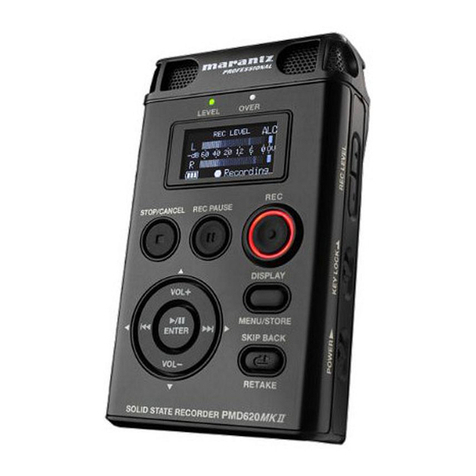
Timing recording based on current system time, so please set the correct system time,then set the
recording beginning time,and record length(calculate by minutes and seconds);recording will automatically
start recording at the setting time,recorder will automatically save the recording file when achieve the record
length;If user want to save the recording file in the process of recording, long press【REC】button to save the
recording file。
Setting method:(please refer below 4.7.1/4.7.2/4.7.3)
*****Timing recording doesn’t work when in power off status, if want to operate timing recording
function please power on the recorder ;After start timing recording, the recording status interface will
display a clock icon in the back of the date, indicate timing recording now*****
4.7.1 Current Time
In standby status, long press【M】button enter into main menu interface, press【】or【】button
to select system setting icon 。short press【】button enter into system setting sub-menu, press【】or【】
button to select system time,short press【】button enter into current time ,then short press【】button enter into
date & time setting interface(as below picture),short press【VOL+】or【VOL-】button to select Year-Month-Day
and Hour: Minutes: Seconds; the selected figure will be flashing, then press 【】or【】button adjust to correct
date and local time, short press【】button to confirm the setting, then recorder will automatically return to current
time menu.
Current time setting interface:
2009-04-18 Indicate current date is: Apr 18th,2009;
14:40:06 Indicate current time is 14 o’clock,40 minutes and 6 seconds.
4.7.2 Record time
After 4.7.1 setting, when in current time menu, press【】or【】button select Record Time, short
press【】button enter into record time adjustment interface(as below picture), short press【VOL+】or【VOL-】
button to select Year-Month-Day and Hour: Minutes: Seconds; the selected figure will be flashing, then press
【】or【】button adjust to required recording date and time, short press【】button to confirm the setting, then
recorder will automatically return to record time menu.
Record time setting interface:
2009-04-18 Indicate recording beginning date is Apr 18th,2009;
14:45:06 Indicate recording beginning time is 14 o’clock,45 minutes and 6 seconds。
4.7.3 Record Length