Wireless Microphone
(This picture is for reference purposes only!)
Open the battery compartment, insert the batteries and ensure that the polarities are correct.
Switch ON the power switch on the microphone or ear microphone transmitters. If the power
indicator light does not light up, check that the battery has been inserted correctly.
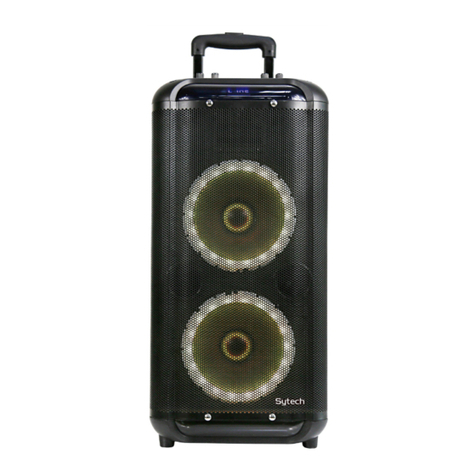
Adjust the microphone volume knob on the speaker
When singing, if you need to suspend the wireless microphones, please switch to mute state
(center) on the microphone, and if you want to stop using the microphone, please switch to
the off state.
It is advisable to maintain a minimum distance between the speaker and microphone of
approx. 2-3m
If the microphone stops working or emitting sound, it is recommended to replace the
batteries as soon as possible.
This device does not support 2 wireless microphones simultaneously.
The wireless microphone (included) can work simultaneously with a microphone connected
through he "Jack" socket (15)
Recording function
Press and hold for a few seconds the “REC” button to record the voice into an external
memory USB disc or a Micro-SD card (TF card) on the speaker. If the external memory is
being used for the first time, the system will automatically build a new folder named
“RECORD” and all the recorded files in it will be named as REC001, REC002, and so on.
In recording mode, press “REC” to stop recording.
Press “REC” to play the recordings from the external memory. Press PREV and NEXT to
choose the desired recordings for payback.
The recording function is not available when connecting any type of device at the rear
“Guitar” input.