Care and Feeding of Telex Radio Dispatch Systems
C-6200 Setup
Phase 4 Design, Inc.
Dave Grant / dgrant@hostnw.net
425.402.7308
11/5/2010 Page 1 o 18
Entering the Setup Mode
Setup of the C-6200 is almost entirely done using a web browser. The first step required during setup
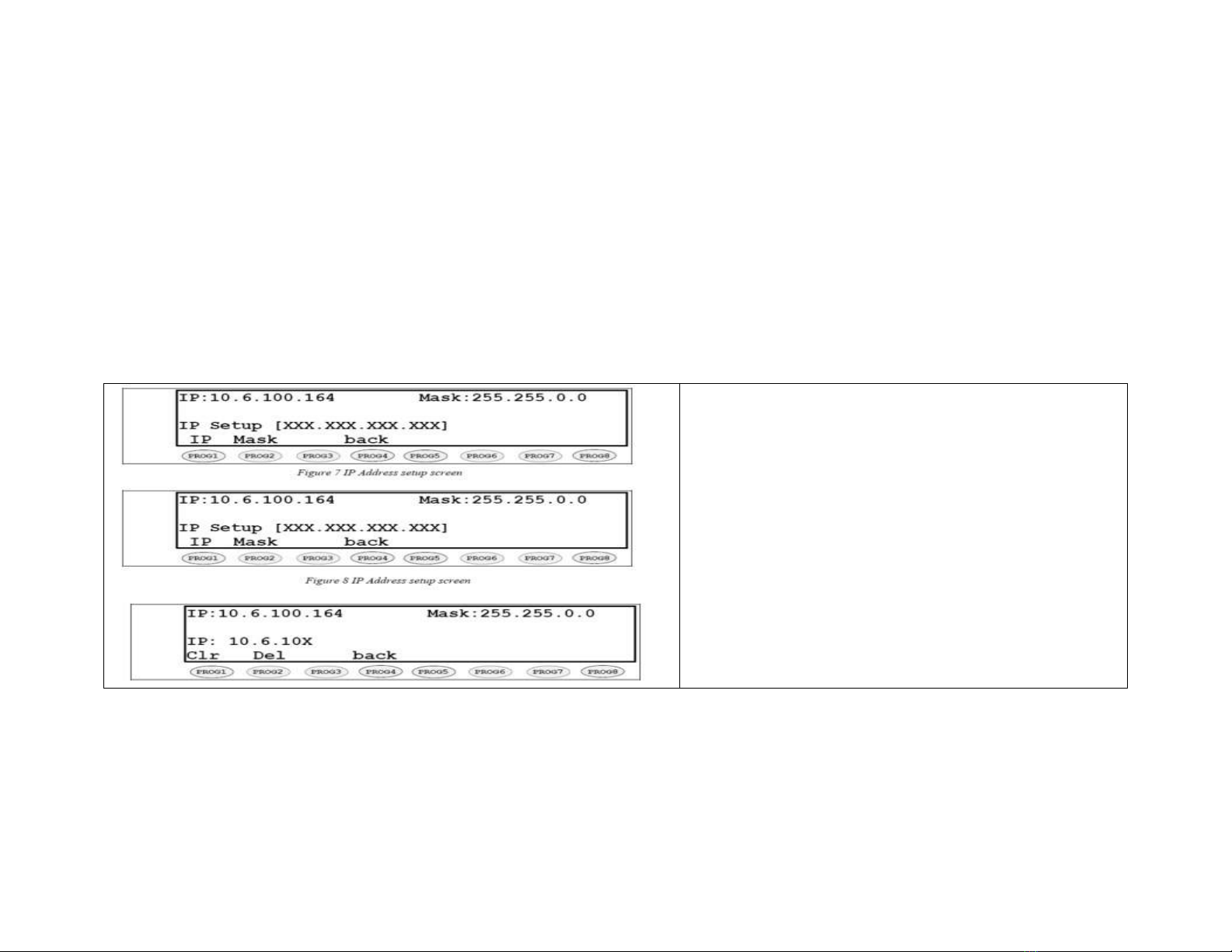
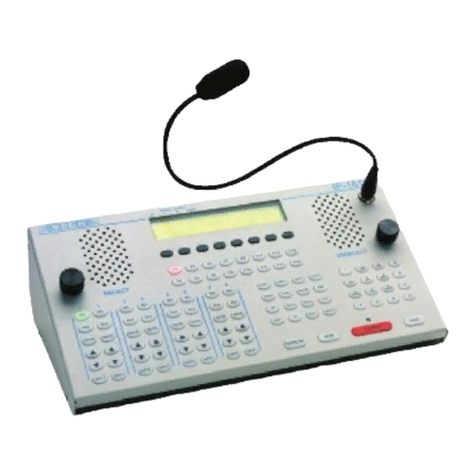
is to assign the Ethernet and Mas addresses to the C-6200. This is done through the front panel. To
enter the front panel setup mode, press and hold MUTE-F16-GRP.
Setting the System Clock
Pressing PROG1 from the top-level setup menu will open the screen to set the internal Real Time
Cloc . PROG1 selects the Edit option that allows setting of the actual minutes and hours. PROG2
sets AM or PM., PROG3 selects 12 or 24-hour mode, PROG4 returns to the previous setup screen.
The cloc can also be directly setup by pressing MUTE-F16-C1. This ey sequence bypasses the
PIN number and the main setup screen.
Setting the PIN number
The Pin number is used to prevent unauthorized modification of operation parameters. When a PIN
number is set, the C-6200 will prompt for it before allowing entry into the setup mode. The web-
based setup for the C-6200 also has provision for a user password; it is the same four-digit value as
the PIN number entered from this menu option. Selecting PROG3 from the main menu will cause
the C-6200 to prompt for the new PIN number twice. If both are entered identically, the new PIN
number will ta e affect.