Settings · Controls(remote control)
Setting up the AV receiver
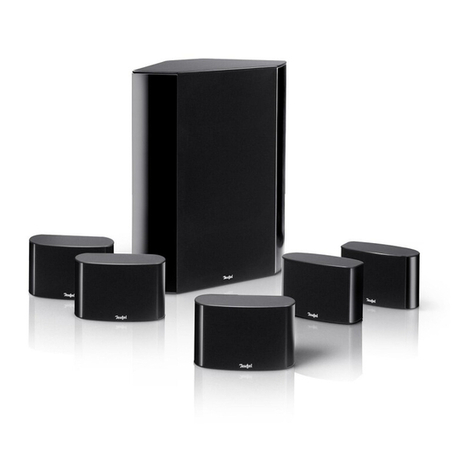
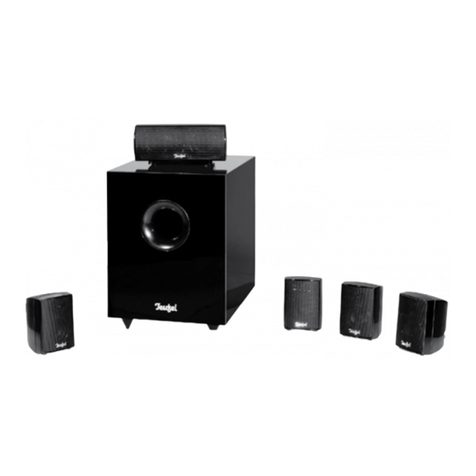
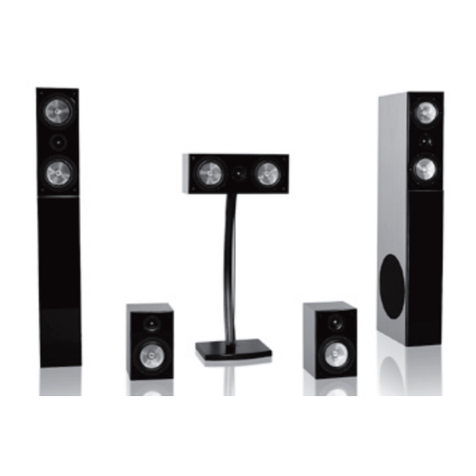
To take full advantage of your LT 3 Home Theatre
System with Active Subwoofer, set the “Speaker
Setup” section of your AV receiver to “small” or
“normal”(not “large”) for the satellite speakers.
This ensures that the speakers receive the right
amount of signal, and that the subwoofer and
front speakers have matching volumes.
Also in the receiver's “Speaker Setup” section
(Bass Management and/or Speaker Management),
make sure the subwoofer is set to “On”. For the LT
3 system, set the crossover frequency to 110 Hz
(if this is not available, the next best choices are
100/120/140/150 Hz).
Setting up the subwoofer
If your system uses an AV receiver, set the sub-
woofer frequency control to “Maximum” =
“140 Hz” since the AV receiver is chiefly responsi-
ble for determining the crossover frequency.
Modern AV receivers determine the phase of the
subwoofer automatically. Here, a “Speaker Setup”
utility analyses the distance between the differ-
ent speakers and the listening spot. For this to
work correctly, the phase switch of the subwoofer
must be set to “0°”. If your system uses an older-
model AV receiver or another type of amplifier
without a setting for the subwoofer distance:
The “Phase” control allows you to adjust the
subwoofer to the satellite speaker so that all
speaker membranes vibrate in the same direc-
tion (“phase”) when reproducing signals around
the crossover frequency. If the phase is not set
correctly, this may cause a reduced bass response
or even bass cancellations.
If the subwoofer is positioned between the front
speakers, we recommend a phase setting of
“0°”(grey area in the diagram on page 8); if the
subwoofer is positioned closer to the listening
spot, a phase of “180°” may be more appropriate.
Similarly, the “180°” setting may help to eliminate
bass cancellations if you position the subwoofer
in other areas of the room. Always set the phase
control to the position where the bass response
is best.
The output setting of the subwoofer may vary de-
pending on usage, e.g., home theatre sound sys-
tem or music playback. Whereas an action-packed
DVD typically contains massive amounts of sub-
bass, many pure music sources do not. This will be
especially noticeable if you calibrate your system
for optimum DVD playback. To find the best com-
promise between different sound sources, use
your own subjective judgement.
Our recommendation is to determine the best
subwoofer volume gradually over time.
As a rule, we do not recommend configuring the
subwoofer volume automatically via your AV re-
ceiver's integrated room analysis computer (ad-
vanced receivers only). Instead, set the subwoofer
to a high level between +8 and +12 dB (approx.
“55” on subwoofer) in the bass management/
speaker management section (“Speaker Setup”).
This will ensure that “Auto On/Standby” mode
functions correctly and allow you to determine
the best subwoofer level through listening tests.
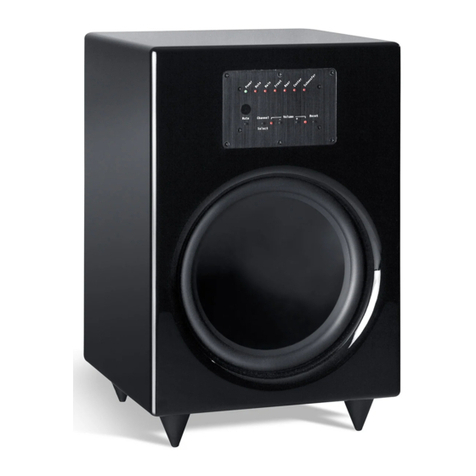
Subwoofer remote control
Volume
This controls the volume of the subwoofer. Press
the “+” button to increase the volume or press
the “–” button to reduce the volume.
Frequency
This controls the crossover frequency between
the subwoofer and the satellite speakers. If you
are using this with an AV receiver, set this button
to “140 Hz”. The display at the front of the sub-
woofer will show the following: »14«