EnglishDeutsch
 logo
Brands
  1. Home
  2. •
  3. Brands
  4. •
  5. Texas Instruments
  6. •
  7. Motherboard
  8. •
  9. Texas Instruments TPD3S714-Q1EVM User manual

Texas Instruments TPD3S714-Q1EVM User manual

Other Texas Instruments Motherboard manuals
Texas Instruments TPSM63608 User manual
Texas Instruments

Texas Instruments TPSM63608 User manual

Texas Instruments DRV84 EVM Series User manual
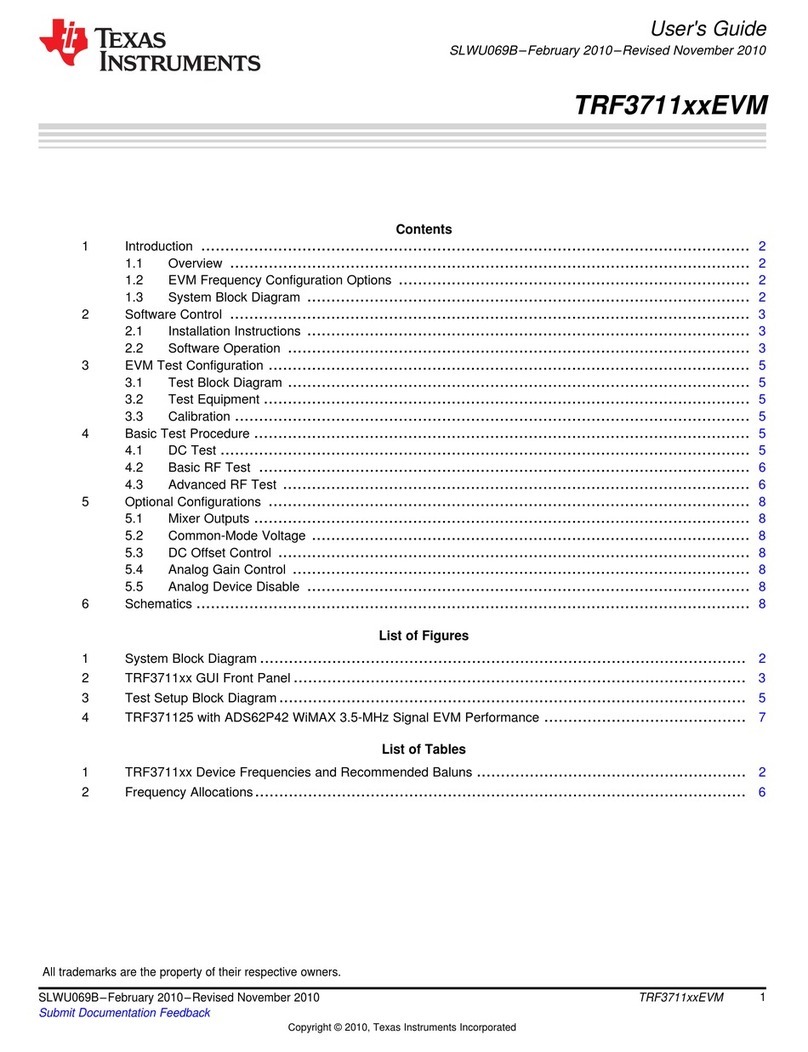
Texas Instruments

Texas Instruments DRV84 EVM Series User manual

Texas Instruments TRF3711xxEVM Series User manual
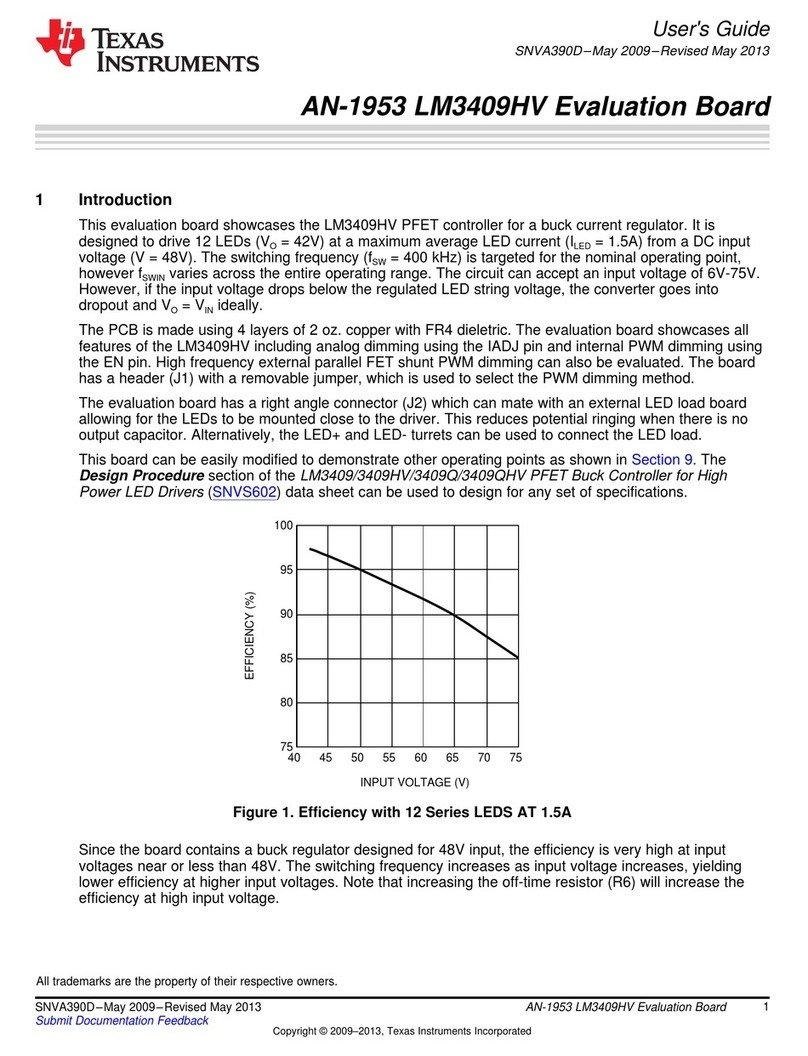
Texas Instruments

Texas Instruments TRF3711xxEVM Series User manual

Texas Instruments LM3409HV User manual
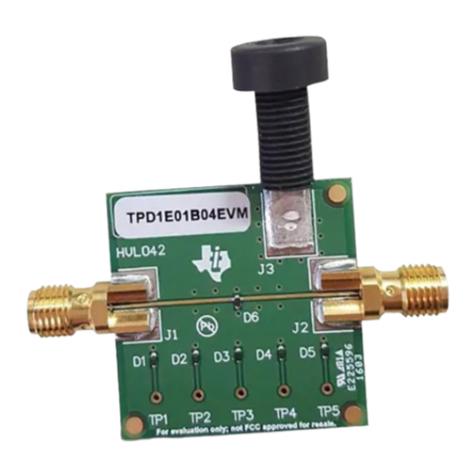
Texas Instruments

Texas Instruments LM3409HV User manual

Texas Instruments TPD1E01B04 User manual
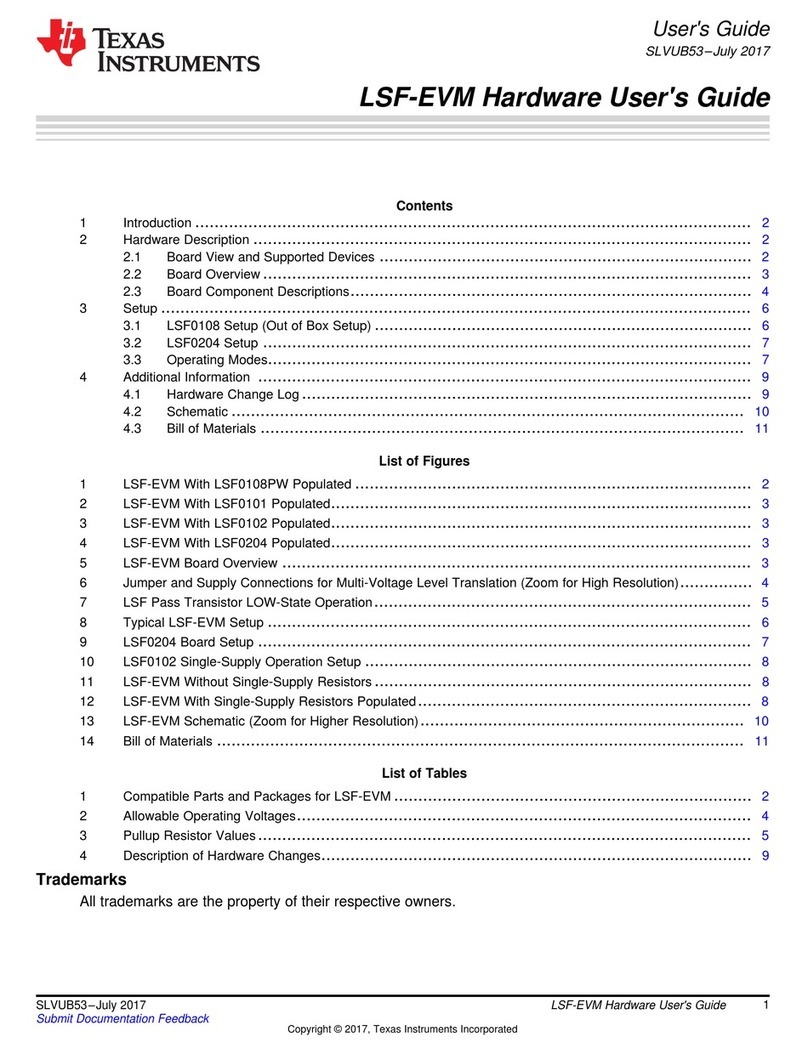
Texas Instruments

Texas Instruments TPD1E01B04 User manual

Texas Instruments LSF-EVM User manual

Texas Instruments

Texas Instruments LSF-EVM User manual
Texas Instruments DRV8316REVM User manual
Texas Instruments

Texas Instruments DRV8316REVM User manual

Texas Instruments TRF1208-EVM User manual
Texas Instruments

Texas Instruments TRF1208-EVM User manual

Texas Instruments TLV62080 User manual
Texas Instruments

Texas Instruments TLV62080 User manual

Texas Instruments TPS62088YWCEVM-084 User manual
Texas Instruments

Texas Instruments TPS62088YWCEVM-084 User manual

Texas Instruments BQ25173-Q1 User manual
Texas Instruments

Texas Instruments BQ25173-Q1 User manual

Texas Instruments eFuse TPS25983EVM User manual
Texas Instruments

Texas Instruments eFuse TPS25983EVM User manual

Texas Instruments ADS5296A User manual
Texas Instruments

Texas Instruments ADS5296A User manual

Texas Instruments tps61040EVM-002 User manual

Texas Instruments

Texas Instruments tps61040EVM-002 User manual

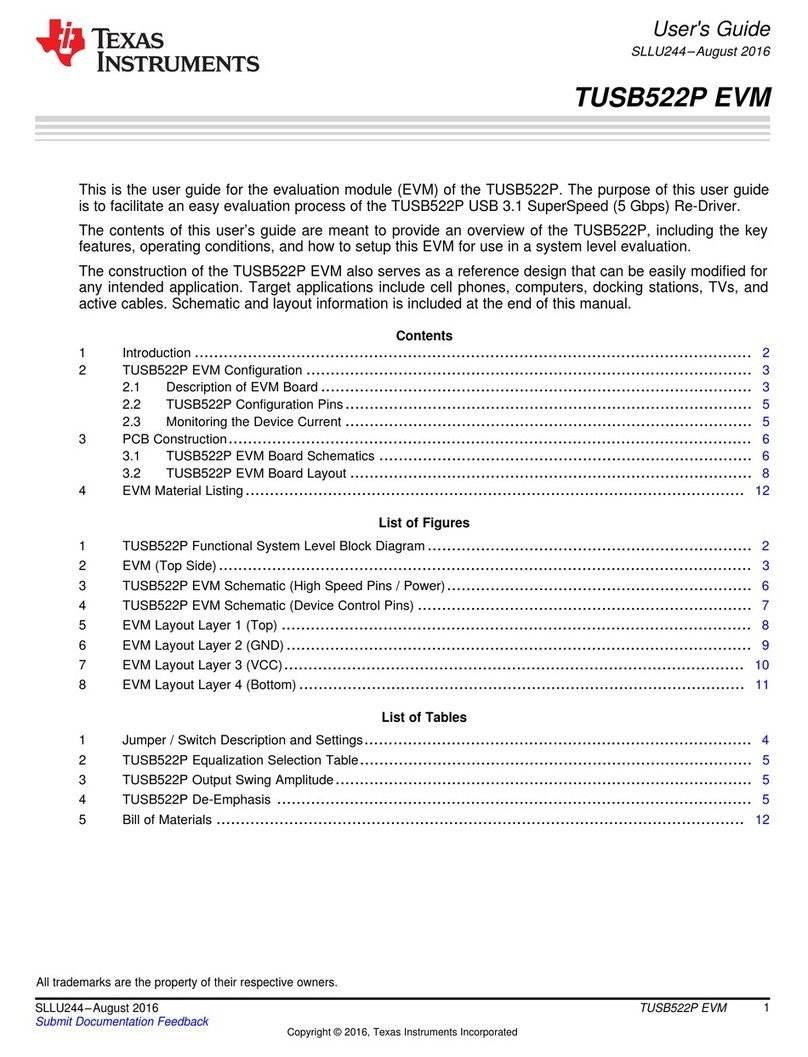
Texas Instruments TPS25831-Q1 User manual
Texas Instruments

Texas Instruments TPS25831-Q1 User manual

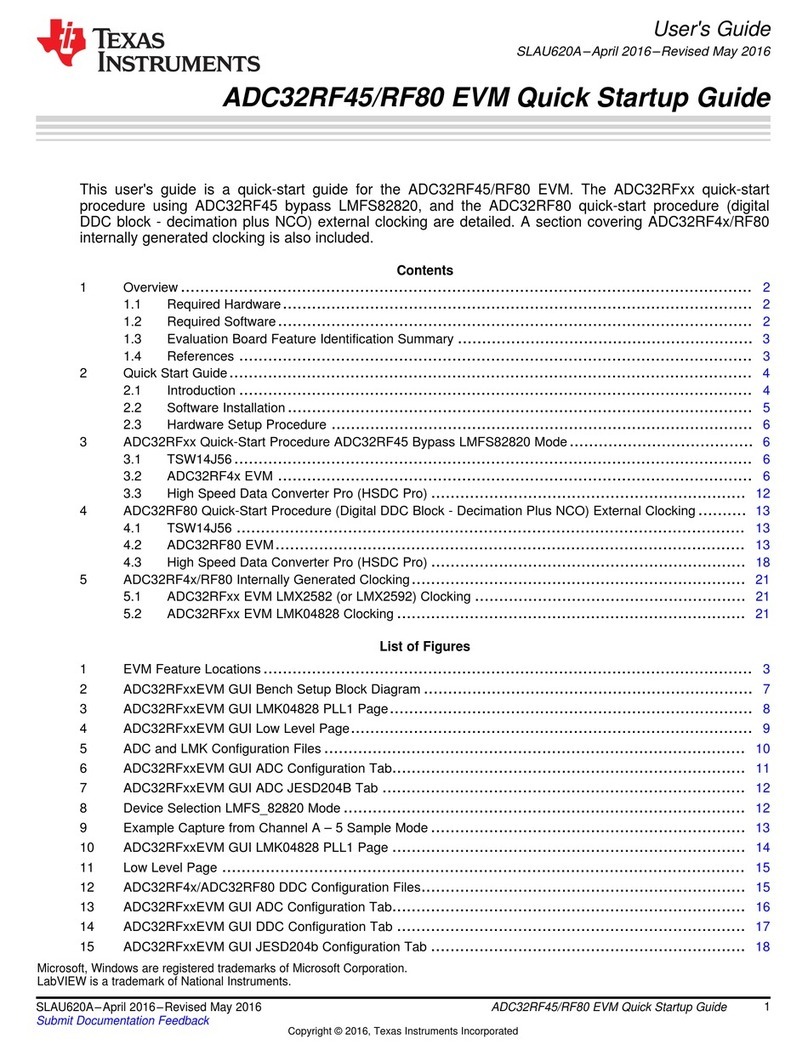
Texas Instruments TUSB522PEVM User manual
Texas Instruments

Texas Instruments TUSB522PEVM User manual

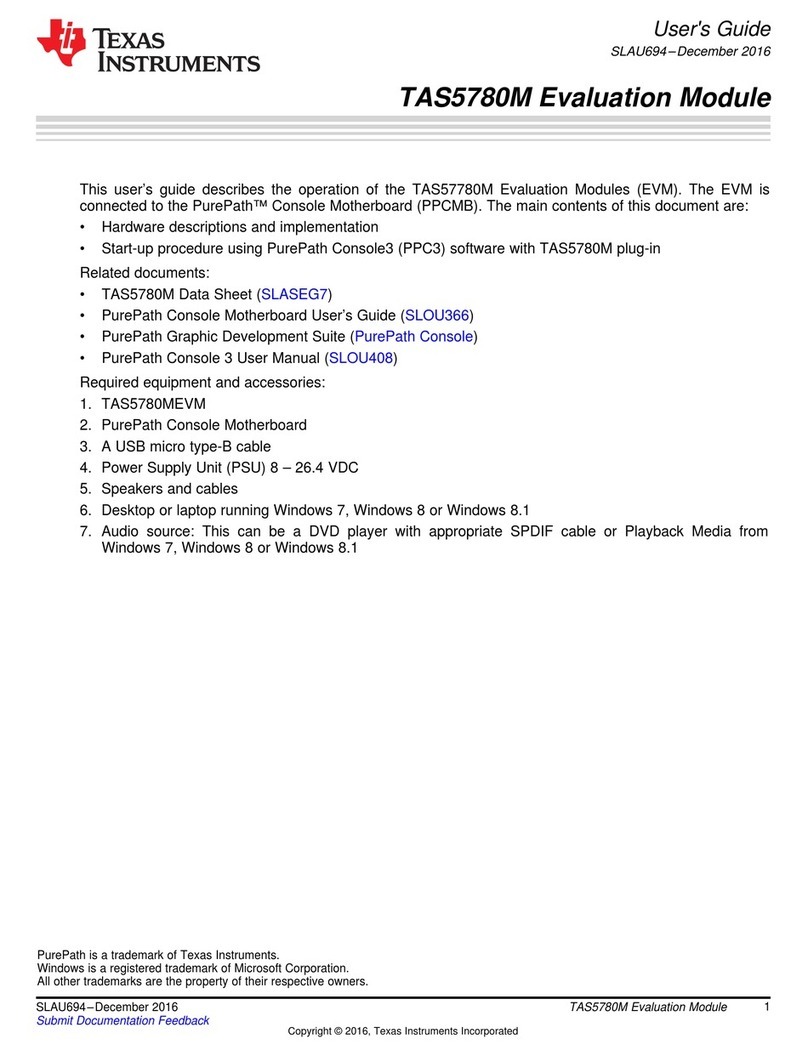
Texas Instruments ADC32RF45 EVM Troubleshooting guide
Texas Instruments

Texas Instruments ADC32RF45 EVM Troubleshooting guide

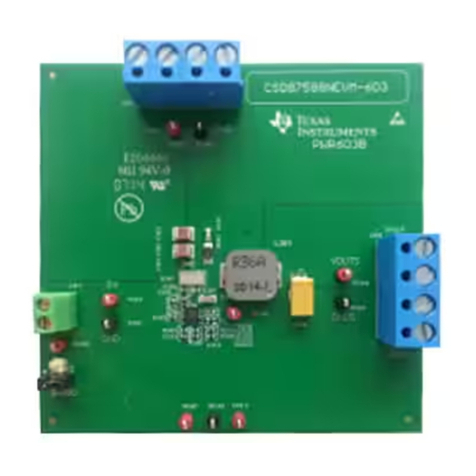
Texas Instruments TAS5780M User manual
Texas Instruments

Texas Instruments TAS5780M User manual

Texas Instruments CSD87588NEVM-603 User manual
Texas Instruments

Texas Instruments CSD87588NEVM-603 User manual

Texas Instruments DAC8775EVM User manual

Texas Instruments

Texas Instruments DAC8775EVM User manual
Texas Instruments BQ25790EVM User manual

Texas Instruments

Texas Instruments BQ25790EVM User manual

Texas Instruments LP8557IEVM User manual

Texas Instruments

Texas Instruments LP8557IEVM User manual

Texas Instruments TPS63070EVM-693 User manual

Texas Instruments

Texas Instruments TPS63070EVM-693 User manual

Texas Instruments DEM-OPA-MSOP-1B User manual

Texas Instruments

Texas Instruments DEM-OPA-MSOP-1B User manual

Popular Motherboard manuals by other brands

DFI SD170 user manual

DFI

DFI SD170 user manual

ASROCK ROMED8-2T user manual

ASROCK

ASROCK ROMED8-2T user manual

Asus P2L97A user manual

Asus

Asus P2L97A user manual

Winmate IC70 user manual

Winmate

Winmate IC70 user manual

Asus MES-B user manual

Asus

Asus MES-B user manual

Grantech SYS8F377VGGA-3OMN user manual

Grantech

Grantech SYS8F377VGGA-3OMN user manual

Telit Wireless Solutions SL869-3DR user guide

Telit Wireless Solutions

Telit Wireless Solutions SL869-3DR user guide

Commell MS-C73 user manual

Commell

Commell MS-C73 user manual

Gigabyte GA-9IVDT user manual

Gigabyte

Gigabyte GA-9IVDT user manual

IBT Technologies MB860 user manual

IBT Technologies

IBT Technologies MB860 user manual

Nvidia TEGRA DG-04927-001_V01 user guide

Nvidia

Nvidia TEGRA DG-04927-001_V01 user guide

Intel D33217CK specification

Intel

Intel D33217CK specification

Asus F1A55-M LX PLUS R2.0 user manual

Asus

Asus F1A55-M LX PLUS R2.0 user manual

EPC EPC9147C quick start guide

EPC

EPC EPC9147C quick start guide

Asus EX-B760M-V5 D4 quick start guide

Asus

Asus EX-B760M-V5 D4 quick start guide

EPOX MU-8KHA0010 user manual

EPOX

EPOX MU-8KHA0010 user manual

Ski-Doo Bombardier MPEM 219 700 090 user guide

Ski-Doo

Ski-Doo Bombardier MPEM 219 700 090 user guide

Epson S5U13700P00C000 user manual

Epson

Epson S5U13700P00C000 user manual

https://manuals.online logo
https://manuals.online logoBrands
  • About & Mission
  • Contact us
  • Privacy Policy
  • Terms and Conditions

Copyright 2026 Manuals.Online. All Rights Reserved.

1
SLVUAC1B–October 2015–Revised May 2017
Submit Documentation Feedback Copyright © 2015–2017, Texas Instruments Incorporated
TPD3S714-Q1EVM
User's Guide
SLVUAC1B–October 2015–Revised May 2017
TPD3S714-Q1EVM
This user's guide describes the characteristics, operation, and use of the TPD3S714-Q1EVM evaluation
module (EVM). This EVM includes four TPD3S714-Q1 devices (SLVSCG4) in various configurations for
testing.
1. IEC61000-4-2 compliance testing on the connector-side pin
2. 4-port s-parameter analysis
3. USB 2.0 Type A input and output connectors for throughput analysis
4. ESD clamping waveforms during an electrostatic discharge (ESD) event
Contents
1 Introduction ................................................................................................................... 2
2 Definitions..................................................................................................................... 3
3 Setup .......................................................................................................................... 4
4 Board Layout ................................................................................................................ 7
5 Schematics and Bill Of Materials .......................................................................................... 9
List of Figures
1 Ideal Contact Discharge Waveform of the Output Current of the ESD Simulator at 4 kV ......................... 3
2 System Level ESD Test Setup............................................................................................. 6
3 TPD3S714-Q1EVM Top Components and Silkscreen.................................................................. 7
4 TPD3S714-Q1EVM Top Layer............................................................................................. 7
Introduction
www.ti.com
2SLVUAC1B–October 2015–Revised May 2017
Submit Documentation Feedback
Copyright © 2015–2017, Texas Instruments Incorporated
TPD3S714-Q1EVM
5 TPD3S714-Q1EVM Bottom Layer......................................................................................... 8
6 TPD3S714-Q1EVM Schematic ............................................................................................ 9
List of Tables
1 EVM Configuration .......................................................................................................... 2
2 IEC61000-4-2 Test Levels ................................................................................................. 3
3 Waveform Parameters in Contact Discharge Mode..................................................................... 3
4 /EN Jumper Configurations................................................................................................. 4
5 +5V and +3.3V Jumper Configurations................................................................................... 4
6 Bill of Materials ............................................................................................................. 10
Trademarks
All trademarks are the property of their respective owners.
1 Introduction
Texas Instrument’s TPD3S714-Q1 evaluation module helps designers evaluate the operation and
performance of the TPD3S714-Q1 device. The TPD3S714-Q1 is a single-chip solution for a VBUS and data
line protection on a USB connector. The nFET switch ensures safe current flow in host mode operation
while protecting the internal system circuits from any over-voltage conditions at the VBUS_CON, VD+, and
VD- pins. On these pins, this device can handle over-voltage protection up to 18 V. The VBUS_CON pin also
handles short to ground protection. The TPD3S714-Q1 is characterized for operation over an ambient air
temperature range of -40°C to 125°C.
The TPD3S714-Q1EVM contains four TPD3S714-Q1s labeled U1 through U4. U1 is configured with two
USB2.0 Type A connectors (USB1 and USB2) for capturing system level tests. U2 is configured with four
SMA (S1 – S4) connectors to allow 4-port analysis with a vector network analyzer. U3 is configured with
test points for striking ESD to the protection pins. U3 is also configured for capturing clamping waveforms
using J3 with an oscilloscope during an ESD test. Caution must be taken when capturing clamping
waveforms during an ESD event so as not to damage the oscilloscope. A proper procedure is outlined in
Section 3.3. U4 is pinned out for device level tests. Devices U1 and U4 have Kelvin connections (TP4 –
TP5 and TP7 – TP8) around the nFET for measuring RON.
Table 1. EVM Configuration
Reference Designator TI Part Number Configuration
U1 TPD3S714-Q1 USB 2.0 System Level
U2 TPD3S714-Q1 S-Parameters
U3 TPD3S714-Q1 IEC61000-4-2 ESD Tests
U4 TPD3S714-Q1 Pinned out device
www.ti.com
Definitions
3
SLVUAC1B–October 2015–Revised May 2017
Submit Documentation Feedback Copyright © 2015–2017, Texas Instruments Incorporated
TPD3S714-Q1EVM
2 Definitions
Contact Discharge — a method of testing in which the electrode of the ESD simulator is held in contact
with the device-under-test (DUT).
Air Discharge — a method of testing in which the charged electrode of the ESD simulator approaches
the DUT, and a spark to the DUT actuates the discharge.
ESD simulator — a device that outputs IEC61000-4-2 compliance ESD waveforms shown in Figure 1
with adjustable ranges shown in Table 2 and Table 3.
IEC61000-4-2 has 4 classes of protection levels. Classes 1 – 4 are shown in Table 2. Stress tests
should be incrementally tested to level 4 as shown in Table 3 until the point of failure. If the DUT
does not fail at 8 kV, testing can continue in 2 kV increments until failure.
Table 2. IEC61000-4-2 Test Levels
Contact Discharge Air Discharge
Class Test Voltage [± kV] Class Test Voltage [± kV]
1212
2424
3638
4 8 4 15
Table 3. Waveform Parameters in Contact Discharge Mode
Stress Level Step Simulator Voltage
[kV] Ipeak ±15% [A] Rise Time ±25%
[nS] Current at 30ns
±30% [A] Current at 60ns
±30% [A]
1 2 7.5 0.8 4 2
2 4 15 0.8 8 4
3 6 22.5 0.8 12 6
4 8 30 0.8 16 8
Figure 1. Ideal Contact Discharge Waveform of the Output Current of the ESD Simulator at 4 kV
Setup
www.ti.com
4SLVUAC1B–October 2015–Revised May 2017
Submit Documentation Feedback
Copyright © 2015–2017, Texas Instruments Incorporated
TPD3S714-Q1EVM
3 Setup
This section describes the intended use of the EVM. A generalized outline of the procedure given in IEC
61000-4-2 is described here. IEC 61000-4-2 should be referred to for a more specific testing outline. Basic
configurations for collecting s-parameters, Eye Diagrams, and ESD clamping waveforms are outlined as
well.
Table 4. /EN Jumper Configurations
Jumper Off On
EN_U1-U3 disable U1 – U3 enable U1 – U3
EN_U4 disable U4 enable U4
Table 5. +5V and +3.3V Jumper Configurations
U1 U2 U3 U4 Power Supply
Connection
Shunt to supply 5V to U1 Shunt to supply 5V to U2 Shunt to supply 5V to U3 Shunt to supply 5V to U4 +5V
Shunt to supply 3.3V to U1 Shunt to supply 3.3V to U2 Shunt to supply 3.3V to U3 Shunt to supply 3.3V to U4 +3.3V
Power should be supplied to +5V, +3.3V, and GND connectors. Power can be distributed to each
TPD3S714-Q1 by setting the shunts in place for each DUT (U1 – U4) according to Table 5. When testing
DUT U1 shunt both jumpers (JP1 and JP2) but VBUS and /FLT can be supplied be either the test point
labeled “+5V” or the USB male connector (USB2). Always supply 3.3V to the test point labeled “+3.3V.” All
other DUTs require a power supply to be attached to the test points labeled “+3.3V” and “+5V” with the
appropriate shunts set per Table 5. All shunts in Table 5 can be set at the same time or only for the device
under test.
3.1 U1
A single TPD3S714-Q1 (U1) is configured with two USB2.0 Type A connectors (USB1 and USB2) for
capturing Eye Diagrams and other system level tests. All system level tests should use USB1 as the sink
and USB2 as the source. +5V can be supplied to VBUS using either the male USB connector (USB2) or by
attaching 5V to the test point labeled “+5V.” If supplying 5V by connector (USB2) then do not attach a
power supply to the test point labeled “+5V” and do shunt JP1 to supply the pull-up resistor for /FLT.
Kelvin connections (TP4 and TP5) are provided for accurate voltage measurements of VBUS_SYS and
VBUS_CON under load tests.
3.2 U2
TPD3S714-Q1 (U2) is configured with four SMA (S1 – S4) connectors to allow 4-port analysis with a
vector network analyzer. Connect Port 1 to S1, Port 2 to S2, Port 3 to S3, and Port 4 to S4. This
configuration allows for the following terminology in 4 port analysis:
• S11: Return loss
• S21: Insertion loss
• S31: Near end cross talk
• S41: Far end cross talk
3.3 U3
One TPD3S714-Q1 (U3) can be used for destructive IEC 61000-4-2 ESD pass/fail ESD strikes. TP2 has
an added SMB (J3) connector for capturing clamping waveforms with an oscilloscope during an ESD
strike. Caution must be taken when capturing clamping waveforms during an ESD event so as not to
damage the oscilloscope.
www.ti.com
Setup
5
SLVUAC1B–October 2015–Revised May 2017
Submit Documentation Feedback Copyright © 2015–2017, Texas Instruments Incorporated
TPD3S714-Q1EVM
3.3.1 Oscilloscope Setup for Clamping Waveforms
Without a proper procedure, capturing ESD clamping waveforms exposes the oscilloscope to potential
voltages higher than the rating of the equipment. Proper methodology can mitigate any risk in this
operation.
Recommended equipment:
• Minimum of 1GHz bandwidth oscilloscope.
• Either of the following:
– Two 10X 50 Ωattenuators and a 0 Ωresistor (to be installed at R1).
– One 10X 50 Ωattenuator and a 150 Ωresistor (already installed at R1).
• 50 Ωshielded SMB cable.
Procedure
In order to protect the oscilloscope, attenuation of the measured signal is required. Here are two
possible procedures for testing U3:
1. Using two 10X attenuators:
• Install a 0 Ωresistor in R1.
• Attach two 10X attenuators to the oscilloscope channel being used.
• Attach the 50 Ωshielded SMB cable between J5 and the attenuator.
• Set the scope attenuation factor to 100X.
• Set the oscilloscope to trigger on a positive edge for (+) ESD and a negative edge for (–) ESD
strikes. The magnitude should be set to 20 V.
• Following Section 3.3.2, strike contact ESD to TP2.
2. Using one 10X attenuator:
• Attach one 10X attenuator to the oscilloscope.
• Attach the 50 Ωshielded SMB cable between J5 and the attenuator.
• Set the scope attenuation factor to 40X.
• Set the oscilloscope to trigger on a positive edge for (+) ESD and a negative edge for (–) ESD
strikes. The magnitude should be set to 20 V.
• Following Section 3.3.2, strike contact ESD to TP2.
Recommended settings for the time axis is 20 ns/div and for the voltage axis is 10 V division.
The voltage levels of the ESD applied to TP2. should not exceed ± 8 kV while capturing clamping
waveforms.
Setup
www.ti.com
6SLVUAC1B–October 2015–Revised May 2017
Submit Documentation Feedback
Copyright © 2015–2017, Texas Instruments Incorporated
TPD3S714-Q1EVM
3.3.2 IEC 61000-4-2 Test Method and Set-Up
An example test setup is shown in Figure 2. Details of the testing table and ground planes can be found in
the IEC 61000-4-2 test procedure. Ground the EVM using the banana connector labeled GND (J4).
Discharge the ESD simulator on any of the Test Points TP1 – TP3. Contact and air-gap discharge are
tested using the same simulator with the same discharge waveform. While the simulator is in direct
contact with the test point during contact, it is not during air-gap.
Figure 2. System Level ESD Test Setup
3.3.2.1 Evaluation of Test Results
Connect the tested device on the EVM to a curve tracer both before and after ESD testing. After each
incremental level, if the IV curve of the ESD protection diode shifts ±0.1V, or leakage current increases by
a factor of ten, then the device is permanently damaged by ESD.
3.4 U4
TPD3S714-Q1 (U4) is fully pinned out for easy access to device level tests. VBUS_SYS and VBUS_CON are
pinned out using a 3-pin terminal block (J5) for high current tests. Pin J5.1 is VBUS_SYS, J5.2 is GND, and
J5.3 is VBUS_CON. Kelvin connections (TP7 and TP8) are provided for accurate voltage measurements of
VBUS_SYS and VBUS_CON under load tests.
www.ti.com
Board Layout
7
SLVUAC1B–October 2015–Revised May 2017
Submit Documentation Feedback Copyright © 2015–2017, Texas Instruments Incorporated
TPD3S714-Q1EVM
4 Board Layout
This section provides the TPD3S714-Q1EVM board layout. TPD3S714-Q1EVM is a 4-layer board of FR-4
at 0.062” thickness. Layers 2 and 3 are power planes and not shown here.
Figure 3. TPD3S714-Q1EVM Top Components and Silkscreen
Figure 4. TPD3S714-Q1EVM Top Layer
Board Layout
www.ti.com
8SLVUAC1B–October 2015–Revised May 2017
Submit Documentation Feedback
Copyright © 2015–2017, Texas Instruments Incorporated
TPD3S714-Q1EVM
Figure 5. TPD3S714-Q1EVM Bottom Layer
GND
1
J3
J4
150
R1
1
2
3
4
5
6
USB1
1
2
3
4
56
USB2
VBUS_CON
2
VBUS_CON
3
GND 4
VD-
5
VD+
6
D- 7
D+ 8
VIN
9
FLT
10
EN
11 GND 12
GND 13
VBUS_SYS 14
VBUS_SYS 15
NC 16
NC 1
U1
TPD3S714-Q1DBQ
VBUS_CON
2
VBUS_CON
3
GND 4
VD-
5VD+
6
D- 7
D+ 8
VIN
9
FLT
10
EN
11 GND 12
GND 13
VBUS_SYS 14
VBUS_SYS 15
NC 16
NC 1
U4
TPD3S714-Q1DBQ
VBUS_CON
2
VBUS_CON
3
GND 4
VD-
5
VD+
6D- 7
D+ 8
VIN
9
FLT
10
EN
11 GND 12
GND 13
VBUS_SYS 14
VBUS_SYS 15
NC 16
NC 1
U2
TPD3S714-Q1DBQ
VBUS_CON
2
VBUS_CON
3
GND 4
VD-
5VD+
6
D- 7
D+ 8
VIN
9
FLT
10
EN
11 GND 12
GND 13
VBUS_SYS 14
VBUS_SYS 15
NC 16
NC 1
U3
TPD3S714-Q1DBQ
TP15
TP5
TP4
TP6
1
2
3
J5
TP10
TP12
TP9
TP11
TP13
TP8TP7
10.0k
R2
10.0k
R3
D_N
D_P
10µF
C5
S1
S3
S2
S4
+5V
+3p3V
1.0k
R4
DNP
TP14
2.0k
R5
DNP
TP1
DNP
JP6
JP5
JP7
JP8
JP1
JP2
JP3
JP4
10nH
1
L3
10nH
L4
10nH
L1
10nH
L2
10µF
C8
10µF
C10
1
10µF
C11
TP2
DNP
J1
J2
100µF
C9
1
100µF
C6
1
100µF
C3
1
100µF
C2
10µF
C1
10µF
C7
10µF
C4
1
23
4
L5
1
23
4
L6
TP3
45.3
R6
45.3
R7
GND
Copyright © 2017, Texas Instruments Incorporated
www.ti.com
Schematics and Bill Of Materials
9
SLVUAC1B–October 2015–Revised May 2017
Submit Documentation Feedback Copyright © 2015–2017, Texas Instruments Incorporated
TPD3S714-Q1EVM
5 Schematics and Bill Of Materials
5.1 Schematics
Figure 6 illustrates the TPD3S714-Q1EVM schematic.
Figure 6. TPD3S714-Q1EVM Schematic
Schematics and Bill Of Materials
www.ti.com
10 SLVUAC1B–October 2015–Revised May 2017
Submit Documentation Feedback
Copyright © 2015–2017, Texas Instruments Incorporated
TPD3S714-Q1EVM
5.2 TPD3S714-Q1EVM
Table 6 illustrates the TPD3S714-Q1EVM bill of materials.
Table 6. Bill of Materials
Count Designator Description Part Number Manufacturer
3 C1, C4, C7 CAP, CERM, 1 µF, 100 V, +/- 10%, X7S, 0805 C2012X7S2A105K125AB TDK
4 C5, C8, C10, C11 CAP, CERM, 10 µF, 25 V, +/- 10%, X5R, 0805 CL21A106KAFN3NE Keystone
4C2, C3, C6, C9 CAP, CERM, 100 µF, 6.3 V, +/- 20%, X5R,
1206 GRM31CR60J107ME39L Samsung
4 H1, H2, H3, H4 Bumpon, Hemisphere, 0.44 X 0.20, Clear SJ-5303 (CLEAR) 3M
2 J1, J2 Header, Male 3-pin, 100mil spacing PEC03SAAN Sullins
1J3 Connector, SMB,Vertical RCP 0-4GHz, 50
ohm, TH 131-3701-261 Emerson Network
1 J4 Standard Banana Jack, Uninsulated, 5.5mm 575-4 Keystone
1 J5 Terminal Block 5.08mm Vert 3pos, TH ED120/3DS On-Shore Technology
8 JP1, JP2, JP3, JP4,
JP5, JP6, JP7, JP8 Header, Male 2-pin, 100mil spacing PBC02SAAN Sullins
4L1, L2, L3, L4 Inductor, Multilayer, Air Core, 10 nH, 0.3 A,
0.26 ohm, SMD MuRata Murata LQG15HS10NJ02D
2L5,L6 2 Line Common Mode Choke Surface Mount
90 ohm @ 100MHz 33mA DCR 350m ohm Murata DLW21HN900SQ2L
1 R1 RES, 150 ohm, 1%, 0.1W, 0603 CRCW0603150RFKEA Vishay-Dale
2 R2, R3 RES, 10.0k ohm, 1%, 0.1W, 0603 CRCW060310K0FKEA Vishay-Dale
2 R6, R7 RES, 45.3 ohm, 0.1W, 0603 RC0603FR-0745R3L Yageo America
4 S1, S2, S3, S4 SMA Straight PCB Socket Die Cast, TH 5-1814832-1 TE Connectivity
10 SH-J1, SH-J2, SH-JP1,
SH-JP2, SH-JP3, SH-
JP4, SH-JP5, SH-JP6,
SH-JP7, SH-JP8
Shunt, 2mm, Gold plated, Black 2SN-BK-G Samtec
4 TP4, TP5, TP7, TP8 Test Point, Miniature, Yellow, TH 5004 Keystone
2 TP6, TP13 Test Point, Miniature, White, TH 5002 Keystone
4 TP9, TP10, TP11, TP12 Test Point, Miniature, Orange, TH 5003 Keystone
2 TP14, TP15 Test Point, Miniature, Red, TH 5000 Keystone
1 USB1 Receptacle, USB TYPE A, 4POS SMD 896-43-004-00-000000 Mill-Max
1 USB2 Connector, USB Type A, 4POS R/A, SMD 48037-1000 Molex
4 U1, U2, U3, U4 AUTOMOTIVE USB 2.0 Interface Protection TPD3S714QDBQRQ1 Texas Instruments