9
Control panel operation:
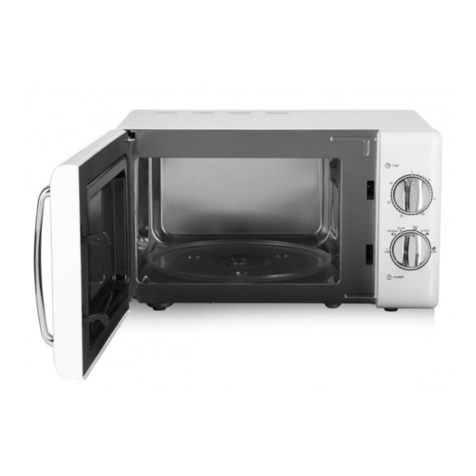
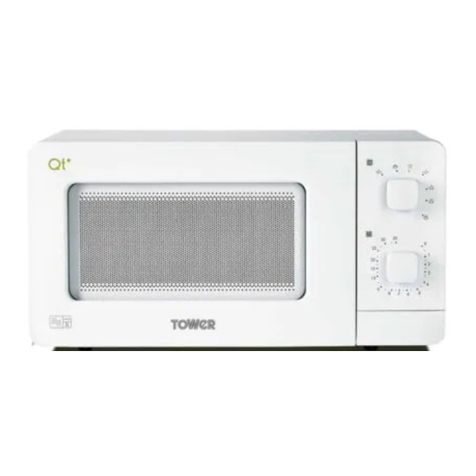
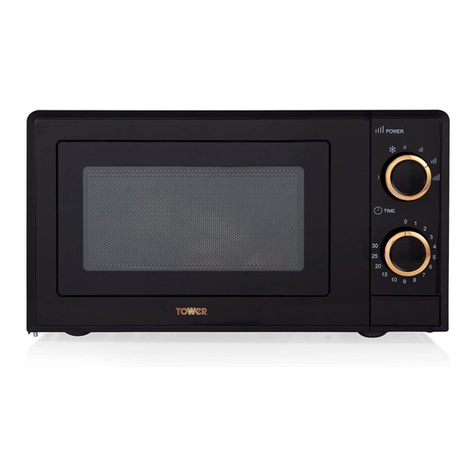
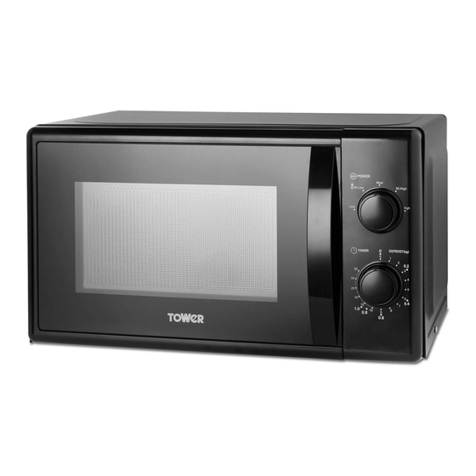
The control panel consists of two function operations, a timer dial and a power dial.
Power Dial:
There are five power levels to choose from when operating the
microwave. Turn the power selection dial clockwise to increase
the microwave’s power level. The power levels are as follows:
Power Setting Description
100% High Reheating, milk,
boiling water,
steaming vegetables,
drinks
77% M.High Rice, fish, chicken,
minced meat
55% Medium Stewing, fish
33% M.Low / Defrost Soup, stew, soften
butter, defrosting
17% Low Keep warm, soften ice
cream
Intelligent Defrost Function:
This unit is equipped with an intelligent defrost function, making
for easy and accurate defrosting. The highlighted weights
around the outer edge of the timer are weight indicators for use
with the Intelligent Defrost function, and are represented in kg.
Each figure is located next to the indicator for the time it will
take to defrost that volume of food, in minutes.. For instance,
0.2kg (200g) of frozen food will typically take about 3 minutes to
defrost, 0.4kg (400g) will take 6 minutes, and so on.
To defrost food using the Intelligent Defrost function, set the
power dial to Medium low, and use the timer dial to select the
appropriate weight for the amount of food you are defrosting.
Timer Dial:
The manual timer dial allows you to select your required cooking time, from 0 – 35 minutes.
To start a cooking session:
Place the food in the oven and close the door.
Turn the power selection dial to select a power level.
Use the timer dial to set a cooking time.
When cooking is complete, a bell will ring and the light inside the microwave will turn off.
Stop/Cancel
Open the door or return the timer to zero.
Note: As soon as the timer dial is turned, the microwave starts cooking. When cooking food for less
than 2 minutes, rotate the timer past the 2 minute mark, then turn it back to the correct required
time.
CAUTION: Always return the timer to the ‘0’ position when not using the microwave. To stop the
cooking process at any time, open the door by the handle.
Note: Cooking results depend on factors such as the shape and size of food, personal preference,
and even how you happen to place food in the oven.
6. Control panel: Used to select functions when operating the microwave.
7. Door Handle: Use to open the door or to pause the cooking process.