2-2 Function Button Description
Button Instruction Description
Power
Button
Long press once Power on/off
Short press twice Switch between Buffering mode and Recording mode.
(Default: Buffering mode)
Snapshot
Button
Long press once
Turn on/off Infrared LEDs.
Note: The default setting for long-pressing the snapshot
button is enabling or disabling the "infrared LEDs." However,
you can change it to the "audio recording function" through the
DrivePro Body Toolbox.
Short press once Take a snapshot.
+Press for 5+ seconds
Reset, format and power off the device.
Note: This function is disabled by default and can be enabled
using the DrivePro Body Toolbox.
Warning: All data will be permanently erased.
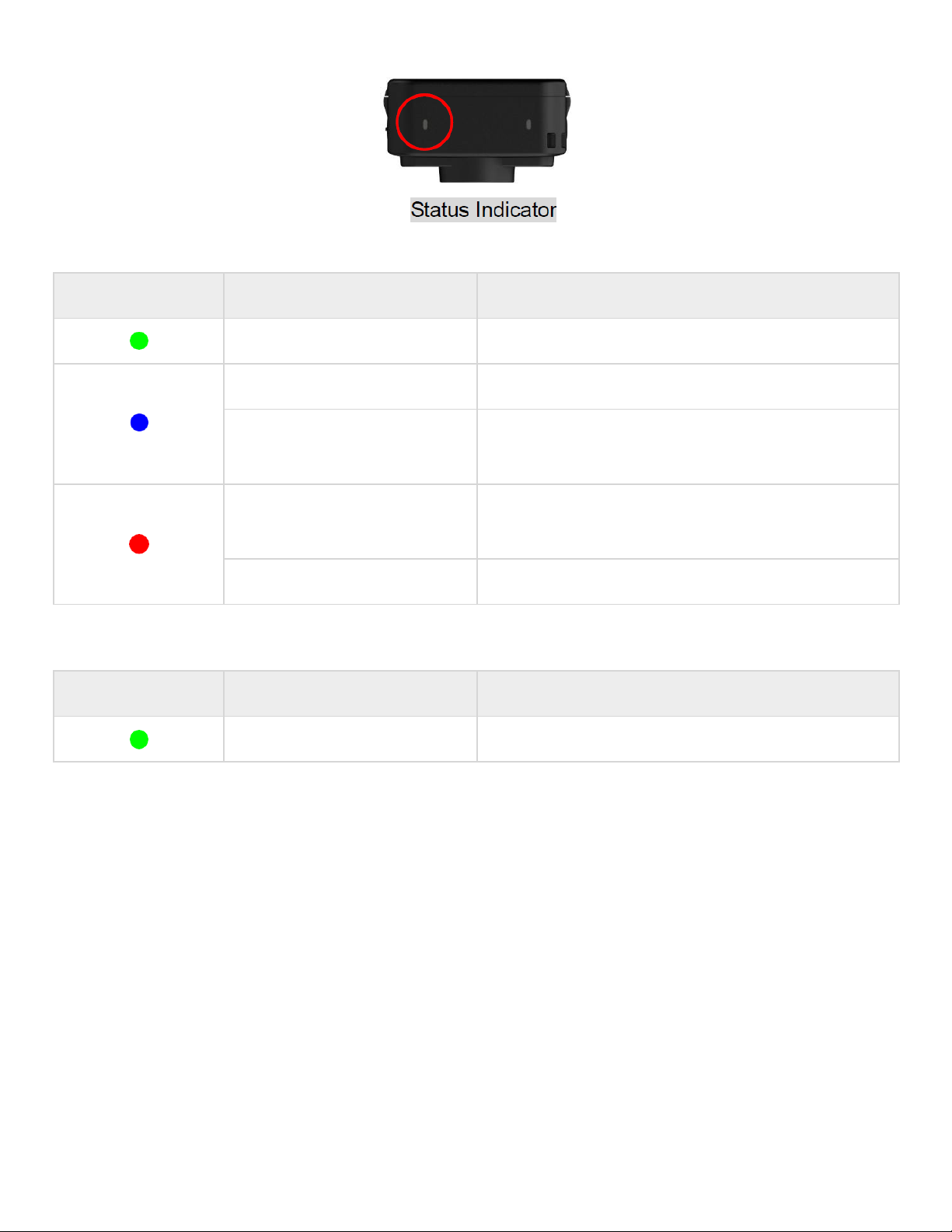
Status
Button Press for 5 seconds Pair and connect to Bluetooth.
Short press once Check the battery and recording status.
Assistive
Button Long press once Turn on/off the light indicators and the buzzer (Stealth
Mode)
Short press twice Turn on/off the microphone (Silent Mode)