manuals.online logo
Brands
  1. Home
  2. •
  3. Brands
  4. •
  5. Triumph Adler
  6. •
  7. Fax Machine
  8. •
  9. Triumph Adler FAX 920 Manual

Triumph Adler FAX 920 Manual

Other Triumph Adler Fax Machine manuals

Triumph Adler FAX 525 User manual

Triumph Adler

Triumph Adler FAX 525 User manual

Triumph Adler 355ci User manual

Triumph Adler

Triumph Adler 355ci User manual

Triumph Adler FAX 950 Manual

Triumph Adler

Triumph Adler FAX 950 Manual

Triumph Adler 350ci User manual

Triumph Adler

Triumph Adler 350ci User manual

Triumph Adler FAX 940 Manual

Triumph Adler

Triumph Adler FAX 940 Manual

Triumph Adler FAX 930 Manual

Triumph Adler

Triumph Adler FAX 930 Manual

Triumph Adler FAX 720 Manual

Triumph Adler

Triumph Adler FAX 720 Manual

Triumph Adler 260ci User manual

Triumph Adler

Triumph Adler 260ci User manual

Triumph Adler FAX 942 Manual

Triumph Adler

Triumph Adler FAX 942 Manual

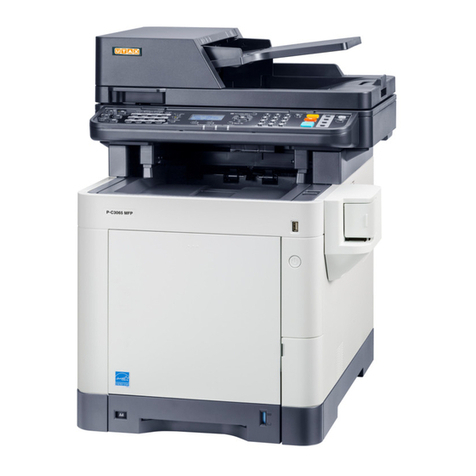
Triumph Adler P-C3065 MFP User manual

Triumph Adler

Triumph Adler P-C3065 MFP User manual

Popular Fax Machine manuals by other brands

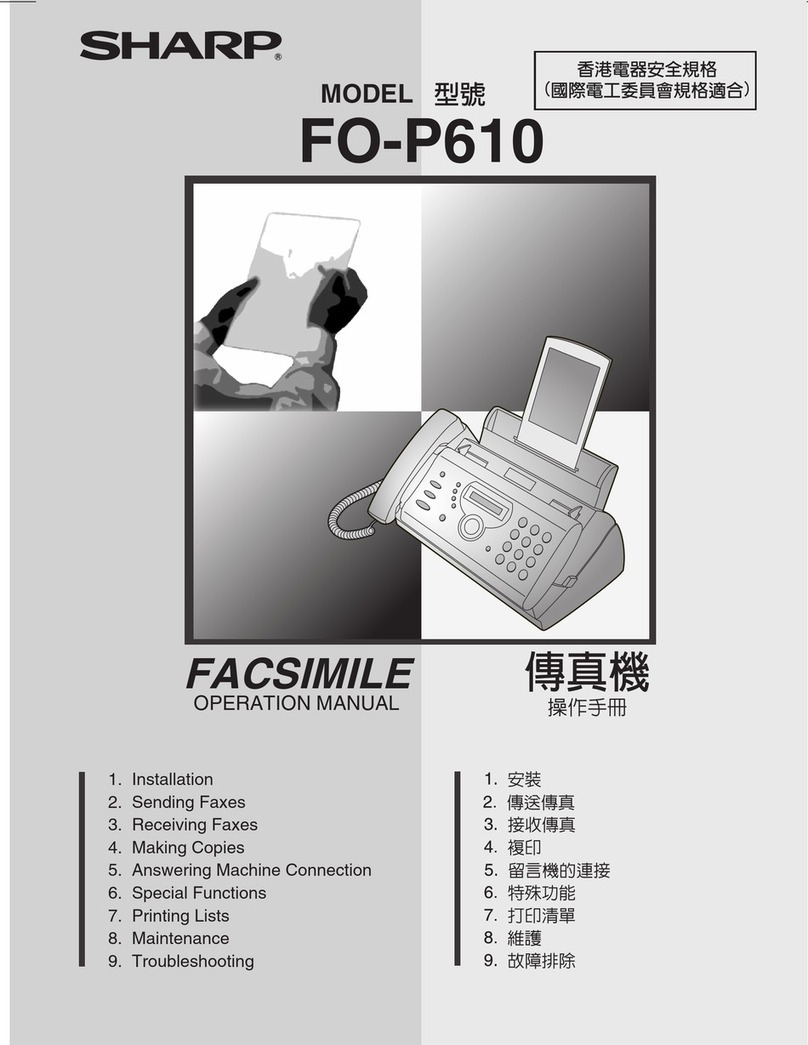
Sharp FO-P610 Operation manual

Sharp

Sharp FO-P610 Operation manual

Panasonic KX-FT982HK operating instructions

Panasonic

Panasonic KX-FT982HK operating instructions

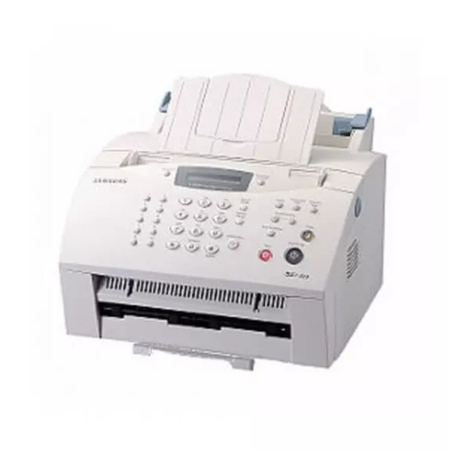
Samsung SF-515 user manual

Samsung

Samsung SF-515 user manual

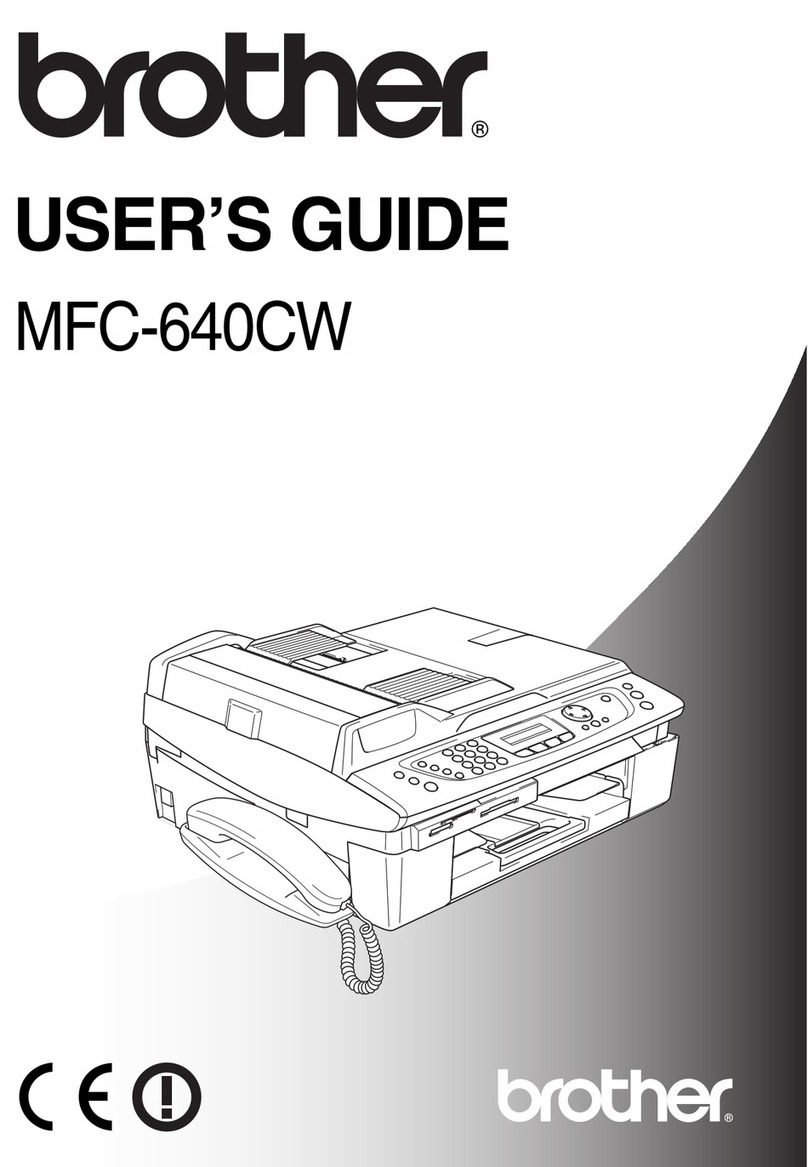
Brother MFC 640CW - Color Inkjet - All-in-One user guide

Brother

Brother MFC 640CW - Color Inkjet - All-in-One user guide

Radio Shack TFX-1031 owner's manual

Radio Shack

Radio Shack TFX-1031 owner's manual

imagistics 2030 Operator's guide

imagistics

imagistics 2030 Operator's guide

Panasonic KX-FL501C operating instructions

Panasonic

Panasonic KX-FL501C operating instructions

Samsung FX100 Operator's guide

Samsung

Samsung FX100 Operator's guide

Panasonic KX-FP200L operating instructions

Panasonic

Panasonic KX-FP200L operating instructions

Furuno FAX-30 Operator's manual

Furuno

Furuno FAX-30 Operator's manual

Savin 3740 Setup

Savin

Savin 3740 Setup

Sharp FO-51 Operation manual

Sharp

Sharp FO-51 Operation manual

Muratec MFX-C3035 user guide

Muratec

Muratec MFX-C3035 user guide

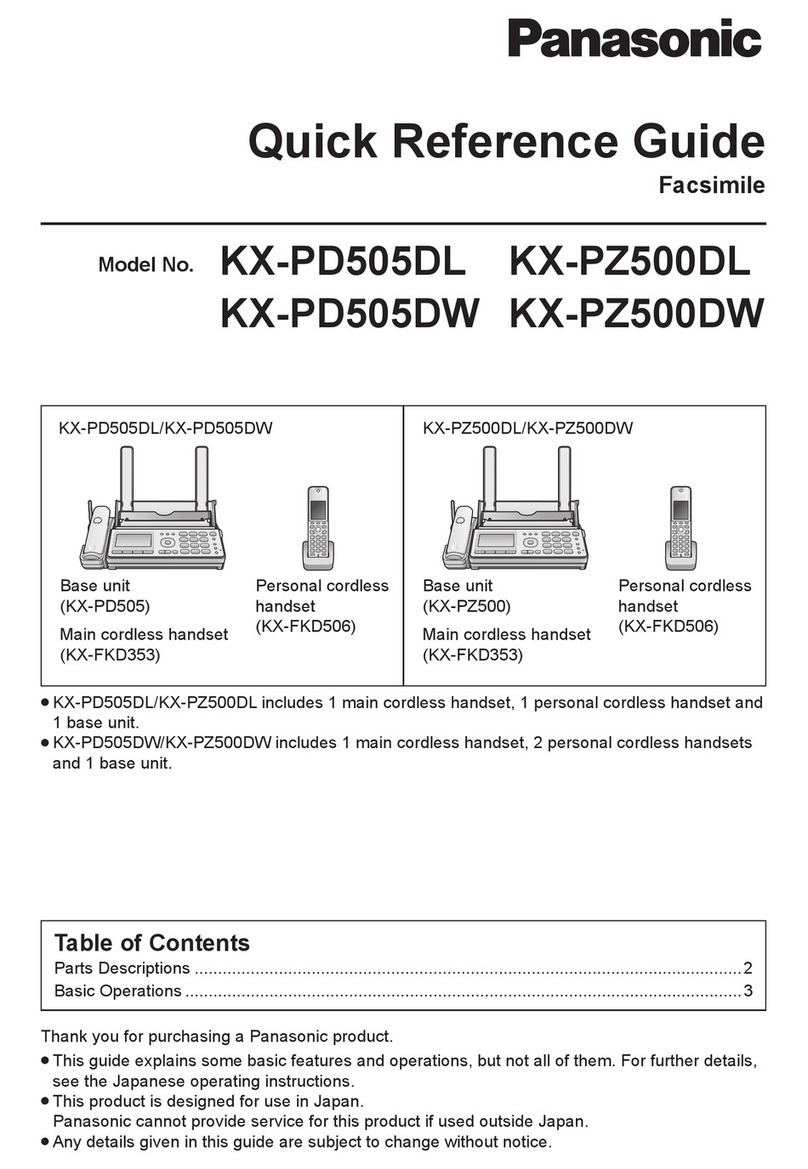
Panasonic KX-PD505DL Quick reference guide

Panasonic

Panasonic KX-PD505DL Quick reference guide

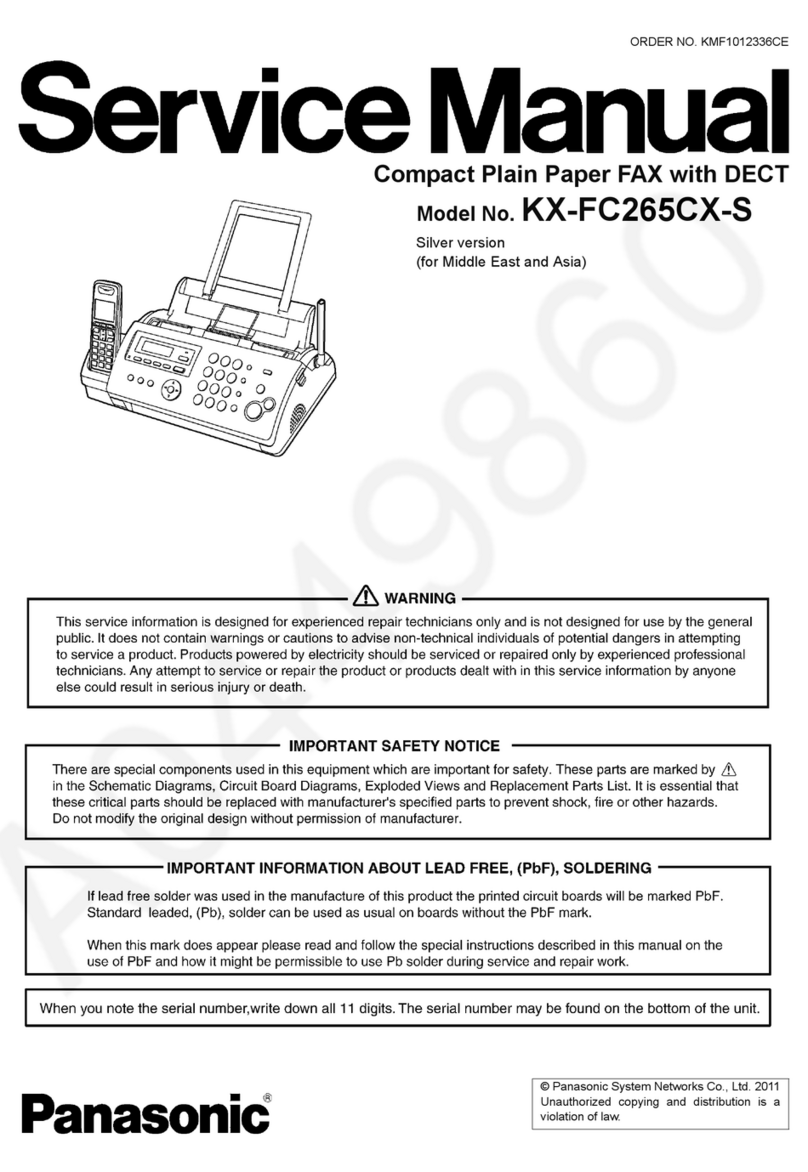
Panasonic KX-FC265CX-S Service manual

Panasonic

Panasonic KX-FC265CX-S Service manual

Canon FAX-L400 Facsimile guide

Canon

Canon FAX-L400 Facsimile guide

Ricoh 1000L Field service manual

Ricoh

Ricoh 1000L Field service manual

Sharp FO-3150 Operation manual

Sharp

Sharp FO-3150 Operation manual

manuals.online logo
manuals.online logoBrands
  • About & Mission
  • Contact us
  • Privacy Policy
  • Terms and Conditions

Copyright 2025 Manuals.Online. All Rights Reserved.

INSTRUCTION HANDBOOK
FAX 920
2
Please read and follow all warnings and instructions.
Ensure the machine is stable and secure on a level surface. The
surface should be smooth and horizontal. Do not place the
machine on carpet. The fax machine may be damaged if it falls
and may cause serious injury, especially to small children.
Do not place anything in front of the fax machine, as this will
obstruct the document feeder.
Do not place the fax machine in direct sunlight. Do not place it
near to a radiator, heater, radio, television or air conditioning
unit. Do not allow it to come into contact with dust, water or
chemicals.
To avoid ris of overheating do not cover your fax machine.
Place the fax machine so that air can circulate freely. Do not
operate it in enclosed spaces such as cabinets, cupboards or
drawers. Do not cover the fax machine with tablecloths, paper
or folders. Do not place the fax machine on soft surfaces such as
beds, duvets, cushions, sofas or carpets as there is a ris of
overheating and fire.
Do not connect the mains or telephone line in a damp atmos-
phere, unless the connectors are especially adapted. Do not touch
soc ets or telephone connectors with wet hands.
If you want to use a cordless phone, place the base station at
least 15 cm away from the fax machine to avoid interference.
Do not touch telephone wires or mains cables where the insu-
lation is missing or damaged unless they are already discon-
nected.
Ensure the cabling is safe and does not present a trip hazard as
this may damage both the cable and the fax machine.
Unplug the fax machine from the mains and the telephone line
before cleaning.
Do not use liquid or aerosol cleaners such as sprays or polishes.
Never spill liquid of any ind into the machine. There is a ris
of electric shoc or other injury. The machine may be damaged.
If liquid is accidentally spilled into the machine, unplug the
machine immediately and have it inspected.
If the display is bro en, a wea acid may lea out. Avoid contact
with s in and eyes.
If the casing or the mains cable is damaged, unplug the fax
machine. The cover of the fax machine may only be opened by
authorized service personnel.
Your machine has been tested to EN 60950 or IEC 60825-1
and may only be operated on telephone networ s and power
supplies that conform to these standards.
Safety instructions
Do not expose your fax machine to rain or other liquids, as
there is a ris of electric shoc or fire.
Disconnect the fax machine from the mains and the telephone
line during thunderstorms. If this is not possible, avoid using
the fax machine or the telephone during the storm. There is a
ris of electric shoc from lightning and ris of damage to the
machine.
If there is a power failure neither the fax machine nor the tele-
phone will wor .
During a power failure the numbers and names stored in the
telephone boo and the speed dial eys and other data will be
saved with the aid of a bac up battery. If the battery is dead, the
information will be lost.
If there is a power failure any faxes stored in the memory will be
lost.
This fax machine is only intended for use in the country in
which it was purchased. It meets the requirements of the tel-
ephone companies.
3
Contents
Installation..........................4
Pac aging ..................................................................................... 4
Description .................................................................................. 5
Controls ....................................................................................... 6
Accessories ................................................................................... 7
Inserting paper ............................................................................ 8
Inserting toner ............................................................................ 8
Changing toner ........................................................................... 9
Connecting the fax machine ...................................................... 9
Additional telephones.............................................................. 10
ISDN connection ...................................................................... 11
Private branch exchange (PABX) ............................................. 11
Basic settings................... 12
Country selection ...................................................................... 12
Display language ....................................................................... 12
Help............................................................................................ 12
Your number ............................................................................ 12
Your name ................................................................................. 12
Time and date ........................................................................... 12
Volume ...................................................................................... 12
Energy save mode .................................................................... 13
Toner save mode ...................................................................... 13
List of settings .......................................................................... 13
Fax switch ........................ 14
TEL mode................................................................................. 14
FAX mode................................................................................. 14
AUT mode ................................................................................ 14
TAM mode ............................................................................... 14
Fax reception from a different phone ..................................... 14
Telephone......................... 15
Ma ing a call .............................................................................. 15
Re-dialling .................................................................................. 15
Speed dialling ............................................................................ 15
Phoneboo ................................................................................ 15
Groups ...................................................................................... 16
Calling line identification ......................................................... 16
Printing a journal ...................................................................... 17
Fax .................................... 18
Inserting a document ............................................................... 18
Sending a fax ............................................................................. 18
Resolution ................................................................................. 18
Reducing .................................................................................... 18
Memory ..................................................................................... 19
Sending later .............................................................................. 20
Sending with code .................................................................... 20
Receive polling .......................................................................... 20
Transmit polling ....................................................................... 20
Transmission speed .................................................................. 21
Reception speed ........................................................................ 21
Transmission report ................................................................. 21
Reception report ....................................................................... 21
Copy ..........22
Copy ........................................................................................... 22
Troubleshooting .............. 2
Error codes ...................... 25
Annex ............................... 27
Technical data............................................................................. 27
Glossary ..................................................................................... 27
Guarantee .................................................................................. 28
Order service .............................................................................. 28
Declaration of conformity ....................................................... 29
Index................................. 0

4
Packaging
The shipment includes the following parts:
Installation
Telephone cable with connector
User Manual
Telephone handset with spiral cable
Toner cartridge
Document holder
Document exit tray
nstallation Guide
Fax machine with paper tray
5
Document holder
Document feeder
(Maximum 15 pages)
Document guide
Cover
Cover grip
Paper tray
(Maximum 125 pages)
Cover for paper tray
Document exit tray
Paper exit tray
pull out of paper tray
Mains cable
Telephone cable
Port for printer cable
only for LPF 755
Toner cartridge
Paper eject lever
Description
Control panel
Space for entering names
6
Controls
g
Indicates that you are ma ing a telephone call/dialing on-hoo /
printing from the PC (Laserfax 755 only)
v
If this symbol flashes please read the display
STOP
Interrupts the process / ejects the document /
cancels the input
START/COPY
Starts fax transfer or copies document
RESOLUT ON
Improves the clarity of text and drawings when sending and
copying
u
Select options / set volume / move display cursor
MENU
Use to select functions
TEL/FAX/AUTO
Set receive mode (TEL/FAX/AUTO/TAM)
R
For special functions e.g. when using a PABX or accessing func-
tions provided by your telephone provider (toggling, call wait-
ing, etc.)
PP
Redial the last five numbers dialed / insert a pause between two
digits
Speed dial keys
Dial stored numbers
m A-Z
Loo up names and telephone numbers
l
On-hoo dialing. Press this ey to signal a voice request after
sending or receiving documents
MEMORY
Memory functions
7
8
Inserting paper
1Pull out the paper tray.
2Fan the paper to prevent more than one sheet being drawn
through at a time.
3Open the cover of the paper tray and insert paper up to the
mar (Standard A4 210 x 297 mm, 80 g/m2). The tray holds
up to 125 sheets.
4Insert documents that need to be printed or copied (such as
templates or headed paper) with the printed side (face)
down.
5Push the paper down until the small lever (A) loc s into
place. Replace the cover.
6Carefully push in the paper tray.
vDo not fill the paper tray above the mark. Do
not insert paper when the machine is printing.
Do not use paper that has already been printed
by a laser printer as this can lead to paper jams.
Inserting toner
Before you can send, receive or copy documents, there must be
a toner cartridge in the fax machine. A free toner cartridge is
included with your fax machine.
1Ta e the cartridge out of the pac aging and remove the
extra paper.
2Sha e the toner several times to improve the print quality.
vDo not touch the underside of the toner car-
tridge as this can affect the print quality.
3Carefully pull out the tab on the left-hand side of the car-
tridge.
9
4Grip the cover at the sides and fold it bac wards. Insert the
toner cartridge into the holder until it loc s and then close
the cover.
DOnly use PHILIPS original toner PFA721. You can order
toner cartridges directly from PHILIPS. (See Annex/Order
Service)
Changing toner
1Follow points 1-3 under Inserting a toner cartridge.
2Grip the cover at the sides and fold it bac wards.
3Remove the toner cartridge by grasping it firmly in the mid-
dle and pulling upwards.
4Insert the new toner in the holder until it loc s and then
close the cover.
DKeep the open/used toner in its original pac aging or wrap
it in a cloth and return it to your local retailer.
Connecting the fax
machine
To the mains
1Plug the fax machine into the wall soc et.
2The display shows
SELECT COUNTRY
.
3Press START/COPY and choose the country where the
fax machine will be used with u.
4Confirm with START/COPY. After warming up the ma-
chine passes into the energy save mode.
10
To the telephone line
Connect the telephone cable to the fax machine by inserting it
into the soc et labeled L NE on the rear of the machine.
n the UK
For all other countries
Additional
telephones
In addition to your fax machine you can connect other devices
to your telephone line such as cordless phones, answering ma-
chines, charge counters or modems to a single telephone line.
For UK: As long as the Ringer Equivalent Number (REN value)
on the line doesnt exceed 4. The REN value of this fax is 1.
If you want to use other equipment with your fax machine
please contact your dealer.
Same socket
(not in all countries)
You can connect additional devices to the same telephone soc et.
Ma e sure the fax machine is the first device connected to the
line.
Connecting additional devices to the same soc et ensures you
the optimal functionality of your fax switch. Your fax machine
can control the additional devices.
Separate sockets
(not in all countries)
You can connect additional devices to separate soc ets on the
same line even if they are in different rooms.
Please note: If you connect additional devices to separate soc -
ets (e.g. in separate rooms) your fax switch cannot control them
(which means that your fax machine behaves li e any ordinary
fax machine). Therefore we recommend you to connect your
additional devices to the same soc et.