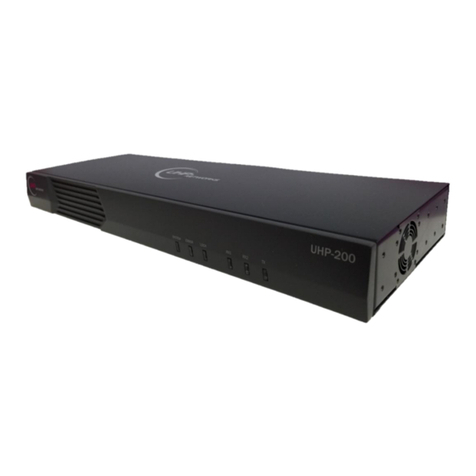
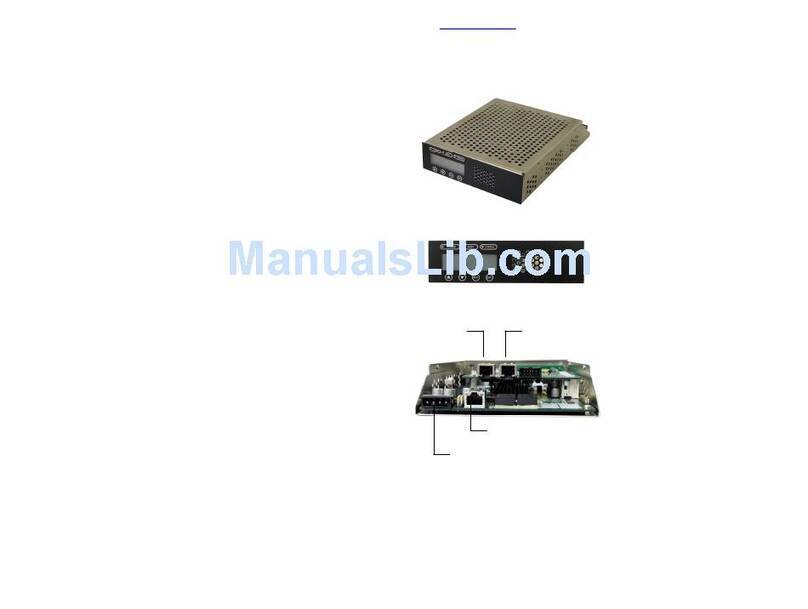
UHP-100 HIGH-THROUGHPUT SATELLITE ROUTER
GENERAL DESCRIPTION AND INSTALLATION GUIDE, v3.2
© UHP NETWORKS INC 20162 www.uhp.net
CONTENT
Acronyms and Abbreviations ..........................................................................................................4
Introduction.....................................................................................................................................6
Required level of qualification ..................................................................................................................6
Document version and applicability..........................................................................................................6
Copyright...................................................................................................................................................6
1. General description ..............................................................................................................7
1.1 System overview.......................................................................................................................7
1.2 Measurement equipment, tools and accessories ....................................................................7
1.3 Labeling and sealing..................................................................................................................7
1.4 Packaging and content..............................................................................................................8
1.5 Description and principles of operation ...................................................................................8
1.5.1 Overview...................................................................................................................................9
1.5.2 Router composition ..................................................................................................................9
1.5.3 Power connector (DC 24V) .......................................................................................................9
1.5.4 LAN interface connectors (LAN1 and LAN2).............................................................................9
1.5.5 USB CONSOLE ...........................................................................................................................9
1.5.6 Modulator output (TX OUT) .....................................................................................................9
1.5.7 RESET button ..........................................................................................................................10
1.5.8 IF switch inputs (RX1 and RX2) ...............................................................................................10
1.5.9 “SYSTEM” Indicator.................................................................................................................10
1.5.10 “ERROR” Indicator .............................................................................................................10
1.5.11 “LOCK” Indicator................................................................................................................11
1.5.12 “RX1” Indicator ..................................................................................................................11
1.5.13 “RX2” Indicator ..................................................................................................................11
1.5.14 “TX” Indicator ....................................................................................................................11
2. Operations ..........................................................................................................................12
2.1 Operational limits ...................................................................................................................12
2.2 Preparation for use.................................................................................................................12
2.2.1 Unpacking ...............................................................................................................................12
2.2.2 Installation ..............................................................................................................................12
2.2.3 Connecting to external devices ..............................................................................................12
2.2.4 Powering on............................................................................................................................13
2.2.5 Local access to router via HTTP interface...............................................................................13
2.2.6 Local access via USB................................................................................................................13
2.2.7 Remote Telnet access.............................................................................................................14
2.2.8 Command Interface................................................................................................................14
3. Operations ..........................................................................................................................15
3.1 Software updates....................................................................................................................15