manuals.online logo
Brands
  1. Home
  2. •
  3. Brands
  4. •
  5. Vello
  6. •
  7. Camera Accessories
  8. •
  9. Vello LA-MFT-CFD User manual

Vello LA-MFT-CFD User manual

This manual suits for next models

1

Other Vello Camera Accessories manuals
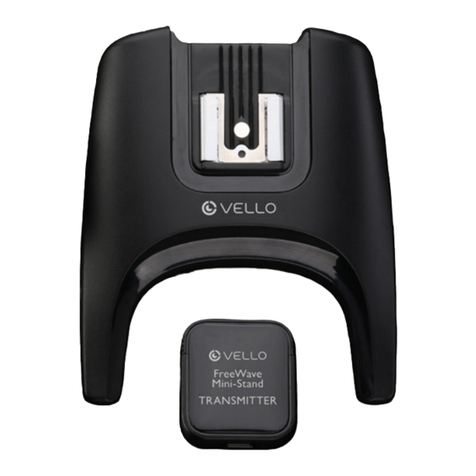
Vello Freewave User manual

Vello

Vello Freewave User manual

Vello BG-N10 User manual

Vello

Vello BG-N10 User manual
Vello BG-N6 User manual

Vello

Vello BG-N6 User manual

Vello freewave stryker User manual

Vello

Vello freewave stryker User manual
Vello AF EXTENSION TUBE SET User manual
Vello

Vello AF EXTENSION TUBE SET User manual

Vello BG-C9-2 User manual

Vello

Vello BG-C9-2 User manual
Vello BG-BMP6K User manual

Vello

Vello BG-BMP6K User manual

Vello BG-S4 User manual

Vello

Vello BG-S4 User manual
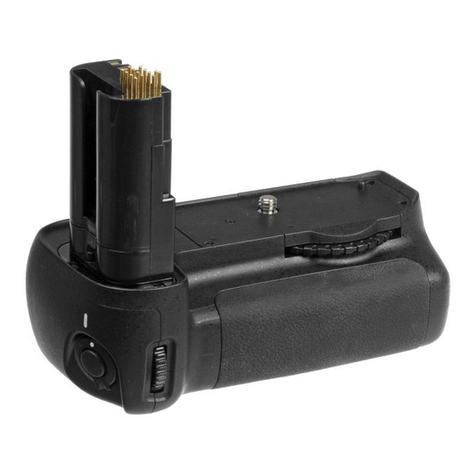
Vello BG-N2 User manual

Vello

Vello BG-N2 User manual
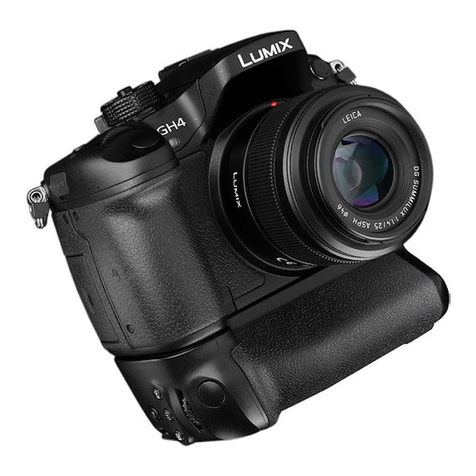
Vello BG-P1 User manual

Vello

Vello BG-P1 User manual
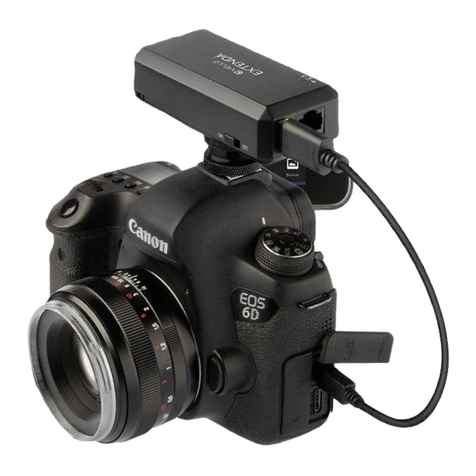
Vello Extenda LW-100 User manual

Vello

Vello Extenda LW-100 User manual
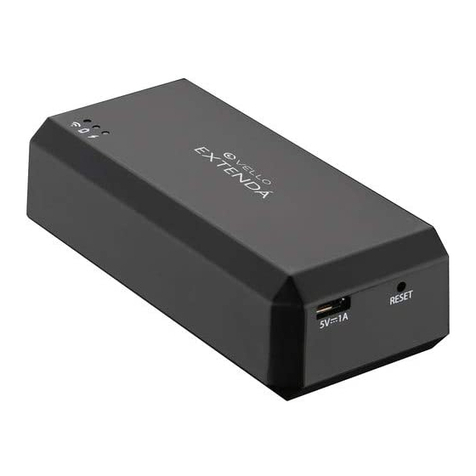
Vello EXTENDA User manual

Vello

Vello EXTENDA User manual
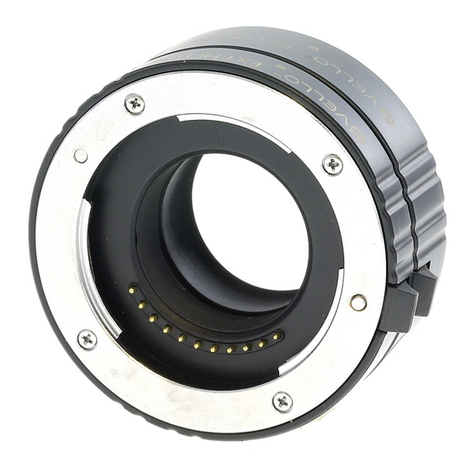
Vello LAE-SE-NF User manual

Vello

Vello LAE-SE-NF User manual
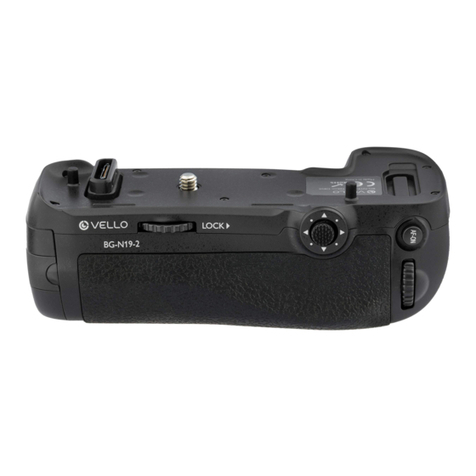
Vello BG-N19 User manual

Vello

Vello BG-N19 User manual
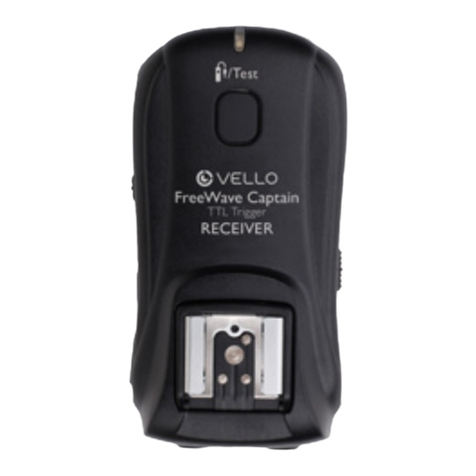
Vello FreeWave Captain User manual

Vello

Vello FreeWave Captain User manual

Vello AF EXTENSION TUBE SET User manual
Vello

Vello AF EXTENSION TUBE SET User manual

Vello BG-N5 User manual

Vello

Vello BG-N5 User manual
Vello BG-N15-2 User manual

Vello

Vello BG-N15-2 User manual
Vello BG-N19-2 User manual

Vello

Vello BG-N19-2 User manual
Vello BG-N23 User manual

Vello

Vello BG-N23 User manual
Vello FreeWave Viewer User manual

Vello

Vello FreeWave Viewer User manual

Vello Freewave micro User manual

Vello

Vello Freewave micro User manual

Vello Flashboss User manual

Vello

Vello Flashboss User manual

Vello BG-P2 User manual

Vello

Vello BG-P2 User manual

Popular Camera Accessories manuals by other brands

CamRanger CamRanger user manual

CamRanger

CamRanger CamRanger user manual

Custom Brackets HDV CAGE KIT Instructions for use

Custom Brackets

Custom Brackets HDV CAGE KIT Instructions for use

Aegis ABL052010P user manual

Aegis

Aegis ABL052010P user manual

Saft SRA Series Installation and operating instructions

Saft

Saft SRA Series Installation and operating instructions

Kodak TIB5200 technical information

Kodak

Kodak TIB5200 technical information

Videotec HEG instruction manual

Videotec

Videotec HEG instruction manual

Ikelite 6171.11 manual

Ikelite

Ikelite 6171.11 manual

Pentax Auto Bellows Slide Copier K user manual

Pentax

Pentax Auto Bellows Slide Copier K user manual

Nikon UT-1 user manual

Nikon

Nikon UT-1 user manual

dji RONIN 4D quick start guide

dji

dji RONIN 4D quick start guide

SLIK ABLE 300DX user manual

SLIK

SLIK ABLE 300DX user manual

Rebelcell 36V70 user manual

Rebelcell

Rebelcell 36V70 user manual

Trojan GC2 48V quick start guide

Trojan

Trojan GC2 48V quick start guide

Calumet 7100 Series CK7114 operating instructions

Calumet

Calumet 7100 Series CK7114 operating instructions

Ropox 4Single Series User manual and installation instructions

Ropox

Ropox 4Single Series User manual and installation instructions

Cambo Wide DS Digital Series Main operating instructions

Cambo

Cambo Wide DS Digital Series Main operating instructions

Samsung SHG-120 Specification sheet

Samsung

Samsung SHG-120 Specification sheet

Ryobi BPL-1820 Owner's operating manual

Ryobi

Ryobi BPL-1820 Owner's operating manual

manuals.online logo
manuals.online logoBrands
  • About & Mission
  • Contact us
  • Privacy Policy
  • Terms and Conditions

Copyright 2025 Manuals.Online. All Rights Reserved.

LENS
ADAPTER
MANUAL
LA-MFT-CFD
LA-CEF-CFD
2
Thank you for choosing a Vello Lens Adapter. Vello lens adapters allow you to use lenses from
manufacturers other than the maker of your camera body. Vello Lens Adapters fit securely to
the lens, but not so tightly that they are dicult to remove. Please follow these instructions to
mount and remove your Vello Lens Adapter.
Although the lens will t physically, automatic diaphragm (AE metering), and other functions dependent
on communication between the camera body and lens, will be disrupted by a lens adapter. You will need
to set exposures manually or meter in aperture priority (stop-down) mode. The lens adapter adds a 1.25
magnication to the lens. Focusing to innity is retained.
INTRODUCTION
All images are for illustrative purposes only.
3
1. Line up the alignment dots on the lens
adapter and the camera. Rotate the lens
adapter clockwise until it locks into place.
TO MOUNT THE LENS ADAPTER
Some Canon FD lenses have a breech-lock mount instead of a bayonet mount with a release
button. If your Canon FD lens has a breech-lock mount, follow these instructions. If your Canon
FD lens has a bayonet mount, follow the next set of instructions.
BREECH-LOCK MOUNT
4
3. Line up the alignment dots on the lens and
the lens adapter.
2. Make sure the locking collar on the lens is
rotated completely counterclockwise
(A)
.
Note: On some lenses, this is not necessary.
Rotate the collar on the lens adapter in the
direction of the arrow to the OPEN position
(B).
5
4. Rotate the locking collar on the lens
clockwise until it is secure.
5. Rotate the collar on the lens adapter in
the direction of the arrow to the LOCK
position.
6
1. Rotate the locking collar on the lens
counterclockwise to release the lens.
2. Press and hold the lens release button
on the camera. Rotate the lens adapter
counterclockwise to release.
TO REMOVE THE LENS ADAPTER
7
2. Rotate the collar on the lens adapter in
the direction of the arrow to the OPEN
position.
1. Line up the alignment dots on the lens
adapter and the camera. Rotate the lens
adapter clockwise until it locks into place.
TO MOUNT THE LENS ADAPTER
BAYONET MOUNT
8
3. Line up the alignment dots on the lens and
the lens adapter. Rotate the lens clockwise
until it locks into place.
4. Rotate the collar on the lens adapter in
the direction of the arrow to the LOCK
position.
9
1. Press and hold the release button on the
lens.
2. Rotate the lens counterclockwise to
release.
TO REMOVE THE LENS ADAPTER
10
3. Press and hold the lens release button
on the camera. Rotate the lens adapter
counterclockwise to release.
For Micro Four-Thirds (MFT) cameras, enable
the “Shoot without Lens” function in the menu
of the camera.
Tip: When shooting at a low f/stop, rotate the
collar on the lens adapter to OPEN position to
let in more light for easier focusing. Once you
have focused the image, rotate the collar on the
lens adapter to the LOCK position before taking
the picture.