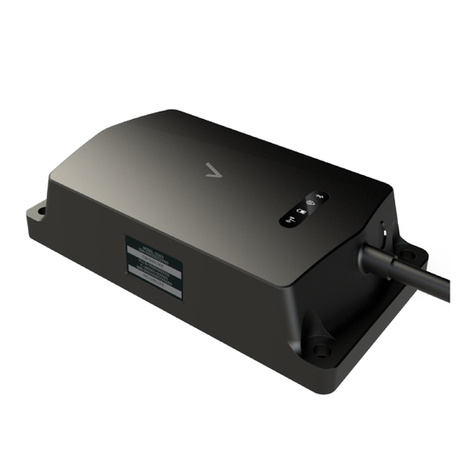
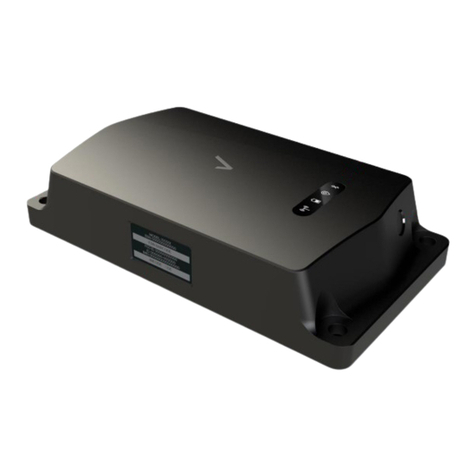
Global Asset Tracker
2
Contents
Contents.................................................................................................................................................................................................................................................................................. 2
Welcome................................................................................................................................................................................................................................................................................. 3
Device overview ................................................................................................................................................................................................................................................................. 4
LED Display Summary.................................................................................................................................................................................................................................................... 6
Off (Mode 0).................................................................................................................................................................................................................................................................. 6
Power Save Mode or PSM (Mode 1)...............................................................................................................................................................................................................7
On (Mode 2) ..................................................................................................................................................................................................................................................................8
Sensor information ...........................................................................................................................................................................................................................................................9
Unpacking your device.................................................................................................................................................................................................................................................10
Setting Up...............................................................................................................................................................................................................................................................................11
Charging the device.................................................................................................................................................................................................................................................11
Charging batteries ....................................................................................................................................................................................................................................................11
Turning ON device....................................................................................................................................................................................................................................................11
Turning OFF device .................................................................................................................................................................................................................................................11
Device placement............................................................................................................................................................................................................................................................ 12