ADSL ROUTER USER MANUAL
1.2 Packet Contents
The packet contents are as follows:
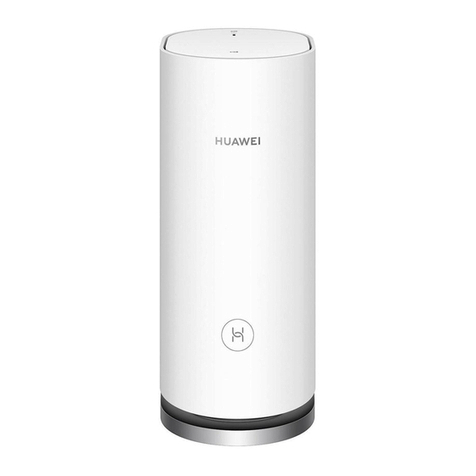
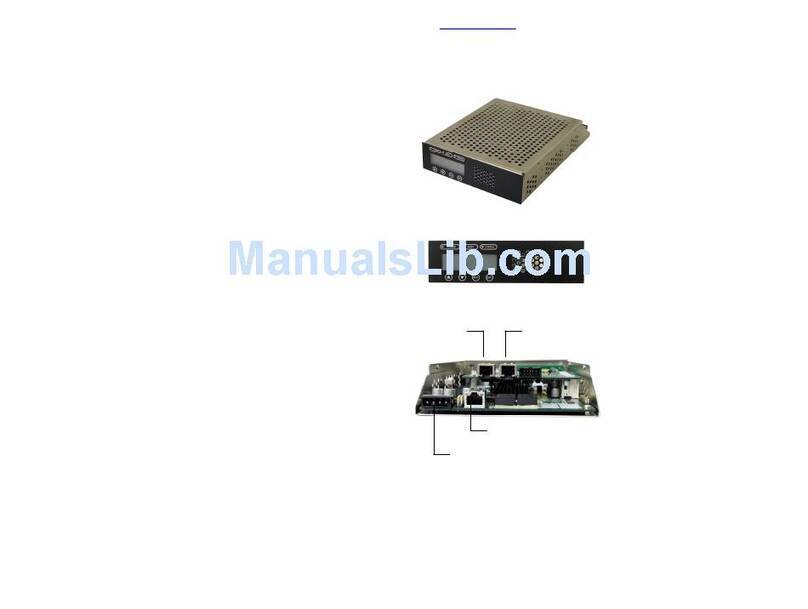
ADSL Router x 1
External Splitter x 1
Power Adapter x 1
Telephone Line x 1
Ethernet Cable x 1
1.3 System Requirements
Before utilizing this ADSL router, verify that the following requirements are met:
Subscription for ADSL service. Your ADSL service provider should provide you
with at least one valid IP address (static assignment or dynamic assignment
via dial-up connection).
One or more computers, each containing an Ethernet 10/100M Base-T
network interface card (NIC).
A hub or switch, if you are connecting the device to more than four computers.
For system configuration using the supplied web-based program: A web
browser such as Internet Explorer v5.0 or later, or Netscape v4.7 or later.
1.4 Factory Defaults
The device is configured with the following factory defaults:
IP Address: 192.168.1.1
Subnet Mask: 255.255.255.0
Encapsulation: RFC 2516 LLC
VPI/VCI: According to local information
1.5 Warnings and Cautions
Never install telephone wiring during a storm. Avoid using a telephone during
an electrical storm. There may be a risk of electric shock from lightening.
Do not install telephone jacks in wet locations and never use the product near
water.
To prevent dangerous overloading of the power circuit, be careful about the
designed maximum power load ratings. Not following the rating guideline could
result in a dangerous situation.
Please note that the telephone line on the ADSL router must adopt the primary
line that directly outputs from the junction box. Do not connect the ADSL router
to an extension phone. In addition, if your house developer divides a telephone
line to multiple sockets inside the wall of your home, please only use the
telephone that is connected with the splitter of the ADSL router when you
access the Internet. Under the above condition, if you also install a telephone