8
SET-UP & BASIC OPERATION
Essential Set-up
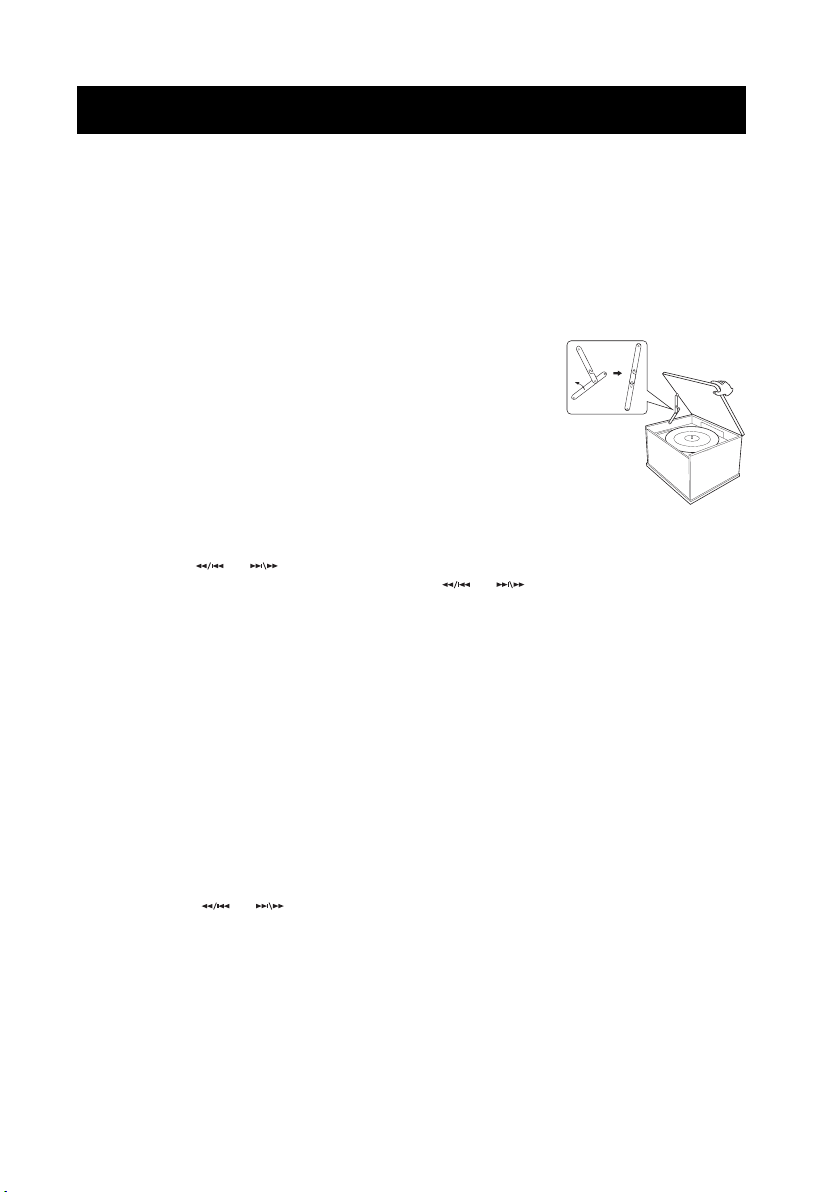
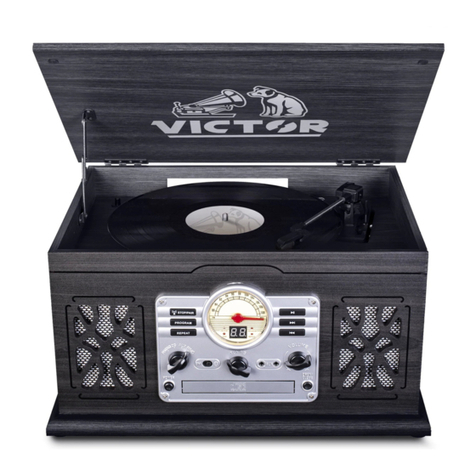
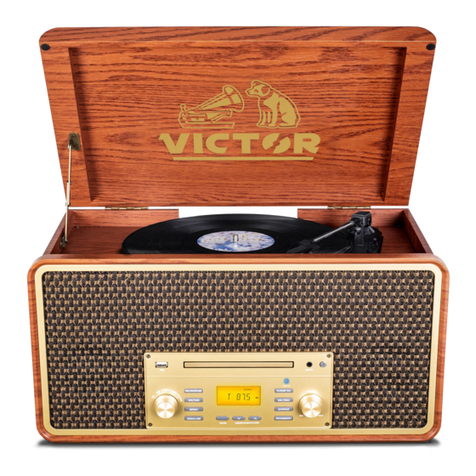
To Open Turntable Cover
1. Lift the turntable cover all the way up until it stops.
2. Lower the cover slowly until the latch engages. If the latch
does not engage, pull the lower bar by hand.
3. The cover will now stay open.
To Close Turntable Cover
1. Lift the cover all the way up until it stops.
2. The latch should disengage and you may now slowly lower the cover. If
the latch does not disengage, push out the lower bar by hand.
CAUTION: Make sure you hold the cover to avoid pinching your fingers
as it closes.
Common Playback Control
● Press the PLAY/PAUSE button to pause/play the playback.
● Press the or button to skip to next or previous track.
● To search for a part of track: press and hold the or buttons and release it when the
part you want is found.
● To search for and choose a folder, press and hold the PROG/FOL- button or REAPT/FOL+
button.
● To stop playing, press the STOP/PAIR button.
Note: These controls do NOT always function in specified playback mode.
Repeat Function
Press the Repeat /FOL+ button:
1. Press the STOP button; then press the PROG/FOL- button to activate the program
feature. The display will show “P01” and blinking.
2. Press the or buttons to select your track.
3. Press the PROG/FOL- button again to confirm.
4. Repeat the above steps to program other tracks.
5. After finishing programming tracks, press the PLAY/PAUSE button to start playback.
6. Press the STOP button once to stop.
7. Press the STOP button twice to erase the programmed track.
Notes:
● This feature functions in CD and USB mode.
● This unit can program up to 20 tracks.
● Turning the power off or switching to other playback modes will automatically erase the
programmed playlist.
1. Unpack the unit and remove all packaging materials.
2. Place the unit on a flat and level surface. The selected location should be stable and free
from vibration.
3. Plug the power adaptor into a 120V AC electrical outlet and the other end into the port at
the back of the unit.
4. Extend the FM antennae.
5. Turn on the unit by rotating the Volume/Power knob clockwise until you hear a 'click' sound.
Press and hold Repeat /FOL+ button to skip to next file.
Note: This feature functions in CD and USB mode.
Program Function
This function enables you to set the playback of tracks into an ordered playlist.
•one time, to repeat the current track.
•two times, to repeat the current folder.