Victor STATE User manual


3
WARNING: Invisible laser radiation when open and interlock failed or defeated.
Avoid direct exposure to laser beam.
This equipment is a Class II or double insulated electrical appliance. It has been
designed in such a way that it does not require a safety connection to electrical
earth.
WARNING
CAUTION: TO REDUCE THE RISK OF ELECTRIC SHOCK, DO NOT REMOVE
COVER (OR BACK). NO USER SERVICEABLE PARTS INSIDE. REFER SERVICING
TO QUALIFIED SERVICE PERSONNEL.
DANGEROUS VOLTAGE: The lightning flash with arrowhead symbol
within an equilateral triangle is intended to alert the user to the presence of
uninsulated dangerous voltage within the product`s enclosure that may be of
sufficient magnitude to constitute a risk of electric shock to persons.
ATTENTION: The exclamation point within an equilateral triangle is intended to
alert the user to the presence of important operating and maintenance
(servicing) instructions in the literature accompanying the appliance.
Important Safety Instructions
1. Read these instructions – All the safety and operating instructions should be read before
this product is operated.
2. Keep these instructions – The safety and operating instructions should be retained for
future reference.
3. Heed all warnings – All warnings on the appliance and in the operating instructions should
be adhered to.
4. Follow all instructions – All operating and use instructions should be followed.
5. Do not use this apparatus near water – The appliance should not be used near water or
moisture – for example, in a wet basement or near a swimming pool, and the like.
6. Clean only with a dry cloth.
7. Do not block any ventilation openings. Install in accordance with the manufacturer’s
instructions.
8. Do not install near any heat sources such as radiators, heat registers, stoves, or other
apparatus (including amplifiers) that produce heat.
9. Protect the power cord from being walked on or pinched particularly at the plugs, power
outlets, and at the point where they exit from the apparatus.
10. Only use attachments/accessories specified by the manufacturer.

4
12. Unplug the apparatus during lighting storms or when unused for long periods of time.
13. Refer all servicing to qualified personnel. Servicing is required when the apparatus has
been damaged in any way, such as power supply cord or plug is damaged, liquid has
been spilled or objects have fallen into the apparatus has been exposed to rain or
moisture, does not operate normally, or has been dropped.
14. The mains plug is used as disconnect device, the disconnect device shall remain readily
operable.
15. WARNING: To reduce the risk of fire or electric shock, do not expose this apparatus to
rain or moisture. The apparatus shall not be exposed to dripping or splashing and that no
objects filled with liquids, such as vases, shall not be placed on apparatus.
16. The use of the equipment in moderate climate.
17. The ventilation should not be impeded by covering the ventilation openings with items,
such as newspapers, tablecloths, curtains, etc.
18. Do not place open flame sources, such as lighted candles, on the apparatus.
19. The symbol with indicates AC voltage.
20. CAUTION: These servicing instructions are for use by qualified service personnel only.
To reduce the risk of electric shock do not perform any servicing other than that
contained in the operating instructions unless you are qualified to do so.
11. Use only with the cart, stand, tripod, bracket, or table specified by the
manufacturer, or sold with the apparatus. When a cart or rack is used,
use caution when moving the cart/apparatus combination to avoid injury
from tip-over.

TABLE OF CONTENTS
FEATURES...........................................................................................................................................
SPECIFICATIONS ...............................................................................................................................
PRODUCT OVERVIEW .......................................................................................................................
SETUP & BASIC OPERATION.............................................................................................................
LISTENING TO A CD............................................................................................................................
LISTENING TO AN AUX SOURCE.....................................................................................................
LISTENING TO THE RADIO...............................................................................................................
LISTENING TO A CASSETTE TAPE .................................................................................................
LISTENING TO A RECORD ...............................................................................................................
LISTENING TO BLUETOOTH® ..........................................................................................................
MAINTENANCE ..................................................................................................................................
TROUBLESHOOTING GUIDE ...........................................................................................................
FCC NOTICE.......................................................................................................................................
CAUTION ON MODIFICATIONS ........................................................................................................
SUPPORT............................................................................................................................................
6
6
7
8
9
10
10
11
13
14
17
18
19
19
10
LISTENING VIA EXTERNAL DEVICES..............................................................................................10

6
SPECIFICATIONS AND ACCESSORIES ARE SUBJECT TO CHANGE
WITHOUT NOTICE
FEATURES
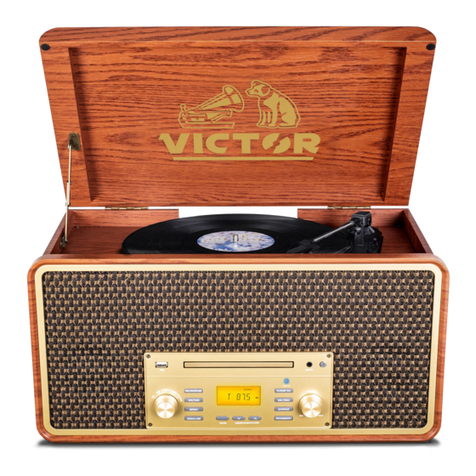
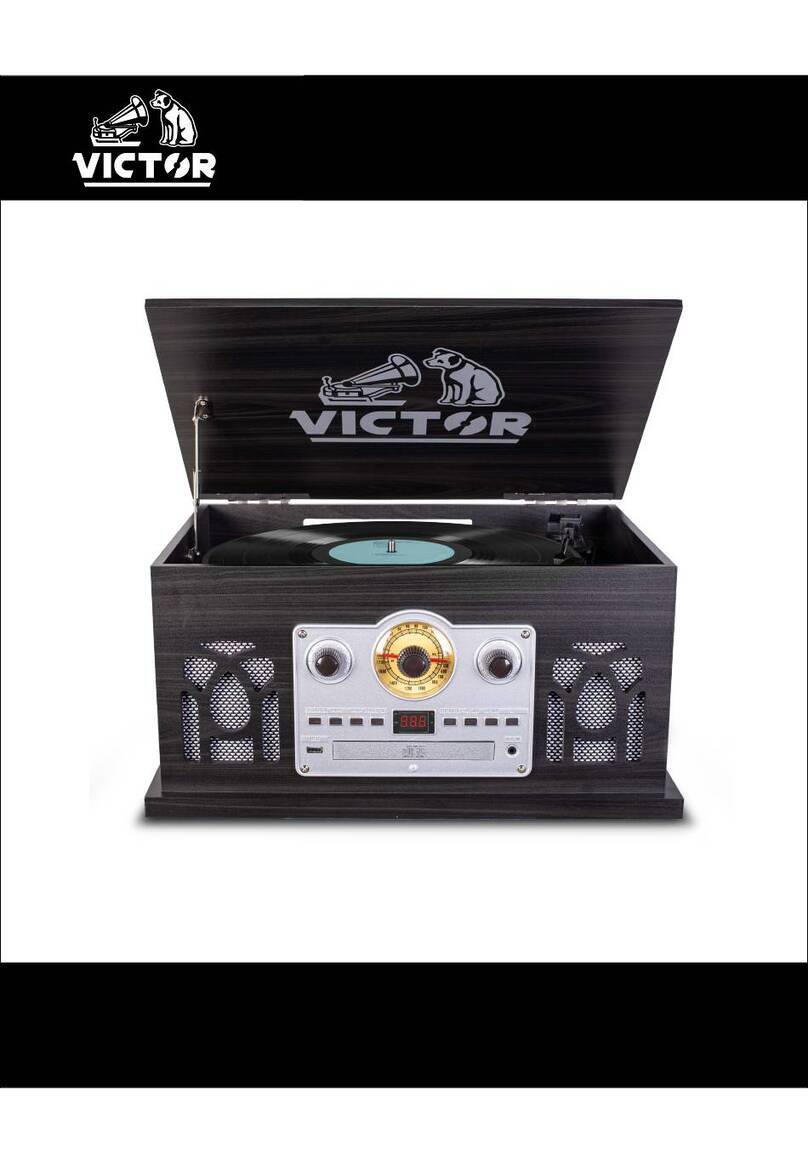
The STATE 7-IN-1 Wood Music Center is loaded with features. The 3 Speed turntable stands ready to
play your favorite vinyl. The Dual Bluetooth model allows streaming of your music to an external
speaker. Includes a Cassette & CD Player, built in Speakers, and FM Radio.
•3-speed record player will play 33 1/3, 45, 78 rpm records
•Bluetooth In connectivity allows you to stream music from another source up to 33 feet away.
•Bluetooth Out Connectivity allows you to stream vinyl playback through any external Bluetooth
Speaker
•CD Player
•Cassette Player
•FM Radio
•Includes a 3.5mm Aux input & Headphone Jack for additional connectivity options
•Built in Stereo Speakers for playback convenience
SPECIFICATIONS
Product Name STATE (7-IN-1 Wood Music Center)
Turntable Speed 33 1/3, 45, 78 RPM
FM Frequency Range 87.5 - 108 MHz
Bluetooth® Version V5.1
Bluetooth® Transmission Distance Up to 33 feet (10 Meters)*
Rated Frequency 2.40GHz
Input Aux In
Output Line Out, Headphone x1
Built-in Speakers 3” x 2
Power Output 3W x 2
Power Source AC/DC 100-240V 50-60Hz 5.8V/1.5A
Accessories Included 45 rpm Adaptor, Aux In Cable, ETL Approved Power
Adaptor, User Manual, Quick Set Up Guide
*Distance may vary depending on any objects or interference between devices.

7
PRODUCT OVERVIEW
A. Turntable
B. Transportation Screw: Before use, completely
loosen the screw. When transporting the unit,
tighten the screw to secure the turntable.
C. Cue Lever: Use this lever to lift the tone arm.
D. Tone Arm H older
E. Speed Selector
F. Tone Arm
Parts of the Turntable
G. 45 RPM Adaptor and Holder
H. Stop/Pair Button: Press to stop playback in CD
mode. Press and hold to activate Bluetooth®
pairing.
I. Program Button: Arrange the playback order in
CD mode
J. Repeat Button
K. Playback Control Buttons: PLAY/PAUSE,
NEXT, PREVIOUS.
L. FM dial
M. Display: Display playback information in CD mode.
N. Indicators: FM ST/BT, PLAY, PROGRAM,
REPEAT. The indicator will light up when the
labelled function is activated.
O. Function Knob: Rotate knob to select Phono,
CD, AUX, FM/Bluetooth®.
P. Mode Switch: Select FM or BT mode.
Q. Tuning Knob: Tune to a radio station in RADIO
mode.
R. Earphone Jack
S. 3.5mm AUX In Jack
T. CD Compartment Door
U. OPEN/CLOSE Button: Press to open or close
the CD disk tray
V. Volume Knob
W. POWER Button
X. Tape Eject / Fast Forward Button
Y. Cassette Compartment Door
Unit Functions
Side Panel
H
I
J
K
O
W
V
U
LM N
P Q RST

8
SETUP & BASIC OPERATION
Essential Setup
1. Unpack the unit and remove all packaging materials.
2. Place the unit on a flat and level surface. The selected location should be stable and free from
vibration.
3.
Plug the power adaptor into the electrical outlet and connect other end to the back of the unit.
4.
Extend the FM antenna.
To Open Turntable Cover:
1.
Lift the turntable cover all the way up until it stops.
2.
Lower the cover slowly until the latch engages. If
the latch does not engage, pull the lower bar by
hand.
3.
The cover will now stay open.
To Close Turntable Cover:
1. Lift the cover all the way up until it stops.
2.
The latch should disengage and you may now slowly lower the cover. If the latch does not
disengage, push out the lower bar by hand.
3.
Make sure you hold the cover to avoid pinching your fingers as it closes.
LINE OUTRLDC IN
While in FM mode, tune
in an FM station and
extend the antenna to
find a position for the
best reception. This
antenna may need to
be repositioned if you
move your unit to a new
location
Power Socket
Plug the small end of the power adapter into
this socket, the other end to an AC wall socket.
Insert L pin and R pin of an
RCA cable into these two
sockets, then other end into
an outer speaker (if you
want use your speaker).

9
LISTENING TO A CD
1. Turn the unit ON by pressing the POWER button.
2. Set the FUNCTION KNOB to CD position. "--" blinks for a few
seconds. When no disc is loaded, "no" appears on the display.
3. Press the OPEN/CLOSE button ( ).
4. Place a disc on the tray with the printed label face up.
•Never place more than one disc on the tray.
•The disc must be placed in the center of the disc tray. If the
disc is not correctly loaded, it may not be possible to open the tray again once it has
closed.
•Do not force the tray by hand when opening and closing.
5. Press the OPEN/CLOSE button ( ) to close the tray.
6. The CD starts to play automatically after few seconds and the PLAY
indicator will light up in red.
•Disc playback starts from the first track.
•During playback, the track currently playing is displayed.
7. Turn the VOLUME KNOB to adjust the volume.
To PAUSE playback: Press the PLAY/PAUSE button ( ) during playback.
To STOP playback: Press the STOP button ( ) to stop playback.
To SKIP to the next or previous track:
•During playback, repeatedly press the MUSIC SKIP button ( or ) until the desired track is
found. The selected track will be played from the beginning.
•Press the MUSIC SKIP button ( or ) to select the track you want; then it will start playback
automatically. (Press the PLAY/PAUSE button ( ) during STOP time)
SEARCH for a part of a track:
•During playback, hold down the MUSIC SKIP button ( or ) and release it when the part
you want to listen to is found.
REPEAT Function: Press REPEAT once to repeat a single track or twice to repeat all tracks.
PROGRAM Function
•In the STOP mode, press the PROGRAM button. The display will show "01" and PROGRAM
indicator starts blink in red.
•Press ( or ) to select a track and press the PROGRAM button again to save the track.
•Press ( or ) to select another track and press the PROGRAM button again. Repeat this
step to continue saving tracks. This unit can program 20 tracks.
•To playback the programmed tracks, press PLAY/PAUSE and the PROGRAM indicator turns to
solid red.
•To exit this function, press the STOP/PAIR button twice, or rotate the Function Knob to switch
to another playback mode, and then back to CD mode again.

10
LISTENING VIA EXTERNAL DEVICES
LINE-OUT Jacks on the Back of Unit:
You can connect other stereo speaker system to this unit.
1. Connect the external source with an RCA cable (NOT included). One ends
to the L/R Jacks on the back of this unit, the other ends to the same
labelled jacks on external speaker system.
2. Make sure connect the white plug to white jack (left) and the red plug to the
red jack (right).
3. Turn on the connected speaker system (and select LINE IN on the speaker system if needed);
then play your favorite songs on the unit.
LISTENING TO THE RADIO
1. Turn the unit ON by pressing the POWER button.
2. Set the FUNCTION KNOB to the FM/ position.
3. Select FM using the switch.
4. Turn the TUNING KNOB to tune to a station.
When a stereo station is found, the FM ST/BT
indicator will turn on in red.
5. Turn the VOLUME KNOB to adjust the volume.
LISTENING TO A CASSETTE TAPE
1. Turn the unit ON by pressing the POWER button.
2. Set the FUNCTION KNOB to the AUX position.
3. To insert a cassette tape, push a tape into the CASSETE TRAY until a "click" is heard. The
cassette tape will only fit in one way. Never force a tape in. Playback starts automatically.
When the tape reaches the end, playback will stop.
4. Turn the VOLUME KNOB to adjust the volume.
To STOP playback and EJECT the tape: Push the TAPE OPERATION BUTTON down until the
tape is ejected. To stop playback, you must eject the tape.
LISTENING TO AN AUX SOURCE
Playing via 3.5mm AUX-IN Jack on the Front of Unit:
1. Turn the unit ON by pressing the POWER button
2. Set the FUNCTION KNOB to the AUX position.
3. Connect the 3.5mm AUX-IN cable (included) into the 3.5mm Headphone
jack or AUX OUT Jack of an external audio source, such as CD player,
tablet, MP3 player. And the other end to Aux In jack on this unit.
This manual suits for next models
1
Table of contents
Languages:
Other Victor Stereo System manuals