3
Table of Contents
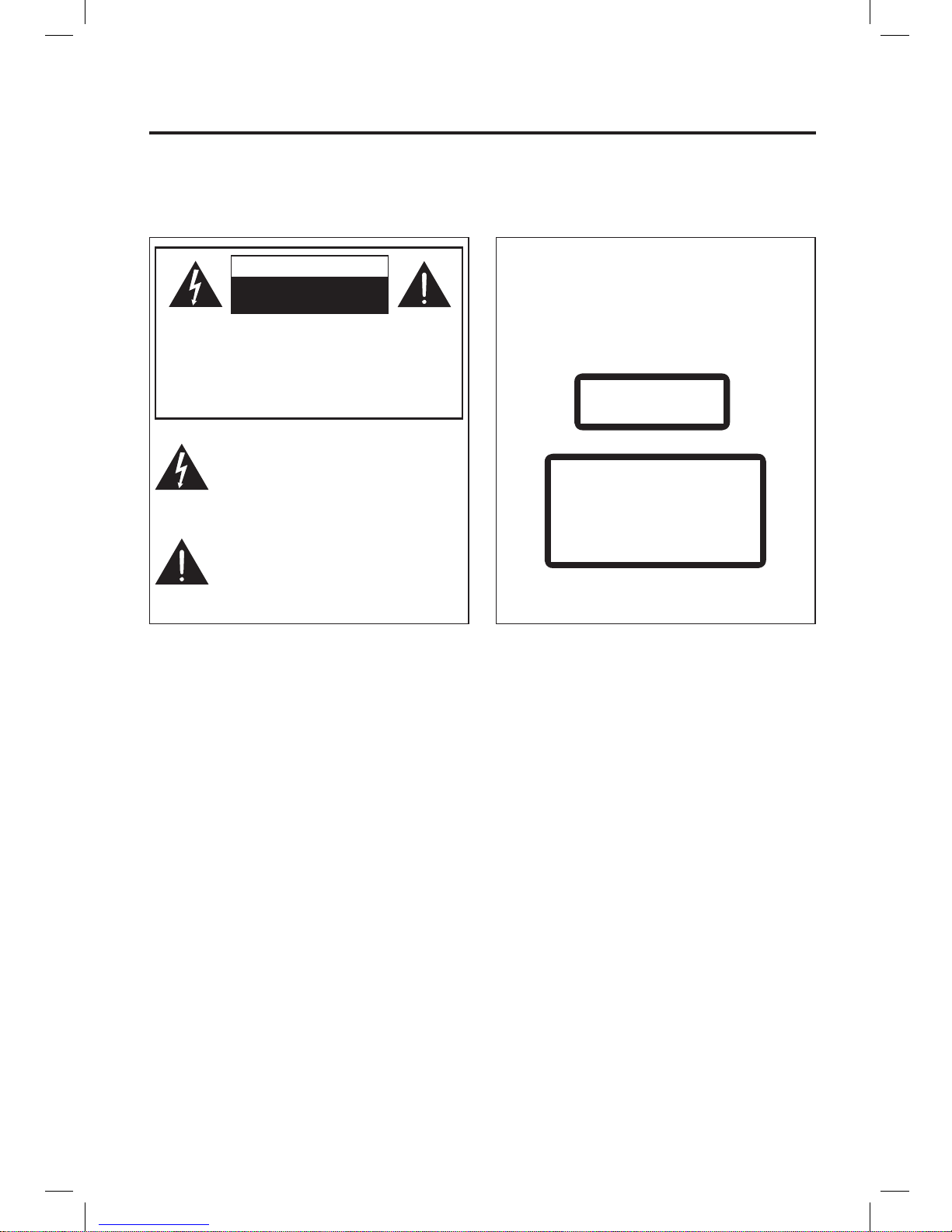
Important Cautions .............................................................................................................................1
For your safety.............................................................................................................................................. 1
Precautions................................................................................................................................................... 1
Correct Handling of Batteries........................................................................................................................ 2
Product Overview ...............................................................................................................................4
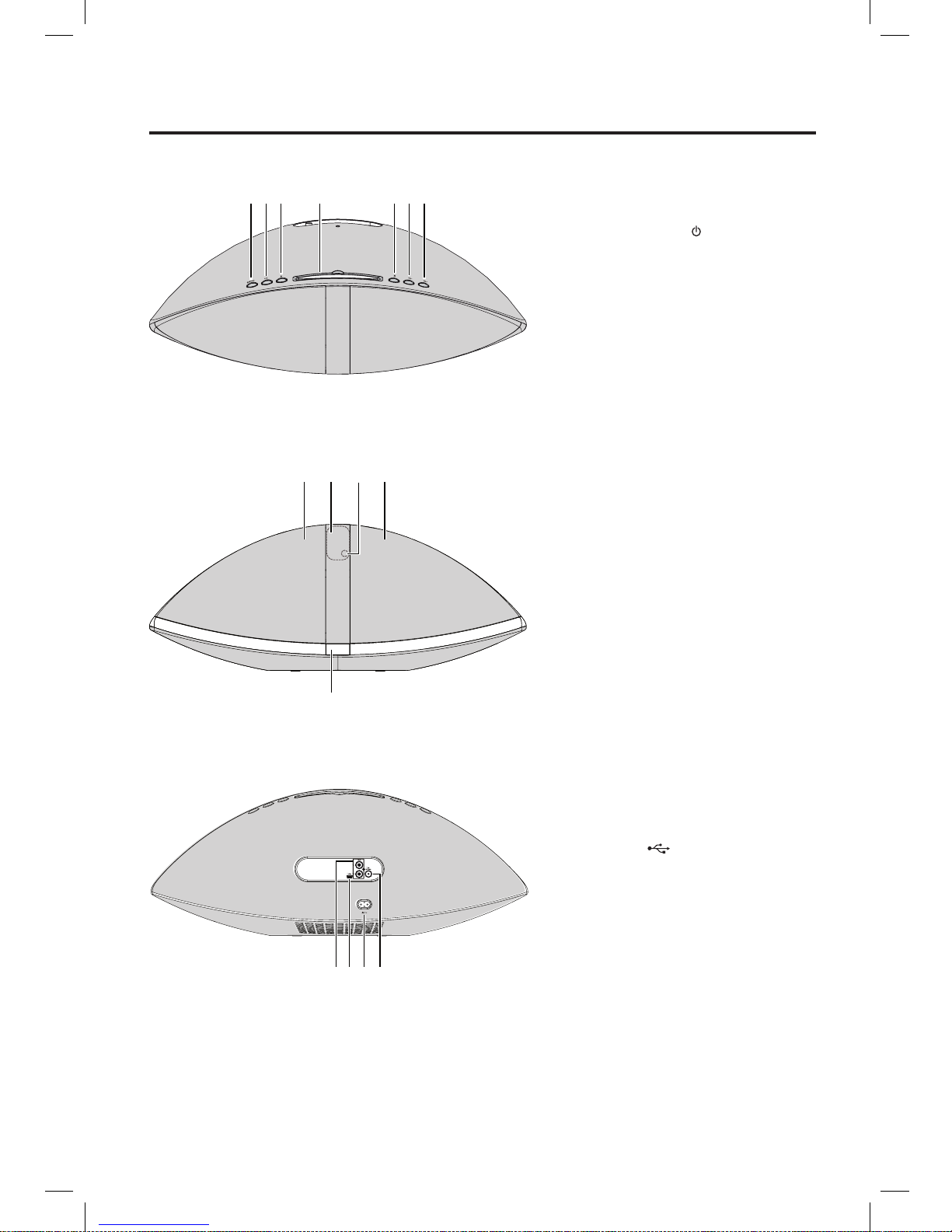
Top View ....................................................................................................................................................... 4
Front View..................................................................................................................................................... 4
Rear View ..................................................................................................................................................... 4
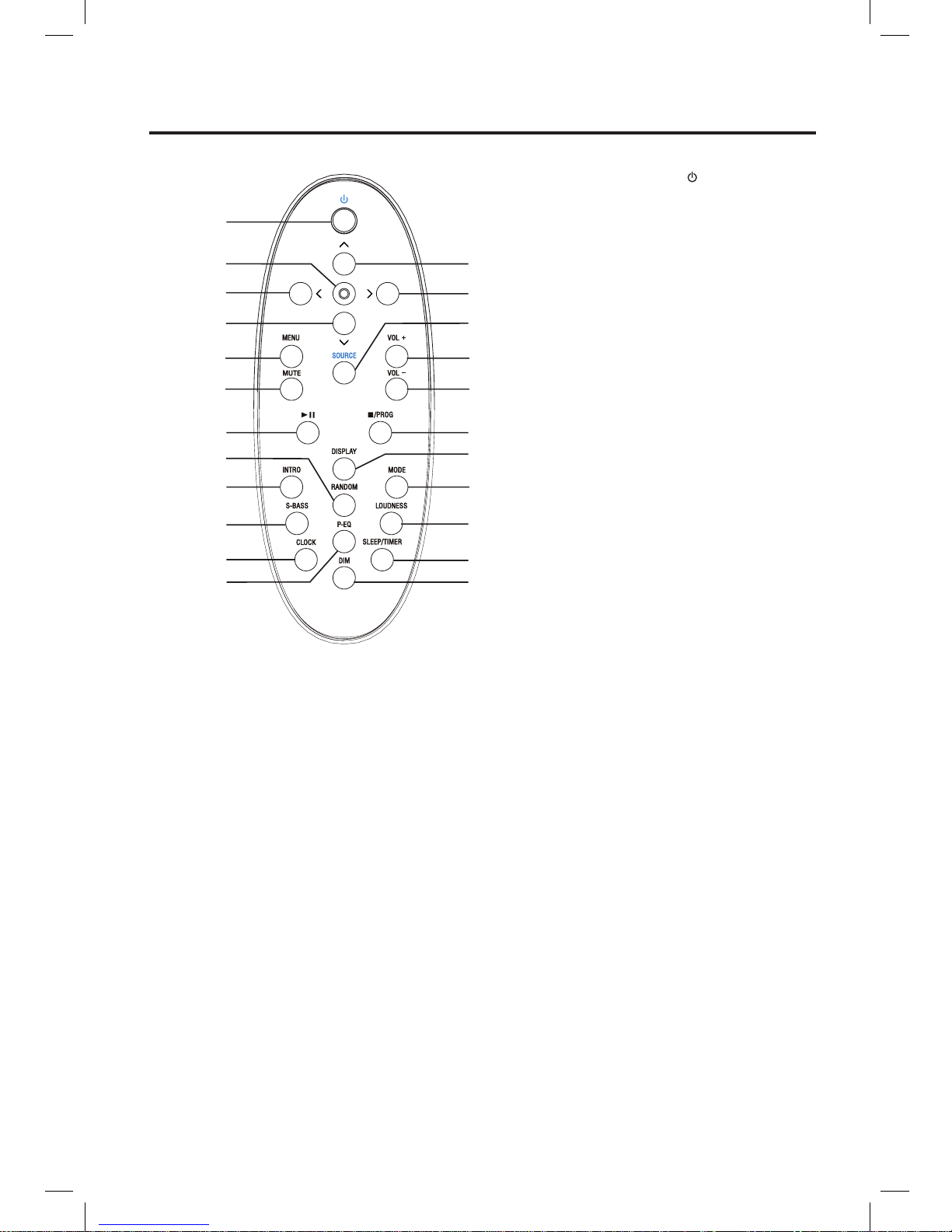
Remote Control Overview ..................................................................................................................5
Installation of Battery .................................................................................................................................... 6
Handling the Remote Control ....................................................................................................................... 6
Remote Control Operation Range ................................................................................................................ 7
Connections........................................................................................................................................8
Connecting the Antenna ............................................................................................................................... 8
Connecting the iPod portable player............................................................................................................. 8
Connecting Auxiliary Equipment (AUX INPUT) ............................................................................................ 8
Connecting the AC Power Plug .................................................................................................................... 9
ECO-Power/Standby Features...........................................................................................................9
Setting the Clock ...............................................................................................................................9
Sound Quality...................................................................................................................................10
Adjusting the Volume .................................................................................................................................. 10
Adjusting the super bass ............................................................................................................................ 10
Controlling the Loudness ............................................................................................................................ 10
Presetting Equalizer.................................................................................................................................... 10
Changing the Front Panel Darkness........................................................................................................... 10
Listening to Radio Broadcasts..........................................................................................................10
FM Radio .................................................................................................................................................... 10
Tuning in to a Station .................................................................................................................................. 10
Presetting Stations.......................................................................................................................................11
To change the FM Reception Mode.............................................................................................................11
CD Operation....................................................................................................................................12
CD Playing.................................................................................................................................................. 12
To Skip Search and Play............................................................................................................................. 12
Text Display During Playback .................................................................................................................... 12
Program Play .............................................................................................................................................. 12
Random Play (CD and MP3 discs) ............................................................................................................. 12
Playing the Beginning (Intro) of each Track................................................................................................ 12
Playing Repeatedly..................................................................................................................................... 13
MP3/WMA Disc Playing....................................................................................................................13
Playing Repeatedly (MP3/WMA disc) ......................................................................................................... 13
Use the USB ....................................................................................................................................14
Use the iPod portable player ............................................................................................................14
Setting the Sleep Timer ....................................................................................................................15
Setting the Daily on Timer ................................................................................................................16
Disc Handling ...................................................................................................................................17
Troubleshooting................................................................................................................................18
Specications ...................................................................................................................................18
Accessories ......................................................................................................................................19
NE-203i_Mouse remote_3 Nov 09.indd 3 2009-11-3 14:18:30