manuals.online logo
Brands
  1. Home
  2. •
  3. Brands
  4. •
  5. Volvo
  6. •
  7. Automobile
  8. •
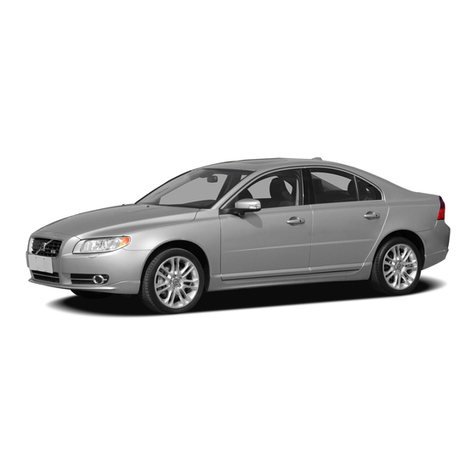
  9. Volvo S60 - ANNEXE 931 User manual

Volvo S60 - ANNEXE 931 User manual

Other manuals for S60 - ANNEXE 931

52

Other Volvo Automobile manuals

Volvo V50 User manual

Volvo

Volvo V50 User manual

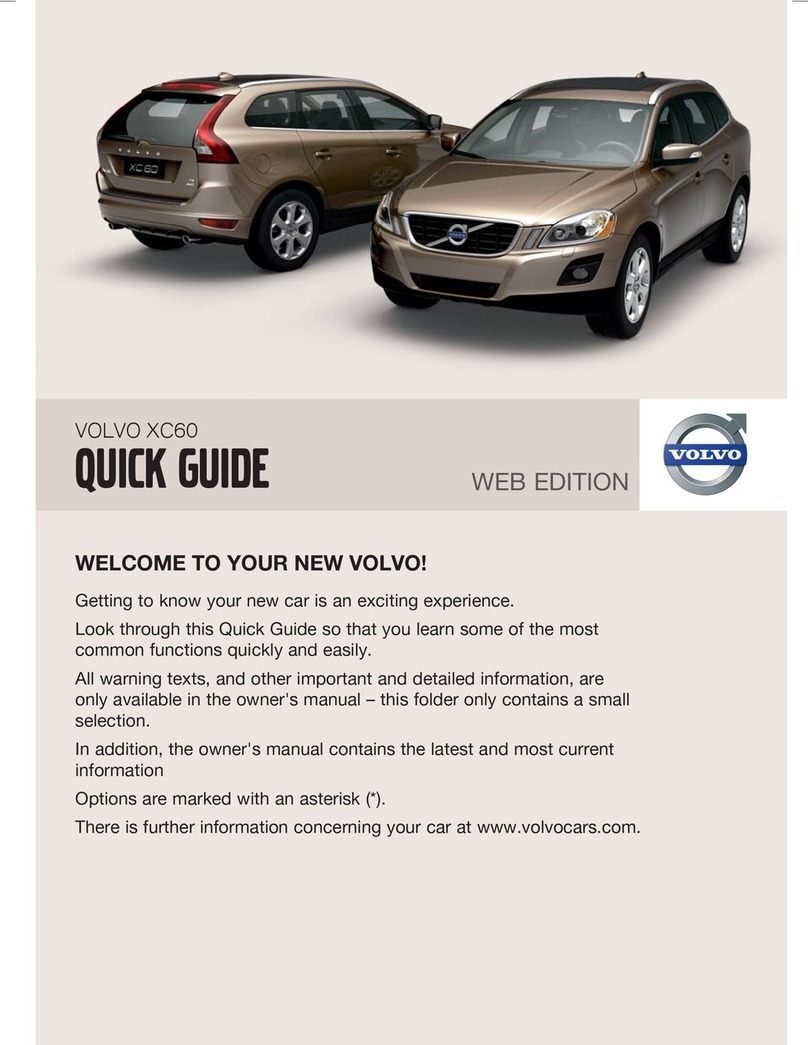
Volvo XC60 - ANNEXE 541 User manual

Volvo

Volvo XC60 - ANNEXE 541 User manual

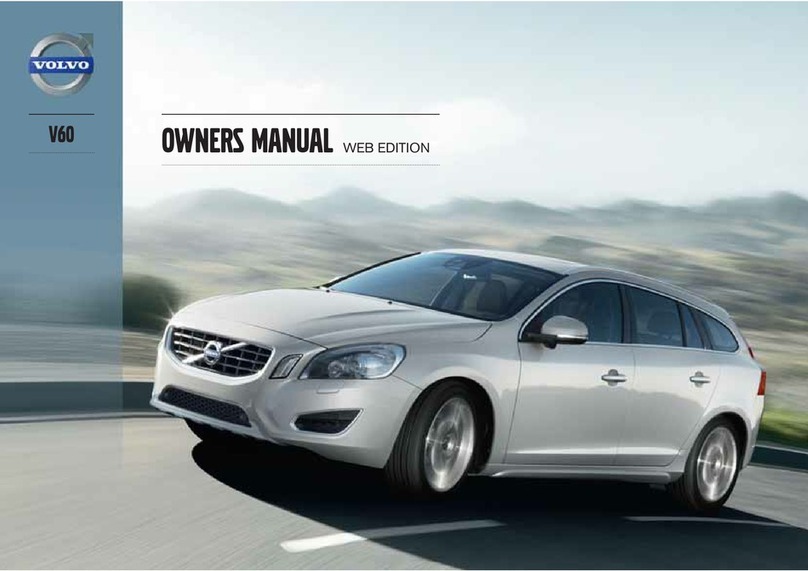
Volvo V60 User manual

Volvo

Volvo V60 User manual

Volvo 850 User manual

Volvo

Volvo 850 User manual

Volvo 2001 S80 User manual

Volvo

Volvo 2001 S80 User manual

Volvo S90 2019 User manual

Volvo

Volvo S90 2019 User manual

Volvo V40 User manual

Volvo

Volvo V40 User manual

Volvo 850 User manual

Volvo

Volvo 850 User manual

Volvo 2004 V70 Quick start guide

Volvo

Volvo 2004 V70 Quick start guide

Volvo XC90 - ANNEXE 951 User manual

Volvo

Volvo XC90 - ANNEXE 951 User manual

Volvo S60 - ANNEXE 931 User manual

Volvo

Volvo S60 - ANNEXE 931 User manual

Volvo S80 - Quick start guide

Volvo

Volvo S80 - Quick start guide

Volvo V70 SPORT User manual

Volvo

Volvo V70 SPORT User manual

Volvo 2009 S60 User manual

Volvo

Volvo 2009 S60 User manual

Volvo XC90 2019 User manual

Volvo

Volvo XC90 2019 User manual

Volvo S40 - ANNEXE 244 User manual

Volvo

Volvo S40 - ANNEXE 244 User manual

Volvo V70 SPORT Quick start guide

Volvo

Volvo V70 SPORT Quick start guide

Volvo XC90 - ANNEXE 951 User manual

Volvo

Volvo XC90 - ANNEXE 951 User manual

Volvo V40 User manual

Volvo

Volvo V40 User manual

Volvo XC90 - ANNEXE 951 User manual

Volvo

Volvo XC90 - ANNEXE 951 User manual

Volvo 240 823 User manual

Volvo

Volvo 240 823 User manual

Volvo XC90 - ANNEXE 951 User manual

Volvo

Volvo XC90 - ANNEXE 951 User manual

Volvo XC90 - ANNEXE 951 User manual

Volvo

Volvo XC90 - ANNEXE 951 User manual

Volvo S80 - User manual

Volvo

Volvo S80 - User manual

Popular Automobile manuals by other brands

Toyota 2000 Tundra owner's manual

Toyota

Toyota 2000 Tundra owner's manual

CITROËN DS4 DSign Handbook

CITROËN

CITROËN DS4 DSign Handbook

Cadillac CTS 2008 owner's manual

Cadillac

Cadillac CTS 2008 owner's manual

Porsche Boxster S Technical manual

Porsche

Porsche Boxster S Technical manual

KIAM SPORTAGE 2014 Features & functions guide

KIAM

KIAM SPORTAGE 2014 Features & functions guide

GMC 2013 Terrain Getting to know

GMC

GMC 2013 Terrain Getting to know

Lexus 2015 CT 200h owner's manual

Lexus

Lexus 2015 CT 200h owner's manual

GMC T-Series 1999 owner's manual

GMC

GMC T-Series 1999 owner's manual

Mercury 1998 Mystique owner's manual

Mercury

Mercury 1998 Mystique owner's manual

Mercury 2007 Mariner Quick reference guide

Mercury

Mercury 2007 Mariner Quick reference guide

Mazda 2007 Mazdaspeed 3 Smart start guide

Mazda

Mazda 2007 Mazdaspeed 3 Smart start guide

Mazda 2014 CX-5 owner's manual

Mazda

Mazda 2014 CX-5 owner's manual

GMC Chevrolet Express 2022 owner's manual

GMC

GMC Chevrolet Express 2022 owner's manual

GMC 1997 Jimmy owner's manual

GMC

GMC 1997 Jimmy owner's manual

Chevrolet 2012 Malibu owner's manual

Chevrolet

Chevrolet 2012 Malibu owner's manual

Skoda FABIA RS - ANNEXE 118 brochure

Skoda

Skoda FABIA RS - ANNEXE 118 brochure

Seat toledo owner's manual

Seat

Seat toledo owner's manual

PEUGEOT 206 CC Handbook

PEUGEOT

PEUGEOT 206 CC Handbook

manuals.online logo
manuals.online logoBrands
  • About & Mission
  • Contact us
  • Privacy Policy
  • Terms and Conditions

Copyright 2025 Manuals.Online. All Rights Reserved.

S60
T W I N E N G I N E
QUICK GUIDE
VÄLKOMMEN!
This Quick Guide describes a selection of features and functions in your Volvo. Additional owner's information is available in your
vehicle, in an app and on the Internet.
THE CENTER DISPLAY
The Owner's Manual is available in the center display in top view.
MOBILE APP
The Owner's Manual is available as an app (Volvo Manual) for smart-
phones and tablets. The app also contains instructional videos for cer-
tain functions.
VOLVO'S SUPPORT SITE
Go to Volvo Cars' support site (support.volvocars.com) for manuals
and instructional videos. Additional assistance and information about
your vehicle and owning a Volvo is also available on the support site.
PRINTED INFORMATION
The glove compartment contains a printed supplement to the Own-
er’s Manual containing information about fuses and specifications as
well as a summary of other important and practical information. A
complete printed version of the owner's information (or a new
Owner's Manual supplement) can be ordered.
CONTENT
01. GETTING TO KNOW YOUR VOLVO
This chapter gives you information on some of Volvo's systems and services, and an overview of the inside
and outside, and the center display.
02. CHARGING
This chapter describes the vehicle's charging status, how to handle the charge module, and the meaning of
the symbols in the instrument panel.
03. INTERIOR AND CONNECTIONS
This chapter provides information about features and functions in the passenger compartment e.g. seat set-
tings and Internet connection.
04. CENTER DISPLAY VIEWS
This chapter contains information about the center display's main views, which control many of the vehicle's
functions.
05. SMART DRIVING
This chapter describes several driver support functions and offers tips on how to drive more economically.
06. VOICE CONTROL
This chapter provides a list of commands/phrases you can use with the voice control system.
07. SUPPLEMENTARY INFORMATION
Warning, caution and note texts, which must be read.
All options and accessories, known at the time of publication, are marked with an asterisk: *.
01
GETTING STARTED
The following functions, concepts and tips are intended to help
familiarize you with your Volvo as quickly as possible.
Volvo ID
Volvo ID is a personal ID that gives you access to a number of ser-
vices with a single username and password. Some examples are
Volvo On Call, navigation*and the opportunity to schedule service
and repairs. You can create a Volvo ID via the Volvo On Call app or
directly in your vehicle.
Sensus
Sensus is your vehicle's intelligent interface and includes all of its
solutions relating to entertainment, connecting to the Internet, nav-
igation*and information services. Sensus enables communication
between you, the vehicle and the digital world around you.
Volvo On Call
Volvo On Call gives you direct contact1with your vehicle and
enhanced comfort and assistance 24 hours a day. With the Volvo
On Call app, you can see if e.g. any bulbs need replacing and if
washer fluid needs to be filled. You can lock and unlock the vehicle,
check the fuel level and find your nearest service station. Precondi-
tioning can also be set and started via the vehicle's parking climate
or the engine remote start function2. Download the Volvo On Call
app to get started.
Volvo On Call also gives you access to roadside assistance, other
security services and emergency assistance using the ON CALL
and SOS buttons in the ceiling console.
Driver profiles
Many of the vehicle's settings can be adapted to the driver's per-
sonal preferences and saved in one or more driver profiles. Each of
the remote keys can be linked to a driver profile. See the section
"Top view" in this Quick Guide for more information on driver pro-
files.
Preconditioning before driving
Make it a habit to precondition the vehicle before driving to create
a more comfortable passenger compartment temperature. From
the center display's climate view, select the Parking climate tab or
activate the function via the Volvo On Call app. Full preconditioning
is only available when the vehicle is connected to an electrical out-
let.
1Both the vehicle and the mobile device must have cellular coverage or another Internet con-
nection.
2Available on certain markets and models.
01
01
EXTERIOR OVERVIEW
Check and save the new inflation pressure (TPMS)*via
TPMS in the Car Status app in the center display's App view. If
inflation pressure is too low, the symbol will be steadily illu-
minated in the instrument panel. If inflation pressure is low,
check and adjust the inflation pressure in all four tires and tap
Store Pressure to store the new tire pressure.
The Car Status app is used to check engine oil level. You can
also view any status-related messages and schedule service
and repairs*.
Hybrid battery charging is performed via the charging socket.
Open the charger door by pressing it lightly. To help maximize
driving range, begin each trip with a fully charged battery.
Door mirrors can be automatically*tilted down when reverse
gear is engaged. When the vehicle is locked/unlocked, the door
mirrors can be automatically folded in/out. Activate these func-
tions under Settings My Car Mirrors and Convenience
in the center display's top view.
Keyless locking/unlocking*makes it possible to lock or
unlock the vehicle simply by having a remote key in your pos-
session, e.g. in a pocket. The remote key must be within
approximately 1 meter (3 feet) from the vehicle.
To unlock the vehicle, grasp one of the door handles or press
the rubberized button under the trunk lid's handle. To lock the
vehicle, press one of the indentations on the outside of a door
handle. Avoid touching both the outside and inside of the door
handles at the same time.
The panoramic roof*has an opening glass section with a sun
shade and can be operated using a control above the rearview
mirror when the vehicle is in at least ignition mode I. Open to
ventilation position by pressing the control upward and close
by pulling the control downward. To fully open the panoramic
roof, pull the control rearward twice. Close by pulling the con-
trol downward twice.
Foot-operated opening of the trunk lid*is possible by making
a slow forward kicking motion under the left-hand part of the
rear bumper. For it to be possible to open the trunk lid using
the foot movement sensor, the vehicle must be equipped with
keyless locking/unlocking*. The remote key must be within a
range of approximately 1 meter (3 feet) behind the vehicle for
foot movement operation to be possible.

01
01
LOCKINGUNLOCKING
Remote key
Press briefly to lock doors, trunk lid and fuel filler door and arm
the alarm.
A long press closes all side windows simultaneously.
Press briefly to unlock doors and trunk lid and disarm the alarm.
Press and hold to open all door windows at the same time.
Press briefly to unlock and disarm only the trunk lid.
Press and hold to mechanically open the trunk lid.
The panic alarm activates the turn signals and horn to attract
attention in emergency situations. To activate, press and hold
the button for at least three seconds or press the button twice
within three seconds. The function can be switched off using
the same button after it has been activated for at least five sec-
onds. Otherwise, it will switch off automatically after three
minutes.
Charger door
Make sure the vehicle is unlocked and the ignition is off before con-
necting or disconnecting the charging cable.

1. Press the rear section of the door and release.
2.Open the charger door.
The charging cable's coupler will lock into the charging socket
when charging has started. Charging is interrupted if the vehicle is
unlocked but will restart after a short time if the cable is not dis-
connected.
Private (valet) locking
Private locking locks the trunk lid and the rear seat backrest, which
can be practical when, for example, the vehicle is taken in for serv-
ice or at a hotel.
–In the center display's Function view, tap Private
Locking to activate/deactivate the function.
A pop-up window will appear showing whether the
function is activated or deactivated. A four-digit code
must be selected each time the function is activated.
The first time the function is used, an extra security
code must be selected.
Locking*the glove compartment is performed manually using the
enclosed key which is located inside the glove compartment.
01
01