10
Press “/”button to choose and “M” to confirm.
-EQ Select
After choosing ”EQ select”, Press “/”button to choose and “M” to confirm
There are: “Normal”, “3D”, “Rock”, “Pop”, “Classic”, “Bass”, “Jazz” and “User EQ Setings”
available. Press ”M” button confirm your selection
-User EQ Settings
You can adjust the EQ by Pressing ””or ”” button, Press ”<<” or ”>>” button to choose the one
you want to adjust, after your setting, select “Yes” or not to confirm.
*Radio
Press “M” to choose “Stereo Switch” or “FM Region”.
Stereo Switch: adjust it into “On” or “Off”. Press “M” to confirm it.
FM Region: choose the reception region that you want: China, Europe, Japan, U.S.A.
*Record
You can choose the record quality and record volume here.
*Display
Please enter into “Settings” mode, Press “M” to choose Display.
Press “M” again to enter into it. You can adjust “Bright Time”, “Lum.” and “Bright mode” here.
*Auto Play Set
You can set the auto play time of JPEG and TEXT!
*System
Please enter into ”Settings” mode, Press ””or ”” to choose “System”.
Press “M” to enter into it
-Language
You can choose from English or Spanish languages from here. Press ””or ”” to select and “M” to
confirm your choice.
-About
you can know software Version, software Date, Flash memory from here.
-Upgrade
If you have right software for the player, this function is useful, if not, please do not run this function.
*Power Off time
There are OFF, 10 Minute, 15 Minute, 30 Minute, and so on for your choose. Press “M” to confirm.
*Default Set
You can choose whether you want a restorable default setting. Select “Yes” or “No” by ”<<” or ”>>”
button, and Press “M” button to confirm it.
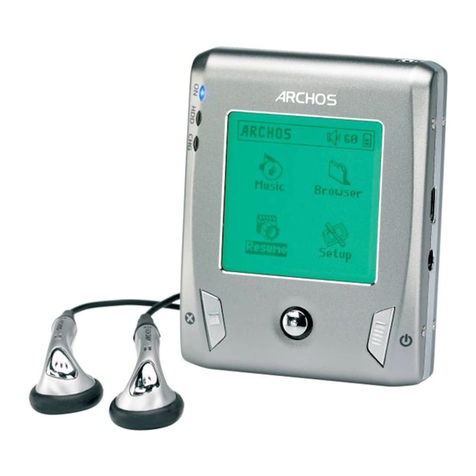
microSD Card function
This MP3 Player has a slot on the bottom which can accept microSD Card up to 2GB in order to
increase total memory size.