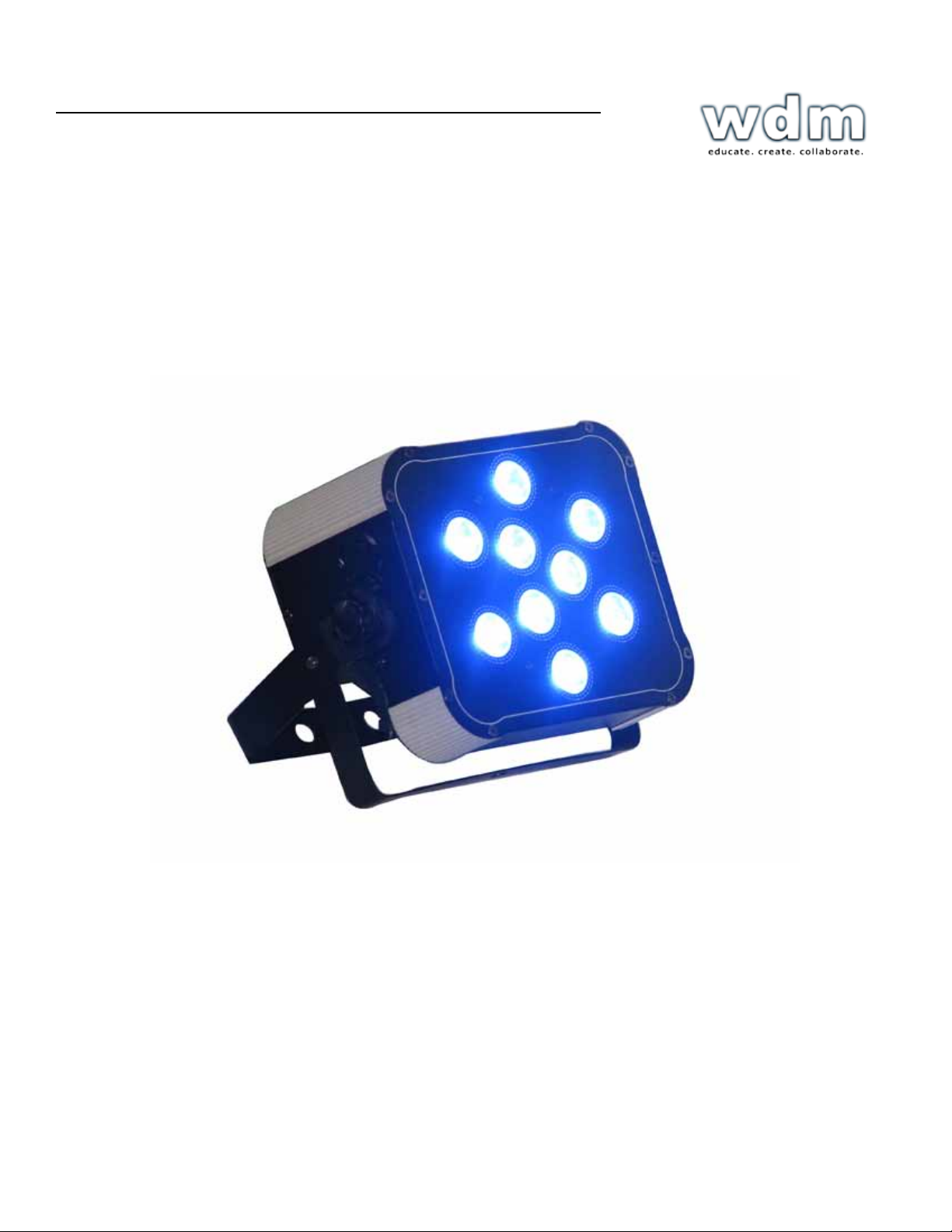
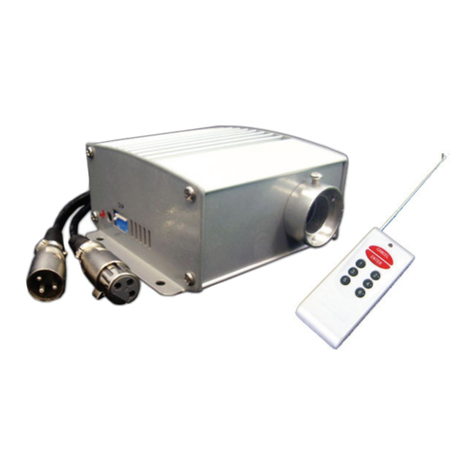
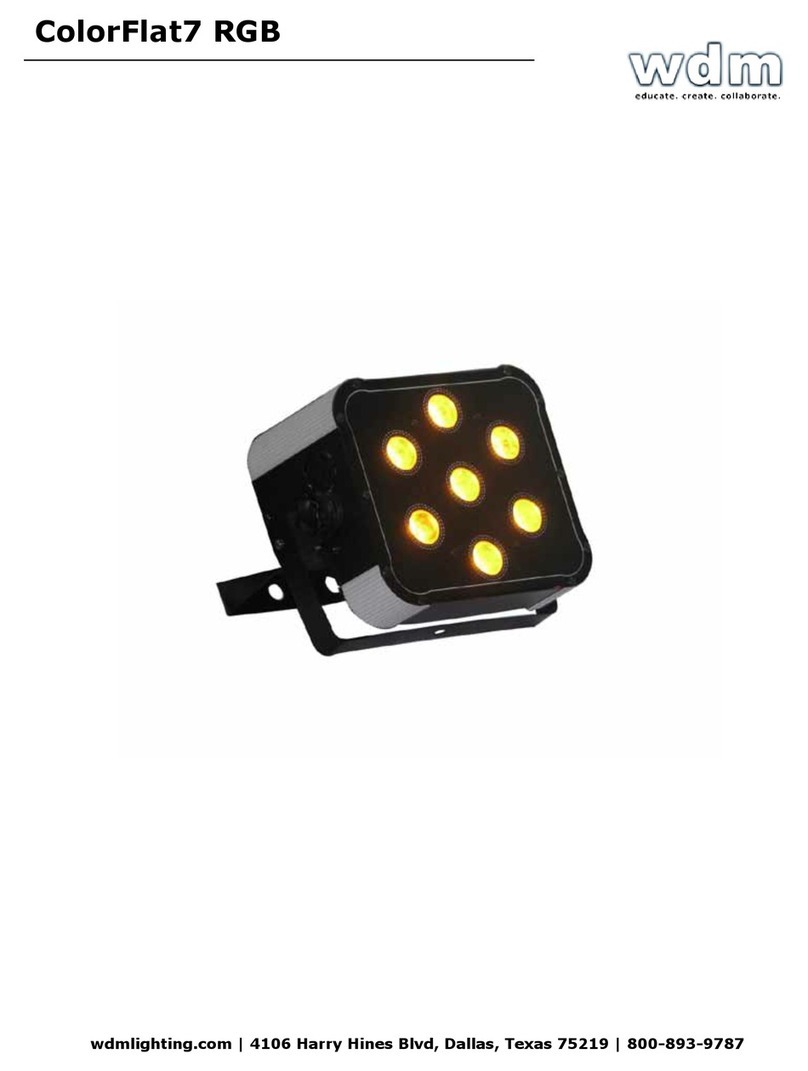
ColorFlat 9 RGB
wdmlighting.com | 4106 Harry Hines Blvd, Dallas, Texas 75219 | 800-893-9787
ColorFlat 7 RGBW/RGBW
ColorFlat 7 RGBW/RGBW
Rev.
A
Copyright (c) 2011 Blizzard Lighting,
LLC
4. OPERATING
NOTE: After making any adjustment, the fixture will return to the correct
after approximately 5
DMX
Allows the unit to be controlled by any universal DMX
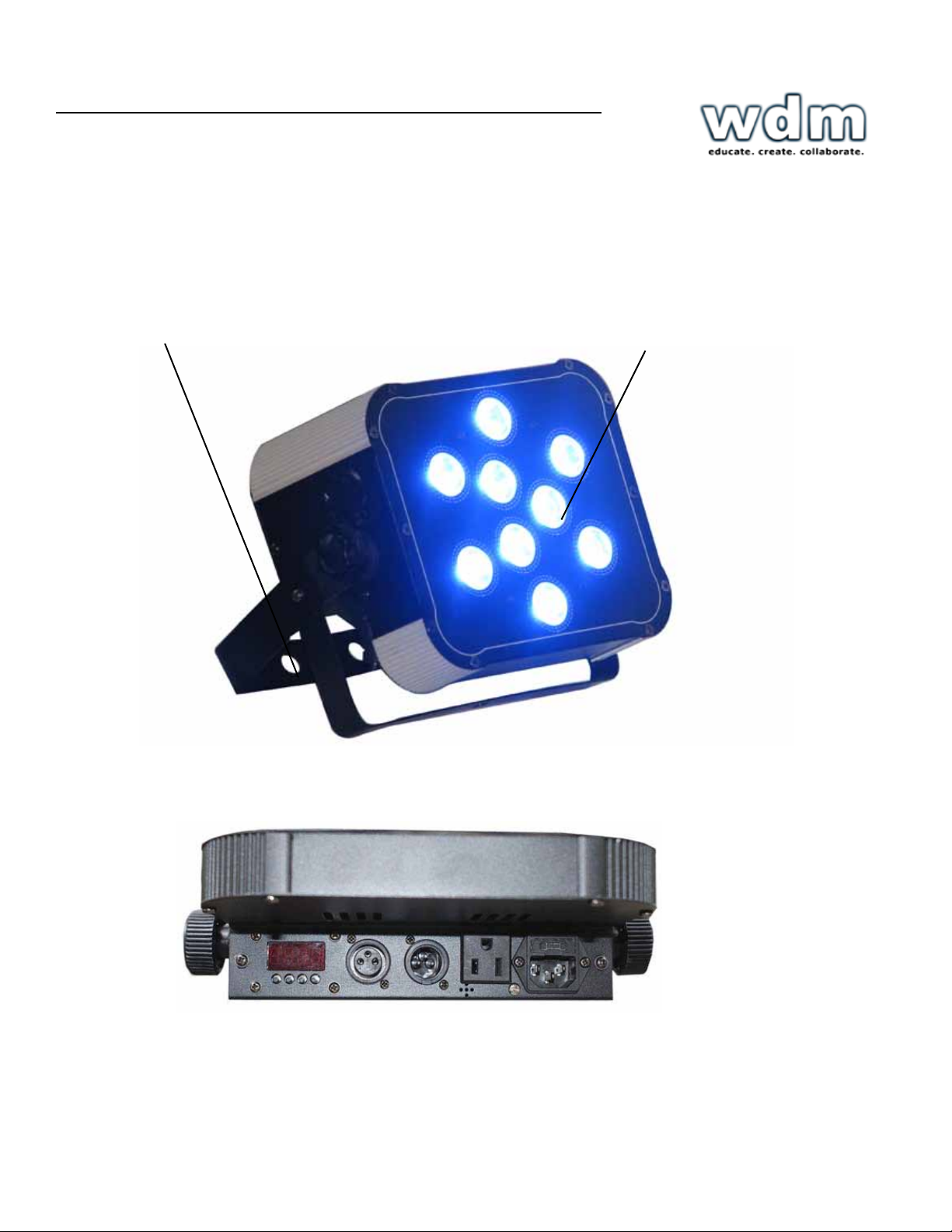
1.) The default mode for the fixture is DMX, which appears as Addr on the
Readout. Use the <ENTER> button then the <UP> and <DOWN>
buttons
choose a channel between 1 and 512. Press <ENTER> again to
2.) To change between 3 and 6 channel DMX mode, select
then
<ENTER>. Select either
or
then press <ENTER> again to
Master/Slave Mode (Auto/Sound Active/Color
Allows you to link up to 32 units together without a
1.) Use standard DMX cables to daisy chain your units together via the DMX
nector on the rear of the units. It may be necessary to use a
terminator at
last fixture. For more information about terminators, see
page
2.) Choose a unit to function as the Master. Select MAST. The master unit
be the first unit. Finally, chain the units together using DMX
Master SLNd then NASt to
3.) Select slave function by using the <UP>/<DOWN> keys to reach
SLAV
the Master/Auto menu on the slave units, and they will react in the
same as
Slave SLNd then SLAu to
4.) On the master fixture, use the <UP>/<DOWN> keys to reach SHND,
allows you to select the Master/Slave
Sound active SoUn then <ENTER> to
CoLo
then <ENTER> to
Color
CoLo
1
7,
To set a custom color in Master/Slave / Standalone
Using this function, you can select any color by adjusting the Red, Green and Blue
from 0-255. You can also use this function to adjust the overall white balance of
the
ture while running in any
Please note that modifying the values in this step will affect ALL modes,
we recommend resetting all levels to their highest value (255)
after using
1.) Select
from the control panel, then hit
2.) Choose rEd,
or
then hit <ENTER> to
3.) Using the <UP>/<DOWN> keys, select the color you wish to display
varying Red/Green/Blue intensity between 0 and 255, then hit <ENTER>
confirm each color
4.) Select Color preset mode as instructed above, then select
7.
<ENTER> to
To Show the Fixture Running
1.) Select
from the control panel, then hit <ENTER> to
wdmlighting.com | 4106 Harry Hines Blvd, Dallas, Texas 75219 | 800-893-9787