23
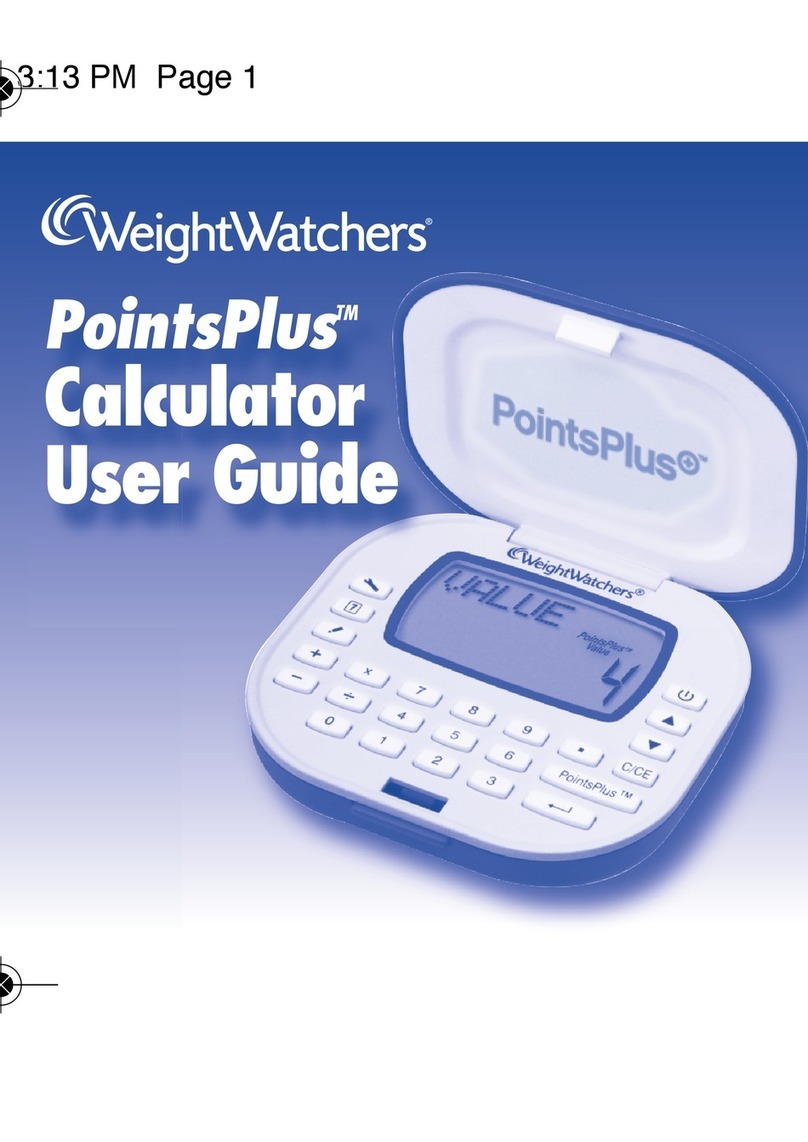
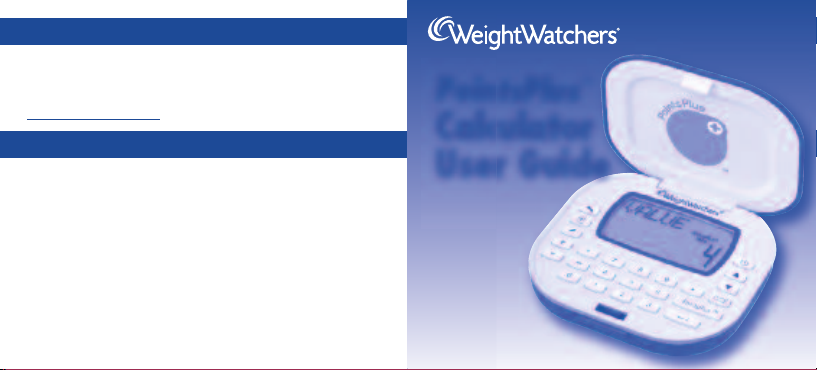
Congratulations! You now own an exciting new tool created to help
you follow the Weight Watchers®program. Spend some time getting to
know your PointsPlus Calculator to ensure you get the maximum
benefits from its use.
We inserted a clear plastic tab to keep your battery fresh. To activate
your calculator, just pull out the tab. Press the ON key to get started.
While it’s best to set up the calculator with your personal information
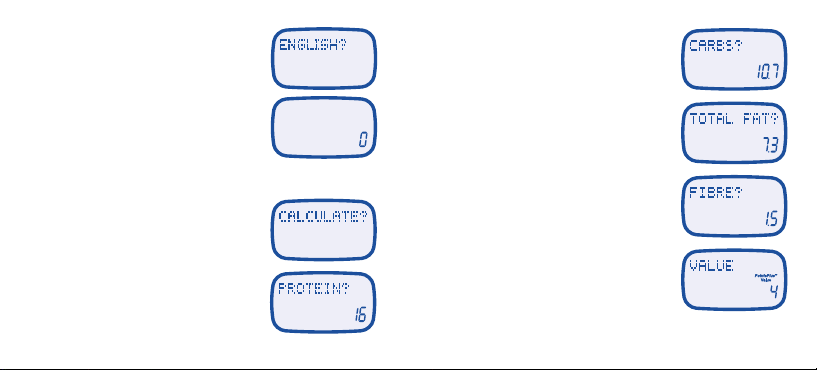
(see page 6), you can calculate PointsPlus values right away. Be sure
you have the nutrition information for the foods you are entering handy.
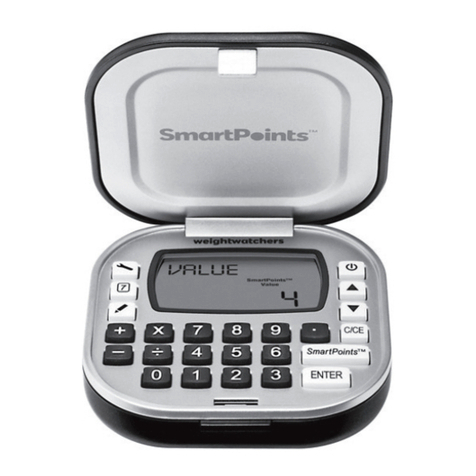
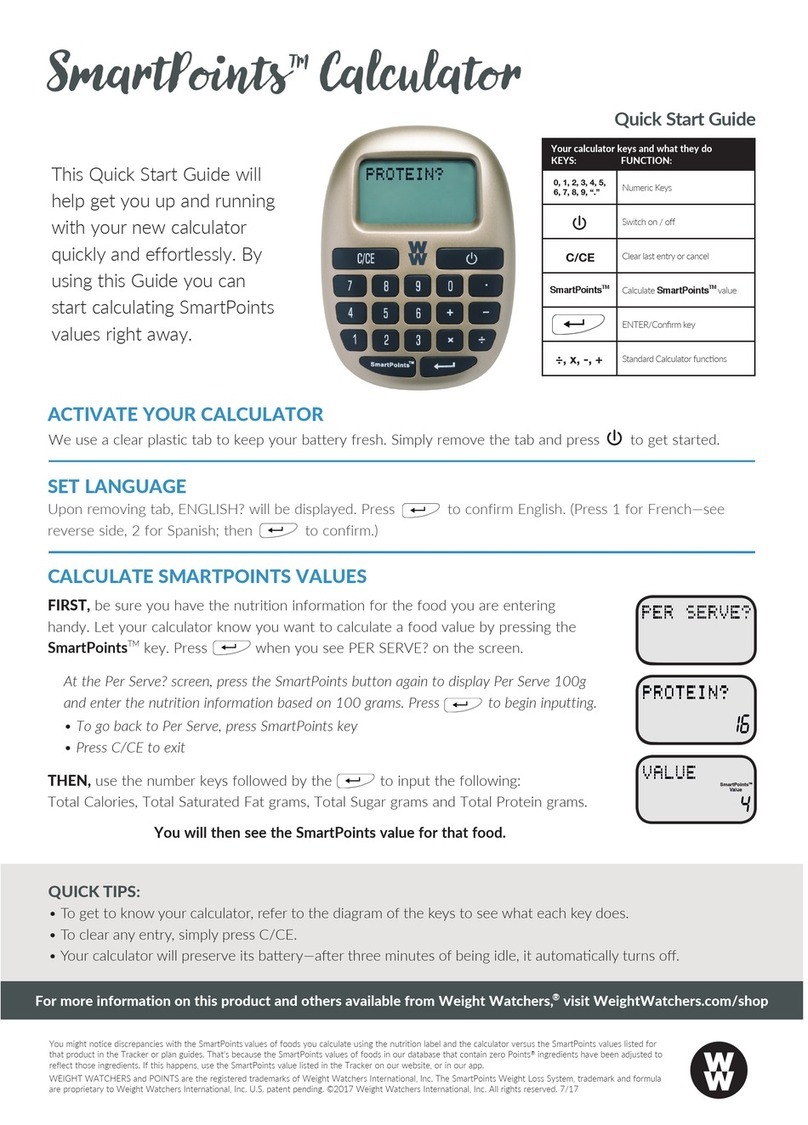
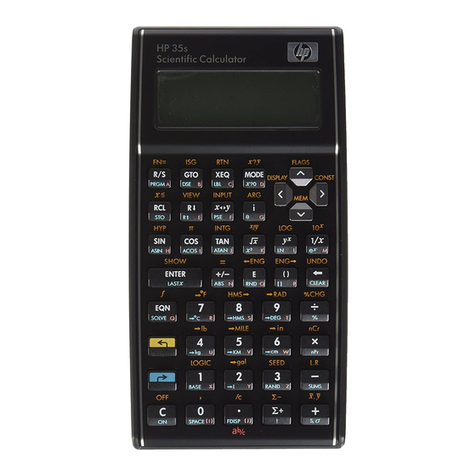
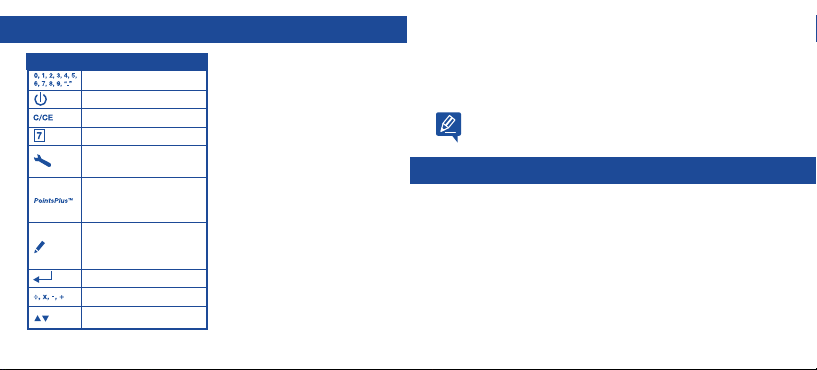
GET TO KNOW YOUR CALCULATOR
Number keys
On / off
Clear last entry or cancel
New day and new week
Setup daily target/weekly
allowance; edit personal data
Calculate PointsPlus value
and use PointsPlus value
from calculation or direct entry
Review daily target and
weekly allowance over
seven days
ENTER / Confirm key
Standard Calculator
Up and down arrows to scroll
KEYS FUNCTION The calculator does more than
simply calculate the PointsPlusTM
values of your favourite foods.
It also:
• Keeps track of your personal
information, like your height
and weight.
• Calculates your daily PointsPlus
Target and tracks your weekly
PointsPlus Allowance.
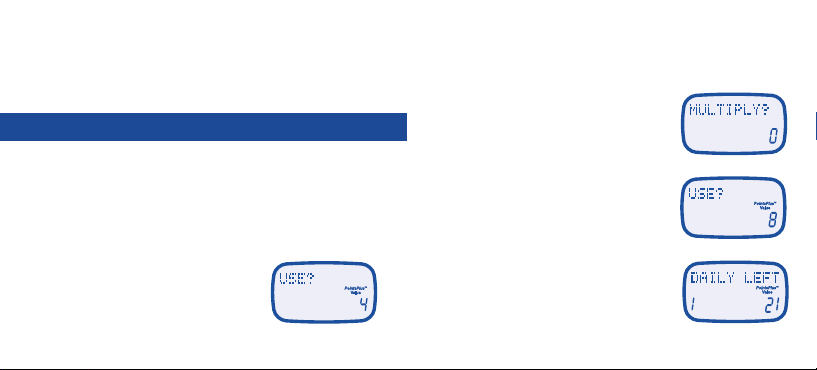
• Tracks all the PointsPlus values
you use each day and week.
• Works just like any standard
calculator.
START CALCULATING PointsPlus VALUES NOW
Ce tain foods, especially suga -f ee foods, may contain suga alcohols, which may educe
total PointsPlus values. These ing edients a e not typically included on food labels. As a
esult, you might notice disc epancies with the values you see in you lists and the values
you calculate with the Weight Watche s PointsPlus Calculato . Fo the most accu ate values,
please use the food lists in the Pocket Guide o Companion books, o , if you’ e a subsc ibe ,
use the database on Weight Watche s eTools.
WW Ca cu atorUserGuide_ENG_FIN_Layout 1 5/13/10 6:08 PM Page 2