Phone Overview
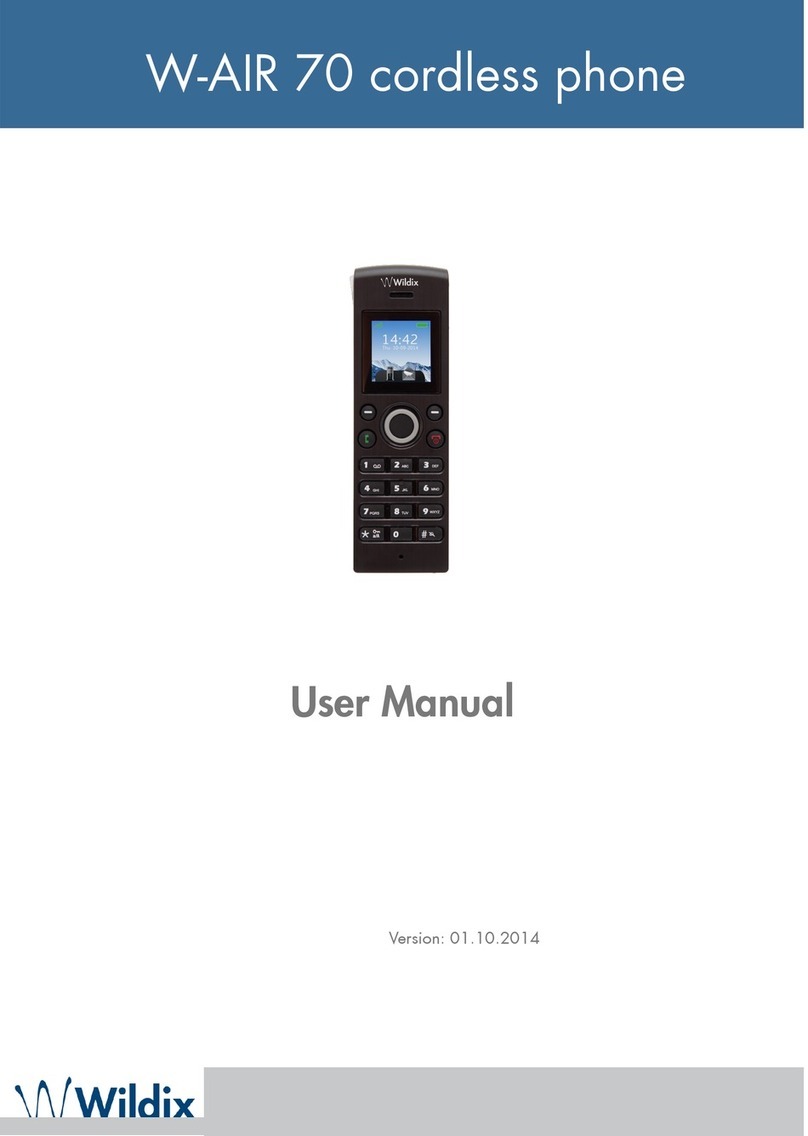
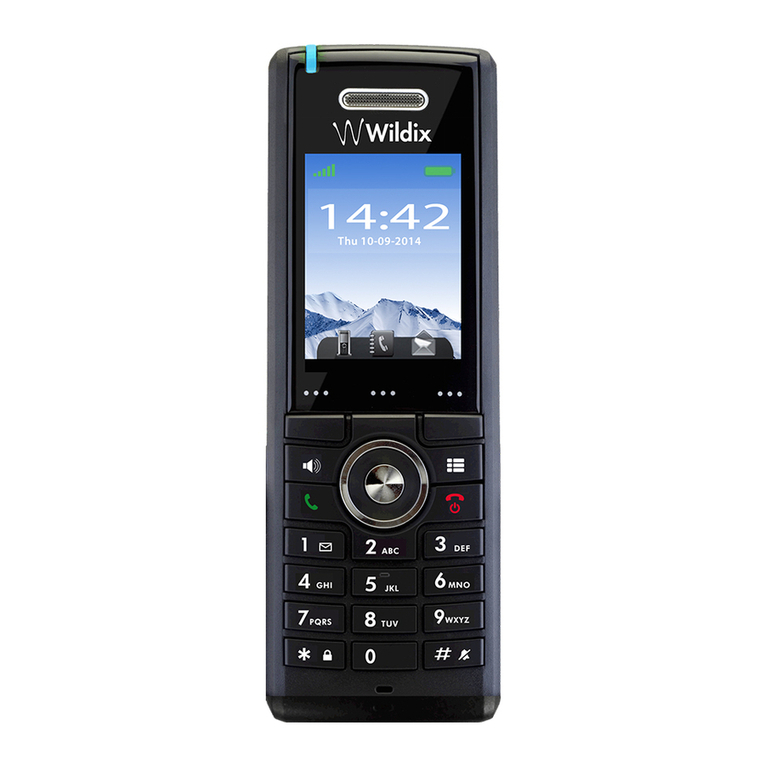
Front view
1. Earpiece Speaker
2. Screen
3. Navigation Keys (Up/Down/Right/left)
4. Selection Key (centre of Navigation key)
To enter different menus, to confirm different commands
5. Off-hook key
To accept a call and as a shortcut to the Call list, to start a call from Call list, central directory,
contact list
6. On-hook key
To end a call, to return to previous menu, to switch the handset on/off
7. Menu key
Opens the general menu of the handset
8. Speaker Key
To enable/disable speaker mode during a call
9. 3 Softkeys
To confirm different commands displayed on the screen
10.LED
May indicate an incoming call, a missed call, a message, low battery, charging
11.Emergency button (view from above)
Rear View
12.Headset connector (3.5mm)
13.Belt clip
14.Pull cord
To activate the pull cord emergency alarm
15.Volume Up/Down Key (side key)
Adjust the volume of the earpiece, the headset and the loudspeaker during a call
16.Mute key (side key)
17.External speaker
Used for ringing, alarms and when speaker mode is enabled during the call
18.Battery back cover
19.Back cover lock
Display
Characteristics: 2’’ TFT color display, 176x220.
Idle screen
All functions and settings available to the user are shown as icons and text on
the display. The picture on the right shows a typical idle screen.
The Status bar remains visible while you navigate between the screens and
contains the information about the actual signal strength and the battery status.
The status bar may display additional information, such as missed calls, new
voicemail messages, new messages, bluetooth status, alarm/silent alarm, key lock, sound off.