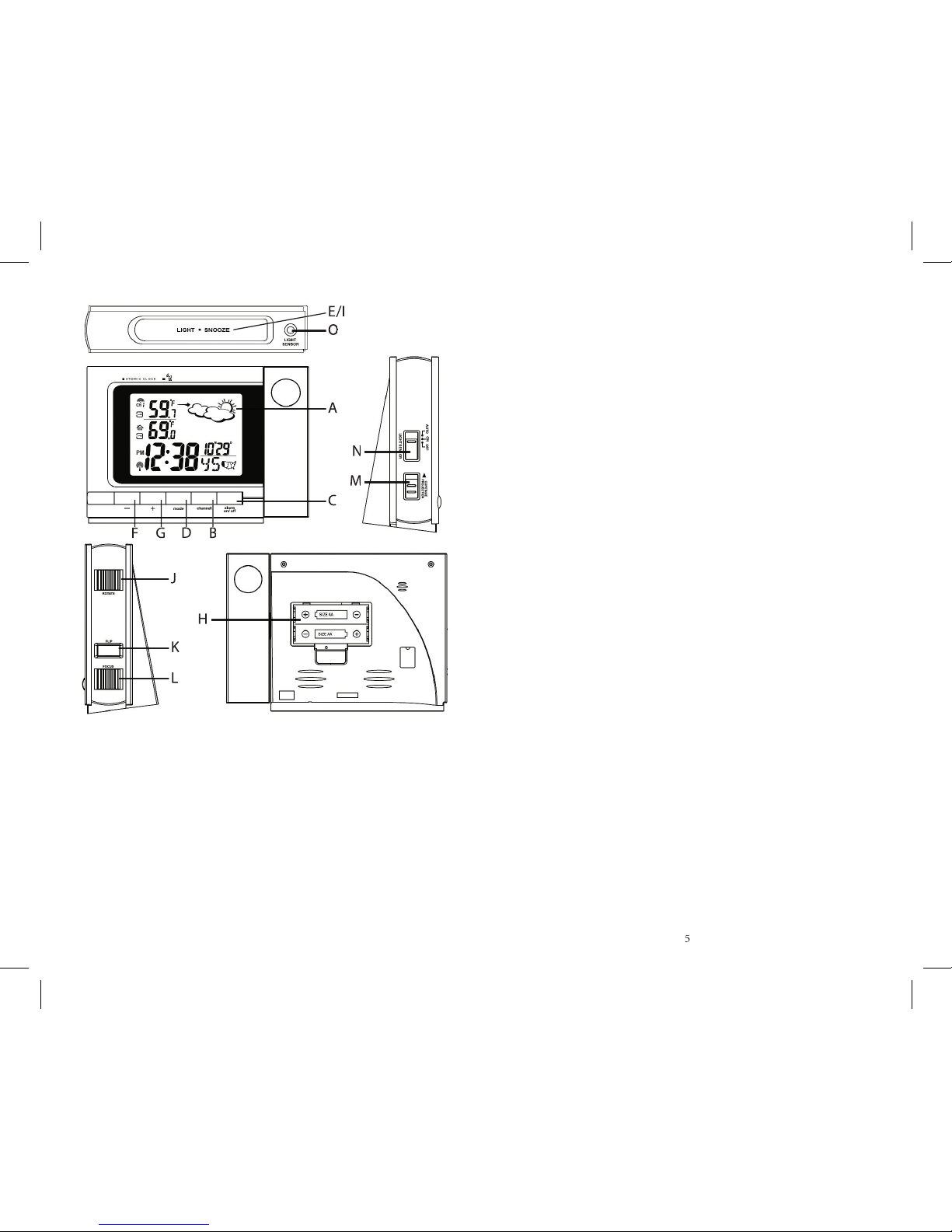
YEAR, DATE, TIME, and TEMPERATURE UNIT
for 3 seconds: the year will fl ash.
2. Press “ + ” or “ - ” to change the fl ashing digits.
3. After the fi rst value is set, press
setting month, day, hour, minute, display language, and
Fahrenheit or Celsius display.
4. When you’ve set the last value, press
time to return to regular mode.
The alarm will sound and the alarm icon will fl ash at the
set time Mondays through Fridays.
The alarm will sound and the alarm icon will fl ash at the
set time, but will not activate on subsequent days.
If the remote temperature is 32°F/0°C or below, the
pre-alarm feature will be activated. The pre-alarm time
interval can be set for 15, 30, 45, 60, 75, or 90 minutes
before the weekday or single alarm time. Press and hold
] for 2 seconds in Pre-Alarm mode to
set the pre-alarm interval.
” (Single day alarm), and
“Pre-AL” (Pre-alarm) icons will indicate which alarm
mode is armed. You can enable or disable an alarm by
pressing the [ + ],[ – ] buttons in alarm display mode.
to toggle between alarm modes or to return
] once to display a specifi c
alarm time. If the selected alarm is off, “OFF” will be
3. Enter the hour using [ - ] or [ + ] buttons.
] again. The minute digits will
5. Enter the minutes using [ - ] or [ + ] buttons.
] again to exit from the alarm
7. Repeat the same procedure to set any of the alarms
(weekly, daily, or pre-alarm).
When the alarm sounds, press the
ton to temporarily stop the alarm. After depressing, the
alarm sound will resume in 5 minutes. If the alarm is not
disabled after that, it will sound for 4 more minutes and
then will stop by itself.
] on the main unit to disable
• To deactivate an alarm, select the alarm and press [ – ]
• To reactivate an alarm, select the alarm and press [ + ]