Security Camera
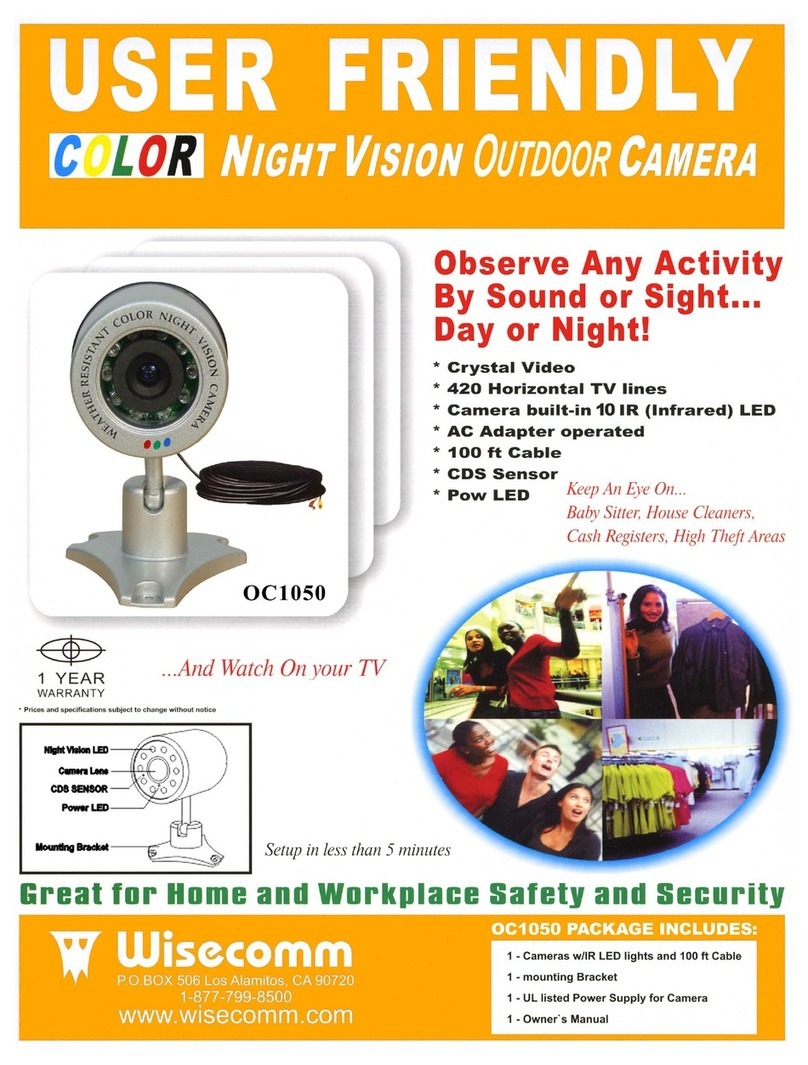
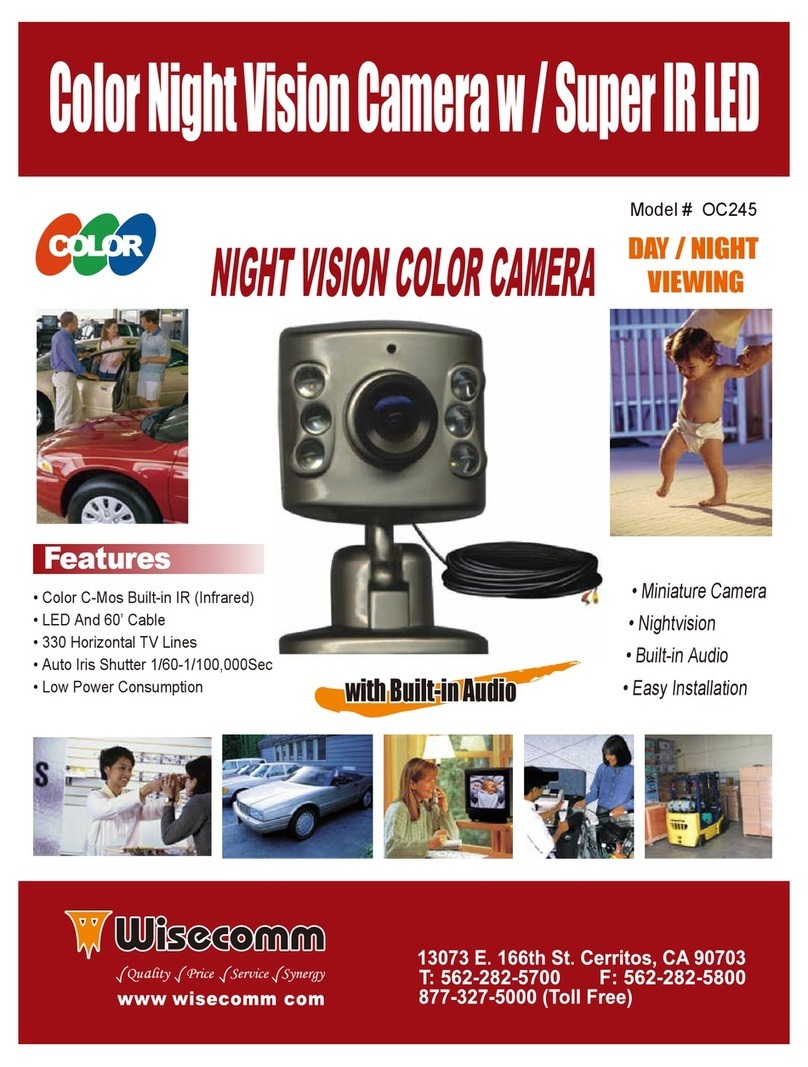
High Resolution Color CCD
Indoor / Outdoor Weather Resistant
www.wisecomm.com
For Technical Support Call 877-799-8500
Copyright © 2009 Wisecomm Inc. All Rights Reserved Copyright © 2009 Wisecomm Inc. All Rights Reserved
Please pack the products carefully and securely by using the original packing materials, and send it
prepaid and insured to:
You will receive an estimate of the repair cost for your approval before repair work will be started.
may also have rights,
which may vary from state to state.
If our products do not function because of any defect in material or workmanship, we will repair it for free
for 1 year on parts and labor from the date of original purchase.
This warranty does not cover modification, abuse, incidental or consequential damages unless the state
of owner's residence specially prohibits limitation on incidental or consequential damages.
$15.00
$15.00
Check the AC outlet , AC Adapter and turn the power switch ON
Connect the Yellow-Plug to the Monitor or TV correctly
Remove strong spotlight in the field of view
Please adjust brightness level of your Monitor or TV properly
Please adjust V-Hold level of your Monitor or TV properly
NO Power
NO Picture
Picture flickering
Dim picture, too bright/dark
Rolling or jumping Picture
MODEL # OC175
Image Pickup Device
TV System
No. of Pixels
Resolution
Minimum Illumination
Video Output
Power Supply
Lens
Color CCD Sensor
NTSC
512 (H) x 492 (V)
380 TV Lines
0.5 Lux/F1.2
1V p-p 75 Ohms
DC 12V
3.6mm F 2.0
1. Lens.
2. 12 Night Vision IR LEDs
3. CDS Sensor(Automatically Turns IR LEDs
On/Off as Required)
• Easy to Install
• High Quality Image
• Ideal for Home or Business Use
• Can See in Total Darkness up to 30’
• CDS Sensor Turns IR LEDs On/Off as Required
• Weather Resistant Metal Housing
• Use with Any DVR or VCR
• Facil - de - Install
• Cámera(CCD) Profesiónal de Alta Resolutión
• Simplemente Connecte a Su Televisor o Monitor
• Ideal Para Casa or Negocio
• Puede Mirar Hasta 30’ Pies en Completa Oscuridad
• Sensor Apaga LED’s Durante el Dia
• Asemblaje Resistante al Clima
1 - Night Watchman Camera
1 - Warranty Registration Card
1 - User's Manual
(Monitor Not Included)
(Cable Not Included)
Camera Cámera
(Power Adapter
Not Included)
1. Lente.
2. 12 Focos Infrarojos LED Para Ver in el Noche.
3. Sensor CDS Automaticamente Prende y Apaga
Los Focos Infrarojos Cuando Necesite.
Wall Outlet
Rojo
Rojo
Rojo=
Adaptador de
Potencia
Adaptador de
Potencia
Amarillo
Amarillo
(Monitor No Está Incluido)(Cable No Está Incluido)
(Adaptador de Potencia
No Está Incluido )
Amarillo=Video