Withings Pulse HR User manual
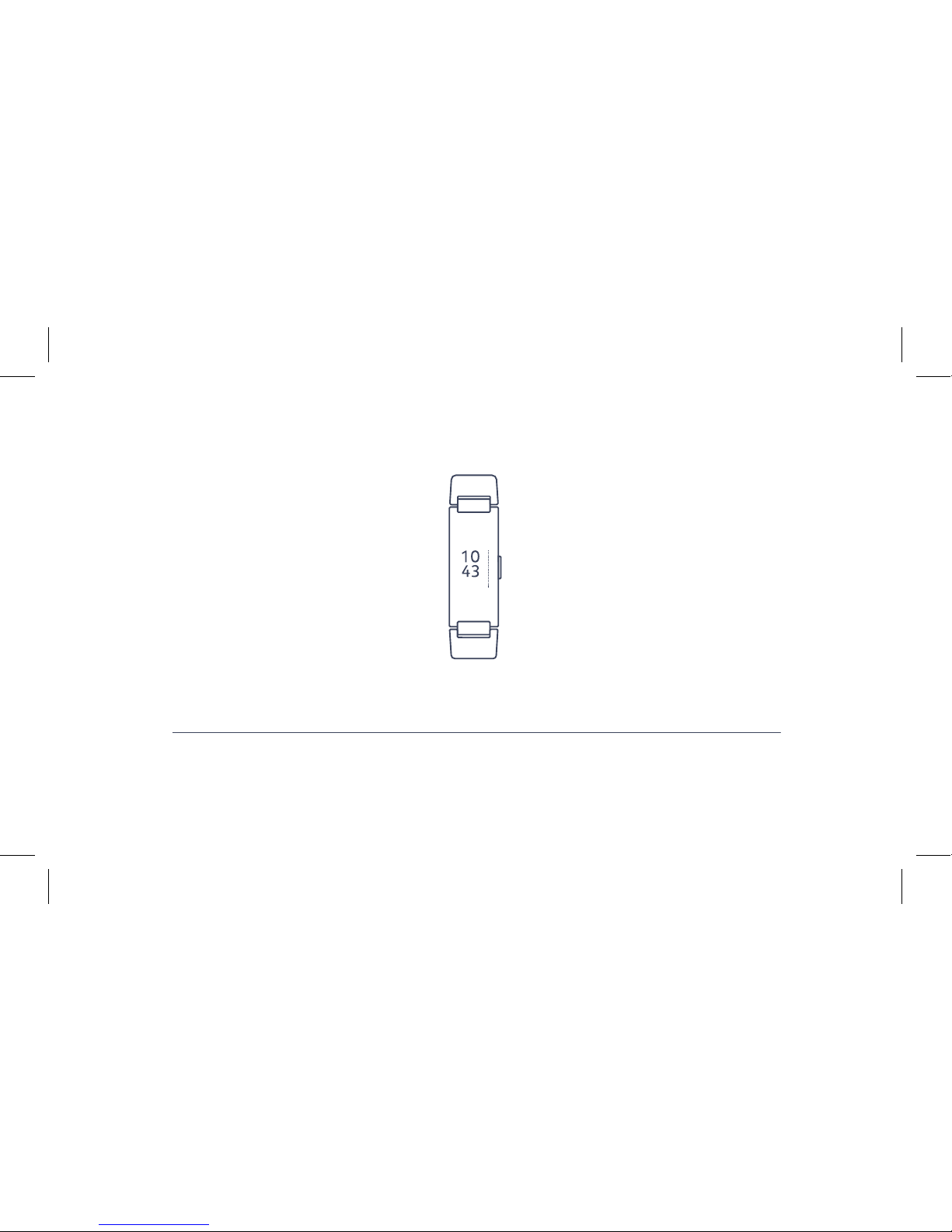
QUICK INSTALLATION GUIDE
EN | FR | DE | ES | IT
GUIDE D’INSTALLATION | INSTALLATIONSANLEITUNG | GUÍA DE INSTALACIÓN | GUIDA ALL’INSTALLAZIONE
Withings Pulse HR
09 MAY.

THANK YOU FOR CHOOSING
WITHINGS PULSE HR
MERCI D’AVOIR CHOISI WITHINGS PULSE HR | DANKE, DASS SIE WITHINGS PULSE HR GEWÄHLT HABEN
GRACIAS POR ELIGIR WITHINGS PULSE HR | GRAZIE PER AVER SCELTO WITHINGS PULSE HR
This guide is available in additional languages at: www.withings.com/guides
This guide is available in additional languages at: www.withings.com/guides
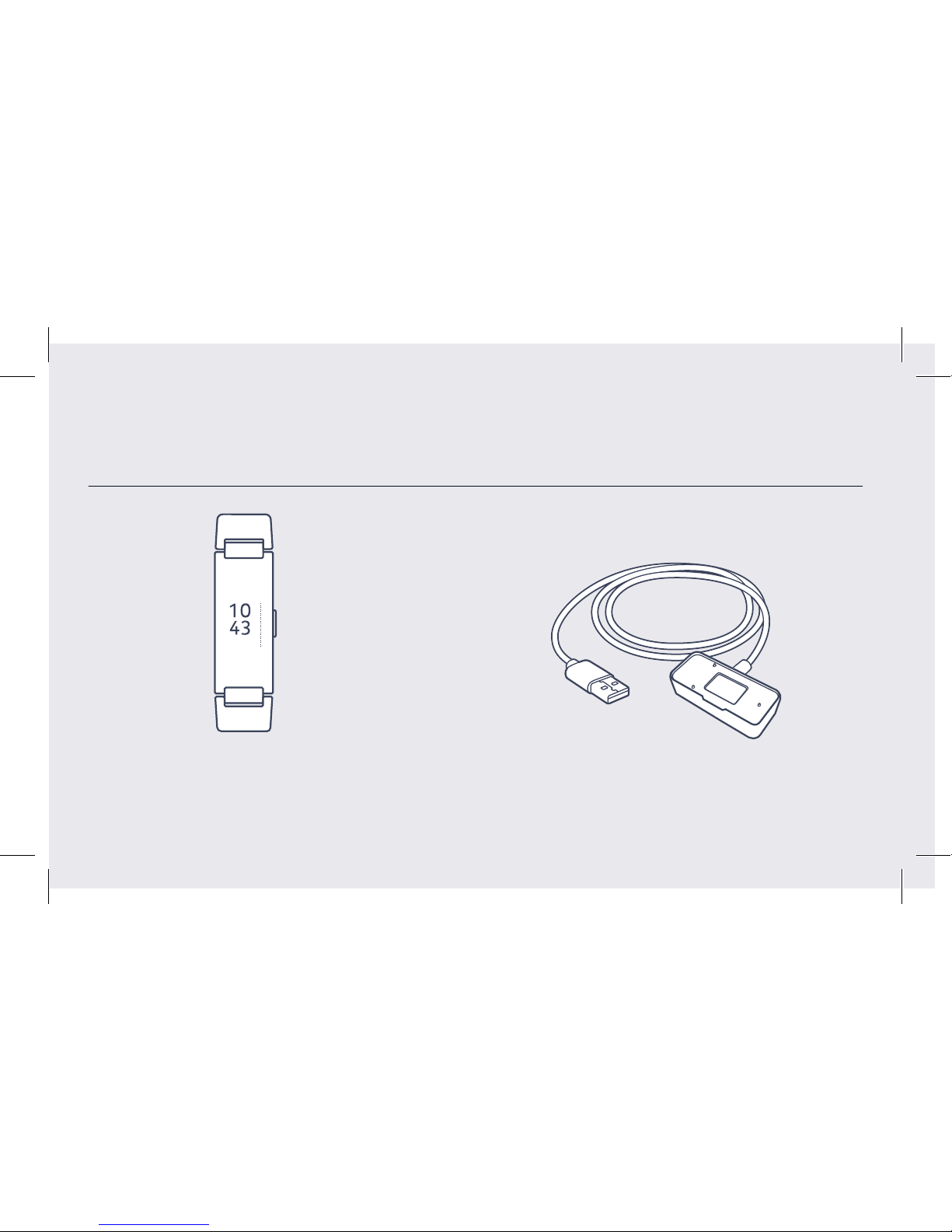
Box Contents
Contenu de la boîte | Lieferumfang | Contenido de la caja | Contenuto della confezione 3
09 MAY.
Withings Pulse HR Charging cable
Câble de chargement | Ladekabel
Cable de carga | Cavo di ricarica
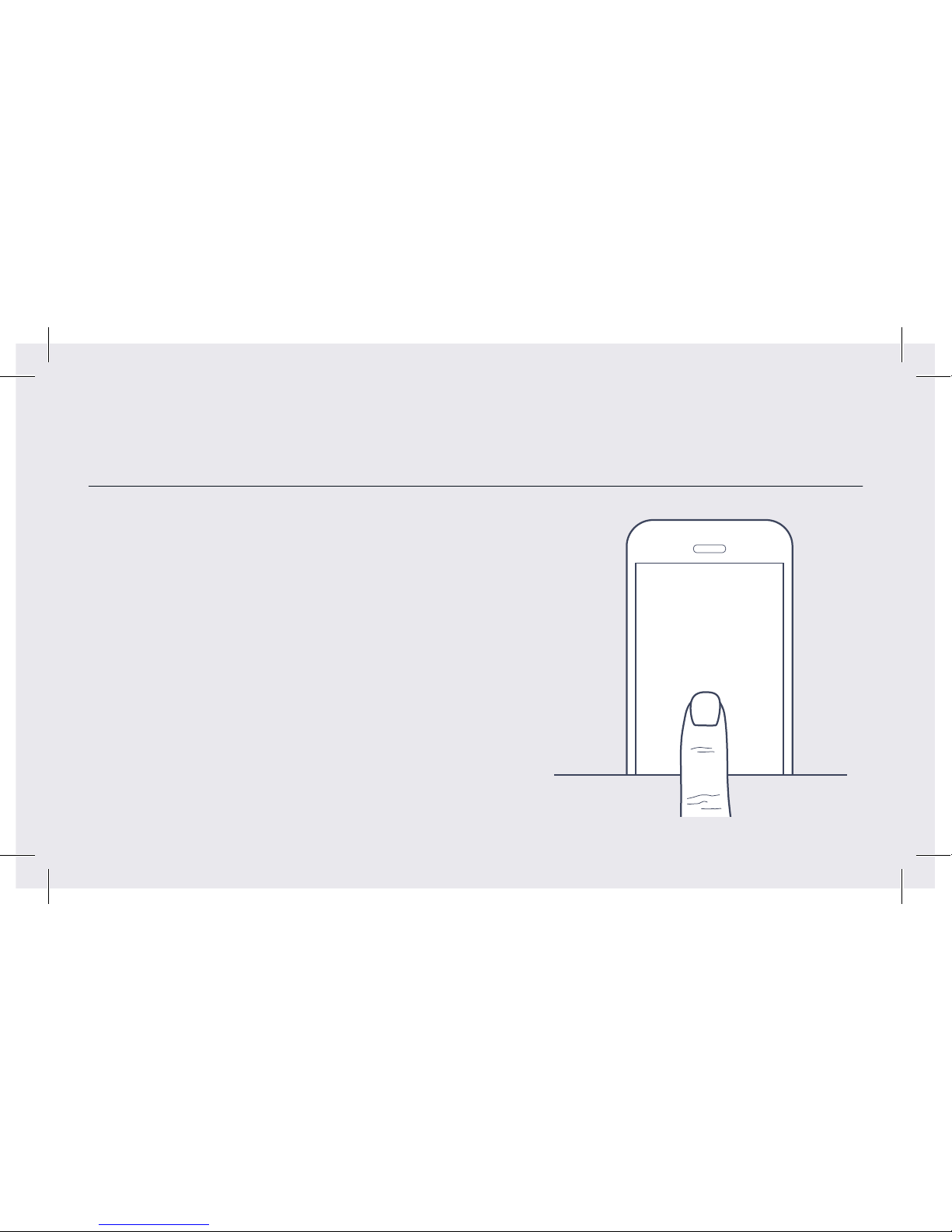
Visit go.withings.com to get the app and follow
the instructions.
FR Obtenez l’appli sur go.withings.com et suivez
les instructions.
DE Besuchen Sie go.withings.com und holen Sie
sich die App und die Anweisungen.
ES Visita go.withings.com para conseguir la aplicación y
sigue las instrucciones.
IT Visita go.withings.com per ottenere l’app e
segui le istruzioni.
Quick start
Démarrage rapide | Schnellstart | Inicio rápido | Avvio rapido 4
go.withings.com
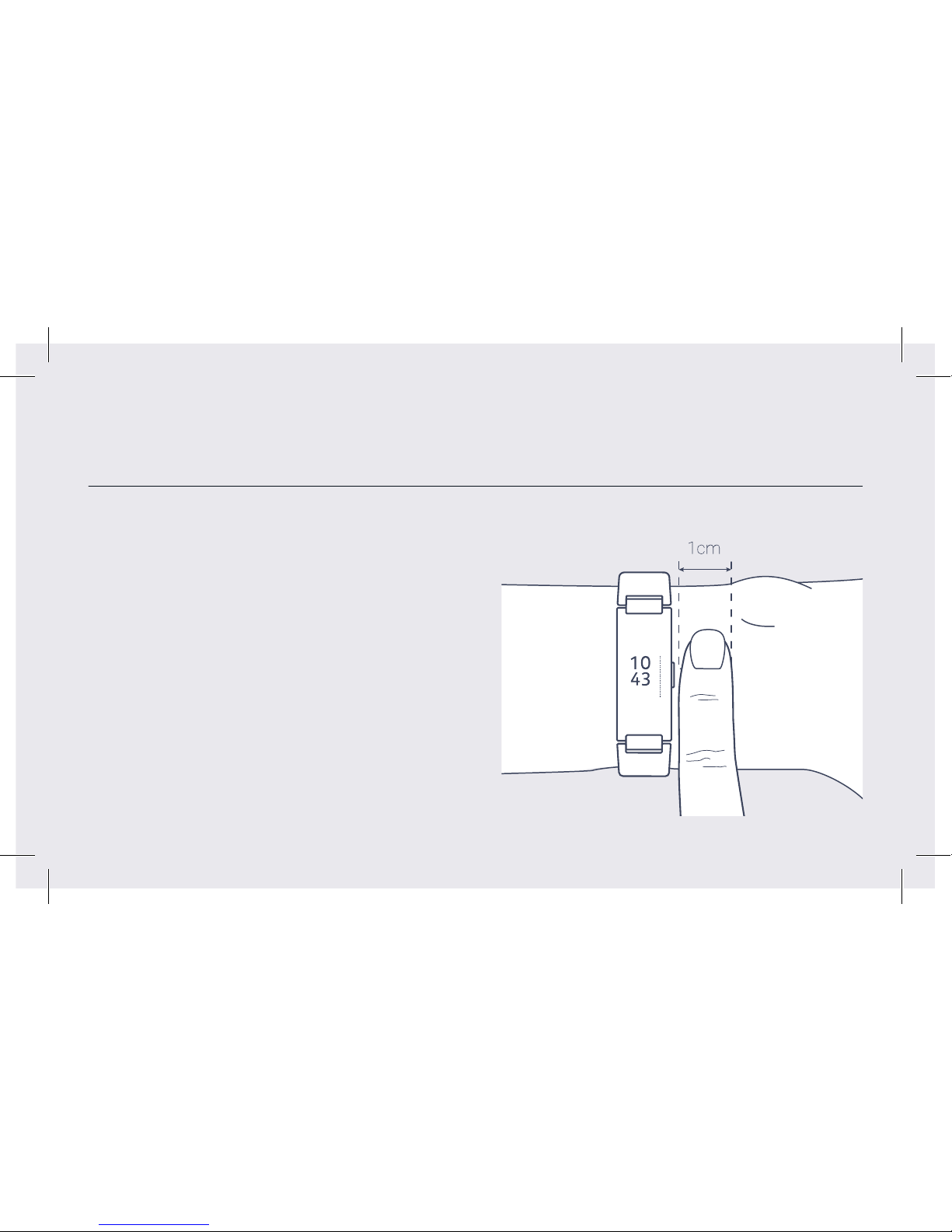
The wristband should be tight but comfortable, and worn
1 cm away from the wrist bone
FR Le bracelet doit être bien ajusté mais confortable,
et se trouver à 1 cm de l’os du poignet.
DE Das Armband sollte fest, aber bequem anliegen und
1 cm vom Handgelenkknochen entfernt getragen
werden.
ES La correa debe ajustarse sin que apriete y colocarse
a 1 cm por encima de la muñeca.
IT il braccialetto deve essere stretto ma confortevole,
e indossato 1 cm di distanza dal polso.
How to wear Pulse HR
Comment porter Pulse HR | So tragen Sie Pulse HR | Cómo llevar Pulse HR | Come indossare Pulse HR 5
09 MAY.

63 bpm 8.2 km
23rd
Tues.
STEPS
3029
182 cal
ALARM
8:20
63 bpm
Workout mode: timer, continuous HR monitoring
Mode de séance d’entraînement: minuteur, contrôle de HR continu
Erprobungsweise: Zeitmesser, ununterbrochene HR-Überwachung
Modo de entrenamiento: temporizador, supervisión de recursos
humanos continua
Maniera di allenamento: temporizzatore, monitoraggio di HR continuo
How to use Pulse HR
Comment utiliser Pulse HR | So benutzen Sie Pulse HR | Cómo utilizar Pulse HR | Come usare Pulse HR
Press on the button or tap to browse through the screens.
Press and hold the button to start and stop workout mode.
FR Naviguez entre les écrans en tappant dessus ou en
appuyant sur le bouton. Maintenez le bouton enfoncé
pour démarrer et arrêter le mode sport.
DE Drängen Sie der Knopf oder Klaps vorwärts, um durch
die Schirme zu durchsuchen. Drücken Sie und legen Sie
den Knopf fest, um anzufangen und Erprobungsweise
aufzuhören.
ES Siga el botón o la llave para hojear por las pantallas.
Apriete y sostenga el botón comenzar y parar el modo de
entrenamiento.
IT Pigi sul bottone o fornisca brucare attraverso gli schermi.
Pigi e tenga il bottone per cominciare e fermare maniera
di allenamento.
63 bpm 8.2 km
23rd
Tues.
STEPS
3029
182 cal
ALARM
8:20
63 bpm
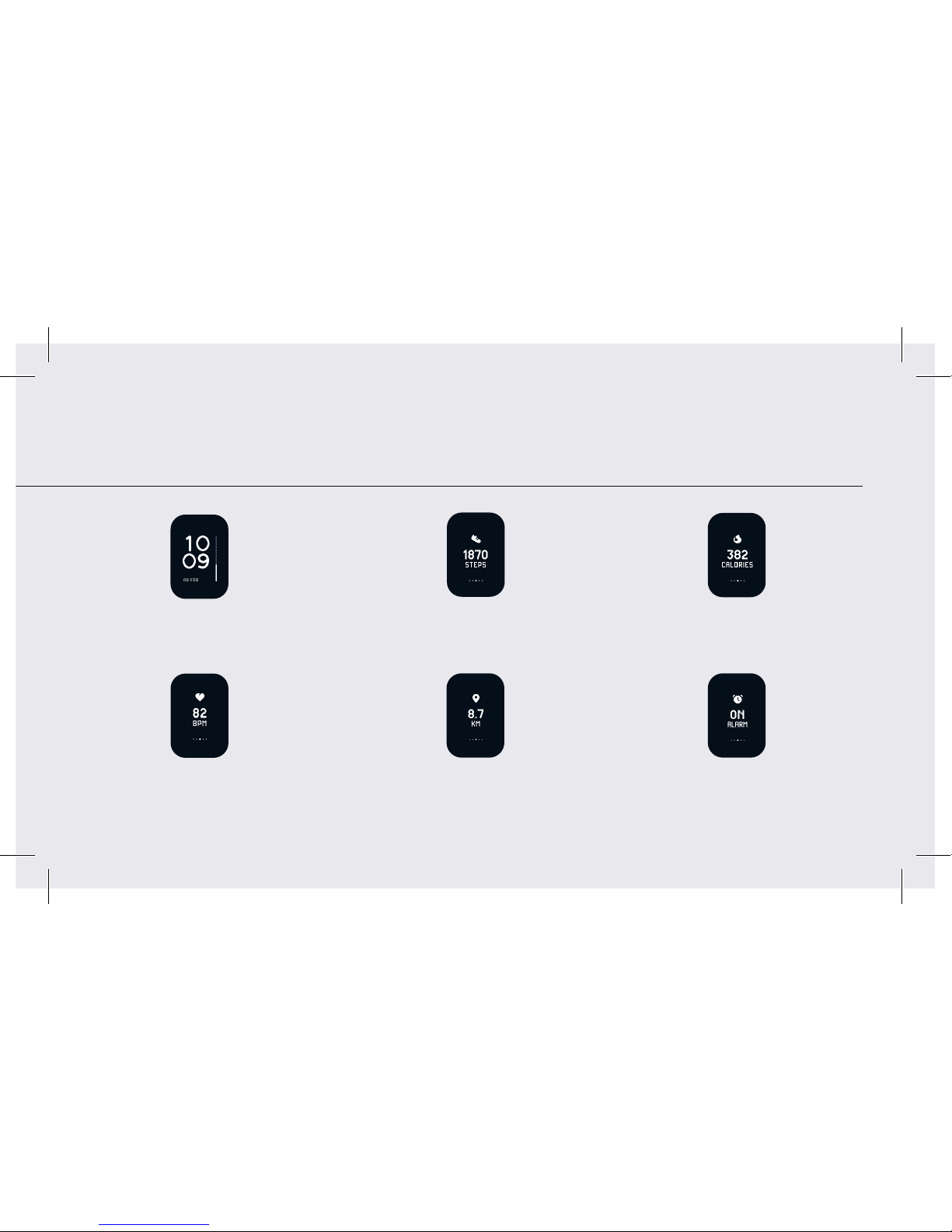
Steps
Pas | Schritte
Pasos | Passi
Distance
Distance | Entfernung
Distancia | Distanza
Heart rate
Rythme cardiaque | Herzfrequenz
Frecuencia cardiaca | Frequenza cardiaca
Calories burned
Calories brûlées | Kalorien verbrannt
Calorías quemadas | Calorie consumate
Alarm time (via Health Mate app)
Heure du réveil | Weckzeit
Alarma | Ora allarme
6–7
Home screen
Écran d’accueil | Start-Bildschirm
Pantalla inicial | Schermo principale
Customize the screens
Personnalisez les écrans | Passen Sie die Bildschirme an | Personaliza las pantallas | Personalizza gli schermi
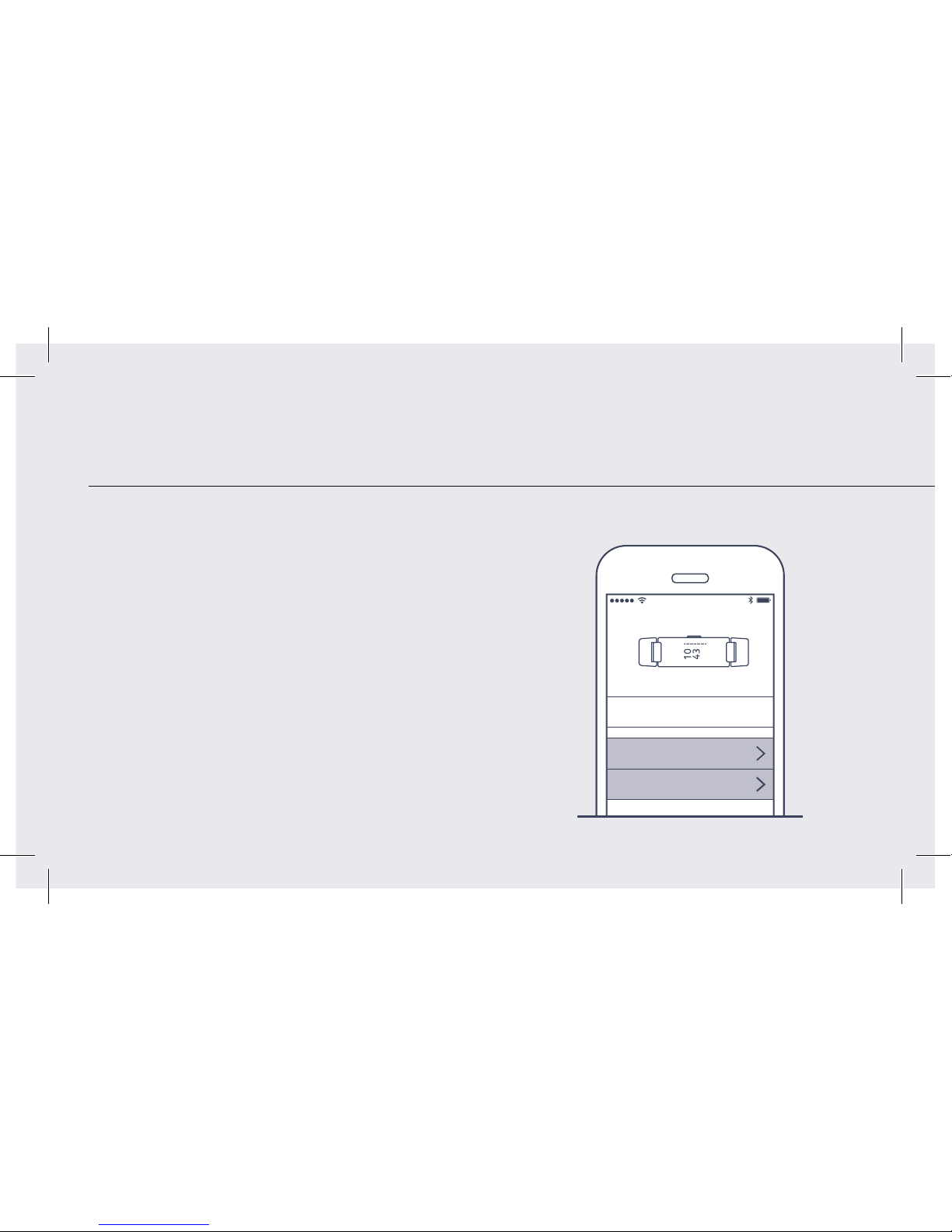
Customize the screens and activate phone notifications
(Health Mate™ app, “my devices”)
FR Personnalisez les écrans et activez les notifications
(application Health Mate™, «Mes appareils»).
DE Passen Sie die Bildschirme an und aktivieren Sie die
Smartphone-Benachrichtigungen (Health Mate™-App,
Meine Geräte»).
ES Personaliza las pantallas y activa las notificaciones
del smartphone (aplicación Health Mate™, «Mis
dispositivos»).
IT Personalizza gli schermi e attiva le notifiche dello
smartphone (applicazione Health Mate™, «I miei
dispositivi»).
8:08 AM
User Marc
Screens customization
Notifications
Home Screen
Heart Rate
Steps
Distance
8:08 AM
Alarm
Turn on notifications
Enable notifications
Messages
Calendar
8:08 AM
Incoming call
09 M AY.
09 MAY.
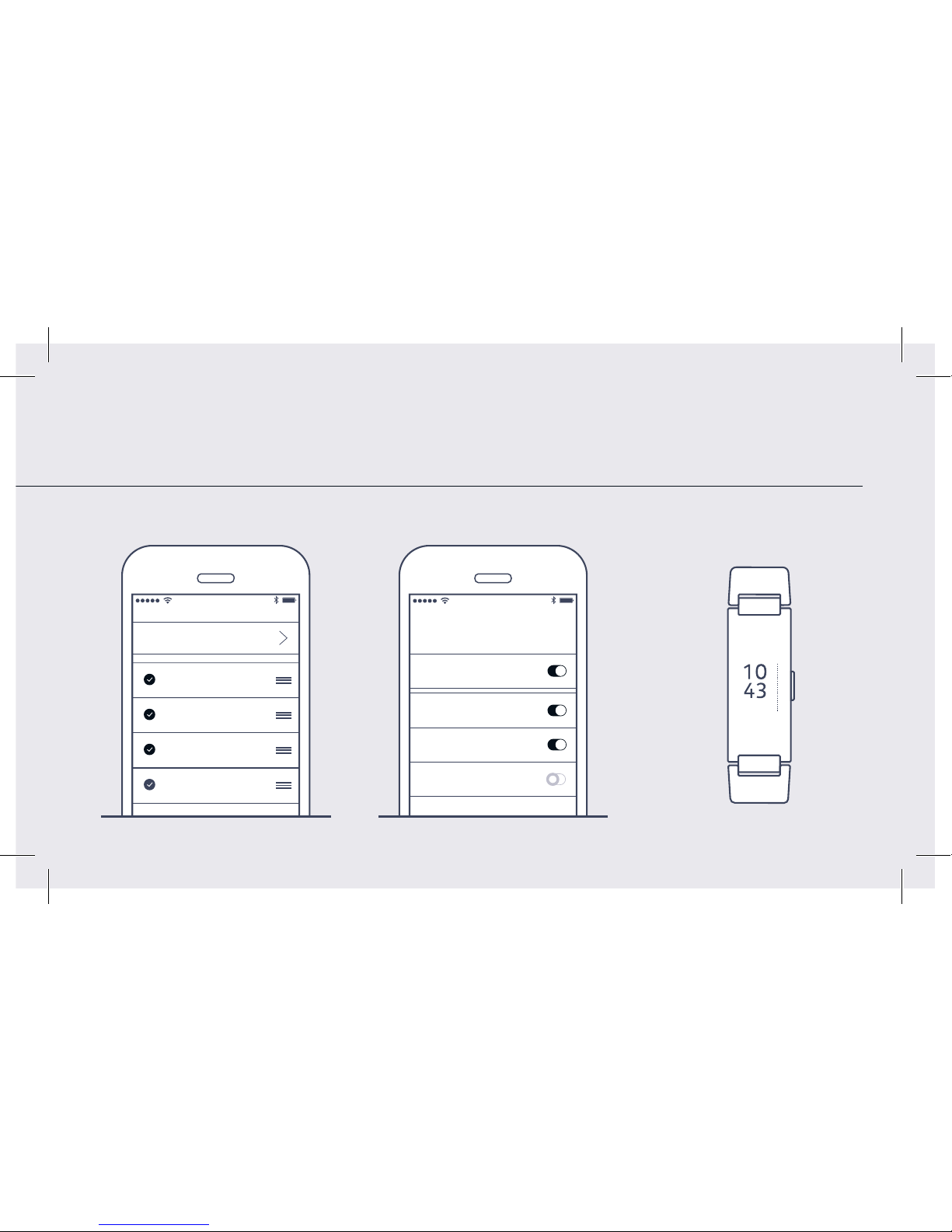
Customize the screens
Personnalisez les écrans | Passen Sie die Bildschirme an | Personaliza las pantallas | Personalizza gli schermi
8–9
8:08 AM
User Marc
Screens customization
Notifications
Home Screen
Heart Rate
Steps
Distance
8:08 AM
Alarm
Turn on notifications
Enable notifications
Messages
Calendar
8:08 AM
Incoming call
09 M AY.
09 MAY.

How to Charge Pulse HR
Comment charger Pulse HR | Wie lade ich Pulse HR auf? | Cómo cargar Pulse HR | Come caricare Pulse HR
Battery life: up to 25 days on normal use + power reserve
mode (time and activity tracking only)
FR Recharge aisée avec le câble fourni. Autonomie:
jusqu’à 25 jours sur l’utilisation normale + font fonctionner
le mode remplaçant (le temps et l’activité suivant à la trace
seulement).
DE Einfaches Aufladen mit dem enthaltenen Ladekabel.
Batterielaufzeit: bis zu 25 Tage auf normalem Gebrauch +
bewahrt Kraft Weise (Zeit und Tätigkeit auf, die nur) verfolgt.
ES Se carga fácilmente con el cable suministrado. Duración de la
batería: hasta 25 días sobre el empleo normal + impulsan el
modo de la reserva (el tiempo y la actividad que rastrea sólo).
IT Carica facile con il cavo in dotazione. Durata della batteria:
fino a 25 giorni su uso normale + maniera (tempo e l’attività
che localizzano solamente) di riserva di potere.
1.
2.
Other manuals for Pulse HR
3
Table of contents
Popular Fitness Electronic manuals by other brands

Tunturi
Tunturi Platinum Pro user manual

ergoline
ergoline ergoselect 150 Operator's manual

Kettler
Kettler SM3635-68 Training and operating instructions

BH FITNESS
BH FITNESS G6424i manual

BodyMedia
BodyMedia DD100 manual
Octane Fitness
Octane Fitness ZERO RUNNER ZR7000 Console Guide & Set-Up Instructions