manuals.online logo
Brands
  1. Home
  2. •
  3. Brands
  4. •
  5. Xbrand
  6. •
  7. Fog Machine
  8. •
  9. Xbrand MM116ABK User manual

Xbrand MM116ABK User manual

Popular Fog Machine manuals by other brands

EuroLite MINI DRY ICE 1 user manual

EuroLite

EuroLite MINI DRY ICE 1 user manual

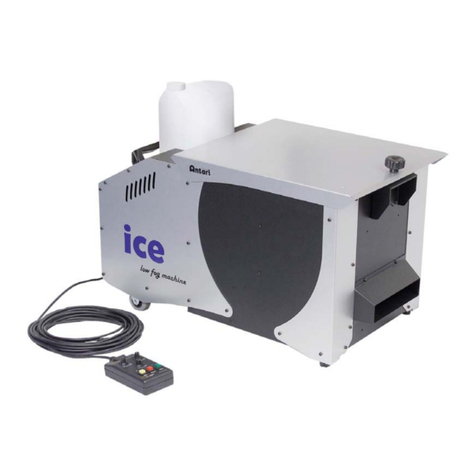
Antari ICE Product guide

Antari

Antari ICE Product guide

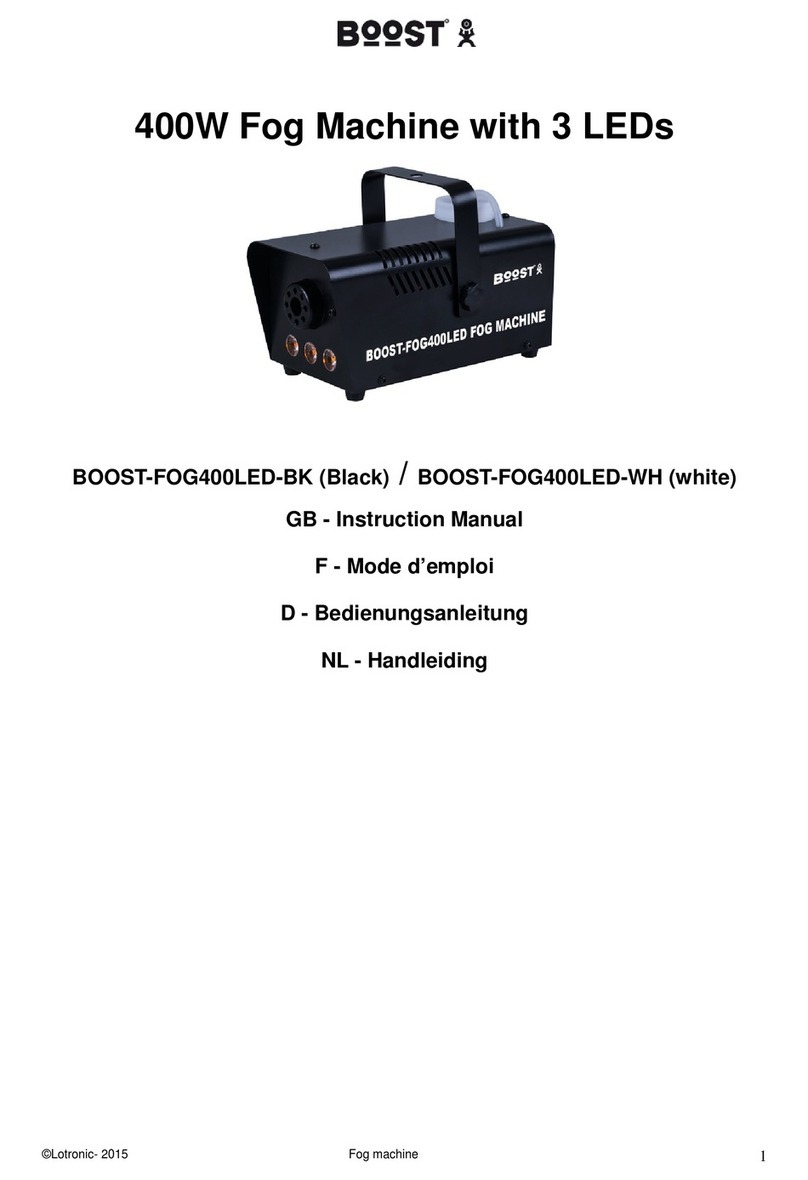
Boost BOOST-FOG400LED-BK instruction manual

Boost

Boost BOOST-FOG400LED-BK instruction manual

Home Accents Holiday FM1000-ASH user manual

Home Accents Holiday

Home Accents Holiday FM1000-ASH user manual

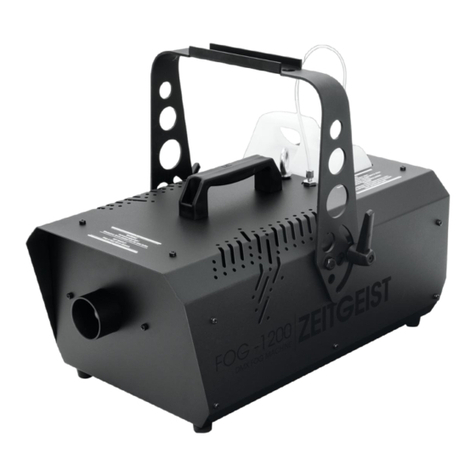
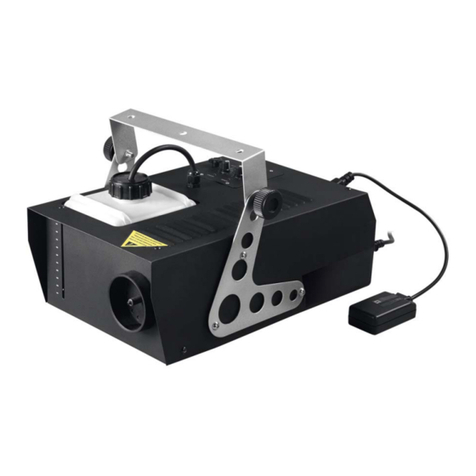
EuroLite ZEITGEIST FOG-1200 user manual

EuroLite

EuroLite ZEITGEIST FOG-1200 user manual

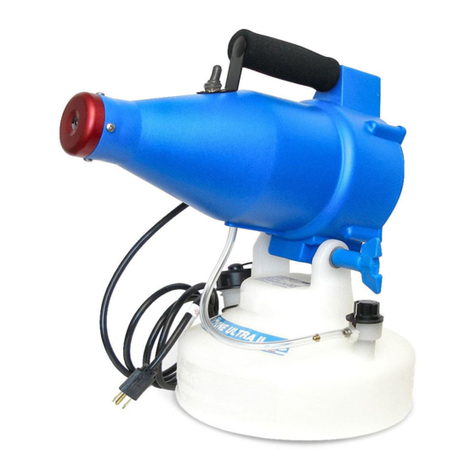
Dyna-Fog CYCLONE ULTRA 2734 Operation and maintenance manual

Dyna-Fog

Dyna-Fog CYCLONE ULTRA 2734 Operation and maintenance manual

PROEL DRAGO HEAVY PLFD150HY manual

PROEL

PROEL DRAGO HEAVY PLFD150HY manual

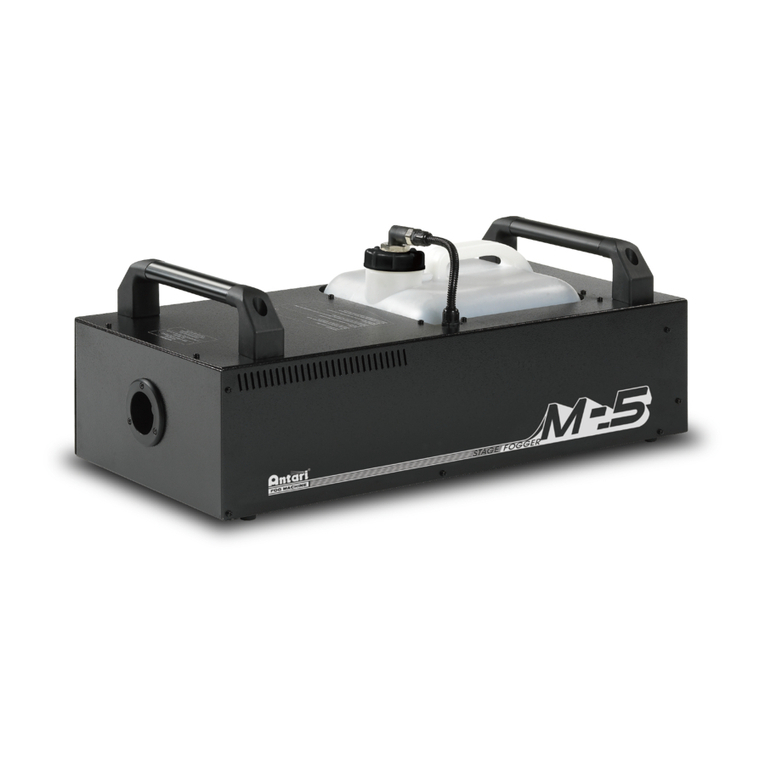
Antari M-5 user manual

Antari

Antari M-5 user manual

Venue Lighting Effects ULTRA MINI-FOGGER user manual

Venue Lighting Effects

Venue Lighting Effects ULTRA MINI-FOGGER user manual

High End F-100 user guide

High End

High End F-100 user guide

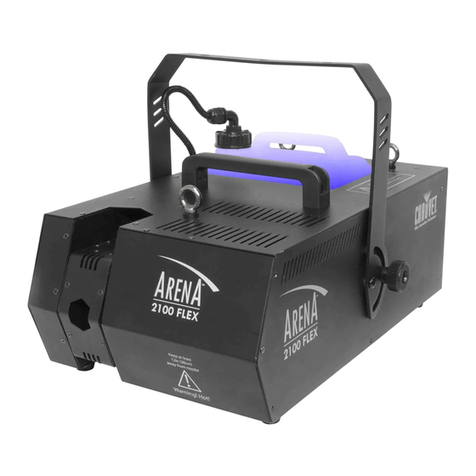
Chauvet ARENA 2100 FLEX user manual

Chauvet

Chauvet ARENA 2100 FLEX user manual

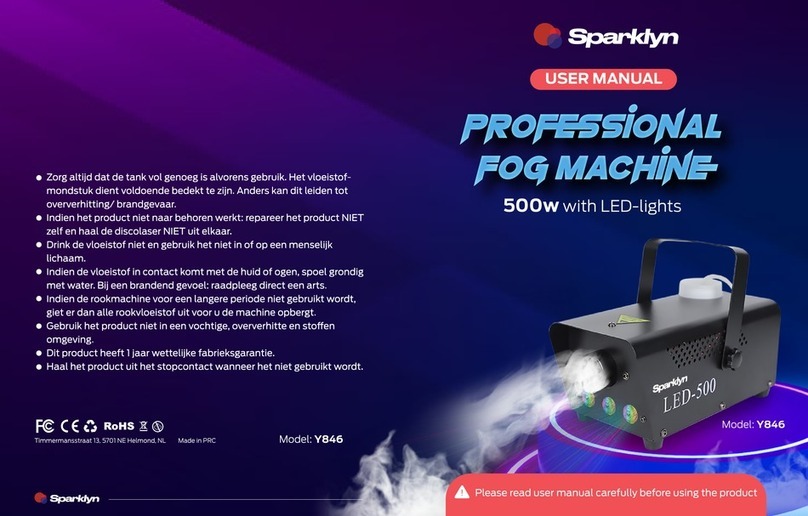
Sparklyn Y846 user manual

Sparklyn

Sparklyn Y846 user manual

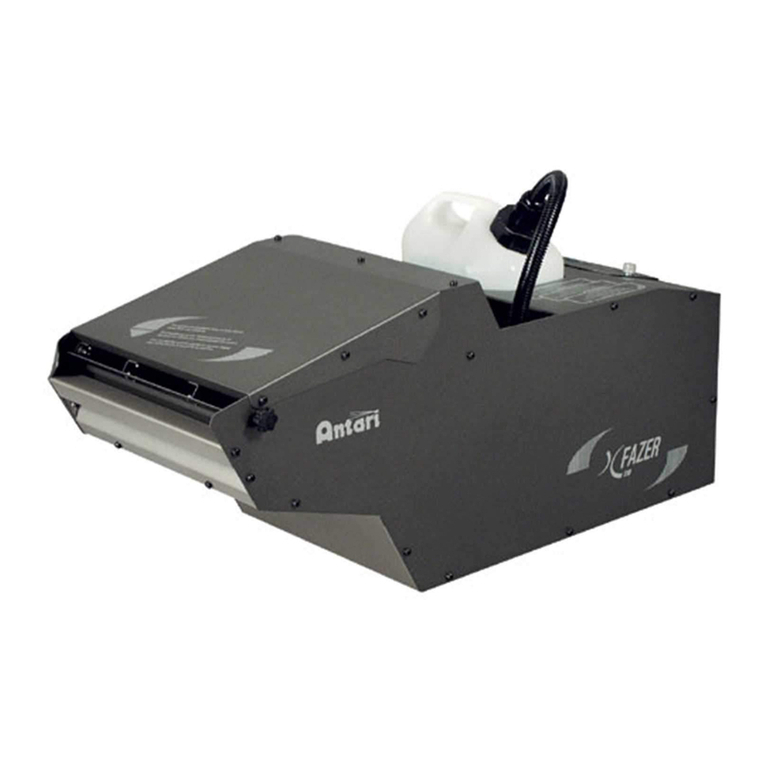
Antari X FAZER user manual

Antari

Antari X FAZER user manual

JB Systems FX 1700 Operation manual

JB Systems

JB Systems FX 1700 Operation manual

Magicfx CO2 Gun manual

Magicfx

Magicfx CO2 Gun manual

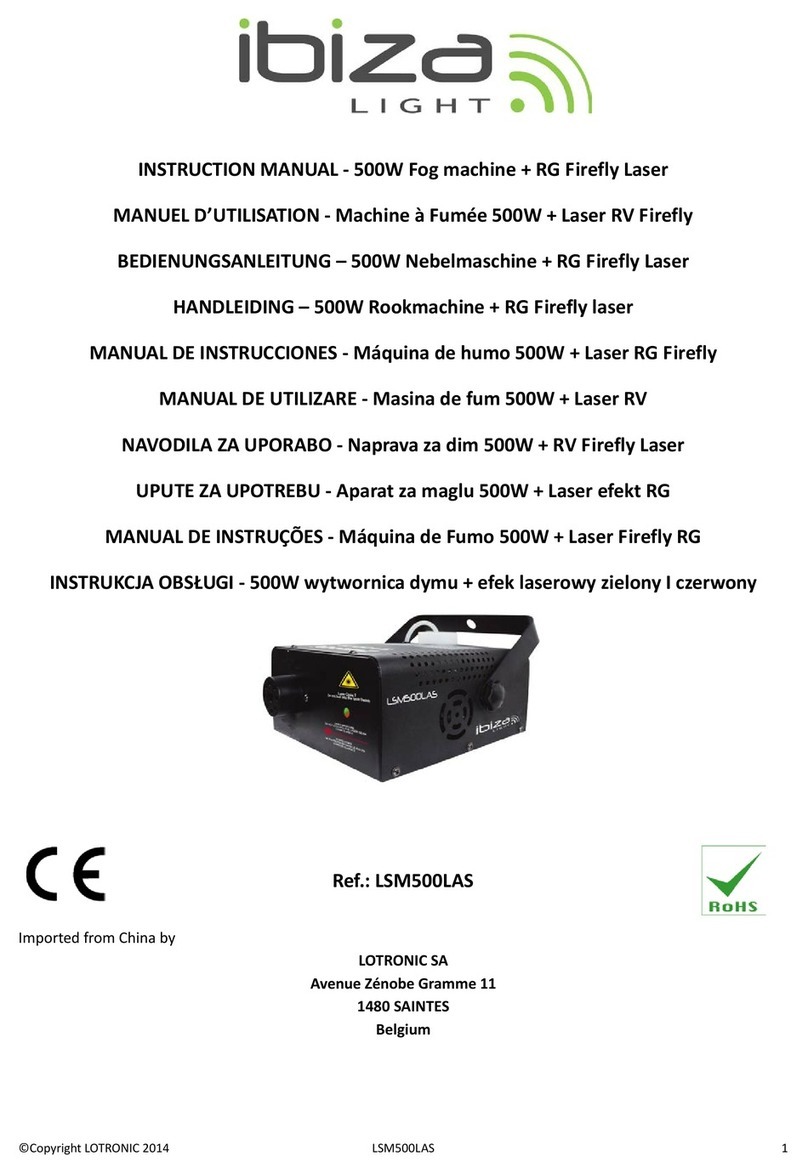
Ibiza LSM400LED-BK instruction manual

Ibiza

Ibiza LSM400LED-BK instruction manual

Martin Magnum 1200 user manual

Martin

Martin Magnum 1200 user manual

Antari PM-1 manual

Antari

Antari PM-1 manual

manuals.online logo
manuals.online logoBrands
  • About & Mission
  • Contact us
  • Privacy Policy
  • Terms and Conditions

Copyright 2025 Manuals.Online. All Rights Reserved.

Call:
951-319-4433
Email:
customerservice@ecintel.com
Have Questions or Issues? Need help with assembly?
Contact us and we will resolve immediately.
Support Hours M-F 7:00AM - 3:30PM (U.S Pacific Time)
Purchased your product online?
We would really appreciate it if you can share your experience
with others by reviewing our product on the website from
which you purchased.
Having Trouble?
xbrand.us
Chat with us on your phone
or email at
customerservice@ecintel.com
Monday - Friday 7:00AM - 3:30PM PST
Chat with us:
xbrand.us
Simply point your phone camera towards the QR code or see our website
Simply point your phone camera towards
the QR code or see our website
Mist Maker
InstructionInstruction ManualManual
Item# MM116ABK
Simply point your phone camera towards
the QR code or see our website
Simply point your phone camera towards
the QR code or see our website
1
• Parts that are deemed defective within 30 day will be shipped free of
charge.
• Any warranty claim after 30 days, will require shipping to be paid by
the customer.
Warranty
Limited 1-Year Manufacturer Warranty on xbrand.us
Manufacturer warranty covers:
Purchased your product online?
We would really appreciate it if you can share your experience
with others by reviewing our product on the website from
which you purchased.
1
2
Any visible damage due to the neglect, misuse, or abuse will void the
limited warranty of the product.
-Please do not tamper with the cords. Do not use adapter
other than the one provided to you.
-When the water-level is low, the sensor will automatically
shut the fogger unit off.
-The auto-shut off protects the ceramic disc from running
dry.
-Use only mineralized water or tap water
-If the unit cannot generate mist after running for some
time, please check and confirm there is enough water in
the bowl.
-If the LED light is also off and not creating mist, please
make certain that it is receiving electricity and check the on
and off switch.
-If the unit cannot generate mist and is only spraying water,
the water in the bowl may be dirty.
-If it continues to spray, but not mist, please make sure the
level of the water is not higher than ½” above the water
level sensor.
Troubleshoot
Fogger Unit
What is included
https://xbrand.us/product/
mm116abk/
Please use your smart phone camera to scan the QR code. Simply
point your camera and let the camera scan the code below, and click
on the link that opens up for more item information