EnglishDeutsch
 logo
Brands
  1. Home
  2. •
  3. Brands
  4. •
  5. Acer
  6. •
  7. GPS
  8. •
  9. Acer BYOC Circo S User manual

Acer BYOC Circo S User manual

Other Acer GPS manuals
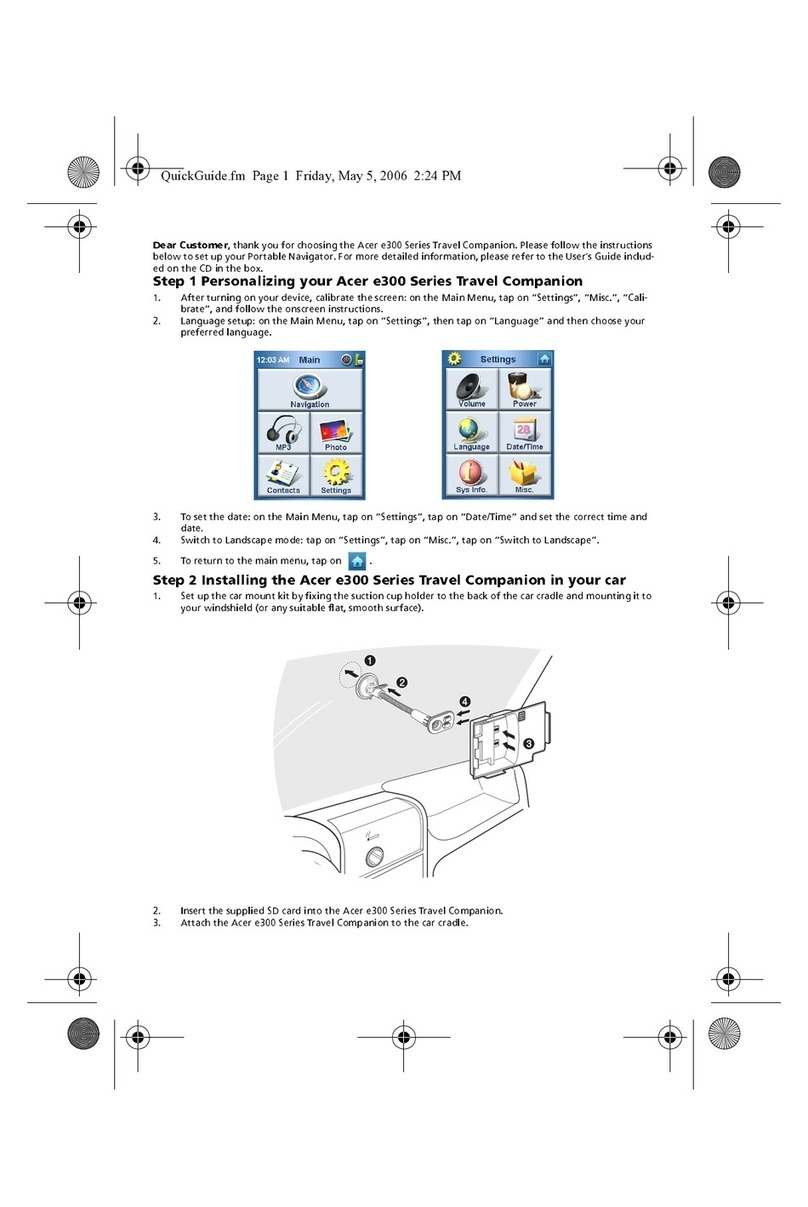
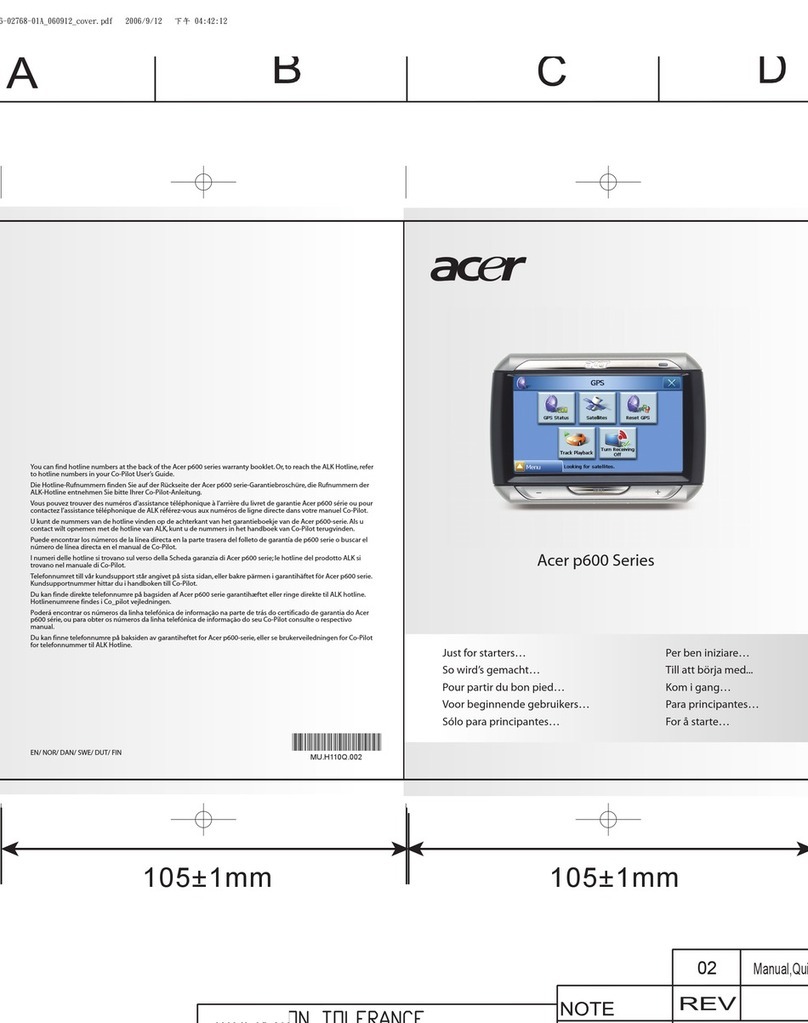
Acer e300 Series User manual

Acer

Acer e300 Series User manual

Acer p600 Series User manual

Acer

Acer p600 Series User manual
Acer p700 Series User manual

Acer

Acer p700 Series User manual
Acer e300 Series User manual

Acer

Acer e300 Series User manual
Acer CoPilot Pocket PC6 User manual

Acer

Acer CoPilot Pocket PC6 User manual
Acer D100 Series User manual

Acer

Acer D100 Series User manual
Acer p700 Series User manual

Acer

Acer p700 Series User manual
Acer p600 Series User manual

Acer

Acer p600 Series User manual
Acer BYOC Circo S smart tracker User manual
Acer

Acer BYOC Circo S smart tracker User manual

Acer D100 Series User manual

Acer

Acer D100 Series User manual
Acer p600 Series User manual

Acer

Acer p600 Series User manual

Acer v200 Series User manual

Acer

Acer v200 Series User manual

Popular GPS manuals by other brands

Raven Cruizer II null

Raven

Raven Cruizer II null

Hama 53118 Operating	 instruction

Hama

Hama 53118 Operating instruction

Garmin SOUNDER 125 Owner's  manual  & reference

Garmin

Garmin SOUNDER 125 Owner's manual & reference

Garmin DEZL 580 owner's manual

Garmin

Garmin DEZL 580 owner's manual

Jigabot EX quick start guide

Jigabot

Jigabot EX quick start guide

Pointer Cellocator CelloTrack XT LTE overview

Pointer

Pointer Cellocator CelloTrack XT LTE overview

Queclink GV55LITE user manual

Queclink

Queclink GV55LITE user manual

Voxson Voxtrack GPS500 Quick user guide

Voxson

Voxson Voxtrack GPS500 Quick user guide

Garmin ECHOMAP PLUS owner's manual

Garmin

Garmin ECHOMAP PLUS owner's manual

Starcom Systems Kylos Compact user guide

Starcom Systems

Starcom Systems Kylos Compact user guide

Garmin 15 H Series Technical specifications

Garmin

Garmin 15 H Series Technical specifications

Cobra Marine MC 600Ci owner's manual

Cobra

Cobra Marine MC 600Ci owner's manual

Cellocator CelloTrack T installation guide

Cellocator

Cellocator CelloTrack T installation guide

Enfora Mini-MT GSM2228UG001 user guide

Enfora

Enfora Mini-MT GSM2228UG001 user guide

Magellan eXplorist 100 Reference manual

Magellan

Magellan eXplorist 100 Reference manual

Garmin DEZL OTR500 owner's manual

Garmin

Garmin DEZL OTR500 owner's manual

LTE G50B user manual

LTE

LTE G50B user manual

SkyGolf SkyCaddie SG1 user guide

SkyGolf

SkyGolf SkyCaddie SG1 user guide

https://manuals.online logo
https://manuals.online logoBrands
  • About & Mission
  • Contact us
  • Privacy Policy
  • Terms and Conditions

Copyright 2026 Manuals.Online. All Rights Reserved.

acer
QUICK
START
GUIDE
Acer
BYOC
-
Circo
S
smart
tracker
Thanks
for
buying
the
Acer
BYOC
-
Circo
S
smart
tracker
Please
follow
the
below
steps
in
the
QSG
and
your
smart
tracker
will
be
ready
to
use!
1
.
Please
registeryourselfvia:
https://acer-byoc.transatel.com
You
need
to
fill
in
yourSIM
card
serial
number.
This
number
is
on
the
back
of
below
card
in
the
box
Click
on
“not
registered
yet”
This
registration
you
need
to
extend
the
service
subscription
after
2
months
The
device
Acer
BYOC
-
Circo
S
smart
tracker
5
.
Switch
the
device
on
by
pressing
(for
a
while)
the
yellow
button.
First
the
light
will
flash
red.
Please
stop
pressing
the
button.
After
a
few
seconds
the
light
will
flash
green.
The
device
is
now
ready
to
use.
Artie
Lampje
Stroomconditie
Dnikeenmaal
.
Groen
Norm
ale
condltie
Bezigmet
Batterij
volledig
opgeladen
opladen
Oranje
Bezigmet
opladen
Groen
»aeM
andttDldathelaPParaalB
Inschakelen
Vroen
Uitschakelen
Oranje
Geen.
Rood
|
signaalontvanqst__|
6
.
Please
download
the
Circo
S
app
on
your
smartphone.
8
.
LinkyourAcer
BYOC
Circo
S
smart
tracker
to
the
app,
and.Ready
to
use!
9
.
Status
Icons
in
app
Richtlijnen
status
0
Uitgeschakeld
©
©
10%
batterij
over
/
Opladen
o
©
30%
batterij
over
/
Opiaden
0
©
75%
batterij
over/Opladen
©
/
©
Volledig
opgeladen
met
100%
batterij
©
Het
apparaat
is
offline
0
Update
firmware_
?
Inveiligezone
9
Buiten
veilige
zone
12
.
Re-charging
credit
after
2
months
free
use
&
other
information
Please
go
to:
https://acer-byoc.transatel.com
Forall
other
information
about
Acer
BYOC
-
Circo
S
smart
tracker
Please
go
to:
http://home.cloud.acer.com/circos/