manuals.online logo
Brands
  1. Home
  2. •
  3. Brands
  4. •
  5. ACP
  6. •
  7. Microwave Oven
  8. •
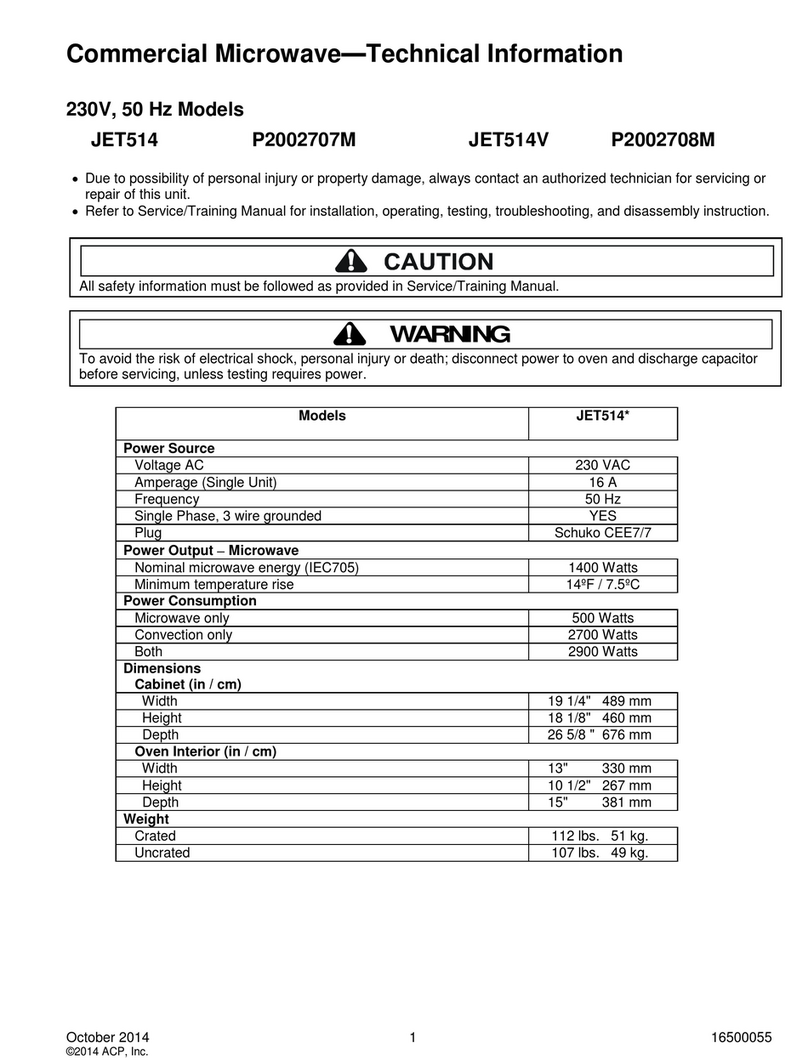
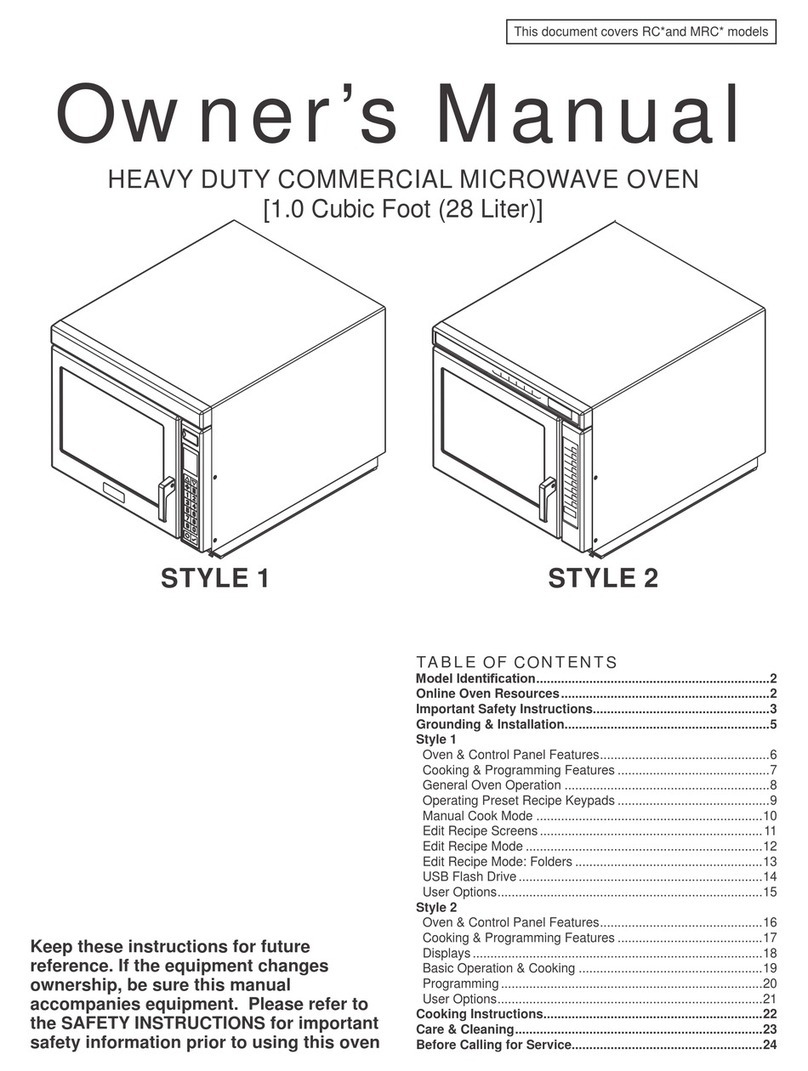
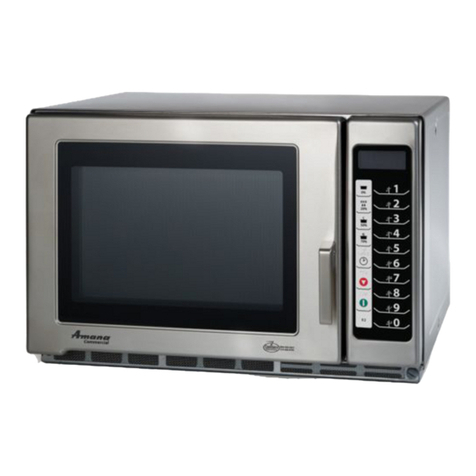
  9. ACP Amana HDC18SD2 User manual

ACP Amana HDC18SD2 User manual

This manual suits for next models

1

Other ACP Microwave Oven manuals

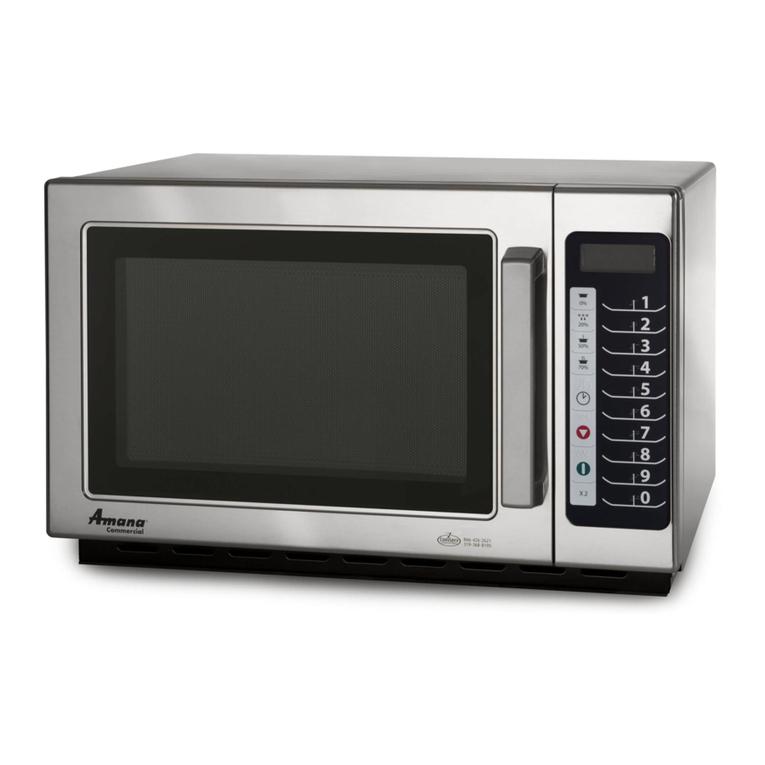
ACP RCS10DA Assembly instructions

ACP

ACP RCS10DA Assembly instructions

ACP 20077006 Operating manual

ACP

ACP 20077006 Operating manual

ACP RCS511TS Manual

ACP

ACP RCS511TS Manual

ACP RMS A Series User manual

ACP

ACP RMS A Series User manual

ACP RCS511DSE User manual

ACP

ACP RCS511DSE User manual

ACP Microwave Oven User manual

ACP

ACP Microwave Oven User manual

ACP RCS511DSE Installation guide

ACP

ACP RCS511DSE Installation guide

ACP RMS10TSA Manual

ACP

ACP RMS10TSA Manual

ACP HDC Series User manual

ACP

ACP HDC Series User manual

ACP RFS12TS User manual

ACP

ACP RFS12TS User manual

ACP Microwave Oven User manual

ACP

ACP Microwave Oven User manual

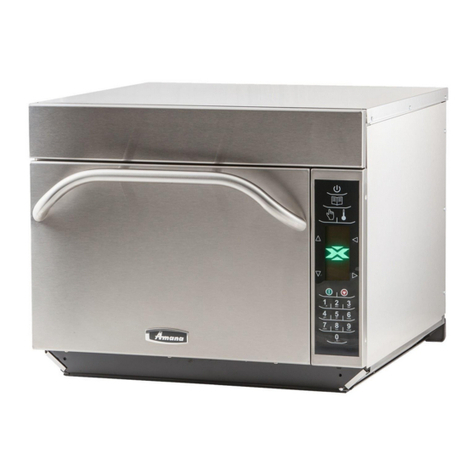
ACP JET Series User manual

ACP

ACP JET Series User manual

ACP OnCue Commercial User manual

ACP

ACP OnCue Commercial User manual

ACP MCS10TSB Manual

ACP

ACP MCS10TSB Manual

ACP AXP5201 User manual

ACP

ACP AXP5201 User manual

ACP AXP User manual

ACP

ACP AXP User manual

ACP RMS510TS Manual

ACP

ACP RMS510TS Manual

ACP Menumaster JET14 Series Manual

ACP

ACP Menumaster JET14 Series Manual

ACP RCS10TS User manual

ACP

ACP RCS10TS User manual

ACP Microwave Oven User manual

ACP

ACP Microwave Oven User manual

ACP ACE series User manual

ACP

ACP ACE series User manual

ACP ACE14 User manual

ACP

ACP ACE14 User manual

ACP MCS10TS User manual

ACP

ACP MCS10TS User manual

ACP RMS510TS2 Manual

ACP

ACP RMS510TS2 Manual

Popular Microwave Oven manuals by other brands

Sharp R-390D manual

Sharp

Sharp R-390D manual

PROFILO MD1000 instruction manual

PROFILO

PROFILO MD1000 instruction manual

Candy MIC 201 EX User instructions

Candy

Candy MIC 201 EX User instructions

PITSOS GMW3101B user manual

PITSOS

PITSOS GMW3101B user manual

Sears 5648744780 Use & care manual

Sears

Sears 5648744780 Use & care manual

BOMANN CB 1272 Instruction manual & guarantee

BOMANN

BOMANN CB 1272 Instruction manual & guarantee

Conrad Electronic 2372935 operating instructions

Conrad Electronic

Conrad Electronic 2372935 operating instructions

GE Spacemaker JVM1440BH datasheet

GE

GE Spacemaker JVM1440BH datasheet

DAEWOO ELECTRONICS KOR-6L8K5S83 Operating instructions & cook book

DAEWOO ELECTRONICS

DAEWOO ELECTRONICS KOR-6L8K5S83 Operating instructions & cook book

DAEWOO ELECTRONICS KOR-1N5A9S Operating instructions & cook book

DAEWOO ELECTRONICS

DAEWOO ELECTRONICS KOR-1N5A9S Operating instructions & cook book

Daewoo KQG-6617G Operating instructions & cook book

Daewoo

Daewoo KQG-6617G Operating instructions & cook book

Samsung M1779 Owner's instructions

Samsung

Samsung M1779 Owner's instructions

GE JES1143 Use and care & cooking guide

GE

GE JES1143 Use and care & cooking guide

Miele H6200BM(TB) Operating and installation instructions

Miele

Miele H6200BM(TB) Operating and installation instructions

Jocel JMO011480 instruction manual

Jocel

Jocel JMO011480 instruction manual

Sharp R-752M Operation manual with cookbook

Sharp

Sharp R-752M Operation manual with cookbook

Electrolux EVL8E00X user manual

Electrolux

Electrolux EVL8E00X user manual

STOVES Q900GRF DO User, installation & servicing instructions

STOVES

STOVES Q900GRF DO User, installation & servicing instructions

manuals.online logo
manuals.online logoBrands
  • About & Mission
  • Contact us
  • Privacy Policy
  • Terms and Conditions

Copyright 2025 Manuals.Online. All Rights Reserved.

Refer to Product Safety Manual for Safety Statements
Complete Owner’s Manual available online
Manual Operation
To cook food using a specic entered time and power level.
1. Open oven door and place food in oven. Close door.
2. Press TIME ENTRY pad and enter cooking time.
3. Press POWER LEVEL pad to program level of microwave power if desired.
• For a lower microwave power, press pads 1 (for 10%),
through 9 (for 90%), or 0 for no microwave energy.
NOTE: Press POWER LEVEL pad once to return to 100% microwave
power.
4. Press START pad.
5. At end of cooking cycle oven beeps and shuts off.
Programming Items
1. Open oven door.
2. Press and hold pad 1 for approximately 5 seconds.
3. Press pad to be reprogrammed.
4. Enter cooking time by using the number pads.
5. Press POWER LEVEL pad to program level of microwave power if desired.
• For a lower microwave power, press pads 1 (for 10%),
through 9 (for 90%), or 0 for no microwave energy.
NOTE: Press POWER LEVEL pad once to return to 100% microwave
power.
6. Press TIME ENTRY pad to add up to four additional cooking stages.
• Total cooking time cannot exceed 60 minutes.
• Enter cook time and power level as in steps 4 and 5.
7. Press START pad to set new programming changes to the pad.
NOTE: To discard changes, press STOP/RESET pad or close oven door.
Quick Start Reference Guide
So...how do I use it?
Preprogrammed
Pads
To cook food using
preprogrammed cooking sequences.
1. Open oven door and place
food in oven. Close door.
2. Press desired pad.
3. Oven begins to cook.
4. At end of cooking cycle oven
beeps and shuts off.
The switching operation of this microwave oven can cause voltage uctuations on the supply line. The operation of this oven under unfavorable voltage supply
conditions can have adverse effects. This device is intended for the connection to a power supply system with a maximum permissable system impedance
Zmax of 0.31 Ohms at the interface point of the user’s supply. The user has to ensure that this device is connected only to a power supply system which fullls
the requirement above. If necessary, the user can ask the public power supply company for the system impedance at the interface point.
X2 Programming
(some models)
To change the cooking factor:
1. Open oven door.
2. Press and hold pad 1 for
approximately 5 seconds.
3. Press pad to be reprogrammed.
4. Press the X2 pad.
5. Press a numbered pad to
change the cooking factor.
• Cooking factor can be set from
10% to 100%.
• Default is 80%.
• Pad 5 would change the
cooking factor to 50%.
6. Press START pad to save
changes.
X2 Pad (some models)
1. Open oven door and place food in oven. Close door.
2. Press X2 pad.
3. Press desired preprogrammed pad or pad sequence.
4. Oven begins cooking. Displayed cooking time is the total of original
cooking time and added X2 time.
2
CLEAN FILTER
This oven displays CLEAN FILTER
at user dened intervals. When the
message displays ACP recommends
cleaning the air lter thoroughly.
Cleaning the air lter will not shut
off the message. The message will
stop displaying automatically after
24 hours. Depending on microwave
use and environmental conditions,
the lter may need to be cleaned
more frequently. Once the frequency
is determined, set the option for the
appropriate time frame.
Oven Clearances
A—For North American (UL/CSA) models, allow at
least 7” (17.8 cm) of clearance around top of oven.
For International (50 Hz) models, allow at least 7”
(17.8 cm) of clearance around top of oven. Proper
air ow around oven cools electrical components.
With restricted air ow, oven may not operate
properly and life of electrical parts is reduced.
B—Allow at least 2 9/16” (6.5 cm) between air
discharge on back of oven and back wall.
C—Allow at least 7” (17.8 cm) around sides of oven.
Time Entry
Power Level Start
Stop/Reset

 2011 ACP, Inc.
Cedar Rapids, Iowa 52404
Part No.12834405
Printed in U.S.A. 1/11
For full product documentation visit:
www.acpsolutions.com
Quick Start Reference Guide
Refer to Product Safety Manual for Safety Statements
Complete Owner’s Manual available online
Can I change an option?
Options such as single or double pad programming, beep volume,
and maximum cooking time can be changed to suit individual
preferences.
To change options:
1. Open oven door.
• If door is closed or STOP/RESET pad is pressed before programming is
complete, changes are discarded and microwave exits programming mode.
2. Press and hold pad 2 for approximately 5 seconds.
• This begins options mode.
• Microwave will beep and OPTIONS: displays.
3. Press number pad that controls option to be changed.
• See table below for options.
• Current option will display.
4. Press number pad again to change the option.
• Each time pad is pressed, option will change.
• Match code displayed with code for desired option.
5. Press START pad to save changes.
• To change additional options, repeat steps 3 and 4.
• Changes appear after door is closed or STOP/RESET pad is
pressed.
No metal pans
DO NOT power spray
Numbered Pads Display Options (Factory Settings in Bold)
1
End of Cycle Beep
OP:10
OP:11
OP:12
3 second continuous beep.
Continuous beep until door is opened.
5 beeps bursts until door is opened.
2
Speaker Volume
OP:20
OP:21
OP:22
OP:23
Eliminates beep.
Sets volume to low.
Sets volume to medium.
Sets volume to high.
3
Key Beep
OP:30
OP:31
Prevents beep when pad is pressed.
Allows beep when pad is pressed.
4
Keyboard Enable
Window
OP:40
OP:41
OP:42
OP:43
15 seconds after oven door is opened, keyboard disabled.
30 seconds after oven door is opened, keyboard disabled.
1 minute after oven door is opened, keyboard disabled.
2 minutes after oven door is opened, keyboard disabled.
5
Add Time During
Heating
OP:50
OP:51
Prevents adding heating time while oven is heating.
Allows heating time to be changed while oven is heating when a memory pad
is pressed.
6
Reset Door Open
OP:60
OP:61
Allows oven to resume heating time countdown after door is opened during
cycle.
Cancels heating time count down after door is opened during cycle.

7
Maximum Heating Time
OP:70
OP:71
Allows 60 minutes of heating time.
Allows 10 minutes of heating time.
8
Manual Operation
OP:80
OP:81
Allows use of preprogrammed pads only.
Allows use of manual time entry and preprogrammed pads.
9
Double Digit Operation
OP:90
OP:91
Allows 10 (0-9) preprogrammed pads.
Allows 100 (00-99) preprogrammed pads.
0
Clean Filter Message
OP:00
OP:01
OP:02
OP:03
Do not display message.
Display message for 24 hours every 7 days.
Display message for 24 hours every 30 days.
Display message for 24 hours every 90 days.