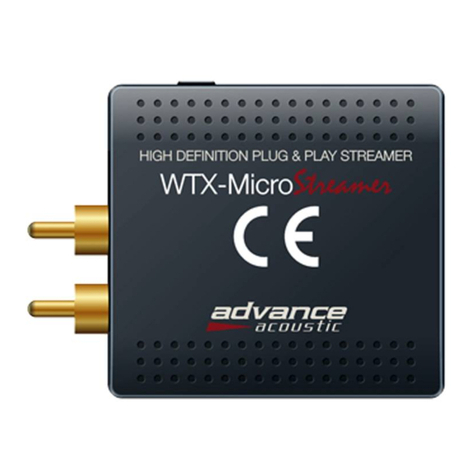
How to connect your WTX MicroStream without WPS
- Make sure your phone connect to your Wi-Fi home network.
- Run ADVANCE PLAYSTREAM App and choose Add Device.
- Type your password of your router in ADVANCE PLAYSTREAM App.
- Press WPS button on WTX MicroStream
- Enter“Setting” ->”WLAN”->directly connect WTX MicroStreamer
- After connected with WTX MicroStream, you can stream local
music on your HiFi, soundbar, table radio, etc...
- Then enter http://10.10.10.254 / into browser in your, open the
control platform.
- Choose WiFi -> your WiFi Router->enter the correct password,
connect successfully