manuals.online logo
Brands
  1. Home
  2. •
  3. Brands
  4. •
  5. Advent
  6. •
  7. TV Receiver
  8. •
  9. Advent HT3251A User manual

Advent HT3251A User manual

This manual suits for next models

1

Other Advent TV Receiver manuals

Advent HT3461A User manual

Advent

Advent HT3461A User manual

Advent Q1435A User manual

Advent

Advent Q1435A User manual

Popular TV Receiver manuals by other brands

Edision Piccollino user guide

Edision

Edision Piccollino user guide

Matsui DTR1 user manual

Matsui

Matsui DTR1 user manual

Dyon Raptor Specifications

Dyon

Dyon Raptor Specifications

Strong SRT 2401 Troubleshooting

Strong

Strong SRT 2401 Troubleshooting

TerraTec CINERGY DT USB XS DIVERSITY Technical data

TerraTec

TerraTec CINERGY DT USB XS DIVERSITY Technical data

Haier 34F9K owner's manual

Haier

Haier 34F9K owner's manual

TechniSat DigiCom 1 operating instructions

TechniSat

TechniSat DigiCom 1 operating instructions

Haier LT19A1 user manual

Haier

Haier LT19A1 user manual

Triax CR 317 user manual

Triax

Triax CR 317 user manual

DirecTV D10-300 user guide

DirecTV

DirecTV D10-300 user guide

Motorola VIP2502W installation guide

Motorola

Motorola VIP2502W installation guide

Motorola VIP1200 Series installation manual

Motorola

Motorola VIP1200 Series installation manual

Xoro HRT 1300 Operation manual

Xoro

Xoro HRT 1300 Operation manual

Motorola DH6200 installation manual

Motorola

Motorola DH6200 installation manual

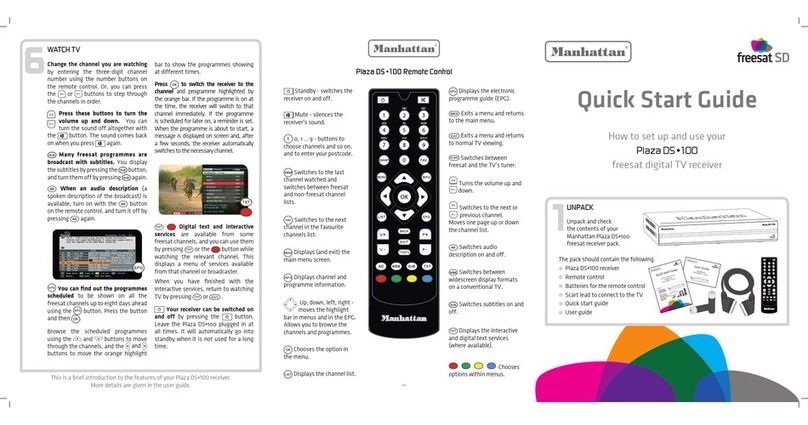
Manhattan Plaza DS-100 quick start guide

Manhattan

Manhattan Plaza DS-100 quick start guide

Micro Prose MPI-500 user manual

Micro Prose

Micro Prose MPI-500 user manual

TechniSat DIGIT ISIO S Quick start manual

TechniSat

TechniSat DIGIT ISIO S Quick start manual

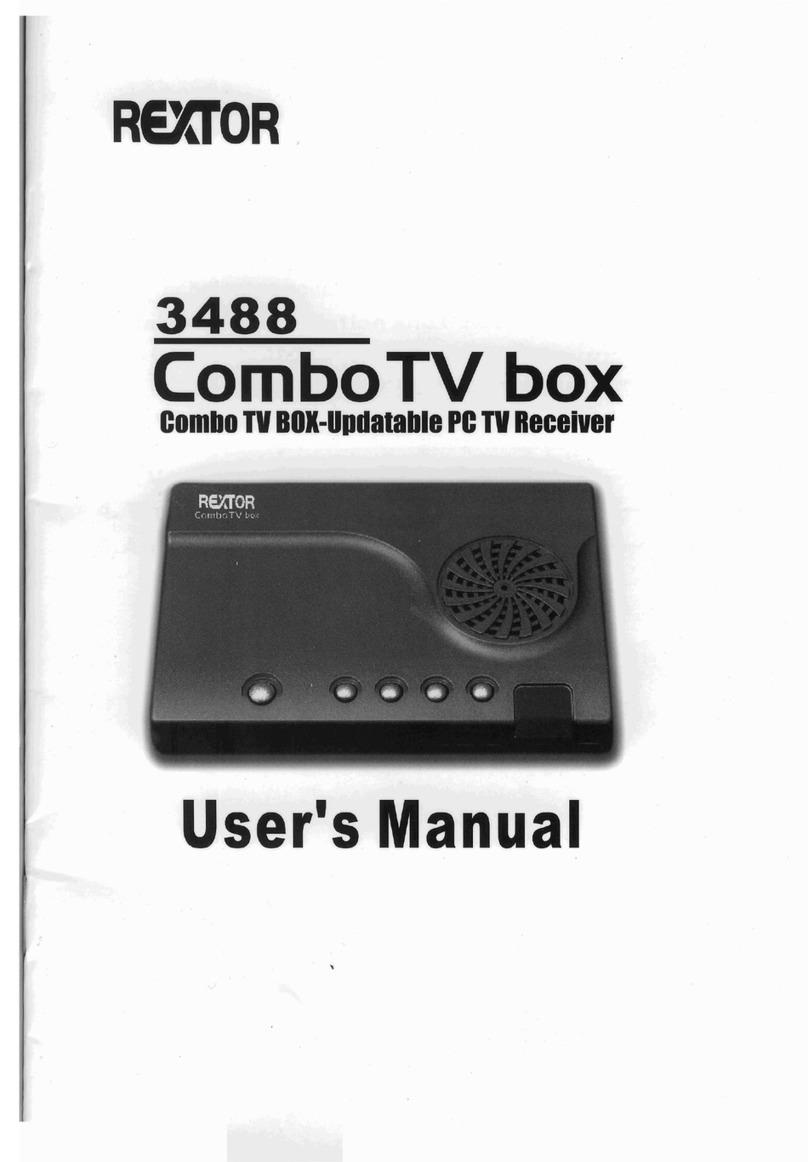
Rextor 3488 user manual

Rextor

Rextor 3488 user manual

manuals.online logo
manuals.online logoBrands
  • About & Mission
  • Contact us
  • Privacy Policy
  • Terms and Conditions

Copyright 2025 Manuals.Online. All Rights Reserved.

E
HT2751A
HT3251A
Before operating the unit, please read this manual thorough/jz
Ta Co
_mportant Safety
_nstructions ............................. 1
Getting Started ........................ 3
Front Panel (HT2751A) ............................. 3
Back Panel (HT2751A) .............................. 4
Front Panel (HT3251A) ............................. 5
Back Panel (HT3251A) .............................. 6
Remote Control ......................................... 7
Installing batteries ...................................... 8
Effective range of the Remote ................... 8
_nstaMUation ............................... 9
Antenna connections ................................. 9
Cable/satellite connections ........................ 10
Using MONITOR outputs ........................... 11
Using AVl orAV2 inputs ............................ 12
Using AV3 inputs ........................................ 12
Using Progressive scan/
component video 1 inputs .......................... 13
Using Progressive scan/
component video 2 inputs .......................... 14
Power on/off ............................ 15
Power On ................................................... 15
Power off .................................................... 15
SeUecting the Video mnput ....... 16
AV Input Selection ..................................... 16
Switching from AV to TV ............................ 16
...................................... 17
Auto Search ............................................... 17
Setting TV/Cable option ............................. 17
Erasing an unwanted channel ................... 18
Setting favorite channel ............................. 18
ChanneU SeUection ................... t9
Scanning channels .................................... 19
Adjusting Picture .................... 20
Adjusting picture ........................................ 20
Selecting picture mode .............................. 20
Selecting picture aspect ............................ 20
Freezing picture ......................................... 20
Sound
Adjusting
Selecting
Adjusting
....................................... 21
volume ....................................... 21
audio mode ................................ 21
sound ......................................... 22
Selecting sound mode ............................... 22
Timer ........................................ 23
Setting Timer off ......................................... 23
Setting Sleep Timer ................................... 23
Setting Timer on ........................................ 24
Setting Timer Pr. item ................................ 24
Setting Prog. No. item ............................... 25
Setting Alarm ............................................. 25
System Setup .......................... 26
Selecting a Language ................................ 26
Degaussing the set .................................... 26
Setting Blue screen .................................... 27
Menu Demo ................................................ 27
Setting VCR ................................................ 28
Selecting CCD ............................................ 28
Recalling On-screen display ....................... 28
ParentaM ControM ...................... 29
Setting Child lock ....................................... 29
Setting V-chip ............................................ 30
Other _nformation ................... 33
Setting The Universal Remote Control Unit33
TroubUeshooting ...................... 40
Specifications .......................... 42
CAUTION-These servicing instructions are for use by
qualified service personnel onJy, To reduce
the risk of etectric shock, do not perform any
servicing other than that contained in the
operating instructions untess you are
qualified to do so.
The lightning flash with arrowhead symbol,
within an equilateral triangle is intended to
alert the userto the presenceof uninsulated
dangerous voltage within the product's
enclosurethat may be of sufficientmagnitude
toconstitutea riskof electricshockto persons.
The exclamation point within an equilateral
triangle is intended to alert the user to the
presence of important operating and
maintenance (servicing)instructions in the
literatureaccompanyingtheappliance.
I WARNING: To reduce the risk of fire or electric shock, do not expose this apparatus to rain or moisture. I
Before using the unit, be sure to read aH operating instructions carefully. Please note that these are general
precautions and may not pertain to your particular unit, For example_ this unit may not have the capability
to be connected to an outdoor antenna,
1. READ THESE INSTRUCTEONS
All the safety and operating instructions should be read before the product is operated.
2. KEEP THESE INSTRUCTIONS
The safety and operating instructions should be retained for future reference.
3. HEED ALL WARMNGS
All warnings on the product and in the operating instructions should be adhered to.
4. FOLLOW ALL INSTRUCTIONS
All operating and use instructions should be followed.
5. DO NOT USE TH_S APPARATUS NEAR WATER
Do not use this product near water (a bathtub, washbowl, kitchen sink, laundry tub, wet
basement, or swimming pool for example)
6. CLEAN ONLY WITH DRY CLOTH
Unplug this product from the wall outlet before cleaning. Do not use liquid cleaners or aerosol cleaners. Use a dry
cloth for cleaning.
7.ATTAC HM E NTS PORTABLECARTWARNING
Only use attachments/accessories specified by the manufacturer. (symbolprovidedbyRETAC)
8. ACCESSORIES
Do not place this product on an unstable cart, stand, tripod, bracket, or table. The
product may fall, causing serious injury and serious damage to the unit.
8A. Use only with the cart, stand, tripod, bracket, or table specified by the manufacturer, or
sold with the apparatus. When a cart is used, use caution when moving the
cart/apparatus combination to avoid injury from tip-over.
9. VENTILATION $3126A
DOnot block any ventilation openings, install in accordance with the manufacturer's instructions.
Do not install near any heat sources such as radiators, heat registers, stoves, or other apparatus (including amplifiers)
that produce heat.
10. POWER SOURCES
This product should be operated only from the type of power source indicated on the marking label. Ifyou are not
sure of the type of power supply to your home, consult your appliance dealer or local power company. For products
intended to operate from battery power, or other sources, refer to the operating instructions.
11. GROUNDING OR POLARIZATION
Do not defeat the safety purpose of the polarized or grounding-type plug. A polarized plug has two blades with one
wider than the other. A grounding type plug has two blades and a third grounding prong. The wide blade or the third
prong are provided for your safety. If the provided plug does not fit into your outlet, consult an electrician for
replacement of the obsolete outlet.
12. POWER-CORD PROTECTION
Protect the power cord from being walked on or pinched particularly at plugs, convenience receptacles, and the point
where they exit from the apparatus.
1

13. LIGHTNING
Unplug this apparatus during lightning storms or when unused for long periods of time.
14. POWER LINES
An outside antenna system should not be located in the vicinity of overhead power lines or other electric light or
power circuits, or where it can fall into such power lines or circuits. When installing an outside antenna system,
extreme care should be taken to keep from touching power lines or circuits as contact with them might be fatal.
15. OVERLOADING
Do not overload wall outlets and extension cords as this can result in a risk of fire or electric shock.
16. OBJECTAND L_QUID ENTRY (C-UL standards)
Apparatus shall no t be exposed to dripping or splashing and no objects filled with liquids, such as vases, shall be
placed on the apparatus.
17. OUTDOORANTENNA GROUNDING
If an outside antenna is connected to the product, be sure the antenna system is grounded so as to provide some
protection against voltage surges and built-up static charges. Section 810 of the National Electric Code, ANSI/NFPA
70, provides information with respect to proper grounding of the mast and supporting structure, grounding of the
lead-in wire to an antenna discharge product, size of grounding conductors, location of antenna discharge product,
connection togrounding electrodes, and requirements for grounding electrodes.
18. SERVICING
Refer all servicing to qualified service personnel. Servicing is required when the apparatus has been damaged in any
way, such as power-supply cord or plug is damaged, liquid has been spilled or objects have fallen into the apparatus,
the apparatus has been exposed to rain or moisture, does not operate normally, or has been dropped.
19. REPLACEMENT PARTS
When replacement parts are required, be sure the service technician uses replacement parts specified by the
manufacturer or those that have the same characteristics as the original part. Unauthorized substitutions may result
in fire, electric shock or other hazards.
20. SAFETYCHECK
Upon completion of any service or repairs to this product, ask the service technician to perform safety checks to
determine that the product is in properoperating condition.
21. WALL OR CEILING MOUNTING
The product should be mounted to a wall or ceiling only as recommended by the manufacturer.
22. DAMAGE REQUIRING SERVICE
Unplug the product from the wall outlet and refer servicing to qualified service personnel under the following
conditions:
a. When the power-supply cord or plug is damaged.
b. If liquid has been spilled, or objects have fallen into the product.
c. If the product has been exposed to rain or water.
d. If the product does not operate normally after installation by following the operating instructions. Adjust only those
controls that are covered by the operating instructions, as adjustment of other controls may result in damage and
will often require extensive work by a qualified technician to restore the product to its normal operation.
e. If the product has been dropped or the cabinet has been damaged.
f. When the product exhibits a distinct change in performance.
23. HEAT
The product should be situated away from heat
sources such as radiators, heat registers, stoves,
or other products (including amplifiers) that
produce heat.
24. NOTE TO Cable SYSTEM INSTALLER
This reminder is provided to call the Cable system
installer's attention to Article 820-40 of the NEC
that provides guidelines for proper grounding
and, in particular, specifies that the cable ground
shall be connected to the grounding system of the
building, as close to the point of cable entry as
practical.
GROUND
CLAMP
ANTENNA
WIRE
ANTENNA
_DISCHARGE UNIT
(NEC SECTION 810 20)
ELECTRIC GROUNDING CONDUCTORS
EQUIPMENT (NEC SECTION 810 21)
POWER SERVICE GROUNDING
NEC NATIONAL ELECTRICAL CODE
$2898A (NECART 250, PART H)
EXAMPLE OF ANTENNA GROUNDING AS PER
NATIONAL ELECTRICAL CODE
WARNING: FOR CONTINUED SAFETY, REPLACE SAFETY CRITICAL COMPONENTS
ONLY WITH MANUFACTURER'S PARTS TO
2 !!!!!!!!!!!!!!!!!!!!!!!!!!!!!!!!!!!!!!!!!!!!!!!!!i_i!
iii!_!!i_ii
(HT2751A)
CH+
CH-
VOL+
VOL-
MENU
TV/AV
3
4
5
6
7
8
1. Remote sensor
2. Power button
3. OH + button: channel up or menu select.
4. CH - button: channel down or menu select.
5. VOL + button: volume up or menu adjust.
6. VOL- button: volume down or menu adjust.
7. MENU button: to enter the menu.
8. TV/AV button: video input select.
(continued)
iiiiiiii!ii!i!ii
ckPa (HT2751 A)
RF
AVI inputs
(S-WDEO,WDEO
AUDIO L/MONO,R}
MONITOR
PROGRESSWESCAN
/COMPONENTVIDEO
! (1) (2)
PR/CR
L/MONO
AUDIO
R
em
rLt)_5
AV3 inputs
(S-VIDEO, VIDEO
AUDIO L/MONO,R)
Earphonejack
-m Antenna input
}OMPONENT
VIDEO inputs
{ Y,P_(C_),P.(C.) }
:) inputs
(L/MONO, R)
iii!_!!i_ii
(HT3251A)
CH+
CH-
VOL+
VOL-
MENU
TV/AV
3
4
5
6
7
8
1. Remote sensor
2. Power button
3. OH + button: channel up or menu select.
4. CH - button: channel down or menu select.
5, VOL + button: volume up or menu adjust.
6. VOL- button: volume down or menu adjust.
7. MENU button: to enter the menu.
8. TV/AV button: video input select.
Sta
ckPa (HT3251A)
VIDEC
; AVI inputs
(SoWDEO,WDEO
AUDIO L/MONO,R)
............................................................(WDEO,AUDIO
L/MONO,R)
;OMPONENT
VIDEO inputs
{Y,PB(CB),PR(CR)}
3 inputs
(L/MONO, R)
iiiiiii
(continued)
CH+/_ "Channel select or menu
item select
VOL+/_ ' Volume adjust or menu
item adjust
STEREO button:
To select STEREO,SAP or MONO
button: PLAY button ofVCR, DVD or
VCD player
SOUND button:
To select sound mode.
[] button: STOP button ofVCR, DVD or
VCD player
SCAN button:
To scan channeHs;
button: REWHND button ofVCR, DVD
orVCD pHayer
P_Cbutton:
To select picture mode.
button: FFWD button of VCR, DVD or
VCD player
FREEZE button:
Tofreeze picture.
[] button: RECORD button of VCR.
ZOOM button:
To seHect picture aspect.
H button: PAUSE button for VCR, DVD
orVCD pHayer.
F
I
I
I
I
I
B
I
B
I.
_The indicator lights up when
any button is pressed
Turn the unit on or off
/
Direct channel selector
__ Quickly returns to previous
J selected channel
J
Access the main menu
To select to view program from
external video equipment (VCR,
DVD, Set-Top Boxes ,etc_)
Sleep timer
-- To mute the sound
r i
_VCD/HIFI/DVD ISET
_2b, <_Lb-
vcR c._Tsb-Ti - u
d2p_',
To select favorite channels
To start menu demonstration
Omscreen display
To program the remote
search through codes_
To select products to
controlled with RC
or
be
J
Sta (continued)
If your remote control does not work correctly, the code setting may be incorrect. Please
try the following:
1. Press and hold the SET button and the Ty button at the same time untim the indicator lights
Up.
2. Press 1, 5, 3. The indicator of the remote control will blink twice, if not, please repeat the
above steps.
the battery cover.
LJ
Install two "AA"
batteries matching the
+/- polarities of the
battery to the +/- marks
inside the battery
compartment,
Replace the batter_
cover,
i:_ _ive range of the R_ _
/
/
Notes:
_- When there is an obstacle between the TV and the
transmitter, the transmitter may not operate.
When direct sunlight, and incandescent lamp, fluorescent
lamp or any other strong light shines on the REMOTE
SENSOR, the remote control function may be unstable.
Do not try to recharge batteries they are not intended to be
recharged.
Use only the size and type of batteries specified. Do not mix
different types of batteries together or old batteries with
fresh ones.
;_ When the remote control will not be used for a long period of
time or when the batteries are worn out, remove the
batteries.
_, Do not throw the batteries into a fire. Dispose of or recycle
used batteries properly.
Do not drop, dampen or disassemble the remote control.