Setting mode
The appliance is in setting mode when the programme selection button light is on
and 2 horizontal lines (- -) are visible in the digital display.
Always remember that when performing operations such as:
• setting the water softener
• activating/deactivating the rinse aid dispenser
• activating/deactivating the audible signals
the appliance MUST be in setting mode.
If the programme selection button light is on and the time duration (in minutes)
of a programme is visible in the digital display, the last performed programme is
still set.
In this case, to return to setting mode, the programme has to be cancelled.
To cancel a set programme or a programme in progress: press and hold the
RESET button until 2 horizontal lines will appear in the digital display. The pro-
gramme has been cancelled and the machine is now in setting mode.
Audible signals
Audible signals have been introduced to help indicate which operations the appli-
ance is performing:
• setting the water softener
• end of the programme
• intervention of an alarm due to malfunction.
Factory setting: audible signals activated.
It is possible to deactivate the audible signals, using the function buttons.
1. Press the On/Off button. The appliance must be in setting mode.
2. Simultaneously press and hold function buttons Band C, until the light of the
function buttons A, Band Cstart flashing.
3. Press function button C, the lights of buttons Aand Bturn off while the light
of function button Cgoes on flashing. The digital display indicates the current
setting.
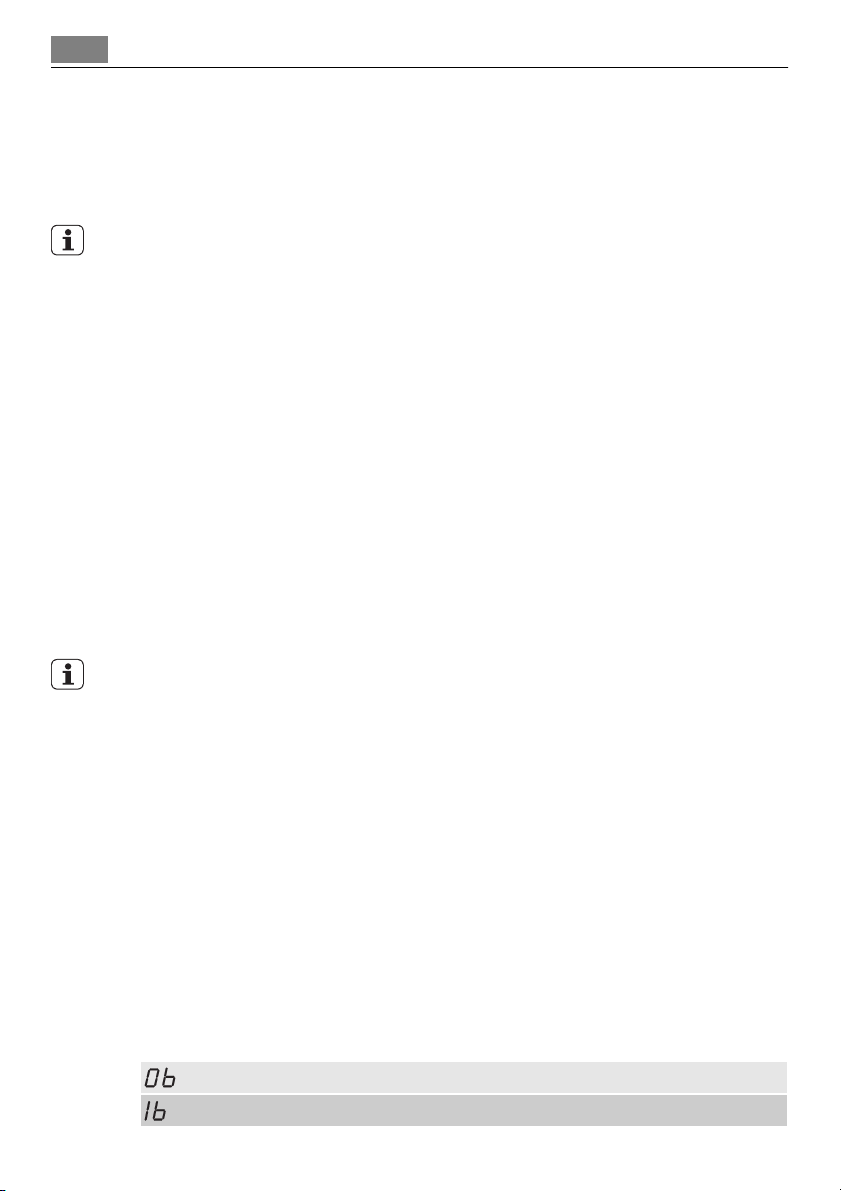
= Audible signals deactivated
= Audible signals activated
10 Control panel