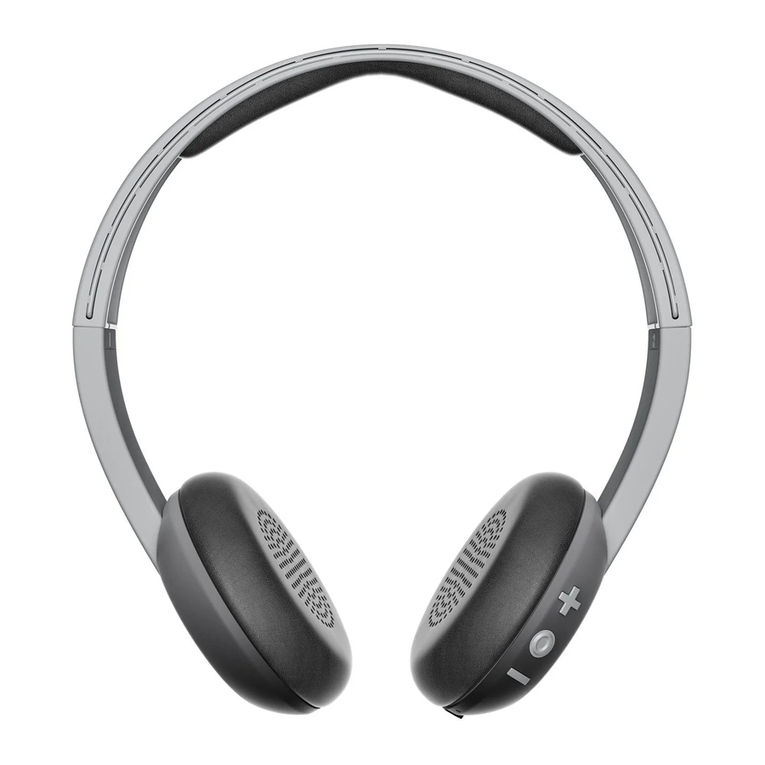
Stereo Music
After pairing with a Bluetooth® device that supports
the A2DP profile, such as a PC or a cellphone, the
music output of those devices will be transmitted to
the NUV2882 and the music play can be controlled
from the NUV2882 (please refer
to the attached control overview).
Answering/Ending phone calls
If you are playing music from the cellphone, the
music play will be paused when there is an incoming
call. A beep tone will also be heard to notify that there
is an incoming call. Press the multi-function button
once to answer the call and press it once again
to end the call. When the call is ended, the music
play will be automatically resumed.
Operating Instructions (EN) --------------------------------------------------------
Controls overview
Statu
s
MFB Volum+Volum+
Press
briefly
Press and
hold
Press
briefly
Press and
hold
Press briefly Press and hold
Power off No function
Power on
+around 4
seconds+No function No function No function No function
Enter pairing
mode+around
8 seconds+
Standby
No function or
Last Number
Redial(double
press)
Power
off+around 4
seconds+
olume
increase
oice
activated
dial
olume
decrease
oice activated
dial
Pairing No function Power off No function No function No function No function
Incoming
call
Answer call Reject
call(around 2
No function No function No function No function