6
Custom Features
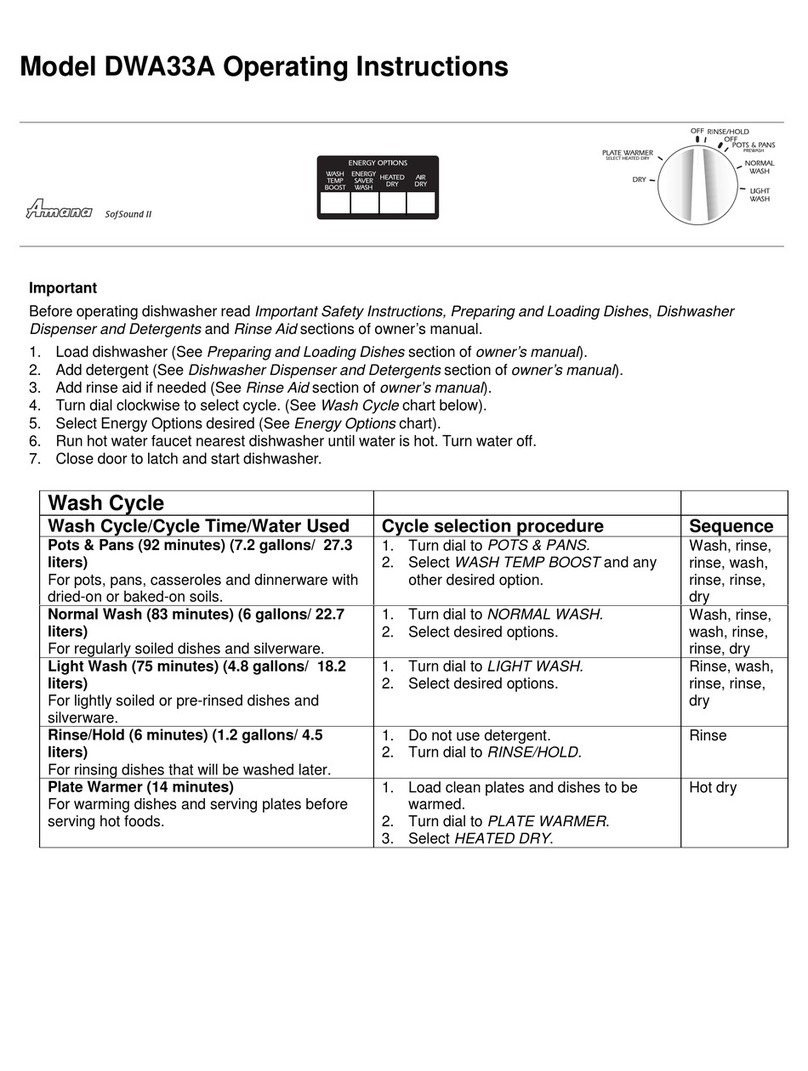
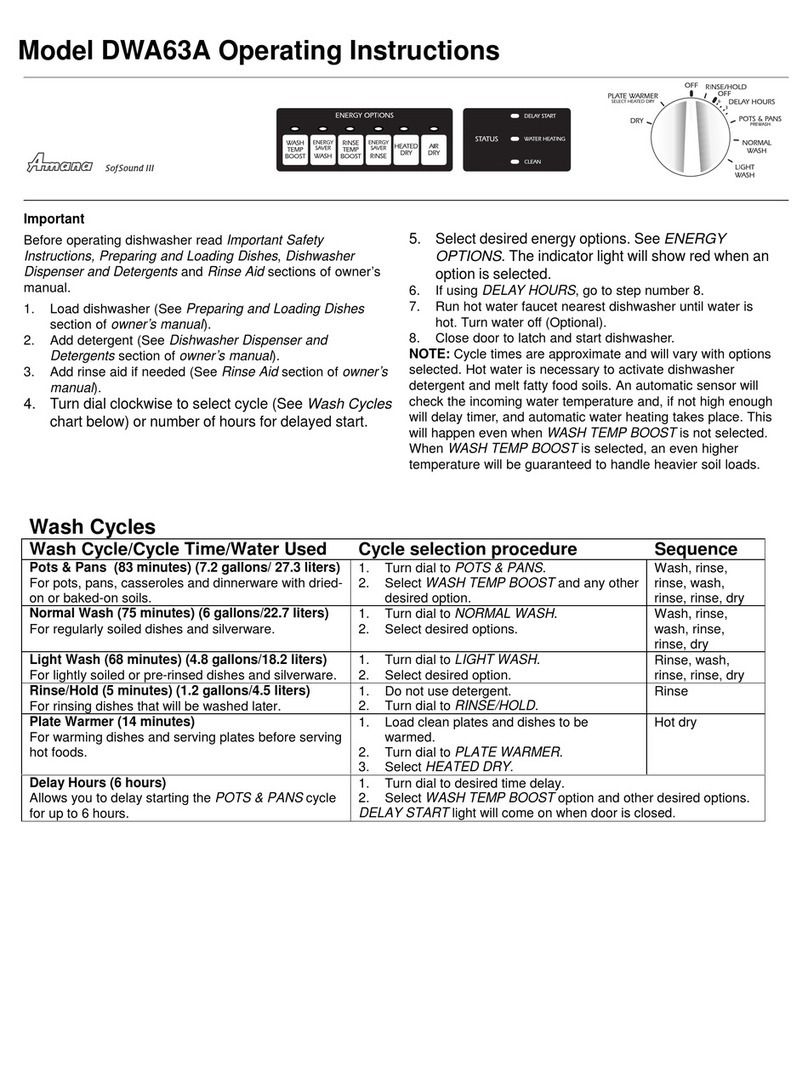
Sensor Clean
Amana recommended
cycle choice for all
day-to-day soil types.
Normal dishloads vary from day to
day. Sensor clean is recommended
because it selects the number of fills
and ash time best suited for the soil
level of each load. Depending on the
number of fills required ater usage
ranges from 4 to 10 gallons.
If These Features are
Different from Yours
These features are intended to
show the variety that is available
in the product line. If your dishwasher
does not have all the options that are
shown, it is not a mistake. The
information provided applies to several
of the models in the product line.
Drain/Off
To drain the dish asher
and then turn it off, press
Drain/Off once. Press
Drain/Off t ice to turn the dish asher
off ithout draining.
Control Lock Option
The control touchpads can be locked to prevent un anted use. If
this feature is activated bet een cycles, the dish asher cannot
be operated until the controls are unlocked. If desired, the
controls can be locked after a cycle or delay has started.
N TE: This option does not lock the door, only the dish asher controls.
Setting the control lock:
1.Press the pad for three seconds.
2.An indicator light above the pad ill illuminate hen the controls are
locked.
To cancel:
1.Press the pad for three seconds.
2.The indicator light ill go off.
N TE: If a cycle or option pad is pressed after the controls have been
locked, the indicator light above the Control Lock pad ill flash five
times.
Indicator
Lights
The CLEAN light illuminates at the
end of the cycle and remains lit until
the door has been open for 30
seconds continuously.
The DRY light illuminates during the
entire dry period and goes out hen
the cycle is completed.
The WASH light illuminates during all
rinse and ash portions of the cycle.
The HEATING PAUSE light
illuminates hen the cycle is being
extended to heat the ater.
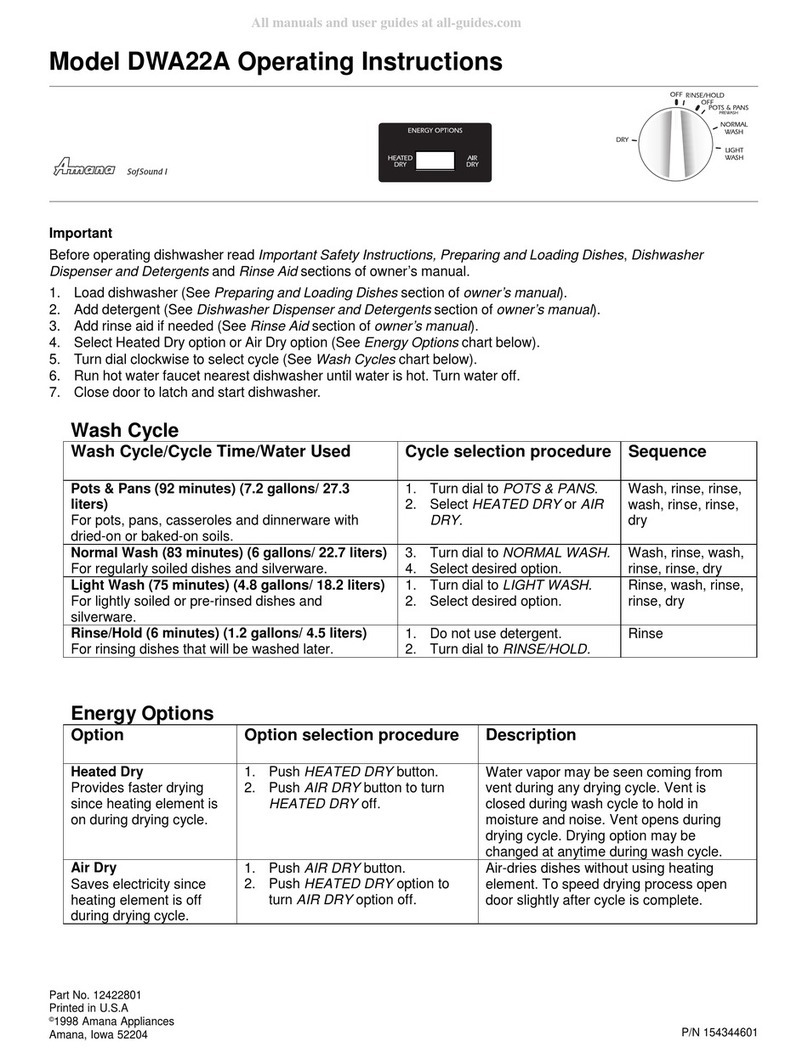
High Temp Rinse
High Temp Rinse provides a ater temperature check in the main
ash and also in the final rinse cycle. If necessary, the heating
element ill turn on and the cycle ill be extended to heat ater to
the proper temperature.
Select High Temp Rinse ith any cycle (except Rinse Only) to assure proper
hot ater temperature and to enhance drying results.
High Temp ash
Use High Temp Wash hen ashing loads ith hard-to-remove food
soils. High Temp Wash can be selected ith any cycle, except
Rinse Only. Depending on hich cycle is being used, selecting
High Temp Wash adds fills, heat and/or ash time to the ash cycle.
For baked-on, dried-on soils, select Pots and Pans along ith High Temp
Wash option. The use of an enzyme detergent is recommended
Delay/Resume
The Delay/Resume option can be used to automatically start the
cycle at a later time, such as during off-peak hours for reduced
energy cost or to reduce daytime heat buildup in the home.
To set up a delay:
1. Select the appropriate cycle and options for the load.
2. Press the Delay/Resume pad until the desired amount of delay time
is selected. The delay time ill begin counting do n hen the pad is
released.
3. The Delay/Resume indicator light ill remain lit until the delay time has
counted do n.
4. The cycle ill automatically start as soon as the delay time expires.
N TE: If Delay/Resume is chosen ithout selecting a cycle and/or options,
the dish asher ill select the last cycle used. (It ill not remember
the Rinse Only cycle.)