manuals.online logo
Brands
  1. Home
  2. •
  3. Brands
  4. •
  5. Amazfit
  6. •
  7. Watch
  8. •
  9. Amazfit GTR Mini User manual

Amazfit GTR Mini User manual

Other manuals for GTR Mini

1

This manual suits for next models

1

Other Amazfit Watch manuals

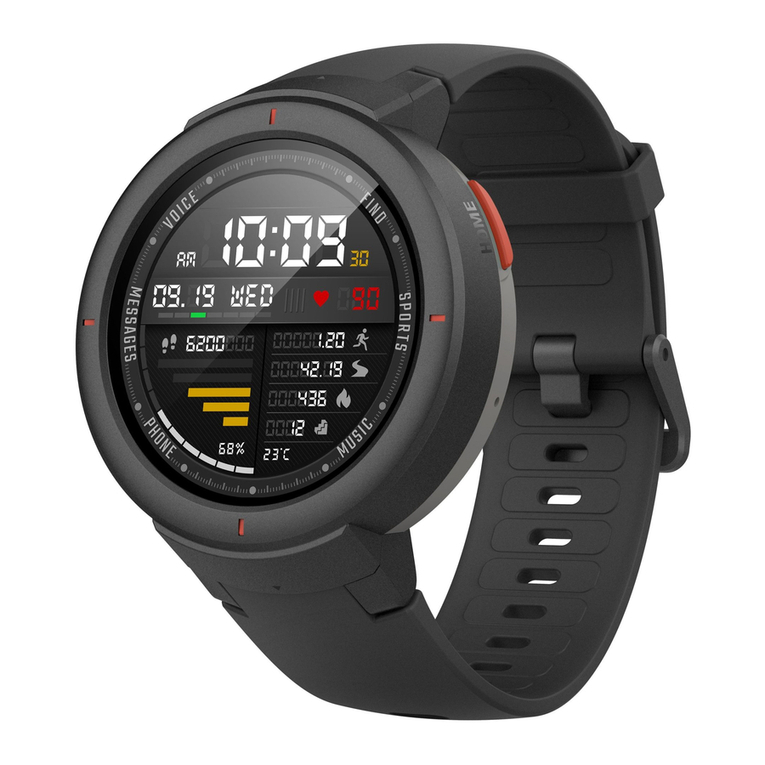
Amazfit Verge User manual

Amazfit

Amazfit Verge User manual

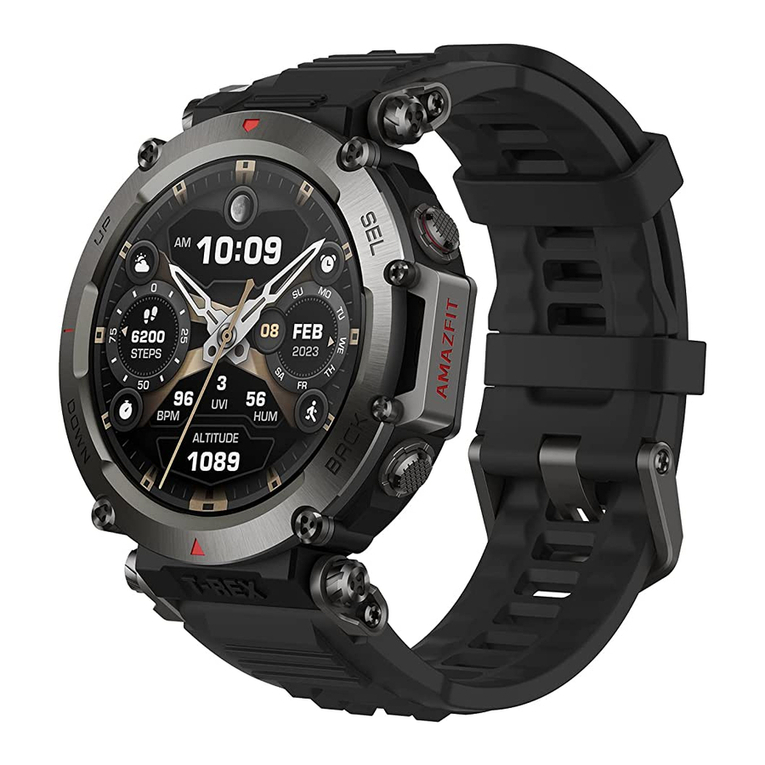
Amazfit T-Rex Ultra User manual

Amazfit

Amazfit T-Rex Ultra User manual

Amazfit BIP 5 User manual

Amazfit

Amazfit BIP 5 User manual

Amazfit A2040 User manual

Amazfit

Amazfit A2040 User manual
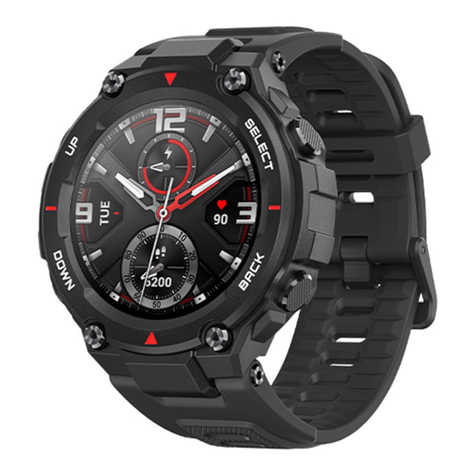
Amazfit T-Rex User manual

Amazfit

Amazfit T-Rex User manual

Amazfit UYG4048RT User manual

Amazfit

Amazfit UYG4048RT User manual
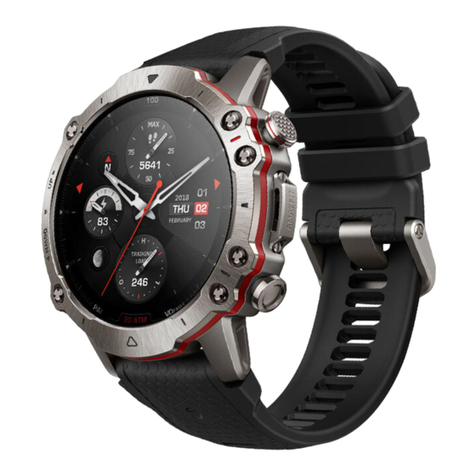
Amazfit A2029 User manual

Amazfit

Amazfit A2029 User manual
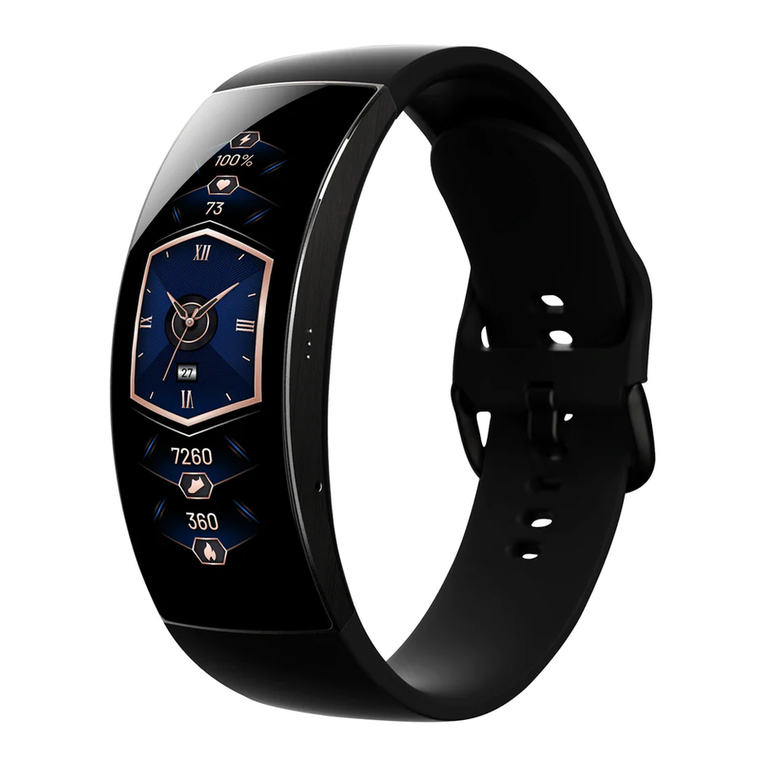
Amazfit X User manual

Amazfit

Amazfit X User manual
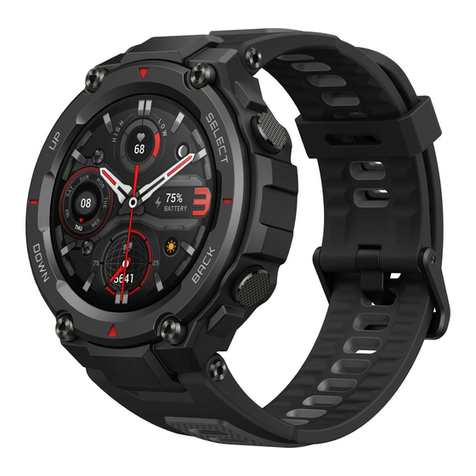
Amazfit T-Rex Pro User manual

Amazfit

Amazfit T-Rex Pro User manual

Amazfit GTS 3e User manual

Amazfit

Amazfit GTS 3e User manual
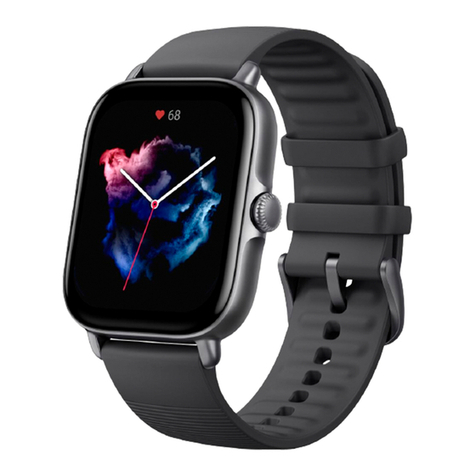
Amazfit GTS 3 User manual

Amazfit

Amazfit GTS 3 User manual
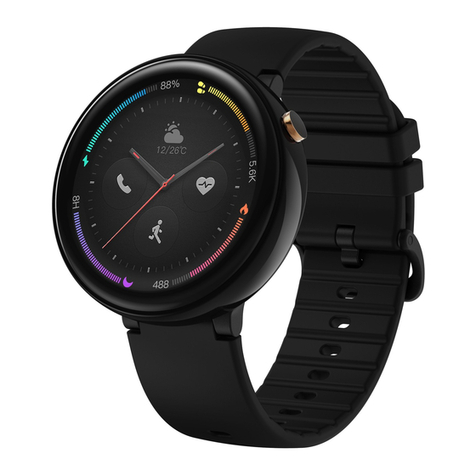
Amazfit Nexo User manual

Amazfit

Amazfit Nexo User manual
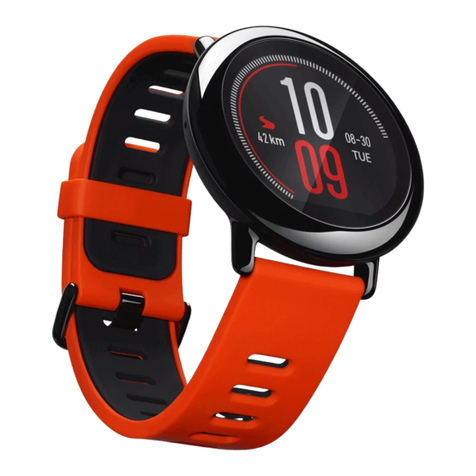
Amazfit Pace User manual

Amazfit

Amazfit Pace User manual
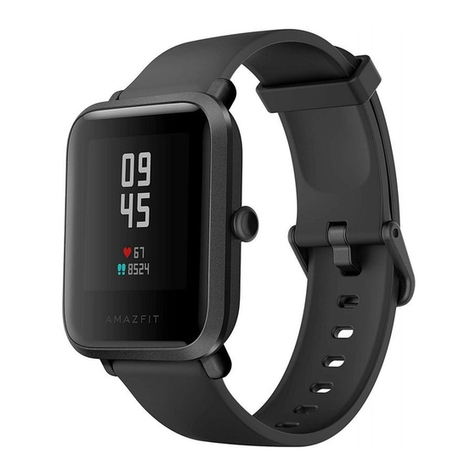
Amazfit Bip S User manual

Amazfit

Amazfit Bip S User manual

Amazfit T-Rex Pro User manual

Amazfit

Amazfit T-Rex Pro User manual
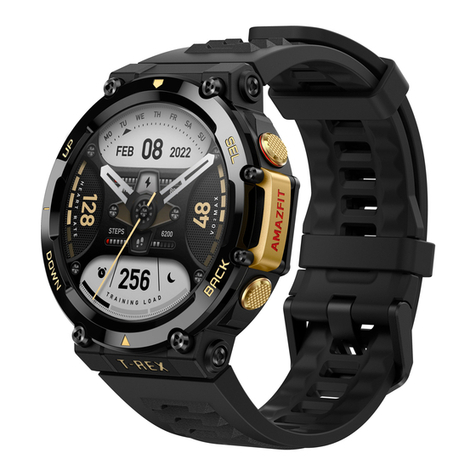
Amazfit t T-Rex 2 User manual

Amazfit

Amazfit t T-Rex 2 User manual
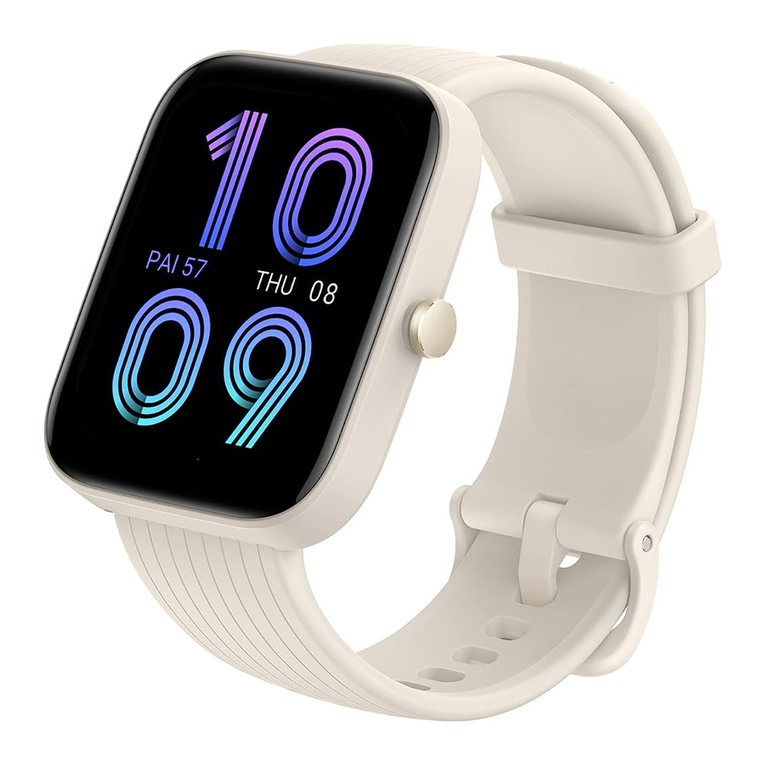
Amazfit Bip 3 Pro User manual

Amazfit

Amazfit Bip 3 Pro User manual
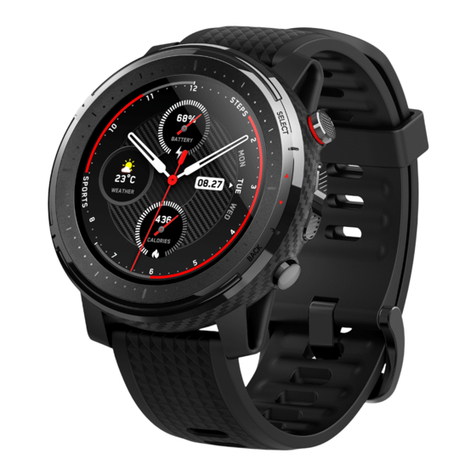
Amazfit Stratos 3 User manual

Amazfit

Amazfit Stratos 3 User manual
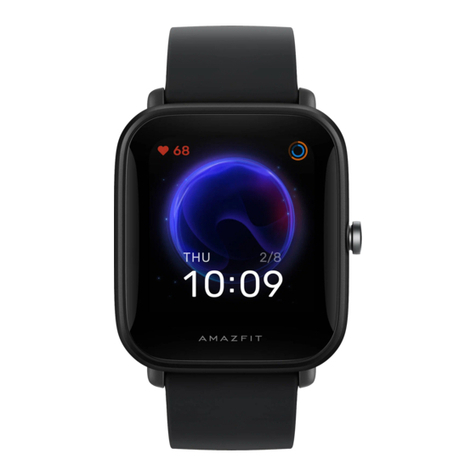
Amazfit Bip U Pro User manual

Amazfit

Amazfit Bip U Pro User manual
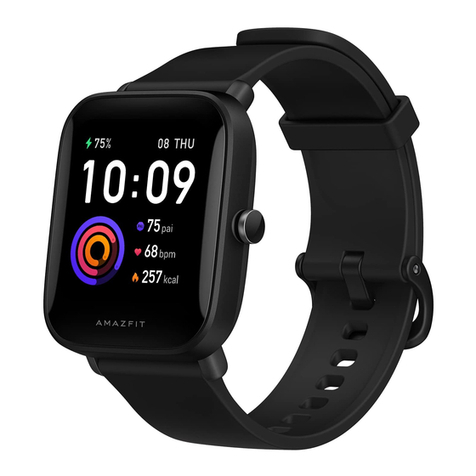
Amazfit Bip U User manual

Amazfit

Amazfit Bip U User manual
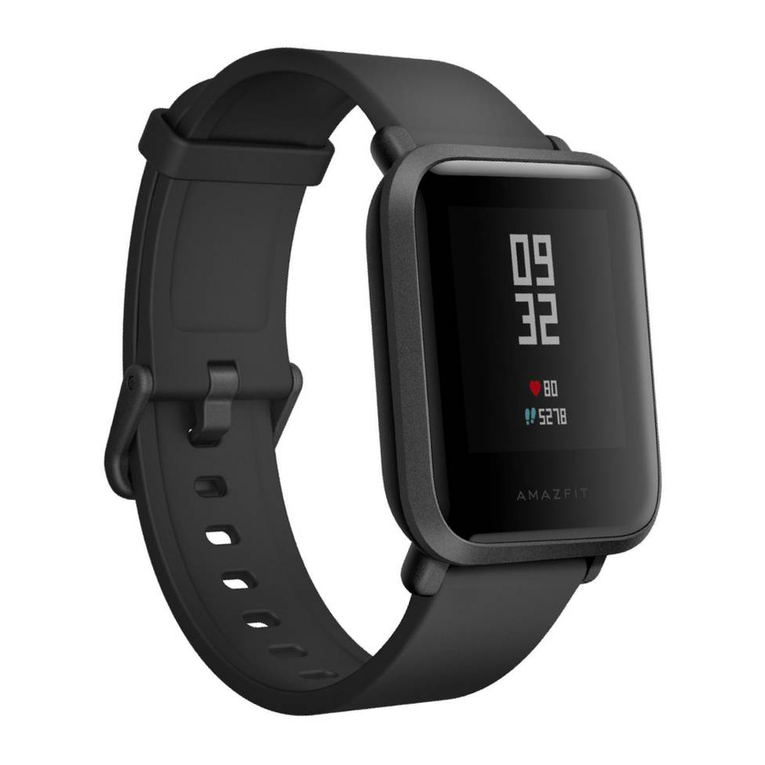
Amazfit Bip User manual

Amazfit

Amazfit Bip User manual

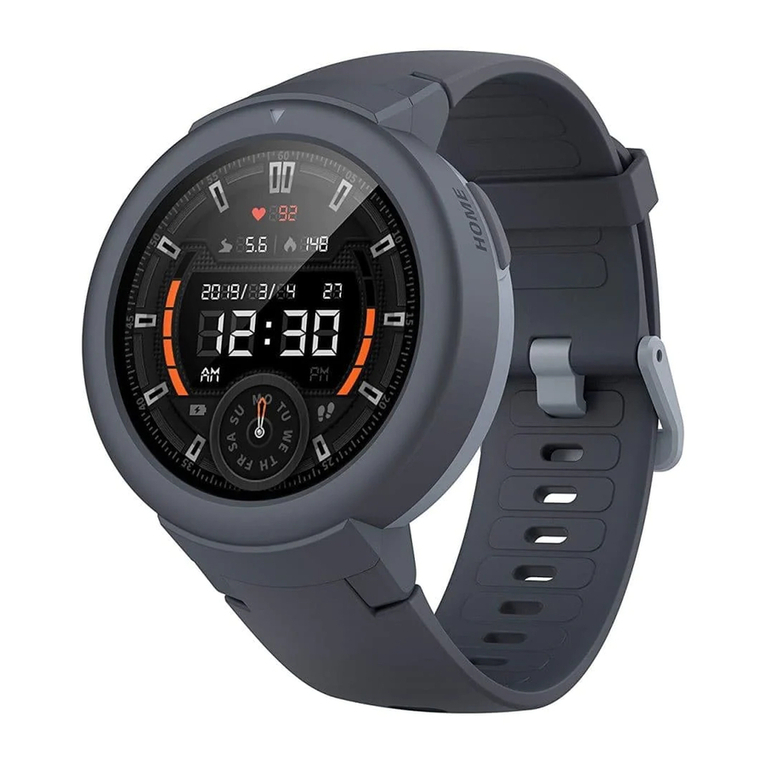
Amazfit Verge Lite User manual

Amazfit

Amazfit Verge Lite User manual

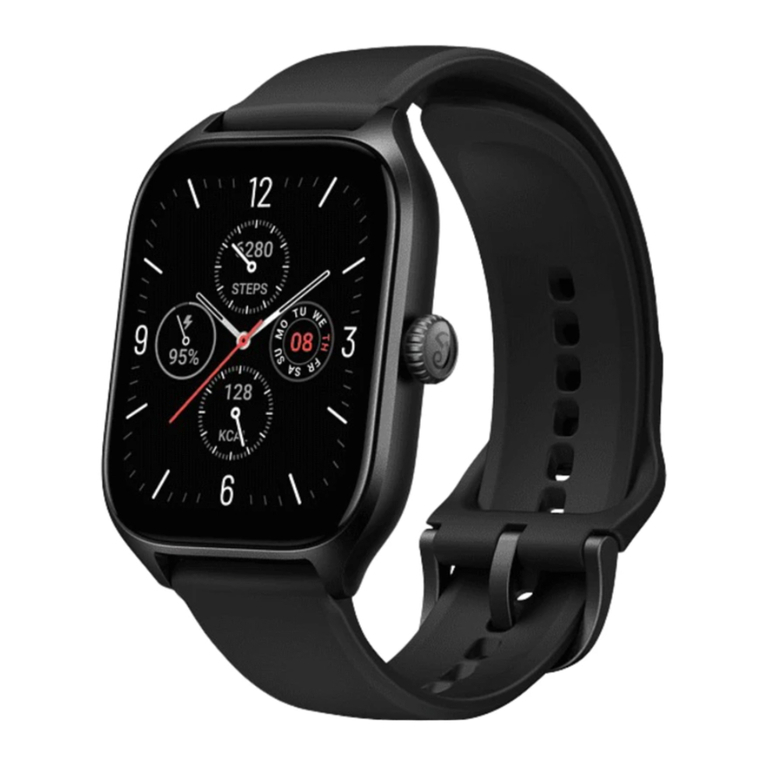
Amazfit GTS 4 User manual

Amazfit

Amazfit GTS 4 User manual

Amazfit GTS 2 mini User manual

Amazfit

Amazfit GTS 2 mini User manual

Popular Watch manuals by other brands

Casio QW 5513 Operation guide

Casio

Casio QW 5513 Operation guide

Piaget 560P Instructions for use

Piaget

Piaget 560P Instructions for use

Armitron pro sport MD0346 instruction manual

Armitron

Armitron pro sport MD0346 instruction manual

West Marine BlackTip 13411293 Instruction Booklet and Care Guide

West Marine

West Marine BlackTip 13411293 Instruction Booklet and Care Guide

Jaeger-leCoultre HYBRIS MECHANICA CALIBRE 184 manual

Jaeger-leCoultre

Jaeger-leCoultre HYBRIS MECHANICA CALIBRE 184 manual

FOREVER iGO PRO JW-200 user manual

FOREVER

FOREVER iGO PRO JW-200 user manual

Relic OS10 quick start guide

Relic

Relic OS10 quick start guide

MyKronoz ZeClock manual

MyKronoz

MyKronoz ZeClock manual

Casio QW-782 General guide

Casio

Casio QW-782 General guide

Strikes and Spares SASM80 E-manual

Strikes and Spares

Strikes and Spares SASM80 E-manual

Christopher Ward C1000 Owner's handbook

Christopher Ward

Christopher Ward C1000 Owner's handbook

Lotus ILMFS01 instruction manual

Lotus

Lotus ILMFS01 instruction manual

Chronos Manufactures Chrono Diamond Thyrso 10400 instruction manual

Chronos Manufactures

Chronos Manufactures Chrono Diamond Thyrso 10400 instruction manual

Pandora WATCH2 quick guide

Pandora

Pandora WATCH2 quick guide

Suunto X6 user guide

Suunto

Suunto X6 user guide

Seiko N830 instruction manual

Seiko

Seiko N830 instruction manual

MotionX 365 user guide

MotionX

MotionX 365 user guide

Aplus GV18 user guide

Aplus

Aplus GV18 user guide

manuals.online logo
manuals.online logoBrands
  • About & Mission
  • Contact us
  • Privacy Policy
  • Terms and Conditions

Copyright 2025 Manuals.Online. All Rights Reserved.

Amazfit GTR Mini
Product Manual
A2174
1
01 Package Contents
Smartwatch with band × 1 Charging base × 1 Instruction Manual × 1
2
02 About the Watch
Note: Press and hold the power button to turn on the watch. If the watch cannot be turned on,
please charge it and then try again.
Charging contacts
Heart rate sensor
Power button
Note:
1.
2.
3.
For better user experience, please use the most recent version of the app.
The operating system needs to be Android 7.0, iOS 12.0, or above.
Do not pair the watch directly using your mobile phone's Bluetooth. Follow the steps in the app to
pair your watch correctly.
1.
2.
3.
Use your mobile phone to scan the QR code on the right side to download
and install the app, or search for the app in the Google Play Store or Apple
App Store and then download and install the the latest version of the app.
Open the app, register an account and log in.
Pair the watch as prompted by the app.
Zepp is a must-have app for this watch. It provides scientific sleep and workout
guidance and personalized health services to help you start a healthy lifestyle.
3
03 Pairing the Watch
Download Zepp App
Note:
1.
2.
Please use the charging base that comes with the watch.
Make sure that the charging base is dry before charging.
Please use a 1A or above power adapter.
1.
2.
3.
Connect the watch's charging cable to a power adapter or a computer's USB port.
Put the watch into the charging base. Pay attention to the direction and position of the watch, and
make sure that the metal contacts on the back of the watch fit closely with the charging base.
When charging starts, the watch screen displays the charging progress.
4
04 Charging the Watch
5
Please refer to the illustrations to disassemble or assemble the watch strap.
Note: Once the strap is assembled, pull the strap properly to ensure it is installed successfully.
05 Disassembling and Assembling the Watch Strap
6
1.
2.
3.
In order to ensure the accuracy of heart rate, blood oxygen, and
other measurements, please wear your watch at a distance of at
least one finger away from the carpal, and keep the strap at a
comfortable snugness.
During workout, please wear it as tightly as possible to ensure that
the watch does not shake. Wear your watch at a distance of at
least one finger away from the carpal to obtain more accurate
heart rate data. After workout, you can loosen the strap
appropriately to ensure a comfortable wear experience.
When measuring blood oxygen saturation, wear the watch
correctly. Avoid wearing the watch on the wrist joint, keep your arm
flat, maintain comfortable (appropriately tight) fitting between the
watch and the skin of your wrist, and keep your arm still throughout
the measurement process.
Note:
When affected by external factors (arm sag, arm sway, arm hair, tattoo, etc.), the measurement result
may be inaccurate or the measurement may fail and provide no output.
06 Wearing the Watch
7
Product Name: Smart Watch
Product model: A2174
Input: DC 5 V 500 mA MAX
Bluetooth version: BLE V5.1
View product certification information on the watch's Settings > System > Regulation page.
Device requirements: Devices installed with Android 7.0 or iOS 12.0 or above OS versions
BLE output power: <5 dBm
Operating temperature: 0°C to 45°C
Water resistance rating: 5 ATM
Bluetooth frequency: 2402–2480 MHz
The Bluetooth® word mark and logos are registered trademarks owned by
Bluetooth SIG, Inc. and any use of such marks by Anhui Huami Information
Technology Co., Ltd. is under license. Other trademarks and trade names
are those of their respective owners.
07 Basic Parameters
This device is equipped with a built-in battery that cannot be removed or replaced. Do not
disassemble or modify the battery by yourself.
Disposal of a battery into fire or a hot oven, or mechanically crushing or cutting of a battery, that
can result in an explosion.
Leaving a battery in an extremely high temperature surrounding environment can result in an
explosion or the leakage of flammable liquid or gas.
A battery subjected to extremely low air pressure may result in an explosion or the leakage of
flammable liquid or gas.
Do not drop, hit, squeeze, or puncture the battery, and avoid exposing the battery to large
external pressure, which may cause short circuit and overheating inside the battery.
8
1.
2.
3.
4.
5.
08 Battery Safety
9
1.
2.
3.
4.
5.
6.
7.
Do not allow children or pets to bite or swallow the product or its accessories, as this may cause injury.
Do not place this product under excessively high or low temperatures, which may cause the
product to catch fire or explode.
Do not place this product near heat sources or open flame, such as ovens and electric heaters.
Some people may experience allergic skin reactions to plastics, leathers, fibers, and other
materials, and symptoms such as redness, swelling, and inflammation will occur after long-term
contact with this product's components. If you experience such symptoms, please discontinue
use and consult your doctor.
Do not use unauthorized or incompatible power adapters or data cables, which may damage
the watch and accessories, or cause fire, explosion, or other hazards.
The radio waves generated by this product may affect the normal operation of implanted
medical devices or personal medical devices, such as pacemakers and hearing aids. If you use
any such medical devices, consult the manufacturer for relevant usage restrictions.
Do not dispose of this device or its accessories as ordinary household waste. Please make sure you
dispose of or recycle this device and its accessories in accordance with local laws and regulations.
09 Safety Notice