manuals.online logo
Brands
  1. Home
  2. •
  3. Brands
  4. •
  5. ambiance
  6. •
  7. Transformer
  8. •
  9. ambiance HC-669 Manual

ambiance HC-669 Manual

Popular Transformer manuals by other brands

AL’S GARDEN ART AG-83 quick start guide

AL’S GARDEN ART

AL’S GARDEN ART AG-83 quick start guide

janitza KUW 1/30 installation guide

janitza

janitza KUW 1/30 installation guide

Delta Electronics Planar DC/DC Transformer RM8 specification

Delta Electronics

Delta Electronics Planar DC/DC Transformer RM8 specification

RAM TUS404 user manual

RAM

RAM TUS404 user manual

Ortofon ST-80 SE instruction manual

Ortofon

Ortofon ST-80 SE instruction manual

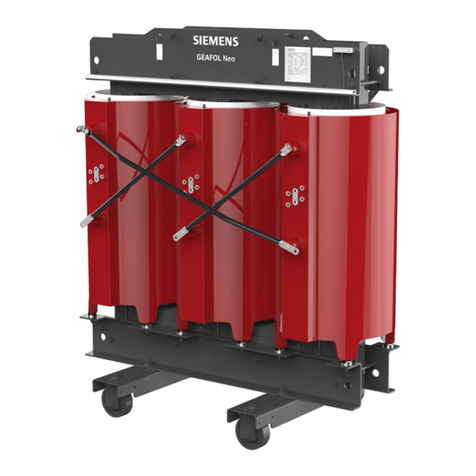
Siemens GEAFOL Neo operating manual

Siemens

Siemens GEAFOL Neo operating manual

Uhlenbrock Elektronik 28000 manual

Uhlenbrock Elektronik

Uhlenbrock Elektronik 28000 manual

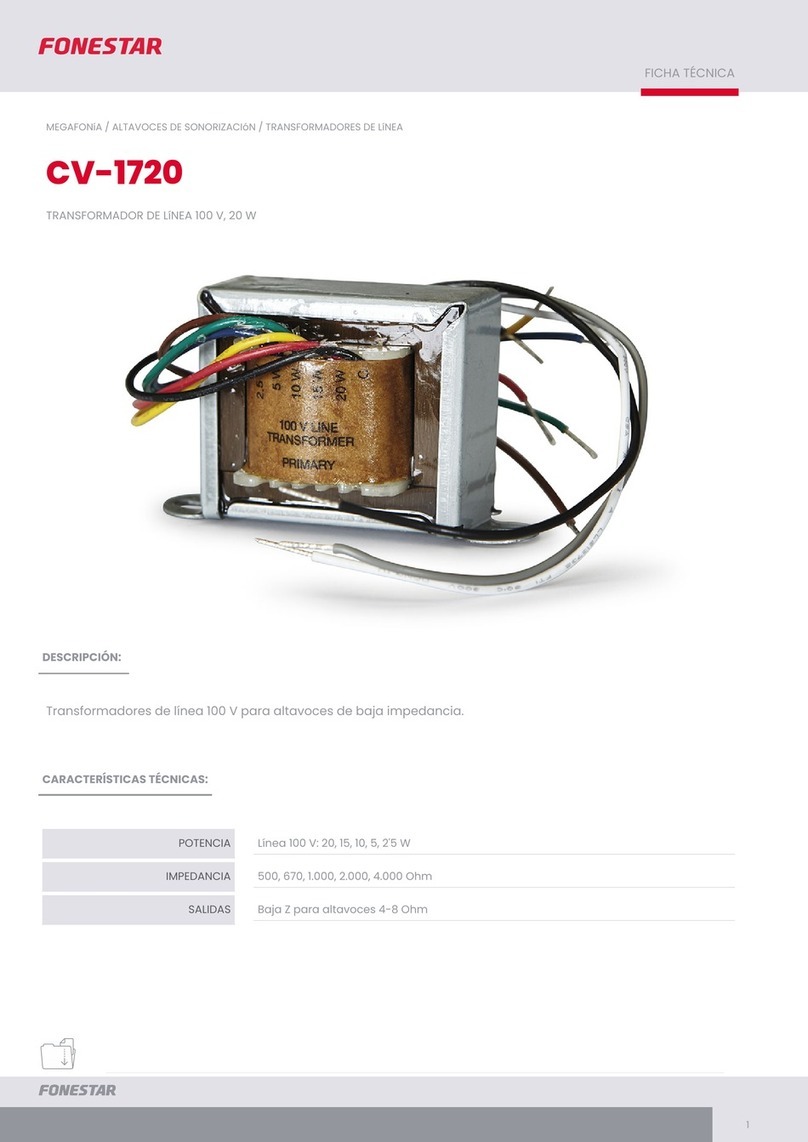
FONESTAR CV-1720 quick start guide

FONESTAR

FONESTAR CV-1720 quick start guide

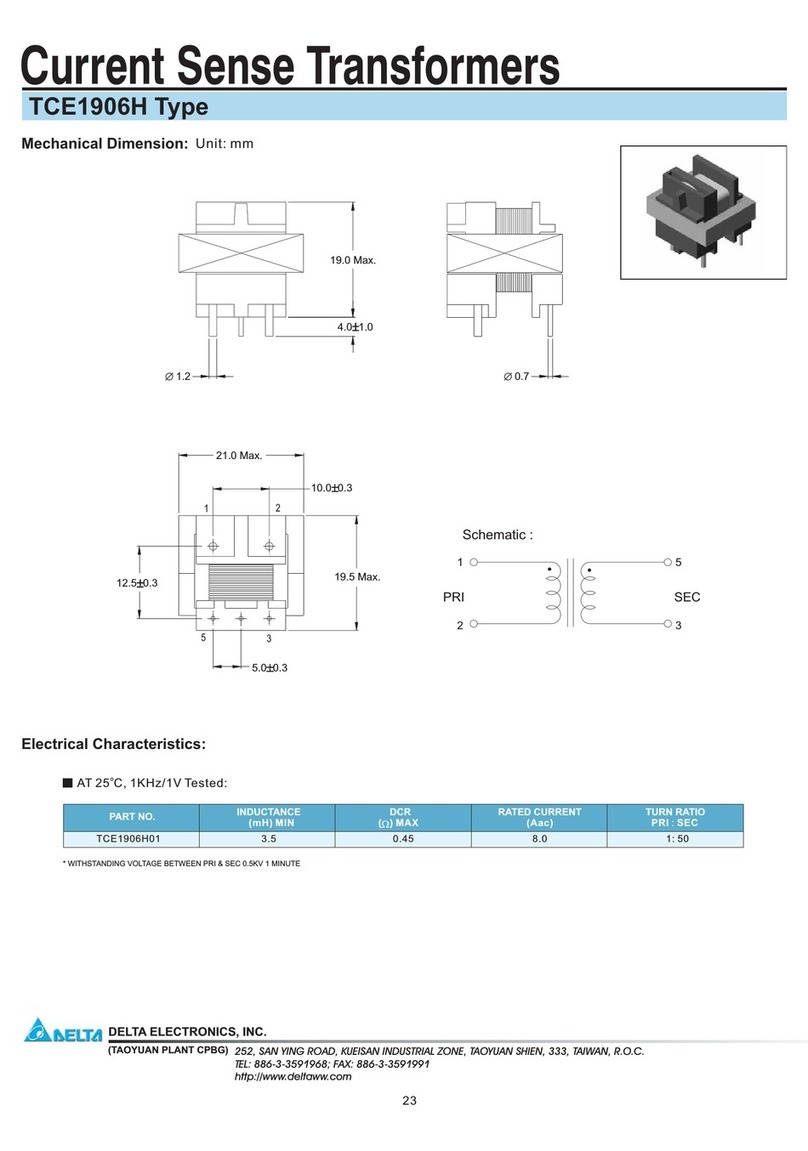
Delta Electronics Current Sense Transformers TCE1906H specification

Delta Electronics

Delta Electronics Current Sense Transformers TCE1906H specification

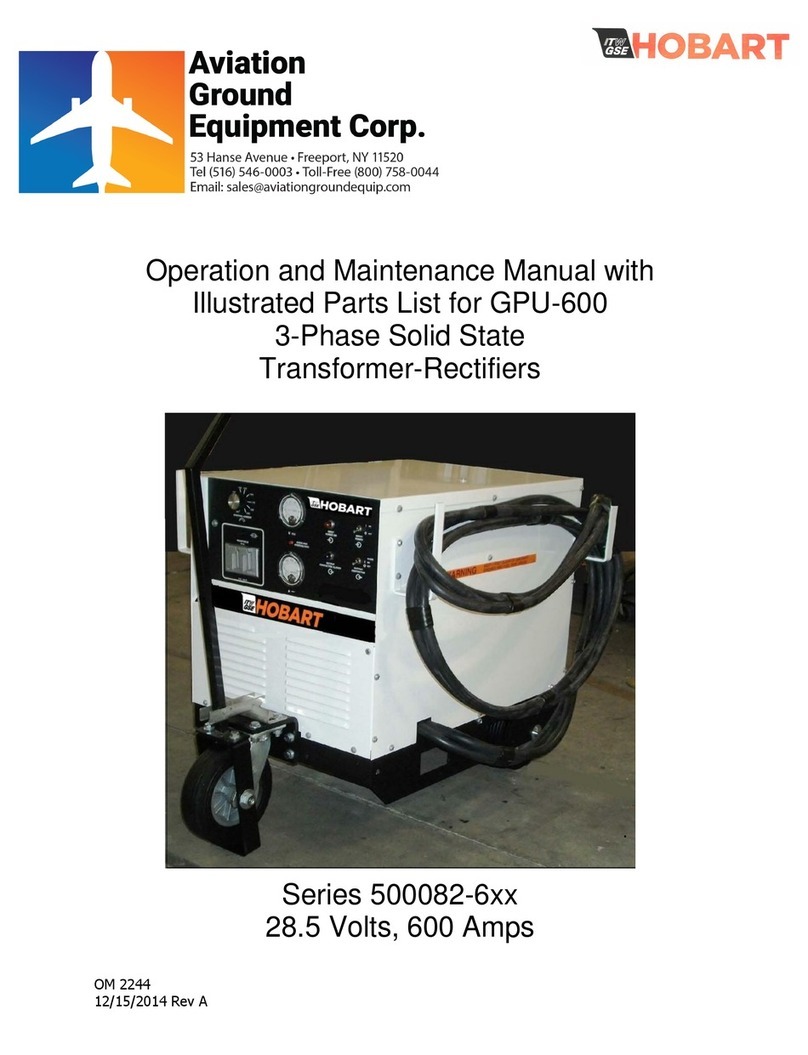
Hobart 6T28-600CL Operation and maintenance manual

Hobart

Hobart 6T28-600CL Operation and maintenance manual

Shinkawa LS Series instruction manual

Shinkawa

Shinkawa LS Series instruction manual

Huawei JUPITER-3000K-H1 user manual

Huawei

Huawei JUPITER-3000K-H1 user manual

Monacor IMG STAGELINE LTR-102 manual

Monacor

Monacor IMG STAGELINE LTR-102 manual

Monacor PATL-100/XC instructions

Monacor

Monacor PATL-100/XC instructions

Lionel ZW instructions

Lionel

Lionel ZW instructions

Beckhoff SCT3 Series manual

Beckhoff

Beckhoff SCT3 Series manual

BRIDGEWERKS Mini Mag 3 user manual

BRIDGEWERKS

BRIDGEWERKS Mini Mag 3 user manual

Intermatic PX600S Installation, operation & service manual

Intermatic

Intermatic PX600S Installation, operation & service manual

manuals.online logo
manuals.online logoBrands
  • About & Mission
  • Contact us
  • Privacy Policy
  • Terms and Conditions

Copyright 2025 Manuals.Online. All Rights Reserved.

INSTALLATION AND SAFETY INSTRUCTIONS HC-669
WARNING: Besure the electricity to the wires you are
working on is shut off; either the fuse removed or the circuit
breaker off.
This plug in electronic transformer has (2) Class II outputs
(each 60w max), for this transformer to operate the wattage
load must be a minimum of 15w, but must not exceed 60w on
each output.
INSTRUCTIONS FOR INSTALLATION OF THE
AMBIANCE®TRANSFORMER
TRANSFORMER INSTALLATION
Select the desired location to mount the transformer (not in
contact with insulation & away from oven or any other source
of intense heat). Using the two screws (provided), fasten the
transformer and mounting tab to the mounting
surface.
FOR PROPER OPERATION OF AN ELECTRONIC
TRANSFORMER,THE WATTAGE LOAD MUST FALL
WITHINTHE SPECIFIED RANGE. IF THE LOAD DOES NOT
FALL WITHIN THIS RANGE,THE TRANSFORMER MAY
MALFUNCTION OR LAMPS MIGHT FLICKER.
120V
QUICK-CONNECT PLUG
120V SWITCH
POINTS
PART A
SCREW
NUT
NON-TRACER WIRE
TRACER WIRE
COVER
120V
CORD
120V
CORD
FIGURE 2
FIGURE 3
TO PLUG (TO LIGHTS)
FROM 120V PLUG
120 WATTS
(2 x 60 WATT)
TRANSFORMER
THE INPUT/OUTPUT VOLTAGE IS
MARKED ON THE TRANSFORMER
12V
120V
FIGURE 1
(IF APPLICABLE - CONNECT
SECOND PLUG TO LIGHTS)
FIGURE 4
120V
INPUT TRANSFORMER
PLUG OUTLET
DISC
LIGHT
TRANSFORMER
DISC LIGHT
PLUG
U.S. PAT. # 5,465,199
HC-669
073002
www.SeaGullLighting.com
INSTALLATION (CONTINUED) HC-669
IMPORTANT SAFETY INSTRUCTIONS
This transformer has a polarized plug (one blade is
wider than the other).As a safety feature,this plug will fit
in a polarized outlet only one way. If the plug does not
fit fully in the outlet, reverse the plug.
If it still does not fit, contact a qualified electrician.Never
use with an extension cord unless plug can be fully
inserted. Do not attempt to defeat this safety feature.
FINAL ASSEMBLY
LOWVOLTAGE OUTPUT CONNECTIONS (12vac)
Insert plug from 9836 fixture or 9858 disk lights (not included)
into transformer plug outlet.
To control transformer, install ON/OFF switch or good quality
low voltage electronic dimmer on the 120V side of
transformer.
DO NOT NAIL OR SCREW THROUGH CABLE TO ATTACH
TO A SURFACE. Use 9430 sleeving to cover wire when going
through holes in combustible materials, or notch the cabinet
wall.
NOTE: As with all electronic transformers, there is a
potential for Radio Frequency Interference (R.F.I.).To
reduce R.F.I., rotate the electronic transformer in relation
to the input line, or switch to a magnetic
transformer.
INSTALLING SWITCH ON 120V CORD
NOTE: Switch must be mounted a least 1 1/2” away from
any metal parts.
NOTE: When parallel wire (SPT II) is used, the tracer wire
is square shaped or ridged and the non-tracer wire is
round in shape or smooth (seen best when viewed from
wire end).
1. Split 120v cord as illustrated (FIGURE 3). Cut the
non-tracer (or smooth) wire. Be sure to cut only the
smooth non-tracer wire.
2. Remove the screw from the switch and take the switch
apart.
3. Place the wires in part A (without the wheel) as shown.
Tuck the cut wire down one end on each side of the
barrier.
4. Press both halves of the switch back together. Note that
the points pierce insulation to make contact with copper
inside wire.
5. Place screw back into center hole and secure in place
with nut.
1. Cut off end of 120v cord cleanly and evenly. CAUTION: Do
not separate wires. Do not remove or damage
insulation (Figure 2).
2. Press cord, with ridged side to the right (tracer wire),
down and into front of plug.
3. Press cord down onto metal prongs.
4. Slide plug cover over cord and plug until plug cover is
centered over plug.
INSTALLATION OF 120V QUICK CONNECT PLUG