Seite 2 von 10
AMG Sicherheitstechnik GmbH Industriepark Straße A-9 39245 Gommern fon 039200-7797-0 Freecall 0800-2264264*
fax 039200-7797-29 www.amg-sicherheitstechnik.de info@amg-sicherheitstechnik.de
Business hours are 9-17 clock, outside this time an answering machine is running
*) Free from landlines and all German mobile networks
1. Program a smoke detector
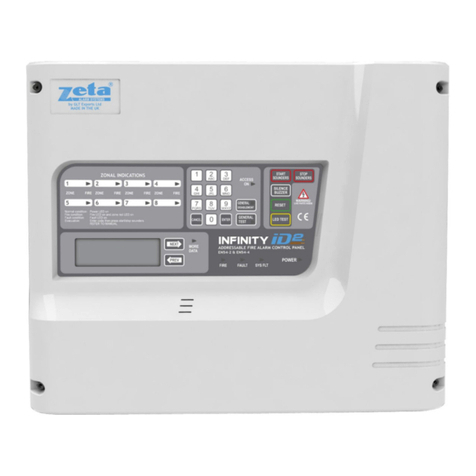
1.1 Please press the "PROG" button located on the right side of the device, with a sharp
object, you hear a beep for about 3 seconds.
1.2 By repeatedly pressing the "PROG" button you can select the zone in which the
smoke detector should be programmed. The currently selected zone is determined by the
lights of the respective zone LED on the alarm panel. Is in this zone already a smoke
detector programmed, it will not be overwritten. Both smoke detectors then trigger in
this zone.
1.3 If you are satisfied with the choice of zone, please press the "OK" button.
It is located right next to the "PROG" button. The choice of the zone is confirmed with
a beep by the unit.
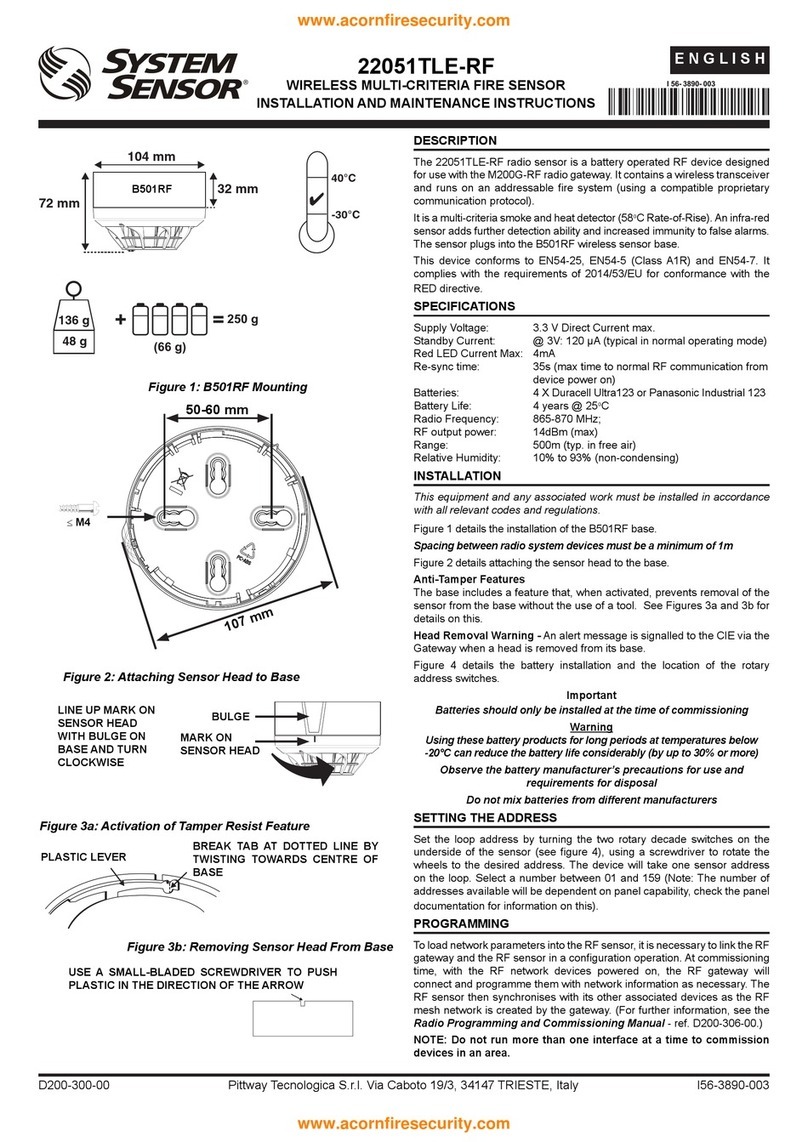
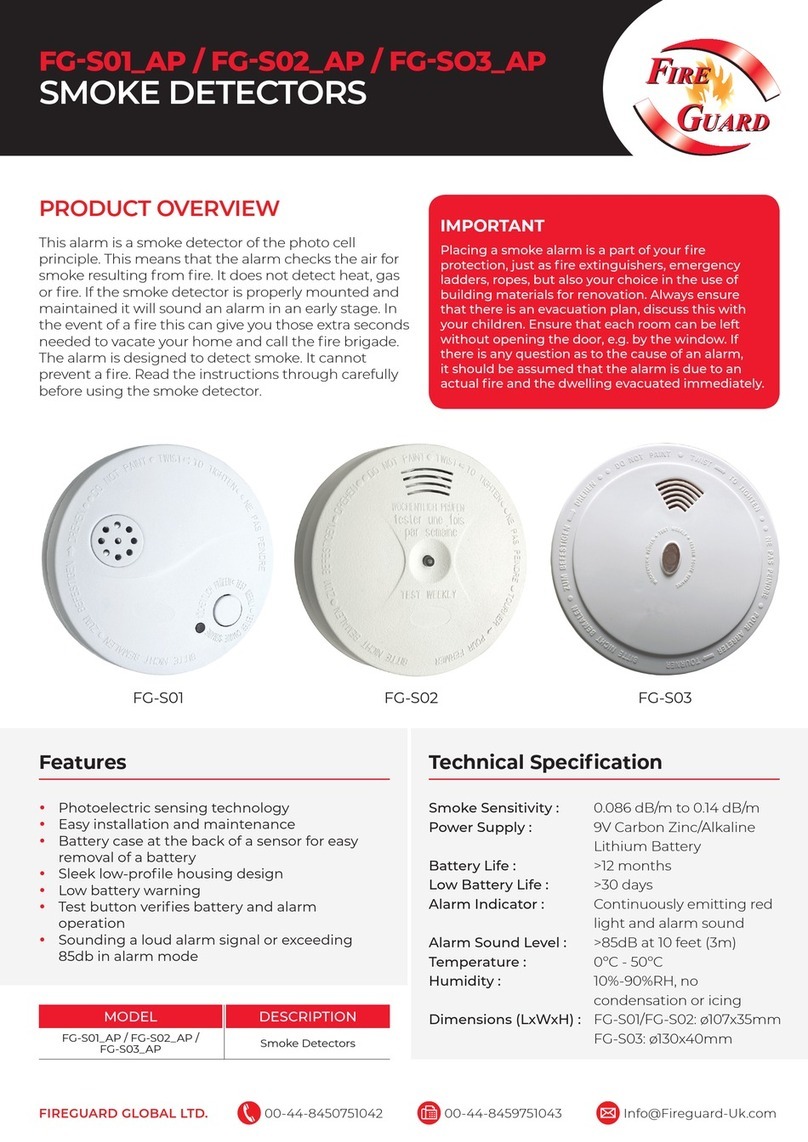
1.4 You now send the signal of the smoke detector twice by pressing the "Test" button on
the smoke detector until it starts to beep and from the panel also comes a short beep.
Please repeat the sending of the signal again until you hear another beep from the fire
panel.
1.5 The second type of beep tone, shows the success of the programming. If the beep is
long, so the process was successful. If you hear 2 short beeps from the device, the signal
was not received correctly and you must begin again. If 3 short beeps are heard, the
smoke detector code is already registered in the panel, please continue with another
smoke detector on.
1.6 To set the duration of the siren press the "PROG" button twice and 1x
"RESET" button for every "RESET" the duration increases for 10 sec.
2. Delete all smoke detectors
2.1 Press and hold the "PROG" button for 3 seconds until you hear a beep from the
panel.
2.2 Now select the zone of the smoke detector to be cleared by pressing
the "PROG" button repeatedly until the LED of the desired zone lights up.
2.3 Confirm zone selection by pressing the "OK" button.
2.4 Press the "Reset" button (the big red button on the device) now deleted all registered
smoke detectors in this zone.