manuals.online logo
Brands
  1. Home
  2. •
  3. Brands
  4. •
  5. Antigravity Batteries
  6. •
  7. Remote Starter
  8. •
  9. Antigravity Batteries MICRO-START XP-10-HD User manual

Antigravity Batteries MICRO-START XP-10-HD User manual

This manual suits for next models

1

Other Antigravity Batteries Remote Starter manuals

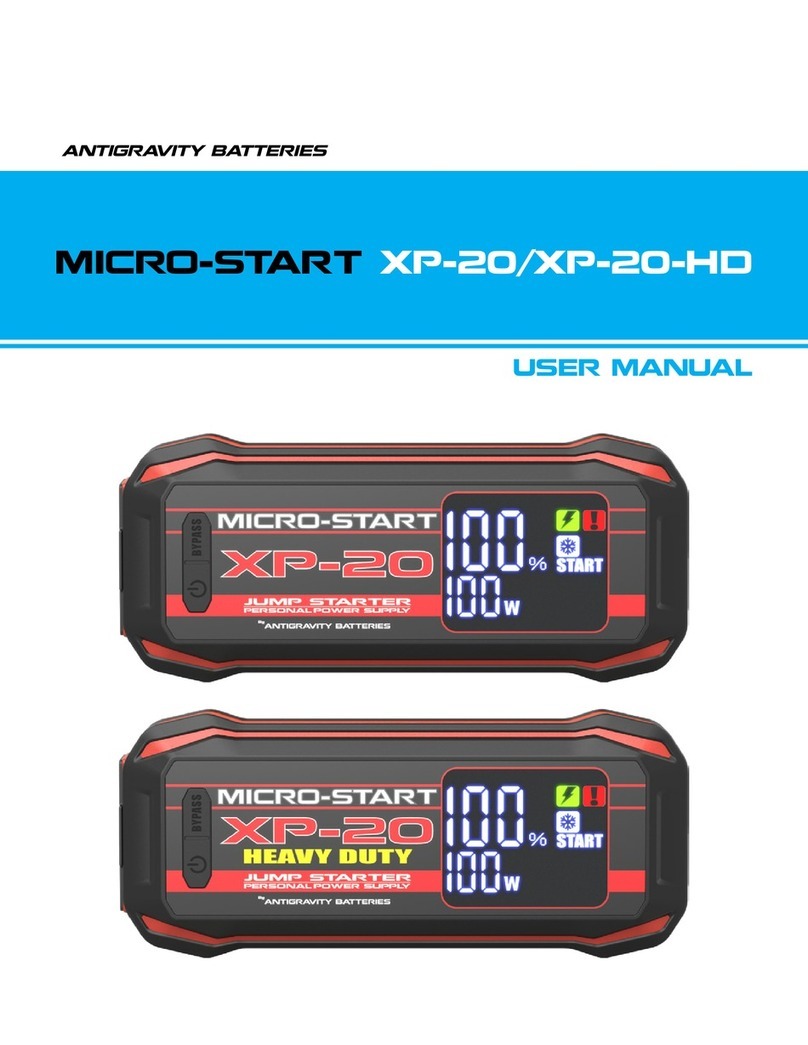
Antigravity Batteries MICRO-START XP-20 User manual

Antigravity Batteries

Antigravity Batteries MICRO-START XP-20 User manual

Antigravity Batteries MICRO-START AG-XP-3 User manual

Antigravity Batteries

Antigravity Batteries MICRO-START AG-XP-3 User manual

Antigravity Batteries MICRO-START XP-10 User manual

Antigravity Batteries

Antigravity Batteries MICRO-START XP-10 User manual

Antigravity Batteries MICRO-START AG-XP-1 User manual

Antigravity Batteries

Antigravity Batteries MICRO-START AG-XP-1 User manual

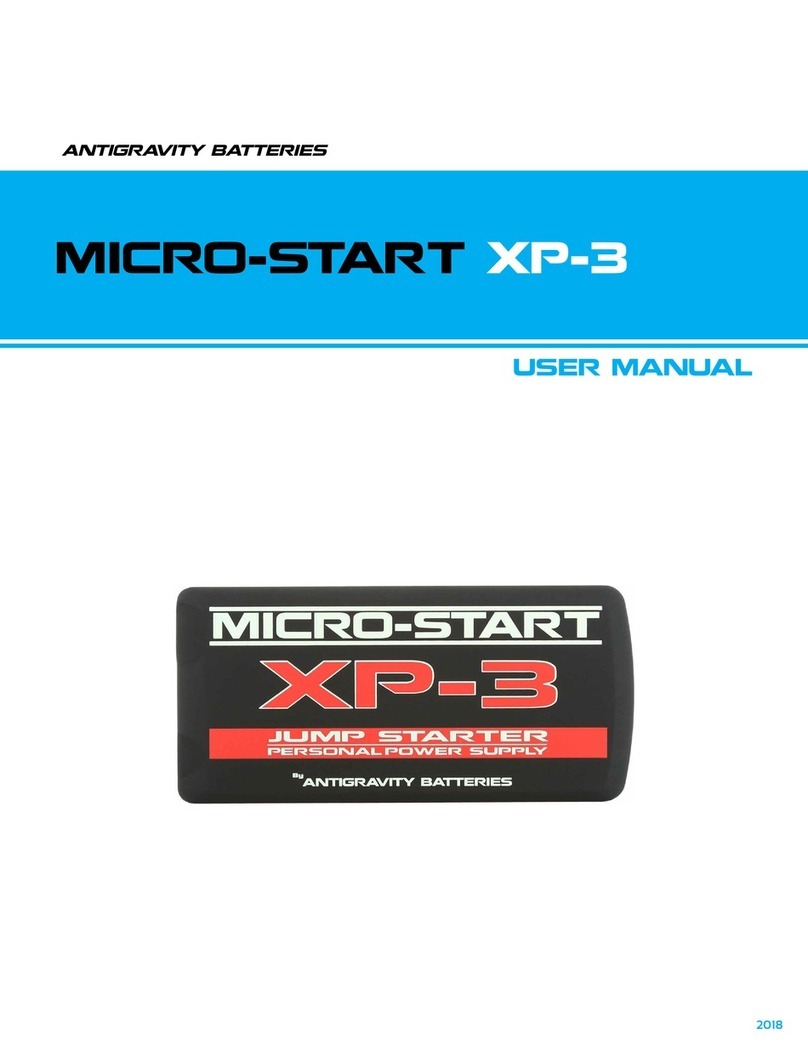
Antigravity Batteries MICRO-START XP-3 User manual

Antigravity Batteries

Antigravity Batteries MICRO-START XP-3 User manual

Popular Remote Starter manuals by other brands

FamilyTool FMT002JST instruction manual

FamilyTool

FamilyTool FMT002JST instruction manual

PowerJump LMD-021 user manual

PowerJump

PowerJump LMD-021 user manual

AstroStart 803U user manual

AstroStart

AstroStart 803U user manual

Durite 0-649-20 Leaflet

Durite

Durite 0-649-20 Leaflet

Linear ACCESS AK-21 Installation and programming instructions

Linear

Linear ACCESS AK-21 Installation and programming instructions

Soundstream TARANTULA RS.2 installation guide

Soundstream

Soundstream TARANTULA RS.2 installation guide

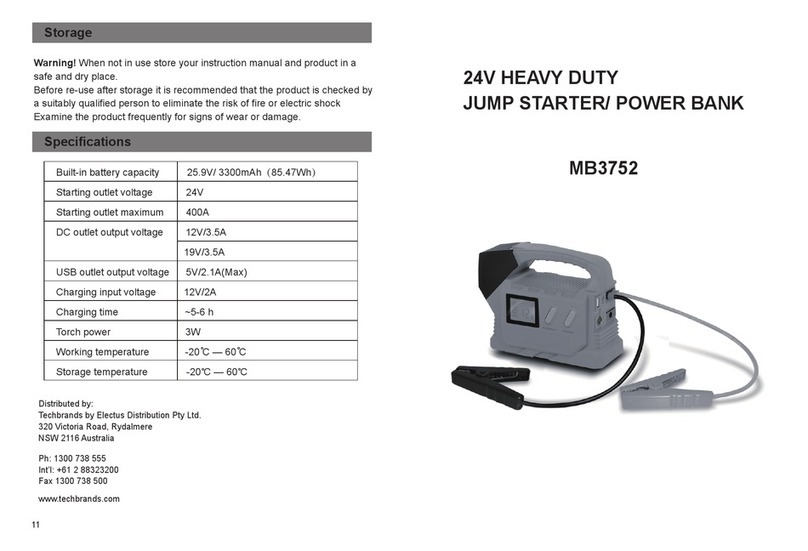
Jaycar Electronics MB3752 instruction manual

Jaycar Electronics

Jaycar Electronics MB3752 instruction manual

Ultra Start 72 Series owner's manual

Ultra Start

Ultra Start 72 Series owner's manual

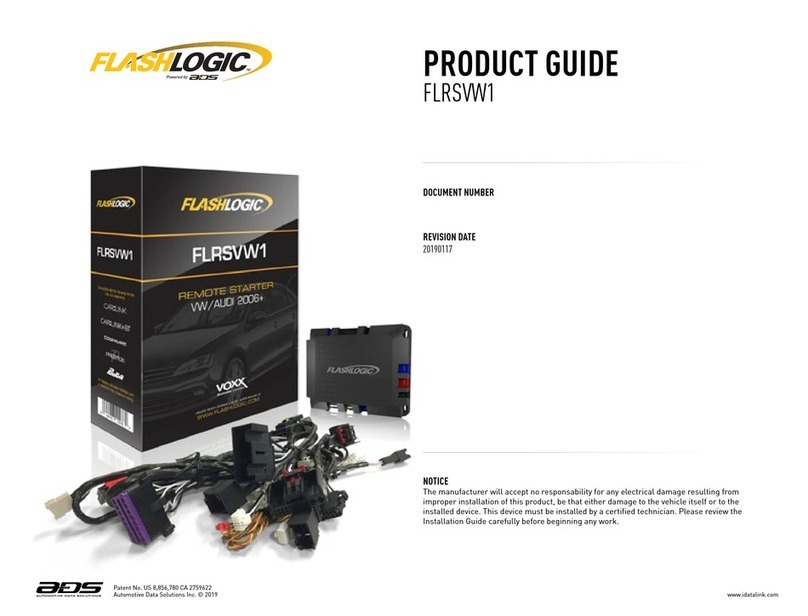
ADS FLASHLOGIC FLRSVW1 Product guide

ADS

ADS FLASHLOGIC FLRSVW1 Product guide

Black Widow Security BW RAS 400 installation manual

Black Widow Security

Black Widow Security BW RAS 400 installation manual

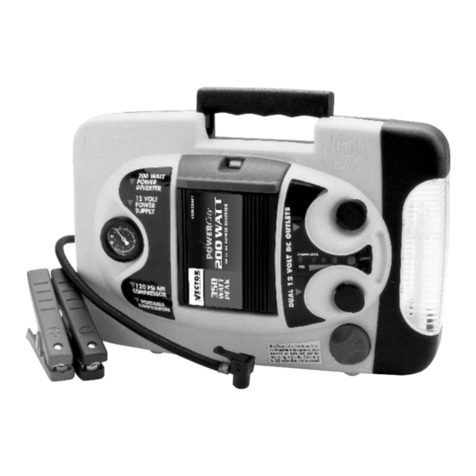
Vector Power City DK080706 Owner's manual & warranty

Vector

Vector Power City DK080706 Owner's manual & warranty

Code Alarm CA-535 owner's manual

Code Alarm

Code Alarm CA-535 owner's manual

EINHELL EGS 3600 Directions for use

EINHELL

EINHELL EGS 3600 Directions for use

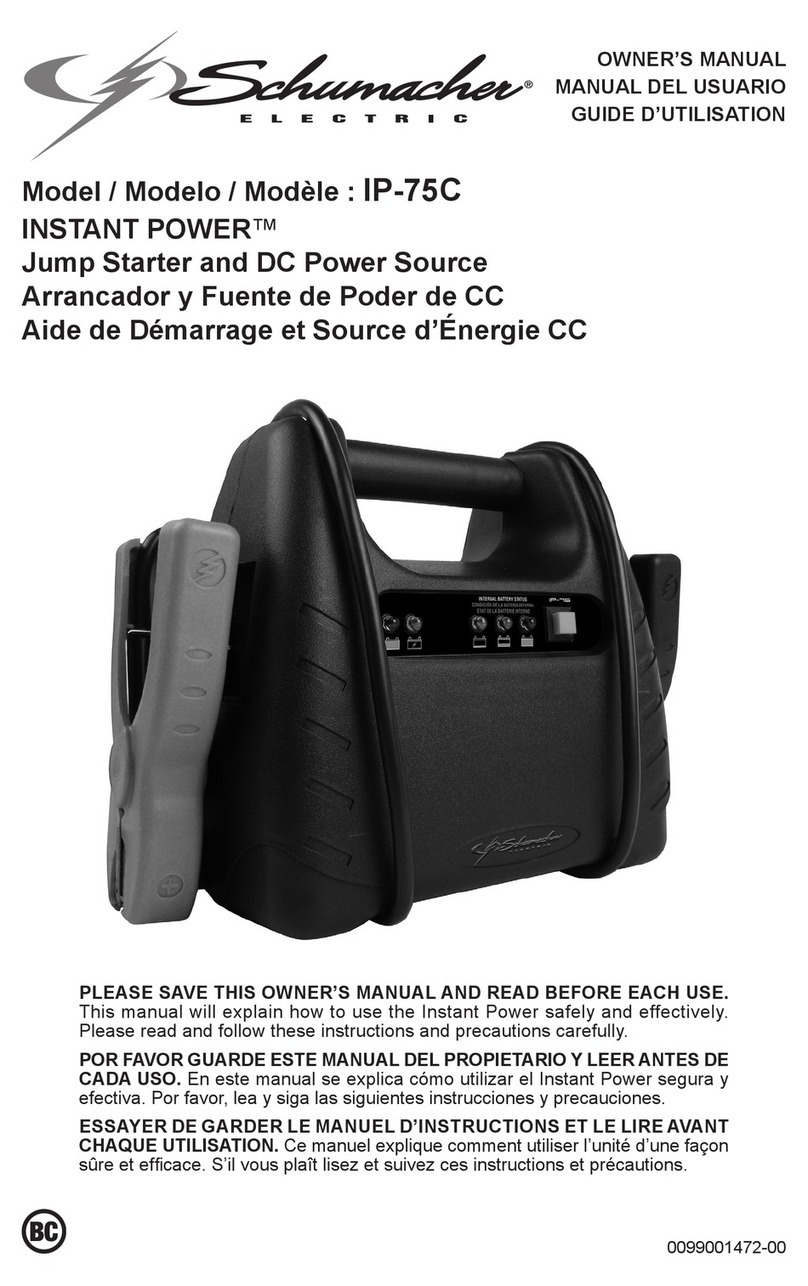
Schumacher INSTANT POWER IP-75C owner's manual

Schumacher

Schumacher INSTANT POWER IP-75C owner's manual

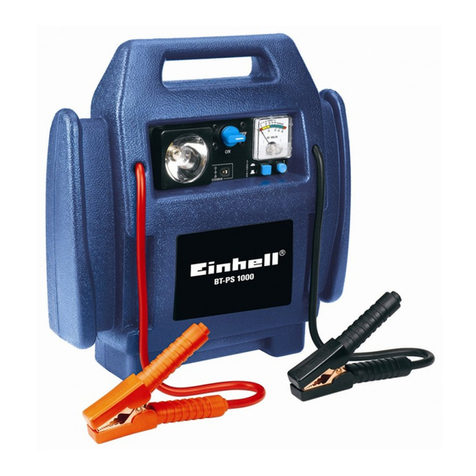
EINHELL BT-PS 1000 Directions for use

EINHELL

EINHELL BT-PS 1000 Directions for use

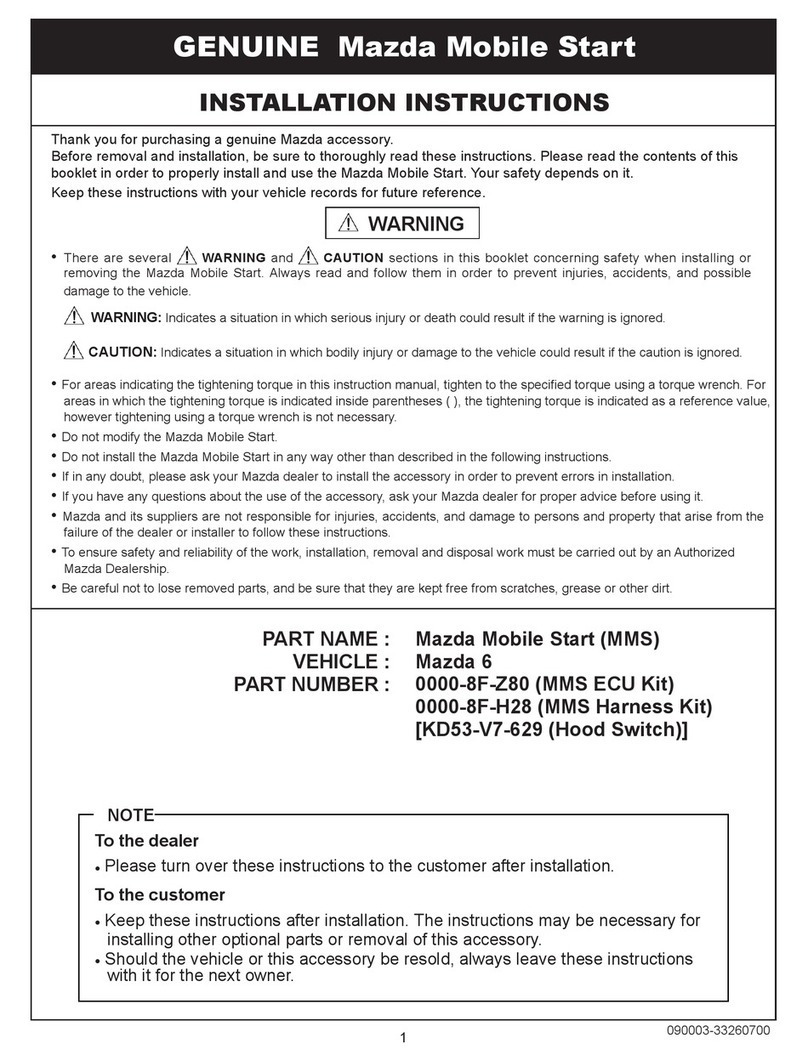
Mazda 0000-8F-H28 installation instructions

Mazda

Mazda 0000-8F-H28 installation instructions

DEI 450ESP owner's guide

DEI

DEI 450ESP owner's guide

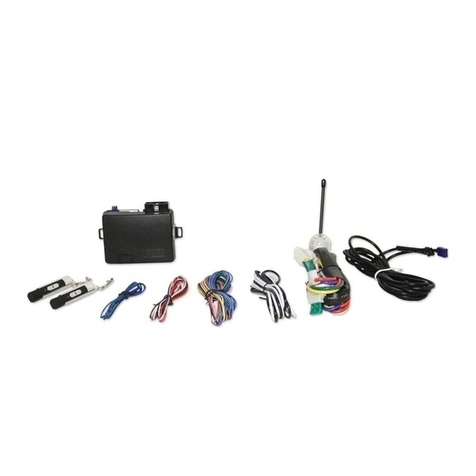
Directed Electronics AutoCommand 28624TN Owner's installation guide

Directed Electronics

Directed Electronics AutoCommand 28624TN Owner's installation guide

manuals.online logo
manuals.online logoBrands
  • About & Mission
  • Contact us
  • Privacy Policy
  • Terms and Conditions

Copyright 2025 Manuals.Online. All Rights Reserved.

InstructionDisclaimer
Dennis Kirk provides instructions to help our customers better understand how to install the
products we sell. The instructions are exact copies of what the manufacturer includes with the
product being sold.
That means the quality and accuracy of the instructions is solely dependent on what the
manufacturer produces. We do our best to make the text legible and the pictures viewable.
However, the end result depends largely on the quality of instructions the manufacturer
provides.
Therefore, you will find that some instructions are not of the highest quality. Sometimes text is
hard to read and pictures are not easy to see. At times you will find the overall look of the
instructions to be less than professional. However, we feel it is better to provide what we have
rather than provide nothing at all.
To the best of our knowledge the instructions and application information contained in the
instructions is accurate. However, Dennis Kirk assumes no liability related to any errors that
may be contained in the copy of the manufacturer’s instructions we provide. Buyers are solely
responsible to insure that product use is consistent with their application.
If you have any questions please contact us at [email protected] or
800-969-7501 so we can further assist you regarding additional product information or any other
business related questions.
Thank you for doing business with Dennis Kirk.
MICRO-START XP-10-HD
USER MANUAL
ANTIGRAVITY BATTERIES
2018
USER MANUAL
XP-10-HD
CONTENTS:
1
2
3
4
5
6
7
8
9
10
11
WELCOME
SAFETY PRECAUTIONS
PRODUCT OVERVIEW
KIT ITEMS
PRODUCT SPECS
CHECKING CAPACITY
LED FLASHLIGHT OPERATION
CHARGING THE MICRO-START
CHARGING DEVICES
JUMP-STARTING VEHICLES
FAQ
WARRANTY
CONTACT INFO
Page 1
Page 2
Page 3
Page 4
Page 5
Page 6
Page 7
Page 8
PRIOR TO USE, READ AND UNDERSTAND THE SAFETY INFORMATION GUIDE
AND THIS USER MANUAL.
Failure to follow these safety instructions may result in ELECTRICAL SHOCK,
EXPLOSION, or FIRE, which may result in a SERIOUS INJURY, DEATH, or
PROPERTY DAMAGE.
DANGER - WARNING!
ANTIGRAVITY BATTERIES // 310 527 2330 // INFO@ANTIGRAVITYBATTERIES.COM 2018 Rev 1
XP-10-HD
ANTIGRAVITY BATTERIES // 310 527 2330 // INFO@ANTIGRAVITYBATTERIES.COM
USER MANUAL
Welcome
THANK YOU
Thank you for purchasing the Antigravity Batteries MICRO-START XP-10-HD (Heavy Duty). The XP-10-HD is
an ultra-compact Jump-Starter and Personal Power Supply (PPS). Just charge it and take portable power with
you wherever you go, no electricity needed. It can jump-start your vehicles, charge your USB devices (Phones,
Tablets, GoPro Cameras, and more) as well as power or charge 12V and 19V devices like Mobile DVD Players and
19V Laptops. It comes as a complete kit with Carry Case. Please read and understand this User Guide and the
Product Safety Information before operating the product.
For more information feel free to Contact us.
Antigravity Batteries
15622 Broadway Center St.
Gardena CA
90248
[email protected]
antigravitybatteries.com
themicrostart.com
310 527 2330
GETTING STARTED
The MICRO-START XP-10-HD comes partially charged out of the box and should be fully charged prior to use.
Carefully read and understand the Vehicle Owner’s Manual on specic precautions and recommended methods
for jump-starting your particular vehicle. Make sure to determine the voltage of your system and type of battery
by referring to your Battery Owner’s Manual prior to using this product.
The XP-10-HD is for jump-starting 12-volt starter batteries only and for charging electronics devices.
Please read this manual completely before use.
BEFORE CONNECTING TO ANY BATTERY
Before connecting to the vehicle’s battery, verify that you have a 12-volt vehicle system. The XP-10-HD is not
suitable to jump-start any other voltage of battery. Identify the correct polarity of the battery terminals on the
battery. The positive battery terminal is normally RED and marked by these letters or symbols (POS, P, +). The
negative battery terminal is typically BLACK and marked by these letters or symbols (NEG, N, -). Do not make
any connections to the carburetor, fuel lines, or thin metal parts for grounding. These instructions are for a
negative ground system (most common). If your vehicle is a positive ground system (very uncommon), follow
the instructions in reverse order.
2018
XP-10-HD
ANTIGRAVITY BATTERIES // 310 527 2330 // INFO@ANTIGRAVITYBATTERIES.COM
USER MANUAL
PERSONAL PRECAUTION
READ AND UNDERSTAND ALL SAFETY INFORMATION BEFORE USING THIS PRODUCT. FAILURE TO FOLLOW THESE
SAFETY INSTRUCTIONS MAY RESULT IN ELECTRICAL SHOCK, EXPLOSION, FIRE, WHICH MAY RESULT IN SERIOUS
INJURY, DEATH OR PROPERTY DAMAGE.
Do not leave the product in or expose product to extremely high temperatures such as direct hot sunlight, or on
dashboards or other extremely hot areas above 110°F (43°C). Swelling may occur. Stop use of product if this occurs
and contact manufacturer.
Do not use product for any use other than intended.
Do not use Jump-Start Port to power devices, it is ONLY for Jump-Starting.
Do not Jump-Start with less than 3 lights lit on Capacity Indicator.
Do not Jump-Start more than 5 seconds per attempt (overheating may occur).
Do not Jump-Start more than 3 attempts in a row without allowing to cool.
Do not allow the XP-10-HD to become wet; do not immerse in water.
Do not operate the XP-10-HD in explosive atmospheres, such as in the presence of ammable liquids, gases or dust.
Do not modify or disassemble; there are no serviceable parts inside.
Do not use as a replacement battery for vehicles.
Do not leave the XP-10-HD connected to vehicle. Remove within 40 seconds of starting vehicle.
Do not clamp the Red and Black Clamps together.
Do not allow Children to play with this product unsupervised. Not recommended for use by inrm persons.
Do not leave battery products unattended while charging.
Do not charge frozen batteries; charge only between 34°F and 104°F (1°C and 40°C).
Do not subject to heat higher than 120°F (50°C) or swelling of pack could result. Discontinue use if swelling occurs.
Do not store in locations where the temperature may exceed 110°F (43°C).
OPERATING PRECAUTIONS
Make sure the BLUE PLUG of the SMART CLAMPS is plugged and seated fully into the XP-10-HD. This connection
must be good or it could overheat the unit.
Make sure to check all the battery connections are clean. Remove corrosion or dirt that prevents a solid connection
of clamps to vehicle battery terminals.
Make sure clamps have a good “bite” on Battery Terminals for the most power.
Make sure the XP-10-HD has a minimum 3 lights on the Capacity Indicator lit before Jump-Starting.
Make sure to remove the product from the vehicle battery within 40 seconds of Jump-Starting.
Remove Clamps from XP-10-HD when not in use.
Safety Precautions
2018
1)
2)
3)
4)
5)
6)
7)
8)
9)
10)
11)
12)
13)
14)
15)
16)
17)
1)
2)
3)
4)
5)
6)
XP-10-HD
ANTIGRAVITY BATTERIES // 310 527 2330 // INFO@ANTIGRAVITYBATTERIES.COM Page 1 of 8
USER MANUAL
Product Overview
CHARGING INPUT CAPACITY INDICATOR
POWER BUTTON 19V 12V
JUMP-START PORT LED FLASHLIGHT
5V 2A USB 5V 1A USB
XP-10-HD
ANTIGRAVITY BATTERIES // 310 527 2330 // INFO@ANTIGRAVITYBATTERIES.COM Page 2 of 8
USER MANUAL
Kit Contents
Specications
CARRY CASE XP-10-HD POWER SUPPLY
WALL
CHARGER
CIG LIGHTER
CHARGER
4-INTO-1
USB CABLE
DC CABLE LAPTOP TIPS HEAVY DUTY
SMART CLAMPS
CAPACITY: 18,000 mAh /66.75 wh OUTPUT VOLTAGE: 12V - 10A,19V - 3.5A
DImENSIONS: 9 x3 x1.25 INChES 2 USB OUTPUTS: 5V - 2A,5V - 1A
ChARGE mODE: CC/CV 14V - 1A START CURRENT: 400A
CYCLE LIFE: 1,000 PEAK CURRENT: 650A
OPERATING TEmP: -22°F TO 120°F ChARGING TEmP: 34° TO 104°F
XP-10-HD
ANTIGRAVITY BATTERIES // 310 527 2330 // INFO@ANTIGRAVITYBATTERIES.COM Page 3 of 8
USER MANUAL
Product Use
CHECKING THE AVAILABLE CAPACITY
To check the state of charge/capacity on the XP-10-HD press the Power Switch. The XP-10-HD has a lighted capacity
indicator which will show the state of charge.
Each light lit is equal to 20% capacity.
1 LIGHT = 20% 2 LIGHTS = 40% 3 LIGHTS = 60% 4 LIGHTS = 80% 5 LIGHTS = 100%
LED FLASHLIGHT OPERATION
Press and hold the Power Button for 3 seconds to turn on the Flashlight.
The Flashlight has 3 light patterns (Normal, SOS and Strobe).
You can cycle to the next LED pattern by pressing the Power Switch again.
After the last Flashlight pattern the unit will turn o the Flashlight.
DO NOT STARE INTO THE LED FLASHLIGHT, PERSONAL INJURY MAY RESULT.
CHARGING THE XP-10-HD
The XP-10-HD comes with 2 chargers for charging at Home/Indoors or in your Vehicle: an AC Wall Outlet Charger, and
a DC Cigarette Lighter Charger.
When charging, the indicator lights will ash one by one. The number of solid lights lit indicates the XP-10-HD charge
level. All lights solidly lit indicates a fully charged XP-10-HD.
To charge, plug either charger into the XP-10-HD’s Input port to begin charging.
When fully charged remove charger. Do not leave charging over 24 Hours.
NEVER LEAVE ANY ELECTRONIC DEVICES UNATTENDED DURING CHARGING.
POwER BUTTON
1)
2)
1)
2)
3)
4)
1)
2)
XP-10-HD
ANTIGRAVITY BATTERIES // 310 527 2330 // INFO@ANTIGRAVITYBATTERIES.COM Page 4 of 8
USER MANUAL
CHARGING USB DEVICES
The XP-10-HD can charge any USB 5V devices at 2.1 or 1.1 Amps, such as Smartphones, Tablets, GPS Devices, GoPro
Cameras and more.
Plug the provided 4-into-1 USB Cable (or any standard USB Cable) into either USB output port on the XP-10-HD; plug
the other end of cable into the device you are charging.
Press the Power Switch on the XP-10-HD to begin charging your device.
Disconnect your device when charged.
NOTE: The number of times devices can be charged will vary depending on the size of your device’s battery.
CHARGING 12V AND 19V DEVICES
The XP-10-HD can charge or power other devices such as laptop computers and 12V accessories with its 12V and 19V
ports. Both ports have a 5.1 mm female output port that accepts the provided 5.1 mm DC male-connector cable (Male DC
connector on both ends). The ports are color coded for easy connection: 12V is yellow and 19V is black.
For 19V laptop charging you would plug the provided DC Cable into the 19V output port on the XP-10-HD and nd
the appropriate Laptop Tip for your brand (8 Tips are provided with the kit ) and connect to your Laptop. To begin
charging press the Power Button on the XP-10-HD.
For 12V charging you would plug the provided DC Cable into the 12V output port on the XP-10-HD and you would use
this DC Cable directly to your 12V device (or use your device’s cable ).
NOTE: Due to the variety of electronic devices and the number of dierent connector
types for devices it is impossible for our kit to contain the proper connector for all
laptop computers and electronic devices.
If your device uses a tip or cable that we do not include with the XP-10-HD you
may nd a compatible cable that will work with the XP-10-HD at online electronics
suppliers. Please verify with the Manufacturer of your device that the XP-10-HD is
compatible for charging it!
The XP-10-HD requires a 5.1 mm x 2.1 mm MALE end to plug into its 12V and 19V ports.
1)
2)
3)
4)
1)
2)
XP-10-HD
ANTIGRAVITY BATTERIES // 310 527 2330 // INFO@ANTIGRAVITYBATTERIES.COM Page 5 of 8
USER MANUAL
JUMP-STARTING A VEHICLE
The XP-10-HD is equipped with HEAVY-DUTY SMART CLAMPS that have built-in protections to prevent accidental
reverse-polarity connections and more. But caution should always be used when Jump Starting.
READ ALL SAFETY INSTRUCTIONS.
Make sure all the vehicle’s lights, radios, air conditioning and accessories are turned O. Conrm you are connecting
to a 12-Volt Battery System.
Connect the Smart Clamps to the Battery of the vehicle: Red Clamp to the Positive (+) Terminal, and Black Clamp to
Negative (-) Terminal of Battery. Remove any corrosion; ensure good connection to terminals.
Connect the Smart Clamps to the XP-10-HD, making sure blue connector is fully seated into the Jump-Start port.
One of the following LED Light indications will show on the Smart Clamps:
A) GREEN LED: Indicates XP-10-HD and Clamps are connected correctly. You can now start the vehicle. Go to Step 5.
1)
2)
3)
4)
B) GREEN BLINKING LED: Indicates your Vehicle Battery has very low voltage,
but the connection is CORRECT. In this case you will need to press the
“BOOST” Button on the Smart Clamps and attempt to start. Go to Step 5.
NEVER PRESS THE BOOST BUTTON UNLESS A GREEN LIGHT IS
PRESENT AND ONLY IF UNIT IS CONNECTED TO THE VEHICLE BATTERY
WITH POLARITY CONNECTED PROPERLY!
C) RED LED: Indicates your connection to the vehicle battery is INCORRECT.
Remove the Clamps, correct the connection, and go to Step 1.
D) NO LED: Indicates there is No Voltage detected by the Smart Clamps or
the vehicle’s battery is below 2 volts. In this case you will need to make sure
you have the clamps properly connected per Step 2, then press the BOOST
Button. Go to Step 5.
Attempt to Start the vehicle. After starting your vehicle, leave it running, but
disconnect the Smart Clamps and XP-10-HD within 40 seconds of starting. DO
NOT LEAVE ATTACHED.
5)
EXTREME CAUTION
MUST BE USED WHEN
PRESSING THE BOOST BUTTON. ThE
BOOST BUTTON mAKES ThE CLAmPS
“LIVE” wITh CURRENT, AND BYPASSES
ThE BUILT-IN SAFETY FEATURES. hIGh
AmPERAGE, AND POTENTIAL FOR hEAT,
SPARKS AND PROPERTY DAmAGE
mAY OCCUR IF CLAmPS ARE NOT
CONNECTED CORRECTLY. ONLY USE
ThE BOOST BUTTON whEN CLAmPS
hAVE BEEN CORRECTLY CONNECTED
TO ThE PROPER POLARITY ON ThE
VEhICLE’S BATTERY. IF YOU ARE
UNSURE wITh USE CONTACT US AT:
310 527 2330 OR
INFO@ANTIGRAVITYBATTERIES.COm
USING THE BOOST BUTTON ON THE SMART CLAMPS:
In most circumstances you will not need to use the Boost Button.
It is intended to allow for jump-starting a vehicle when the battery has very low voltage, or no voltage reading. In
these circumstances the Boost allows clamps to be energized to start the vehicle for emergency jump-starting.
PLEASE NOTE THE FOLLOWING:
A) The Smart Clamps must be connected to the XP-10-HD for Boost Button to operate.
B) BEFORE pressing the Boost Button make sure all connections are correct. Once
the Boost Button is pressed the Clamps will have “live” voltage at the clamps. Always
connect the Red Clamp to Positive (+) Terminal of Battery. Black Clamp to Negative (-)
Terminal of Battery.
C) The Boost Button will “click” when pressed correctly; you may need a pen, ngernail
or edge of key to press it correctly due to being indented in the Smart Clamp housing.
D) Once the Boost Button is pressed you have 25 seconds to attempt your jump-start.
After that time the Boost will turn o. You will need to press the Boost Button again
to re-engage the Boost feature.
DO NOT USE THE JUMP-START PORT FOR ANYTHING BUT JUMP-STARTING!
DO NOT LEAVE THE MICRO-START UNIT CONNECTED TO THE VEHICLE!
DO NOT PRESS THE BOOST BUTTON ON CLAMPS IF CLAMPS ARE CONNECTED TOGETHER. THE BOOST BUTTON
IS A BYPASS AND MAKES THE CLAMPS LIVE WITH ENERGY! USE CAUTION.