2
Table of Contents
Getting Started.....................................................................................3
In Box Contents................................................................................................ 3
System Requirements........................................................................................ 3
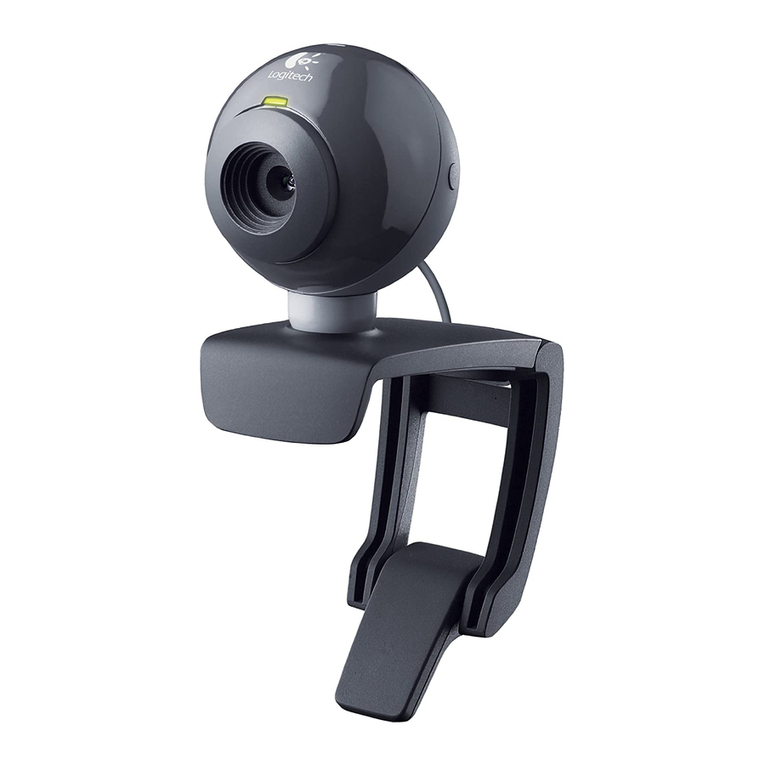
PC300 Nomenclature....................................................................................... 3
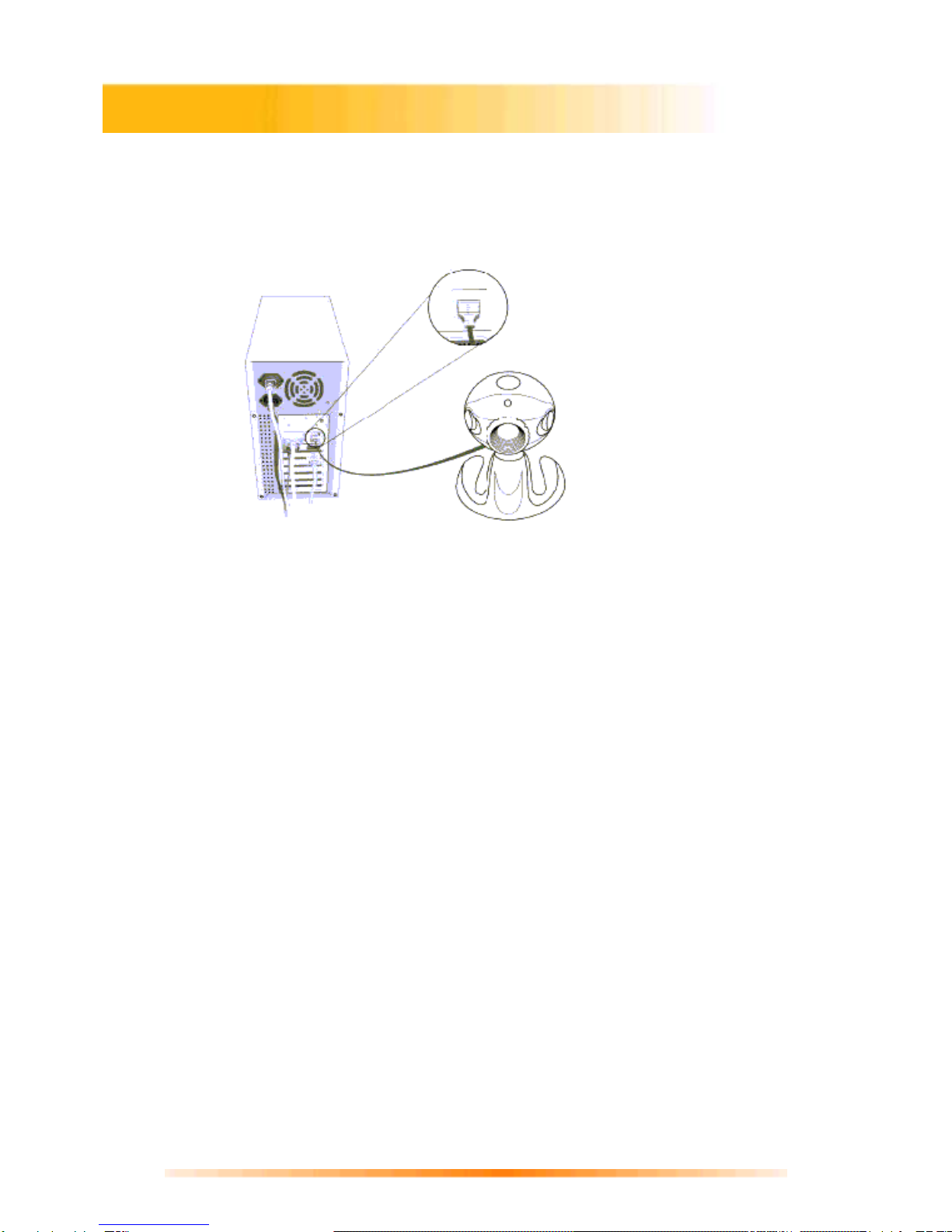
Verifying USB Presence................................................................................... 4
Windows Installation of PC300 Camera and PC300 Driver........................... 5
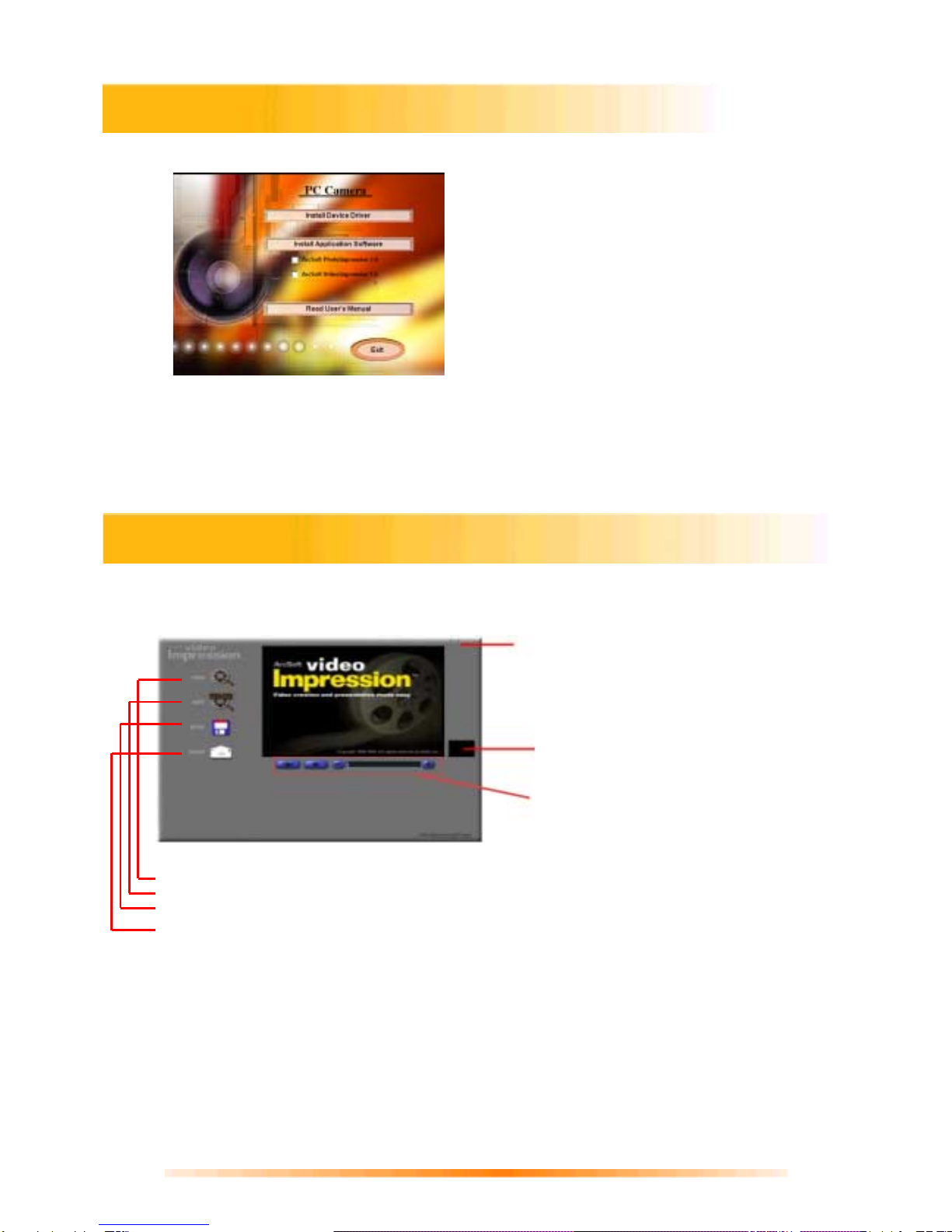
Installing Application Software........................................................................ 7
Creating a Video and Single Frame Snapshot ................................. 7
VideoImpressionMain Screen ........................................................................... 7
Setting the Focus of the PC300 Camera........................................................... 8
Capturing a Single Frame by Using Snapshot Button...................................... 8
Previewing Live Video or Single Frame........................................................... 9
Recording a Video or Single Frame ................................................................. 9
Playback of a Video or Single Frame............................................................... 9
Working with Albums...................................................................................... 10
Working with the Storyboard.......................................................................... 11
Editing Single Frame Snapshots..................................................................... 12
Editing a Video................................................................................................ 12
Editing Audio .................................................................................................. 12
Printing a Snapshot Image or a Still Image From a Video ............................ 13
Saving a Movie................................................................................................ 13
Getting Started with PhotoImpression 3.0.......................................14
Opening an Image from a Disc Drive............................................................. 16
Acquiring Images from a TWAIN Device ....................................................... 16
Downloading Images from The Internet......................................................... 16
Working with Albums...................................................................................... 17
Editing Images ................................................................................................ 18
Creative Project Templates............................................................................. 20
Saving Images................................................................................................. 20
Printing Images............................................................................................... 21
Getting Help.................................................................................................... 21
How to Install NetMeeting................................................................22
How to Install MSN Messenger........................................................23
Specifications.....................................................................................24