manuals.online logo
Brands
  1. Home
  2. •
  3. Brands
  4. •
  5. ASROCK Rack
  6. •
  7. Motherboard
  8. •
  9. ASROCK Rack M3008 User manual

ASROCK Rack M3008 User manual

This manual suits for next models

1

Other ASROCK Rack Motherboard manuals

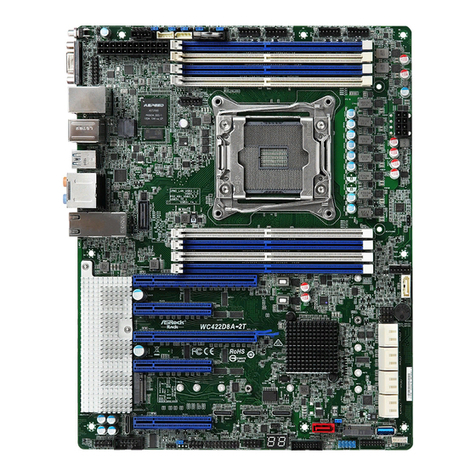
ASROCK Rack WC422D8A-2T User manual

ASROCK Rack

ASROCK Rack WC422D8A-2T User manual
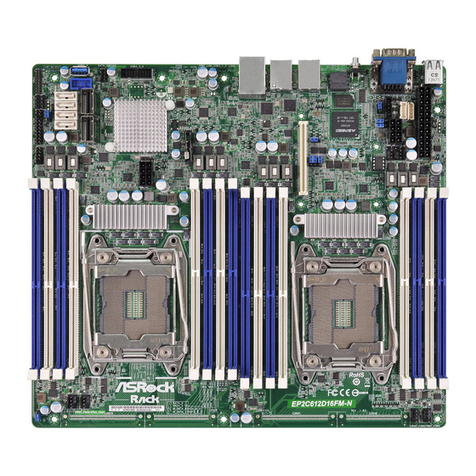
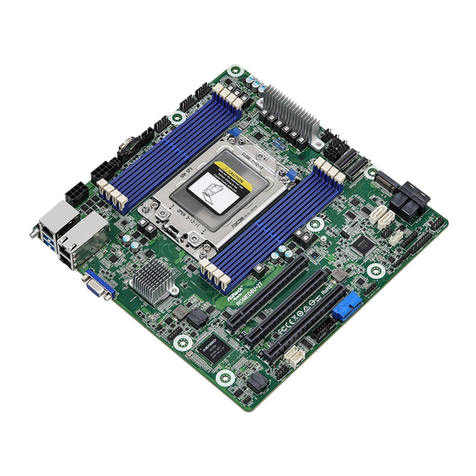
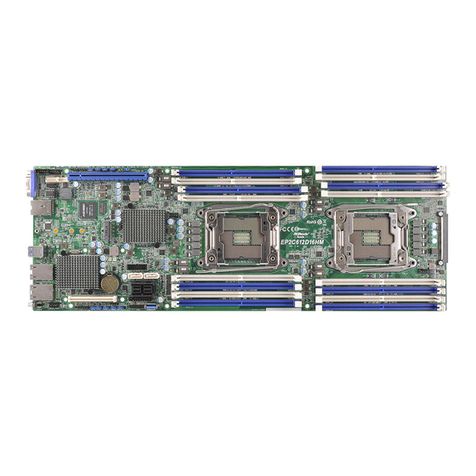
ASROCK Rack EP2C612D8HM User manual

ASROCK Rack

ASROCK Rack EP2C612D8HM User manual

ASROCK Rack GENOA2D24TM3-2L+ User manual

ASROCK Rack

ASROCK Rack GENOA2D24TM3-2L+ User manual

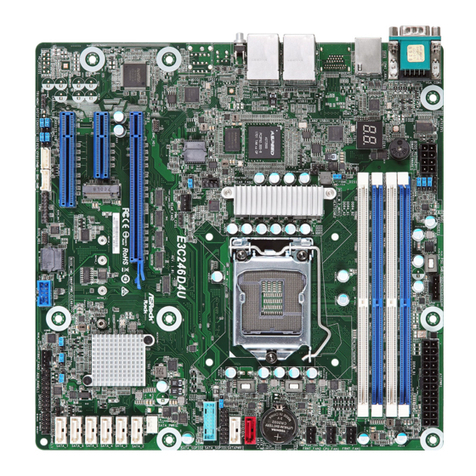
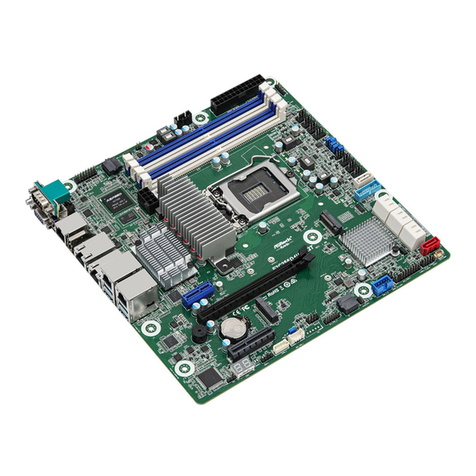
ASROCK Rack E3C246D4U User manual

ASROCK Rack

ASROCK Rack E3C246D4U User manual

ASROCK Rack EP2C622D16-2T User manual

ASROCK Rack

ASROCK Rack EP2C622D16-2T User manual

ASROCK Rack EP2C621D16HM-AB User manual

ASROCK Rack

ASROCK Rack EP2C621D16HM-AB User manual

ASROCK Rack C236 WS User manual

ASROCK Rack

ASROCK Rack C236 WS User manual

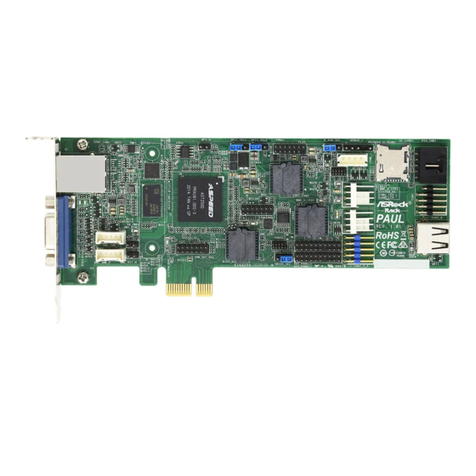
ASROCK Rack Paul User manual

ASROCK Rack

ASROCK Rack Paul User manual

ASROCK Rack EPYC3451D4U-2L2T208R User manual

ASROCK Rack

ASROCK Rack EPYC3451D4U-2L2T208R User manual

ASROCK Rack EPC612D4I User manual

ASROCK Rack

ASROCK Rack EPC612D4I User manual

ASROCK Rack EP2C612D16-2L2T User manual

ASROCK Rack

ASROCK Rack EP2C612D16-2L2T User manual

ASROCK Rack EPC621D4I-2M User manual

ASROCK Rack

ASROCK Rack EPC621D4I-2M User manual

ASROCK Rack B650D4U-1L User manual

ASROCK Rack

ASROCK Rack B650D4U-1L User manual

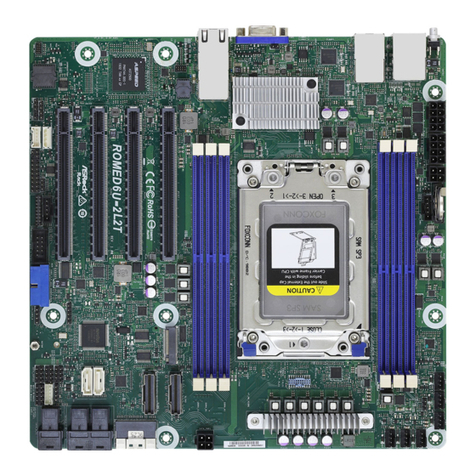
ASROCK Rack ROMED6U-2L2T User manual

ASROCK Rack

ASROCK Rack ROMED6U-2L2T User manual

ASROCK Rack EPYC3451D4I2-2T User manual

ASROCK Rack

ASROCK Rack EPYC3451D4I2-2T User manual

ASROCK Rack EP2C612D16HM User manual

ASROCK Rack

ASROCK Rack EP2C612D16HM User manual

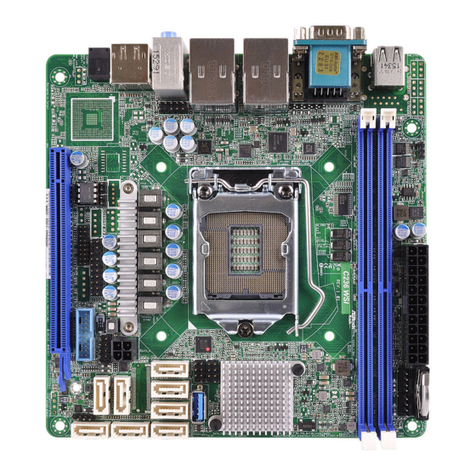
ASROCK Rack C422 WSI/IPMI User manual

ASROCK Rack

ASROCK Rack C422 WSI/IPMI User manual

ASROCK Rack ROME2D16-2T User manual

ASROCK Rack

ASROCK Rack ROME2D16-2T User manual

ASROCK Rack X570D41-NL User manual

ASROCK Rack

ASROCK Rack X570D41-NL User manual

ASROCK Rack X570D4U-2L2T User manual

ASROCK Rack

ASROCK Rack X570D4U-2L2T User manual

ASROCK Rack WC621D8A-2T User manual

ASROCK Rack

ASROCK Rack WC621D8A-2T User manual
ASROCK Rack X570D4U User manual

ASROCK Rack

ASROCK Rack X570D4U User manual
ASROCK Rack C236 WSI4-85 User manual

ASROCK Rack

ASROCK Rack C236 WSI4-85 User manual

ASROCK Rack SP2C621D16N-2L2T User manual

ASROCK Rack

ASROCK Rack SP2C621D16N-2L2T User manual

Popular Motherboard manuals by other brands

Gigabyte MNJ190I-FH user manual

Gigabyte

Gigabyte MNJ190I-FH user manual

Biostar HI-FI-Z87X-3D Setup manual

Biostar

Biostar HI-FI-Z87X-3D Setup manual

Atmel SAM9753PIA-DK user guide

Atmel

Atmel SAM9753PIA-DK user guide

Coapt GEN2 Handbook

Coapt

Coapt GEN2 Handbook

Supero SUPER P4DL6 user manual

Supero

Supero SUPER P4DL6 user manual

Cypress CY3210-PSoCEVAL1 quick start guide

Cypress

Cypress CY3210-PSoCEVAL1 quick start guide

ASROCK B660M-HDV manual

ASROCK

ASROCK B660M-HDV manual

Fujitsu D2831 Short description

Fujitsu

Fujitsu D2831 Short description

Industrial Computers ADE-6050 user manual

Industrial Computers

Industrial Computers ADE-6050 user manual

Asus TUF Z270 MARK 2 manual

Asus

Asus TUF Z270 MARK 2 manual

DFI NB71-BC user manual

DFI

DFI NB71-BC user manual

ASROCK H61 Pro BTC user manual

ASROCK

ASROCK H61 Pro BTC user manual

Norco POS-7893 user manual

Norco

Norco POS-7893 user manual

Intel DG965MS specification

Intel

Intel DG965MS specification

Asus B85M-VIEW PAKER user manual

Asus

Asus B85M-VIEW PAKER user manual

Asus P5G41T-M LX V2 user manual

Asus

Asus P5G41T-M LX V2 user manual

Gigabyte GA-K8VT800-RH user manual

Gigabyte

Gigabyte GA-K8VT800-RH user manual

Gigabyte Z790M AORUS ELITE user manual

Gigabyte

Gigabyte Z790M AORUS ELITE user manual

manuals.online logo
manuals.online logoBrands
  • About & Mission
  • Contact us
  • Privacy Policy
  • Terms and Conditions

Copyright 2025 Manuals.Online. All Rights Reserved.

Quick Installation Guide
Mezzanine Card Storage Series
P/N: 15G065067000AK V1.0
Mezzanine Card
Model M3008 / M3108
Physical Status
Dimension 140 mm x 75 mm
Type SATA/SAS
Details
Storage Controller M3008:
Avago SAS 3008 PowerPC 476 controller @ 1.2 GHz
M3108:
Avago SAS 3108 PowerPC 476 controller @ 1.2 GHz
Interface 8x PCI Express® 3.0
Data Transfer Rates Up to 12Gb/s per port
Internal Connectors 2 Mini-SAS HD SFF8643 (Horizontal mount)
Operating Voltage (V) +12V
Support OS
OS Microso® Windows®
- Server 2008 R2 SP1 (64 bit)
- Server 2012 (64 bit)
- Server 2012 R2 (64 bit)
Linux®
- RedHat Enterprise Linux Server 7.0 (64 bit)
- CentOS 7. 0 (64 bit)
- SUSE Enterprise Linux Server 12 ( 64 bit)
Environment
Operating Temperature 0°C ~ 70°C
*15G065067000AK*
M3008
mm(3.0in)75.00
mm(5.5in)140.00
mm(0.5in)13.80
LSI_SAS0_3
LSI_SAS4_7
• Mezzanine card, 140 x 75 mm
• Up to 12Gb/s per port
• 2 Mini-SAS HD SFF8643
Product Brief
M3108
mm(3.0in)75.00
mm(5.5in)140.00
mm(0.5in)13.80
LSI_SAS4_7
LSI_SAS0_3
Connector for Daughter Card
(purchase seperately)
RAID Key
• Mezzanine card, 140 x 75 mm
• Up to 12Gb/s per port
• 2 Mini-SAS HD SFF8643
Product Brief
MezzanineCardInstallation
Before installing a mezzanine card to a motherboard, remove the motherboard from the
chassis. To do so, be sure to power down the system and remove all connected cables rst. For
more details, refer to the user manual that comes with your system.
*e illustrations are for reference only and may be slightly dierent from the real products due to dierent models.
12
1. Install the standos into the
motherboard around the mezzanine
card slot.
2. Install the lock nuts on the bolts under
the motherboard. Hand-tighten the
nuts.
34
3. Gently insert the mezzanine card
into the mezzanine card slot on the
motherboard.
4. Use screws to secure the mezzanine
card to the motherboard standos.
When the mezzanine card is well installed, horizontally slide the motherboard back to the
chassis so the I/O connectors t through the I/O openings at the rear of the chassis. Well install
the motherboard to the chassis with screws. For more details, refer to the user manual that
comes with your motherboard.
RAID Key Connector 1
GND
LSI3_EEDATA
e RAID Key contains
authentication code and
information required to enable
MegaRAID or iMR rmware.
Onboard Header