EnglishDeutsch
 logo
Brands
  1. Home
  2. •
  3. Brands
  4. •
  5. ASROCK
  6. •
  7. Motherboard
  8. •
  9. ASROCK X58 EXTREME - User manual

ASROCK X58 EXTREME - User manual

Other manuals for X58 EXTREME -

2

Other ASROCK Motherboard manuals

ASROCK H310M-HG4 User manual

ASROCK

ASROCK H310M-HG4 User manual

ASROCK PV530-ITX - V1.0 User manual

ASROCK

ASROCK PV530-ITX - V1.0 User manual

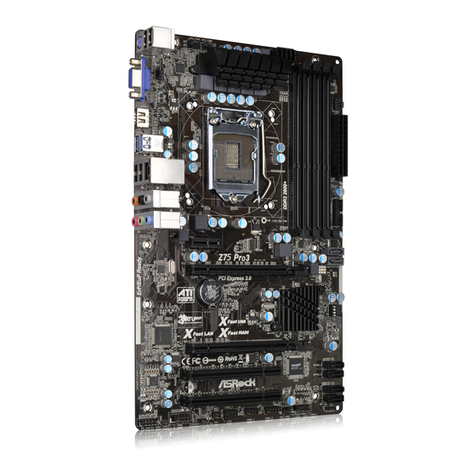
ASROCK Z75 Pro3 User manual

ASROCK

ASROCK Z75 Pro3 User manual

ASROCK B75M User manual

ASROCK

ASROCK B75M User manual

ASROCK H410M-HDVP User manual

ASROCK

ASROCK H410M-HDVP User manual

ASROCK FM2A75M-HD User manual

ASROCK

ASROCK FM2A75M-HD User manual

ASROCK P85 Pro3 User manual

ASROCK

ASROCK P85 Pro3 User manual

ASROCK Z68 Pro3 Gen3 User manual

ASROCK

ASROCK Z68 Pro3 Gen3 User manual

ASROCK J1900D2Y User manual

ASROCK

ASROCK J1900D2Y User manual

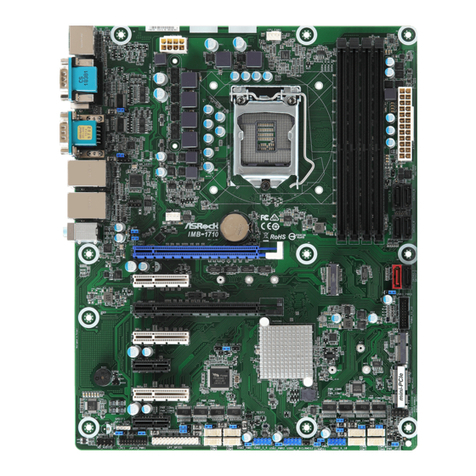
ASROCK IMB-1710 User manual

ASROCK

ASROCK IMB-1710 User manual

ASROCK G31M-VS2 User manual

ASROCK

ASROCK G31M-VS2 User manual

ASROCK Z590 PG Velocita User manual

ASROCK

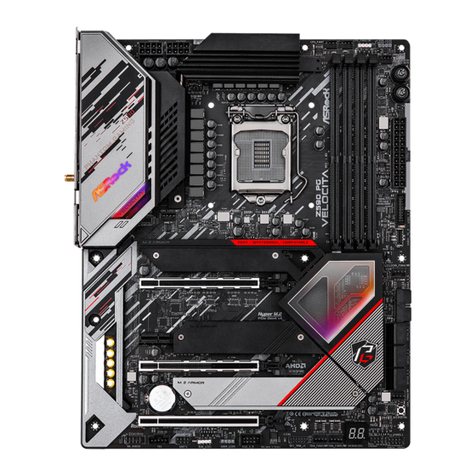
ASROCK Z590 PG Velocita User manual

ASROCK H81TM-ITX R2.0 User manual

ASROCK

ASROCK H81TM-ITX R2.0 User manual

ASROCK PV530A User manual

ASROCK

ASROCK PV530A User manual

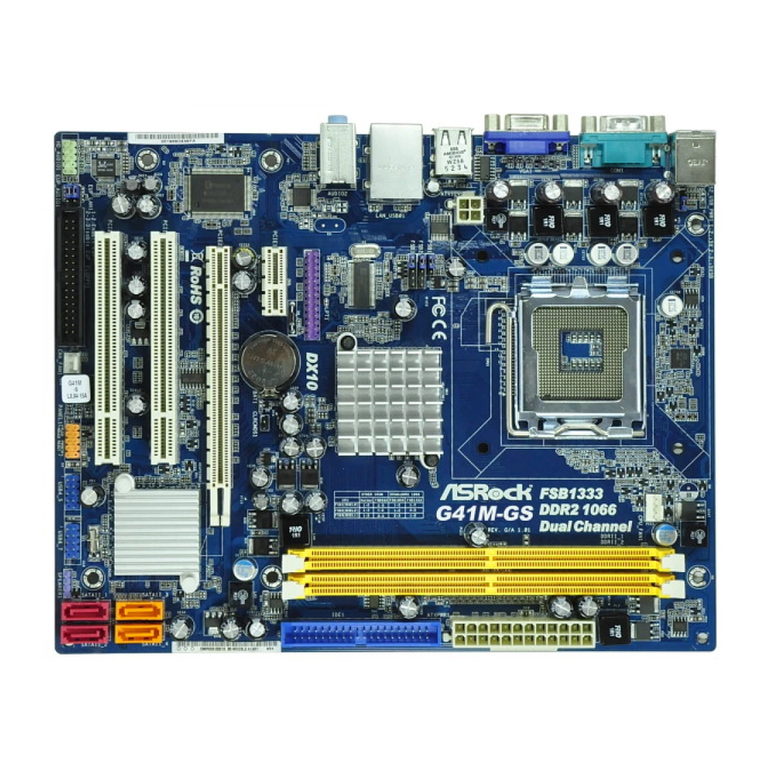
ASROCK G41M-GS User manual

ASROCK

ASROCK G41M-GS User manual

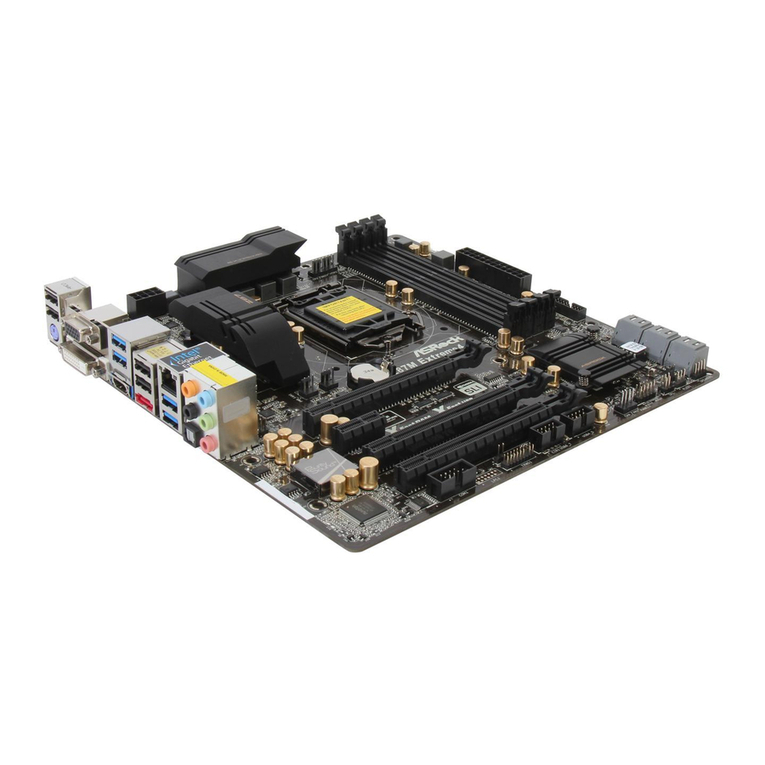
ASROCK Z87M Extreme4 User manual

ASROCK

ASROCK Z87M Extreme4 User manual

ASROCK B550M-HVS SE User manual

ASROCK

ASROCK B550M-HVS SE User manual

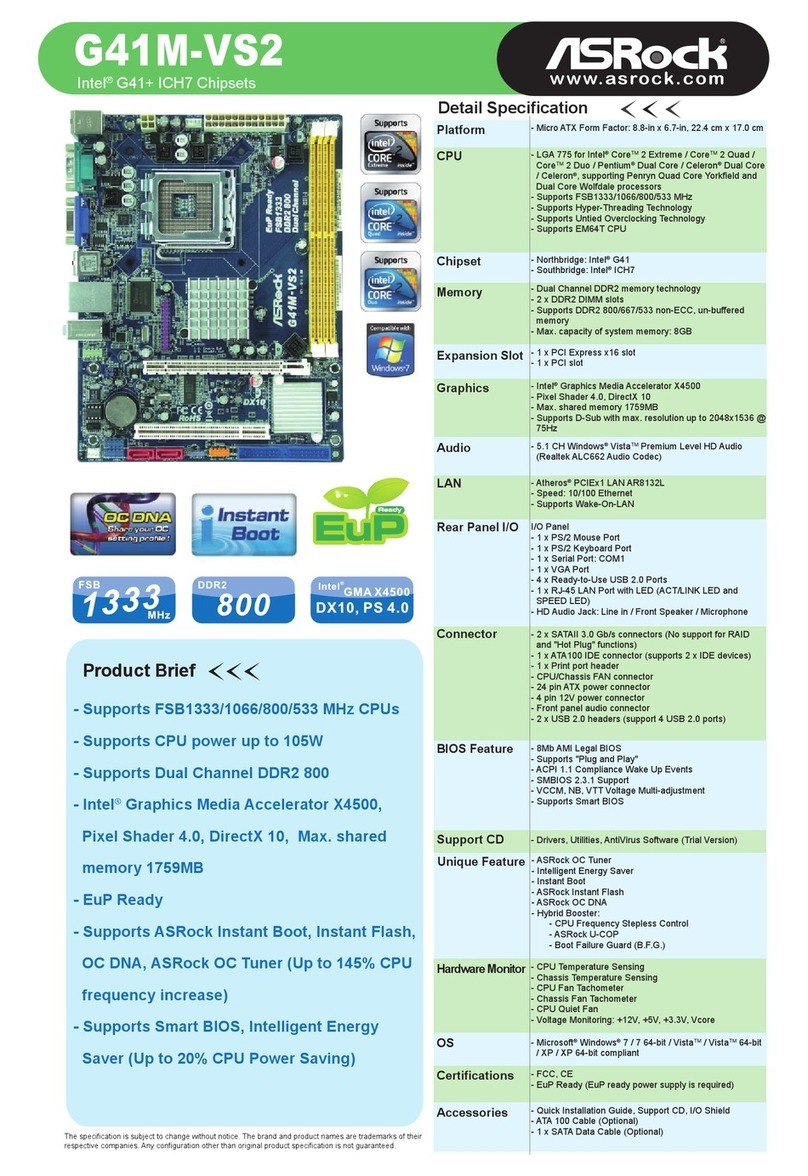
ASROCK G41M-VS2 User manual

ASROCK

ASROCK G41M-VS2 User manual

ASROCK A770DE User manual

ASROCK

ASROCK A770DE User manual

ASROCK 890FX Deluxe3 User manual

ASROCK

ASROCK 890FX Deluxe3 User manual

ASROCK FM2A75 PRO04+ User manual

ASROCK

ASROCK FM2A75 PRO04+ User manual

ASROCK N68-VGS3 UCC - User manual

ASROCK

ASROCK N68-VGS3 UCC - User manual

ASROCK Z77E-ITX User manual

ASROCK

ASROCK Z77E-ITX User manual

ASROCK Fatal1ty X99M Killer Series User manual

ASROCK

ASROCK Fatal1ty X99M Killer Series User manual

Popular Motherboard manuals by other brands

DFI SD170 user manual

DFI

DFI SD170 user manual

Asus P2L97A user manual

Asus

Asus P2L97A user manual

Winmate IC70 user manual

Winmate

Winmate IC70 user manual

Asus MES-B user manual

Asus

Asus MES-B user manual

Grantech SYS8F377VGGA-3OMN user manual

Grantech

Grantech SYS8F377VGGA-3OMN user manual

Telit Wireless Solutions SL869-3DR user guide

Telit Wireless Solutions

Telit Wireless Solutions SL869-3DR user guide

Texas Instruments ADS8372EVM user guide

Texas Instruments

Texas Instruments ADS8372EVM user guide

Commell MS-C73 user manual

Commell

Commell MS-C73 user manual

Gigabyte GA-9IVDT user manual

Gigabyte

Gigabyte GA-9IVDT user manual

IBT Technologies MB860 user manual

IBT Technologies

IBT Technologies MB860 user manual

Nvidia TEGRA DG-04927-001_V01 user guide

Nvidia

Nvidia TEGRA DG-04927-001_V01 user guide

Intel D33217CK specification

Intel

Intel D33217CK specification

Asus F1A55-M LX PLUS R2.0 user manual

Asus

Asus F1A55-M LX PLUS R2.0 user manual

EPC EPC9147C quick start guide

EPC

EPC EPC9147C quick start guide

Asus EX-B760M-V5 D4 quick start guide

Asus

Asus EX-B760M-V5 D4 quick start guide

EPOX MU-8KHA0010 user manual

EPOX

EPOX MU-8KHA0010 user manual

Ski-Doo Bombardier MPEM 219 700 090 user guide

Ski-Doo

Ski-Doo Bombardier MPEM 219 700 090 user guide

Epson S5U13700P00C000 user manual

Epson

Epson S5U13700P00C000 user manual

https://manuals.online logo
https://manuals.online logoBrands
  • About & Mission
  • Contact us
  • Privacy Policy
  • Terms and Conditions

Copyright 2026 Manuals.Online. All Rights Reserved.

Detail Specification
Product Brief
CPU
Memory
Expansion Slot
Audio
LAN
Rear Panel I/O
Connector
BIOS Feature
Smart Switch
Support CD
Accessories
HardwareMonitor
OS
Certifications
The specification is subject to change without notice. The brand and product names are trademarks of their
respective companies. Any configuration other than original product specification is not guaranteed.
Chipset
Platform
- System Bus up to 6400 MT/s; Intel®
QuickPath Interconnect
- Triple Channel DDR3 2000 (OC) with 6 DIMM
slots
- 3 x PCI Express 2.0 x 16 slots
(Double-wide slot spacing between each
PCI-E slot)
- 1 x Power eSATA/USB connector
- NVIDIA®Quad SLI™ and SLI™
- ATI™ CrossFireX™, 3-Way CrossFireX™
and Quad CrossFireX™
- 7.1 CH, ALC890 Audio Codec
- Smart Switch Design
- Dr. Debug
- TPM support
- ASRock Instant Boot, Instant Flash,
Smart BIOS, ASRock OC Tuner,
Intelligent Energy Saver
- ATX Form Factor: 12.0-in x 9.6-in, 30.5 cm x 24.4 cm
- All Solid Capacitor design (100% Japan-made high-
quality Conductive Polymer Capacitors)
- Intel®Socket 1366 Core™ i7 Processor Extreme Edition /
Core™ i7 Processor Supports Intel®Dynamic Speed
Technology
- System Bus up to 6400 MT/s; Intel®QuickPath
Interconnect
- Advanced V8 Power Phase Design
- Supports Hyper-Threading Technology
- Supports Untied Overclocking Technology
- Supports EM64T CPU
- Northbridge: Intel®X58
- Southbridge: Intel®ICH10R
- Dual Channel DDR3 memory technology
- 6 x DDR3 DIMM slots
- Supports DDR3 2000(OC)/1866(OC)/1600(OC)/1333
(OC)/1066 non-ECC, un-buffered memory
- Supports DDR3 ECC, un-buffered memory with Intel®
Workstation 1S Xeon®processors 3500 series
- Max. capacity of system memory: 24GB
- Supports Intel®Extreme Memory Profile (XMP)
- 3 x PCI Express 2.0 x16 slots (blue @ x16 mode, orange
@ x4 mode) (Double-wide slot spacing between each
PCI-E slot)
- 2 x PCI Express x1 slots
- 2 x PCI slots
- Supports ATITM CrossFireXTM, 3-Way CrossFireXTM and
Quad CrossFireXTM
- Supports NVIDIA®SLITM and Quad SLITM
- 7.1 CH Windows®Vista™ Premium Level HDAudio with
Content Protection
- DAC with 110dB dynamic range (ALC890 Audio Codec)
- PCIE x1 Gigabit LAN 10/100/1000 Mb/s
- Realtek RTL8111DL
- Supports Wake-On-LAN
I/O Panel
- 1 x PS/2 Mouse Port
- 1 x PS/2 Keyboard Port
- 1 x Coaxial SPDIF Out Port
- 1 x Optical SPDIF Out Port
- 7 x Ready-to-Use USB 2.0 Ports
- 1 x Powered eSATAII/USB Connector
- 1 x RJ-45 LAN Port with LED (ACT/LINK LED and SPEED
LED)
- 1 x IEEE 1394 Port
- 1 x Clear CMOS Switch
- HDAudio Jack: Side Speaker / Rear Speaker / Central /
Bass / Line in / Front Speaker / Microphone
- 6 x SATAII 3.0 Gb/s connectors, support RAID (RAID 0,
RAID 1, RAID 10, RAID 5 and Intel®Matrix Storage), NCQ,
AHCI and Hot Plug functions
- 1 xATA133 IDE connector (supports 2 x IDE devices)
- 1 x Floppy connector
- 1 x IR header
- 1 x COM port header
- 1 x HDMI_SPDIF header
- 1 x IEEE 1394 header
- 1 x TPM header
- CPU/Chassis/NB/Power FAN connector
- 24 pin ATX power connector
- 8 pin 12V power connector
- CD in header
- Front panel audio connector
- 2 x USB 2.0 headers (support 4 USB 2.0 ports)
- 8Mb AMI BIOS
- AMI Legal BIOS
- Supports "Plug and Play"
- ACPI 1.1 Compliance Wake Up Events
- Supports jumperfree
- SMBIOS 2.3.1 Support
- CPU, DRAM, NB, SB,VTT Voltage Multi-adjustment
- Supports I. O. T. (Intelligent Overclocking Technology)
- Supports Smart BIOS
- 1 x Power Switch
- 1 x Reset Switch
- 1 x Clear CMOS Switch
- Drivers, Utilities, AntiVirus Software (Trial Version)
- CPU Temperature Sensing
- Chassis Temperature Sensing
- CPU/Chassis/NB/Power Fan Tachometer
- CPU Quiet Fan
- Voltage Monitoring: +12V, +5V, +3.3V, CPU Vcore
- Microsoft®Windows®XP / XP 64-bit / VistaTM / VistaTM
64-bit compliant
- FCC, CE, WHQL
- 1 x ASRock SLI_Bridge_2S Card
- Quick Installation Guide, Support CD, I/O Shield
- Floppy/ATA 133 Cables
- 4 x SATA Data Cables (Optional)
- 2 x SATA 1 to 1 Power Cables (Optional)
Intel®X58+ ICH10R Chipsets
Unique Feature - ASRock OC Tuner
- Intelligent Energy Saver
- Instant Boot
- ASRock Instant Flash
- Hybrid Booster:
- CPU Frequency Stepless Control
- ASRock U-COP
- Boot Failure Guard (B.F.G.)
X58 Extreme
www.asrock.com
EuP
EuP
Ready
Worldwide First EuP Ready Motherboard!

Intel®X58+ ICH10R Chipsets
X58 Extreme
www.asrock.com
ASRock Instant Boot
ASRock Instant Boot is a new feature invented exclusively by ASRock. It can boot up system in an amazing speed,
which is 10 times faster than traditional boot up. For home users or office PC users,ASRock Instant Boot can also
guarantee a clean Windows OS, and consumed less power! For details:
http://www.asrock.com/feature/InstantBoot/index.asp
10 Times Faster, Only 4 Secs to Boot Up to Windows!
ASRock YouTube
http://tw.youtube.com/watch?v=BucIjXZVxXo
* This function is applicable ONLY to single user that does not secure ID and Password to their systems.
* The boot up time depends on the hardware configuration.
Secure your working environment!
TPM provides enhanced data
protection, security via high-level
encryption/decryption, and
platform integrity.
TPM support
TPM support
Trusted Platform Module
Smart Switch DesignSmart Switch Design
Clear CMOS Switch Power Switch Reset Switch
Dr. DebugDr. Debug
Dr. Debug helps you
to diagnose the BIOS
POST status of your
system.
EuP
EuP
Ready
Worldwide First EuP Ready Motherboard!
What is EuP?
EuP, stands for Energy Using Product, was a provision regulated by European Union to define the power
consumption for the completed system. With the great quantity and the popularly using of the electrical products
nowadays and the continuously increasing of the electrical products categories in the following 20 to 30 years,
European Union decided to establish an effective strategy to solve the energy consumption problem. That is,
according to EuP, the totalAC power of the completed system shall be under 1.00W in off mode condition.
ASRock X58 Extreme, Worldwide First EuP Ready Motherboard!
To meet EuP standard, an EuP ready motherboard and the EuP ready power supply are required. As a mother-
board vendor with eco-awareness, ASRock is the pioneer to develop “EuP Ready” motherboards based on the
great efforts of our exceptional hardware design.
Today, ASRock proudly announced that X58 Extreme is the Worldwide First EuP Ready motherboard. With X58
Extreme, you are confident to setup a system to pass the EuP standard.
EuP Ready Motherboard EuP Ready Power Supply EuP System
+ =
Intel®X58+ ICH10R Chipsets
X58 Extreme
www.asrock.com
ASRock Instant Flash is an exclusive and the most user-
friendly BIOS flash utility developed by ASRock. It is embed-
ded in Flash ROM which is used to update the system BIOS
without having to enter operating systems like MS-DOS or
Windows.
Once executing ASRock Instant Flash, the utility will automatically detect all devices such as USB, hard
disk or even floppy drive to find the exact BIOS for your system. Instead of giving you all BIOS in your
devices, the Instant Flash just list BIOS versions that apply to your motherboard model only. For
example, if you have many different BIOS of different motherboards saved in your devices, but you just
need to flash your P45 motherboard, the Instant Flash will just list the P45 BIOS versions for you. This
unique function allows you to easily select the suitable BIOS version instead of browsing through all data.
Features
Instant Flash just list BIOS versions
that apply to your motherboard model. Click and start Flashing!
Simple Quick!
ASRock Instant Flash is extremely user-friendly. You can access Instant Flash utility directly by
pressing F6 when you saw this page.
ASRock Instant Flash
How to execute ASRock Instant Flash?